ToneBird
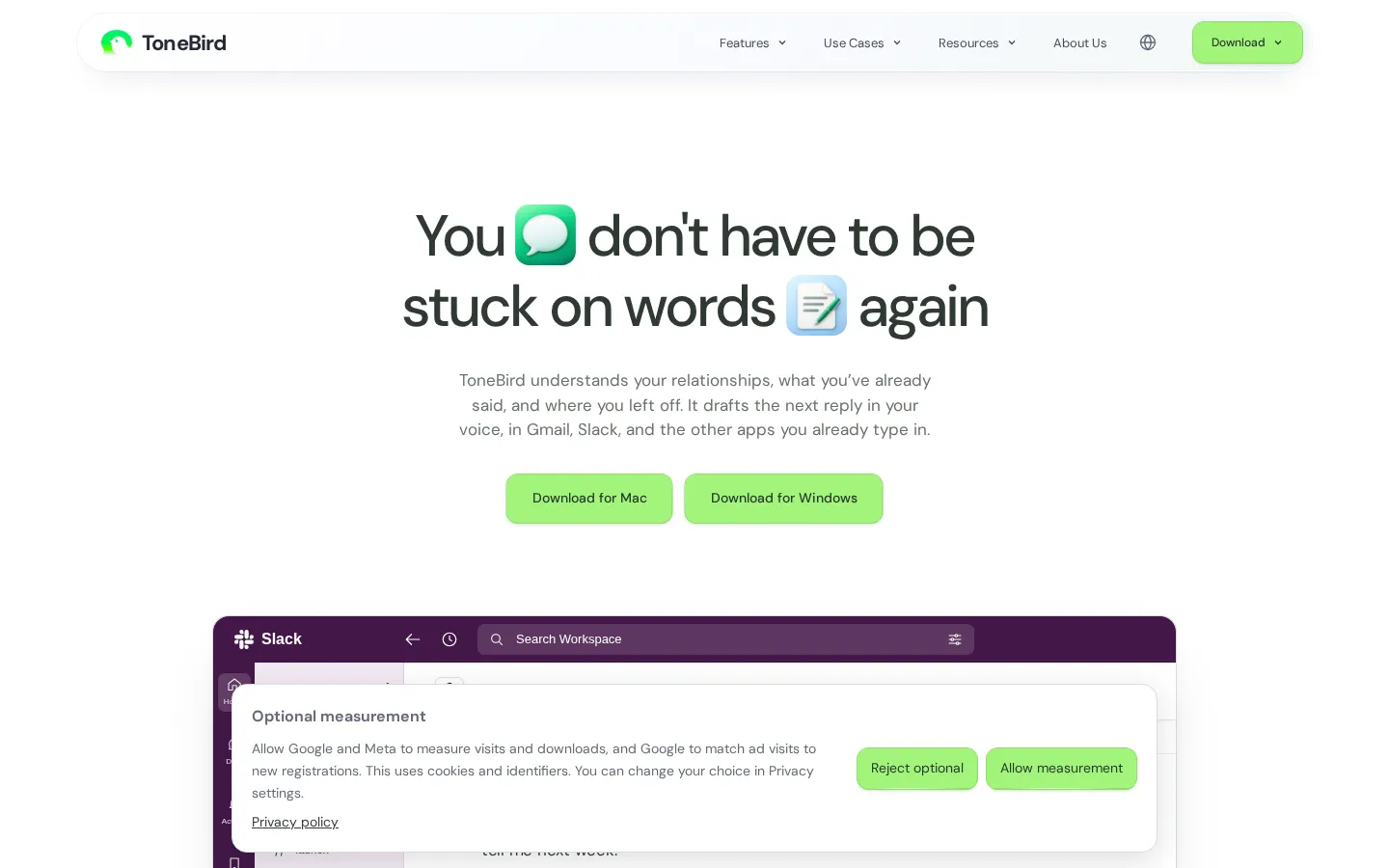
ToneBird is an AI reply assistant for Mac and Windows that drafts your next message using past conversations, connected documents, and per-person relationship memory. Summon it with a double key press in Gmail, Slack, WhatsApp, iMessage, Discord, and other apps, compare three tone-matched options, edit, then insert the draft into your reply box — you always press send yourself.
What is ToneBird?
ToneBird is a desktop AI reply assistant that drafts responses inside the email and chat apps you already use, rather than in a separate chat window. It runs on macOS and Windows, sits beside your reply field, and is summoned with a double key press — Option twice on Mac, Ctrl twice on Windows — or by clicking its floating orb. Instead of asking you to write a fresh prompt each time, ToneBird builds context from the conversation on screen, earlier threads with the same person, and documents you have connected, then produces draft replies written in your established voice.
The product is organized around three capability pillars the company calls relationship memory, context-aware replies, and personalized tone. Relationship memory keeps a per-person record of what you discussed, what you promised, and where you left off, so a follow-up can reference the date you agreed to confirm or the scope change from last quarter. Context-aware replies pull facts from connected files — for example, finding an agreed price in a client proposal and including it in the draft. Personalized tone adjusts wording per recipient, so a client waiting on a deadline gets a different register from a teammate checking in.
The workflow is deliberately review-first. ToneBird typically offers three candidate replies that differ in directness, warmth, and formality; you pick one with the arrow keys, then use Tweak controls to make it more precise, warmer, or lighter with humor. Each draft shows a "Knowledge Recalled" note listing the facts it drew on, and learned preferences or corrections surface as suggestions you can apply or dismiss — nothing changes how it writes until you approve it. Inserting a draft places it in the reply box; ToneBird does not send messages on your behalf.
Beyond drafting, ToneBird handles the loose ends around a conversation. It can turn an agreed time into a calendar event prepared for Apple Calendar or Google Calendar, and it compiles promised quotes, unanswered questions, and dates to confirm into a follow-up task list. The apps it works alongside include Gmail, Slack, WhatsApp, iMessage, Google Chat, Discord, WeChat, Lark, X, Reddit, LinkedIn, and Instagram, with support depending on whether the specific reply field is readable. The interface and marketing site are available in English, Spanish, Chinese, Japanese, and several European languages.
Privacy is positioned as local-first: the tone profile, person cards, learned corrections, and usage counters are stored on your device and can be exported or deleted in Settings, while the model provider receives only the context and instructions needed to generate a reply. Pricing starts free with 15 drafts and 30 contacts per day, rising to Standard at $10 per month and Pro at $40 per month for larger daily allowances.
ToneBird Core Features
Relationship memory
Keeps a per-person record of earlier conversations, promises, and open threads, and recalls the relevant ones when you draft.
Context-aware replies
Pulls facts such as an agreed price or delivery date out of connected documents and earlier threads and works them into the draft.
Personalized tone
Adjusts directness, formality, and warmth per recipient using your past exchanges with that person.
Three-option drafts
Generates several candidate replies at once so you can compare approaches and pick one with the arrow keys.
One-keystroke summon
Opens beside your reply field on a double Option press for Mac or double Ctrl press for Windows, or from the floating orb.
Wide app coverage
Works in readable reply fields across Gmail, Slack, WhatsApp, iMessage, Google Chat, Discord, WeChat, Lark, X, Reddit, LinkedIn, and Instagram.
Follow-up task list
Collects promised quotes, unanswered questions, and dates to confirm into one searchable to-do view.
Calendar hand-off
Turns an agreed time into a prepared event for Apple Calendar or Google Calendar that you check and confirm.
Who is ToneBird for?
ToneBird suits people whose working day runs through a high volume of one-to-one messages, where tone and continuity matter more than raw speed. Freelancers and consultants are a core audience: they quote prices, confirm scope, and chase approvals across email and chat, and ToneBird keeps the agreed number and the earlier promise available while drafting. Sales teams use it to answer renewal and pricing objections with the account history already in view, instead of re-explaining the deal to a generic assistant each time. Managers and workplace communicators are the second group. Replying to a slipped deadline, a follow-up nudge, or a sensitive internal update takes careful wording, and a draft that remembers what was promised last week saves both time and face. Customer-facing roles — support, success, and account management — benefit from per-person memory when several conversations are open at once and each one needs a different register. Non-native speakers and anyone who drafts in a second language get a practical lift, because ToneBird can suggest a reply and display a translation of it before you insert it. Founders, recruiters, and solo operators who handle their own inbox without an assistant fit as well, since the tool takes over the blank-page moment rather than adding another dashboard to check. It is a desktop-first product with installers only for Mac and Windows, so it is a poor match for people who work entirely on mobile, prefer a browser tab, or cannot install software on their machine. Teams that want shared memory across seats will also find the free and individual tiers limited, since team sharing and seat management sit in the Enterprise plan. The product assumes you already write a lot of messages by hand and want to keep doing it your way, only faster. Anyone looking for a fully autonomous inbox agent that replies and schedules without supervision should look elsewhere, because ToneBird deliberately stops at a draft that waits for your approval.
ToneBird Use Cases
Answer a client's pricing question with the agreed figure pulled from your proposal.
Reply to a manager's deadline nudge with a firm date and a checkpoint.
Follow up after a slipped launch plan without repeating the same apology twice.
Draft a warmer renewal response for a customer who raised a budget objection.
Write in a second language and check the translation before inserting the reply.
Turn an agreed meeting time into a calendar invite without leaving the chat.
Track the promises you made across email, Slack, and WhatsApp in one list.
Pick up an old thread with a contact by recalling what was discussed last time.
ToneBird Pros and Cons
Pros
- Drafts appear inside the apps you already type in, so there is no copy-paste loop and no prompt to write.
- Relationship memory plus the Knowledge Recalled note shows exactly which facts each draft is grounded in.
- Three tone-varied options and Tweak controls keep your own voice instead of flattening it into generic AI prose.
- Nothing is sent automatically, and learned corrections only apply after you approve them.
- The free tier is genuinely usable for light correspondence at 15 drafts and 30 contacts a day.
Cons
- Paid checkout is not yet available on the website, so moving past Free means contacting the team.
- Support depends on whether a given reply field is readable, so some apps or fields will not offer drafts.
- It is a desktop install for Mac or Windows only, with no browser-only or mobile version.
FAQ About ToneBird
ToneBird Pricing
ToneBird has a free tier with 15 drafts per day and 30 contacts; Standard is $10 per month ($96 per year) for 100 drafts a day and 100 contacts; Pro is $40 per month ($384 per year) for 1,000 drafts, 1,000 contacts, and priority responses; Enterprise is custom with seat management, centralized billing, and dedicated support. All prices are in USD, annual billing saves 20%, and paid checkout is not yet offered on the website.
Check official pricingToneBird Alternatives

Superhuman
Superhuman combines an email client, calendar, collaborative docs, databases and a cross-app AI assistant called Go. Agents draft replies, label and archive mail, prep meetings, verify claims and schedule calls, while more than 100 prebuilt agents and a no-code builder let teams extend the suite. Plans start at $25 per member each month, billed annually.

Canary Mail
Canary Mail is a cross-platform email client that adds an AI copilot to the inbox you already own. It connects Gmail, iCloud, Outlook, Yahoo and Exchange accounts, then writes replies, summarizes long threads and sorts mail into categories. Read receipts, snooze, send later, a built-in calendar and PGP encryption round it out, with three plans starting free.

Hedwig
Hedwig is an AI workspace built on Gmail, Outlook and Google Calendar. Mail, calendar, to-dos, documents, datasheets and web pages stand as movable frames on one board, and an agent reads that board, drafts replies, chases invoices and writes a morning brief. Every draft it writes waits in one outbox for your send. Pro costs $20 a month billed yearly after a 3-day trial.