
Canary Mail
Canary Mail is a cross-platform email client that adds an AI copilot to the inbox you already own. It connects Gmail, iCloud, Outlook, Yahoo and Exchange accounts, then writes replies, summarizes long threads and sorts mail into categories. Read receipts, snooze, send later, a built-in calendar and PGP encryption round it out, with three plans starting free.
What is Canary Mail?
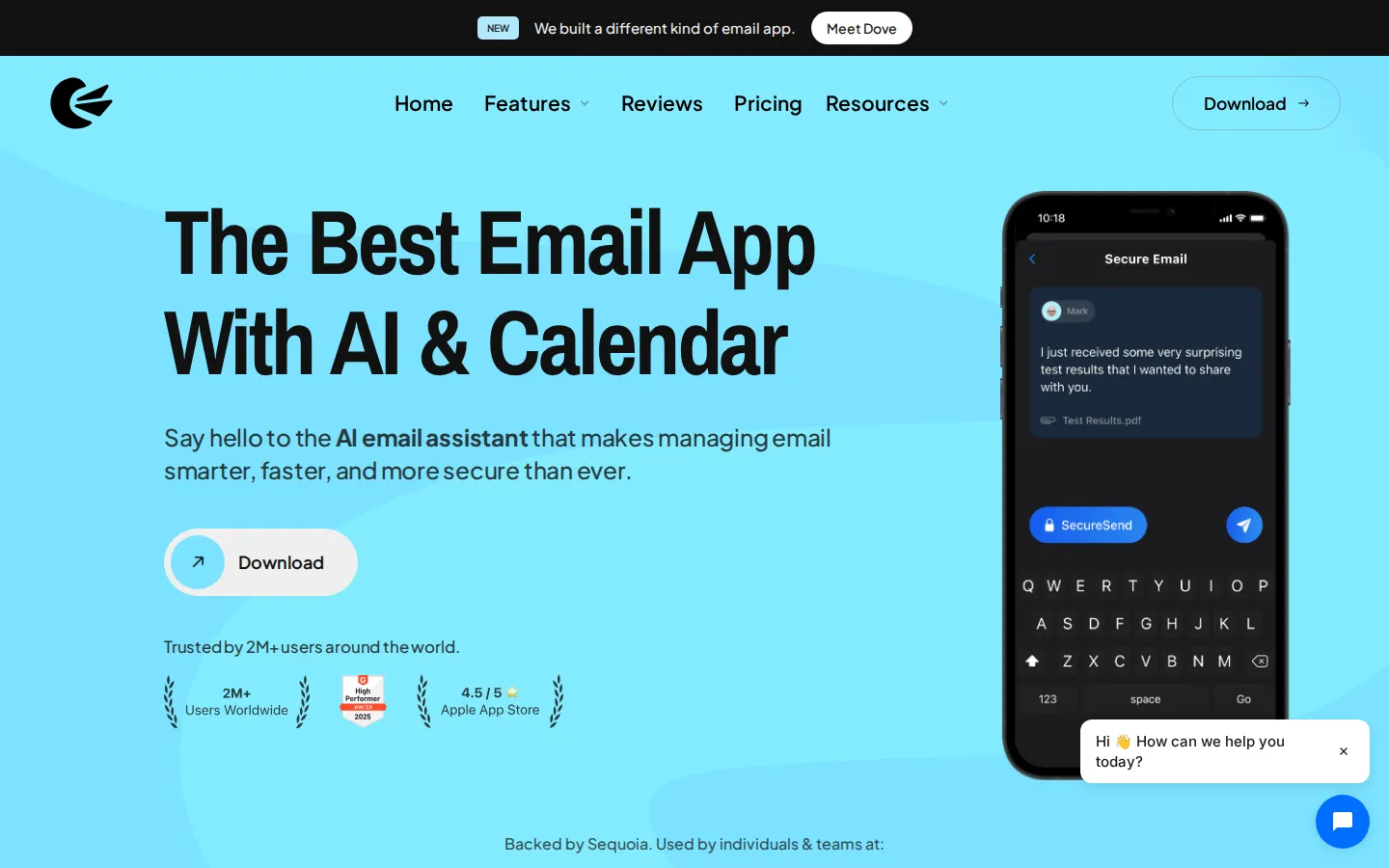
Canary Mail is an AI-powered email client from a company of the same name, backed by Sequoia and used by more than two million people. Rather than being a mail provider, it is a client that connects to the accounts you already have: Gmail, Google Workspace, Outlook, Microsoft 365, Exchange, iCloud, Yahoo, Proton Mail and Zoho Mail all flow into a single unified inbox, with IMAP available for other servers.
The centerpiece is an AI copilot. It drafts and rewrites messages in your own voice, summarizes lengthy threads so you can catch up in seconds, and categorizes incoming mail into primary, promotions and social tabs so important items surface first. Because the assistant lives inside the client, it works across every account you connect instead of inside one provider's ecosystem.
Beyond AI, Canary leans on power-user features that mainstream clients leave out: read receipts that show when a message was opened, snooze and pin, send later, one-click unsubscribe, a bulk cleaner for promotional clutter, shared templates and rules. A calendar and scheduling layer is built in, so meeting confirmations and follow-ups happen without switching apps.
Security is the other pillar. The Pro+ plan adds PGP end-to-end encryption, SecureSend for HIPAA-compliant delivery, phishing and ransomware protection, impersonation detection, and misdirection prevention that warns you before a message reaches the wrong recipient. Canary states it is HIPAA and GDPR compliant and does not train AI models on your email.
The app runs on macOS, iOS, iPad, Windows and Android, and one license covers up to five devices. It holds a 4.5 out of 5 rating on the Apple App Store, and the vendor lists Netflix, Nvidia, Okta, Atlassian, Stanford and MIT among the organizations whose staff use it, alongside individuals on the free tier. Plans are Free, Growth at $3 per month billed yearly at $36, and Pro+ at $10 per month billed yearly at $100. Paid tiers are also sold as one-time lifetime purchases, and the seven-day trial needs no credit card.
Canary Mail Core Features
AI Copilot drafting
Writes and rewrites replies in your own voice, with tone and length controls inside the composer.
Thread summarization
Condenses long email chains into a short summary at the top of the conversation so you can catch up fast.
Unified inbox
Gmail, Outlook, Exchange, iCloud, Yahoo, Proton Mail and Zoho accounts in one list with per-account color coding.
Read receipts
Shows when a recipient opened your message, with a lite version free and full tracking on paid plans.
Built-in calendar
Scheduling and meeting confirmations sit beside the inbox, so you never switch to another app to book time.
Inbox Zero toolkit
Snooze, pin, one-click unsubscribe, a bulk cleaner for promotional mail, and shared email templates.
PGP and SecureSend
End-to-end encryption plus HIPAA-compliant secure delivery, phishing protection and impersonation detection on Pro+.
Cross-platform licensing
Native macOS, iOS, iPad, Windows and Android apps under one license covering up to five devices.
Who is Canary Mail for?
Canary Mail suits people who live in email but refuse to hand their inbox to a single provider's default app. It is most useful for: - **Founders and executives** juggling several addresses: a personal Gmail, a company Workspace account and an old Exchange mailbox all sit in one unified inbox with a shared calendar beside them. - **Sales and customer-facing teams** who need to know whether a proposal was actually opened, and who want templates and send later to time follow-ups across time zones. - **Freelancers and consultants** billing by the hour, where AI drafting and thread summaries cut the minutes lost to routine replies. - **Healthcare and legal professionals** handling sensitive records, who need SecureSend for HIPAA-compliant delivery and PGP for encrypted correspondence. - **Privacy-conscious individuals** who want read receipts and AI help without their email being used to train models. - **Power users and keyboard-first operators** who want rules, custom snooze times, custom thread actions and per-account customization that Apple Mail and Gmail's web interface do not expose. - **Small teams** standardizing on one client across mixed Mac and Windows hardware, since a single license covers up to five devices on any supported platform. It is a weaker fit for anyone who wants a browser-only client, an inbox with no local install, or a fully managed mail service rather than a client layered over existing accounts.
Canary Mail Use Cases
Consolidate a personal Gmail, a work Workspace account and an old Exchange mailbox into one unified inbox.
Summarize a forty-message thread before joining a call, then draft the reply while still in the conversation.
Track whether a client opened your proposal and send a follow-up only when the receipt confirms they read it.
Schedule a meeting from the inbox using the built-in calendar instead of copying details into another app.
Bulk-clear months of promotional mail and unsubscribe from recurring newsletters with one click per sender.
Encrypt sensitive patient or client correspondence with PGP and SecureSend to meet HIPAA obligations.
Standardize one email client across a mixed Mac and Windows team under a single five-device license.
Automate triage with rules and templates so routine requests get a consistent reply in seconds.
Canary Mail Pros and Cons
Pros
- Genuinely cross-platform: native apps for macOS, iOS, Windows and Android, with one license covering up to five devices.
- AI copilot works across every connected account, not just one provider's ecosystem, and can be turned off.
- Security beyond most clients: PGP, HIPAA-compliant SecureSend, impersonation detection and misdirection warnings.
- Free plan is usable indefinitely, the trial needs no credit card, and paid plans are also sold as lifetime purchases.
- Strong power-user tooling: rules, templates, custom snooze times, read receipts and a real unified inbox.
Cons
- No monthly billing option: paid plans are yearly or lifetime only, so trying Pro+ beyond the trial means a year or a one-time fee.
- The free plan is limited to two devices and excludes AI drafting, summarization, integrations and send later.
- It is a client, not a provider: storage limits and server-side behavior still depend entirely on your email host.
FAQ About Canary Mail
Canary Mail Pricing
A free-forever plan covers the core inbox on two devices, while Growth costs $36 per year and Pro+ $100 per year, both also sold as one-time lifetime licenses after a no-card seven-day trial.
Check official pricingFree
Unified inbox, read receipts lite, snooze and pin, templates, Inbox Zero and unlimited accounts on up to two devices.
Growth
Billed yearly at $36: adds AI Copilot drafting and summaries, full read receipts, send later, calendar and scheduling, inbox cleaner and integrations.
Pro+
Billed yearly at $100: adds PGP encryption, HIPAA-compliant SecureSend, phishing and ransomware protection, impersonation detection and priority support.
Canary Mail Alternatives

Hedwig
Hedwig is an AI workspace built on Gmail, Outlook and Google Calendar. Mail, calendar, to-dos, documents, datasheets and web pages stand as movable frames on one board, and an agent reads that board, drafts replies, chases invoices and writes a morning brief. Every draft it writes waits in one outbox for your send. Pro costs $20 a month billed yearly after a 3-day trial.

Talanoa
Talanoa is a modern email client that turns your inbox into something simpler, calmer, and more natural.

Beacons AI
Beacons AI is an all-in-one creator platform trusted by 10M+ creators to build a customizable link in bio, sell digital products, courses and memberships, run email marketing and pitch brands with an auto-updating media kit, all powered by Beam, an AI teammate that writes copy, designs pages and analyzes growth. A free plan gets you started.