
YouMind
YouMind is an AI studio that brings learning and creating into one workspace. You save articles, videos, podcasts, PDFs and notes, ask AI questions about them, and shape what you learn into your own articles, slides, images, videos and webpages. A browser extension, mobile apps and an agent-connected API let you capture and create anywhere.
What is YouMind?
YouMind is an AI studio for learning and creating, built around a simple loop: bring in what inspires you, build your own understanding of it with AI, then turn that understanding into work you can publish. The homepage frames it as the place where learning and creating come together, and the product itself is a workspace of Boards, Files, Picks, Tasks, Skills and Sprite rather than a single-purpose chatbot.
A Board is the container for one project. Inside it you keep Files such as webpages, X posts, YouTube videos, podcasts, PDFs, documents, images, slides and audio, plus Picks, which are saved excerpts or whole pages captured with the browser extension. You can read, organise, search and discuss any of that material with AI, and Board Memory carries the important background from one Task to the next so you never rebuild context from scratch.
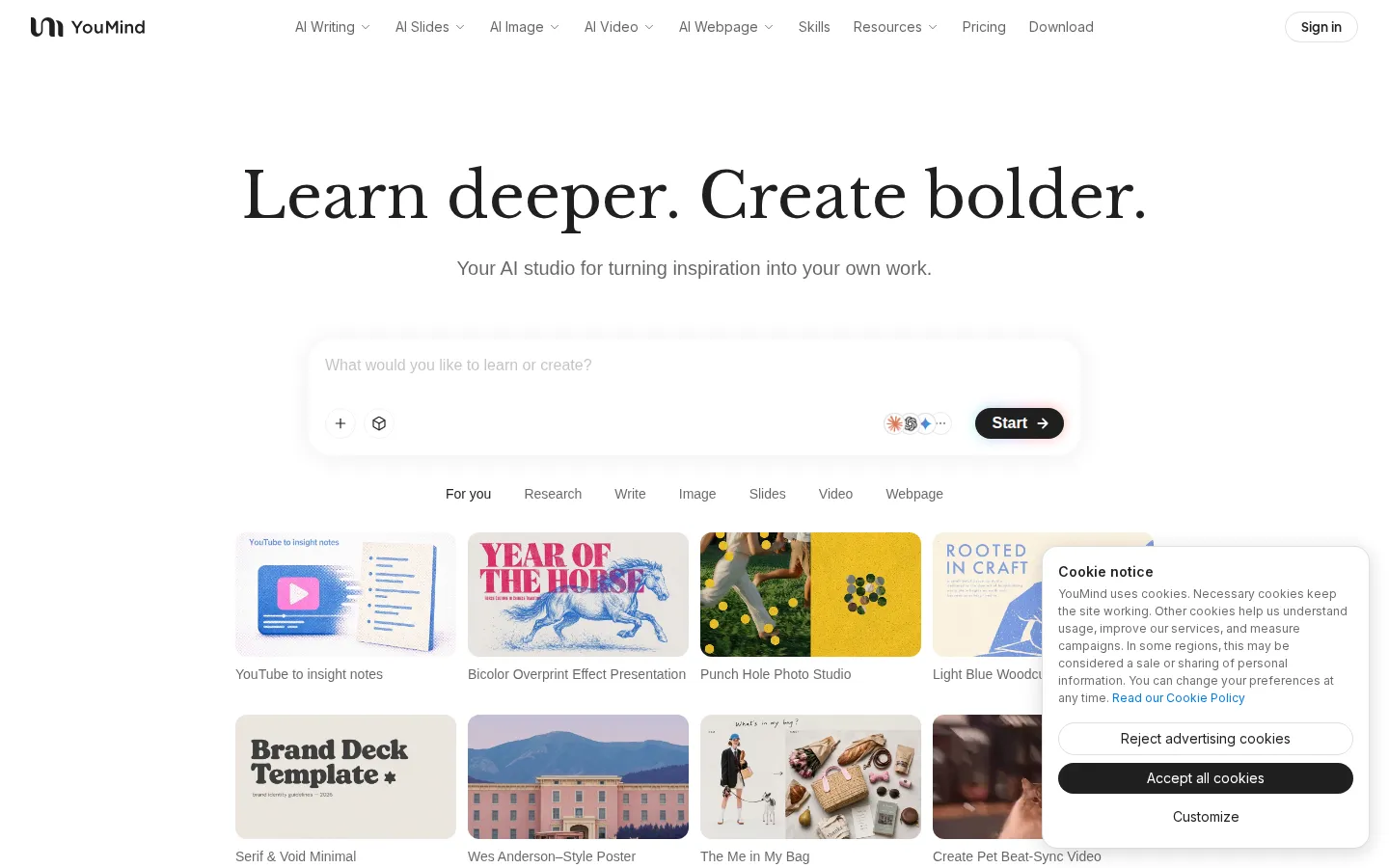
From there you create. YouMind generates editable articles, slides, images, audio, video and webpages, and you keep shaping each draft with AI until it expresses what you want to say. Typical starting points include a YouTube video turned into insight notes, a saved article expanded into a post, or a rough idea rendered as a poster in a named visual style.
Skills are reusable capabilities: prompts and workflows that you run through chat, that other creators publish, and that can be installed, priced and rewarded through the Skills gallery and the Creator Rewards plan. YouMind also ships an iOS and Android app, a macOS desktop app in beta, and a Chrome extension for saving pages and translating text.
For automation, the site publishes an official skill and OpenAPI references, so agents and the youmind CLI can search, create and publish inside your workspace with an API key. YouMind positions itself against NotebookLM, Notion and ChatGPT by leaning on that creative loop: sources stay traceable and editable, outputs span many formats, and models from Anthropic, OpenAI and others sit behind one subscription. Pricing is credit-based, with a free tier for registered users and then Starter, Pro and Max.
YouMind Core Features
Boards with Board Memory
Every project is a Board holding files, notes, picks, tasks, skills and outputs, and new tasks inherit context from earlier work.
Save any source
Webpages, X posts, YouTube videos, podcasts, PDFs, documents, images, slides and audio live in one searchable library.
Chat with your sources
Ask questions, annotate, connect ideas and explore different perspectives instead of settling for a plain summary.
Multi-format creation
Produce editable articles, slides, images, audio, videos and webpages, then keep shaping each draft with AI.
Skills marketplace and Creator Rewards
Reusable AI capabilities you can run, publish, price and earn rewards from on every install.
Capture anywhere
iOS and Android apps, a macOS desktop app in beta and a Chrome extension that saves whole pages and translates text.
Multi-model access
Claude, GPT, Google and other frontier models behind one account, with higher-quality image and video creation on paid tiers.
Agent and API access
An official skill plus the youmind CLI and API keys let agents search, create and publish inside your workspace.
Who is YouMind for?
YouMind is aimed at people who consume a lot of material and want to make something out of it. Content creators are the clearest audience: the site's creator stories feature a YouTuber who uses it for topic research, script and thumbnail in one conversation, and a student and Instagrammer who turns a photo or a half-formed thought into a paragraph or a visual. Researchers, writers and knowledge workers form a second group. If your work means reading papers, reports, interviews or long videos and then producing articles, briefs or posts, YouMind's Boards, Picks and Board Memory keep the evidence next to the draft. The NotebookLM comparison makes the same point: use NotebookLM to study a focused source set, use YouMind to develop it into original work across formats. Teachers and students are a third audience. One testimonial describes asking for a Newton's First Law lesson with memes, generating the material, and turning it into a video, which suits anyone building explainers, lesson decks or study notes. Marketing and small-business users appear too: posters, captions and campaign visuals made quickly enough that customers assume a team was hired. Product managers and career coaches use it as a memory for meeting notes, user research, feedback and repeatable playbooks, while indie developers treat it as a research and go-to-market copilot. More broadly it fits anyone paying for several AI subscriptions who wants sources, drafts and finished outputs inside one account instead of scattered across a note app, a chatbot and a design tool. It is a weaker fit for teams needing heavy real-time collaboration, spreadsheets or project management, and for users who only want a fast single-shot chatbot answer.
YouMind Use Cases
Turn a YouTube video or podcast into structured insight notes you can quote.
Research a topic across saved articles and PDFs, then draft an article from them.
Build a presentation deck or visual slides from notes you already collected.
Generate posters, campaign images and social captions in a chosen visual style.
Write and publish X, LinkedIn, Instagram, Reddit or Threads posts from one draft.
Create explainers and lesson videos for students from a single prompt.
Keep meeting notes, user research and feedback in one Board that remembers context.
Automate recurring capture, research and publishing through Skills, the CLI and the API.
YouMind Pros and Cons
Pros
- There is a free tier plus credit-based plans from $20 per month, with yearly billing discounted by up to 50 percent.
- One workspace covers capture, AI chat, writing, slides, images, video and webpages, so sources stay beside the drafts they produced.
- Native iOS and Android apps, a desktop app and a Chrome extension make saving something as easy as a tap.
- Agent support is real: an official skill, the youmind CLI and OpenAPI expose boards, files, picks, chats and skills to automation.
Cons
- AI features consume credits, so heavy image or video generation can push you into top-ups or a higher tier.
- Several capabilities are tier-gated: personal agents, MCP connections, higher-quality media and the desktop agent start at Pro or Max.
- The free tier's exact credit allowance and material limits are not published on the pricing page, so it is hard to judge how far it goes.
FAQ About YouMind
YouMind Pricing
YouMind is freemium. Registered users get a free tier with a fixed credit allowance and core features; paid credit plans are Starter at $20 per month for 20,000 credits, Pro at $40 for 40,000 credits and Max at $200 for 200,000 credits. Yearly billing is discounted up to 50 percent, a limited-time offer halves the first month, and prices exclude taxes.
Check official pricingFree
Free tier for registered users with a fixed credit allowance and access to core features; the exact allowance and material limits are not published.
Starter
20,000 credits per month, standard AI models, save and understand any file, webpage, video or podcast, create articles, slides, images, webpages, audio and video, remove badge and watermark, on-demand top-ups and 5 concurrent tasks.
Pro
40,000 credits per month with everything in Starter, best-in-class models including Claude and GPT, a personal creative agent, browsing agent, 100+ MCP tool connections, higher-quality media, AI memory, Skills marketplace and 20 concurrent tasks.
Max
200,000 credits per month with everything in Pro, the most capable frontier models, a desktop agent for complex tasks on your computer, five times the credits and concurrency, maximum context, priority queue and priority support.
YouMind Alternatives

iMobie
iMobie is a consumer software suite for iPhone, iPad and Android owners, covering data recovery, phone-to-phone transfer, passcode and Apple ID unlocking, system repair and storage cleaning. Its multimedia line adds AI-assisted screen recording in FocuSee, real-time voice changing in Vozard and AI video upscaling in AnyEnhancer, sold through monthly, yearly and perpetual licences on its own store.

Velozity
Velozity is a multiplayer AI office for remote teams that puts people and AI agents in the same shared workspace. Persistent presence, video and audio calls, transcripts, tasks, notes, calendars and guest passes live in a single window, while built-in and bring-your-own agents take on real work across more than 100 integrations and a cloud computer.

HiNoter
HiNoter converts audio, video, PDFs, and meeting recordings into transcripts, structured summaries, and action items. It records Zoom, Google Meet, and Microsoft Teams calls, accepts uploaded files or YouTube links, and transcribes over 100 languages. A one-time free credit covers a single note, Personal Pro costs $6.99 a week or $69.99 a year, and Team Pro starts at $119.98 a year for two seats.