
Writingmate
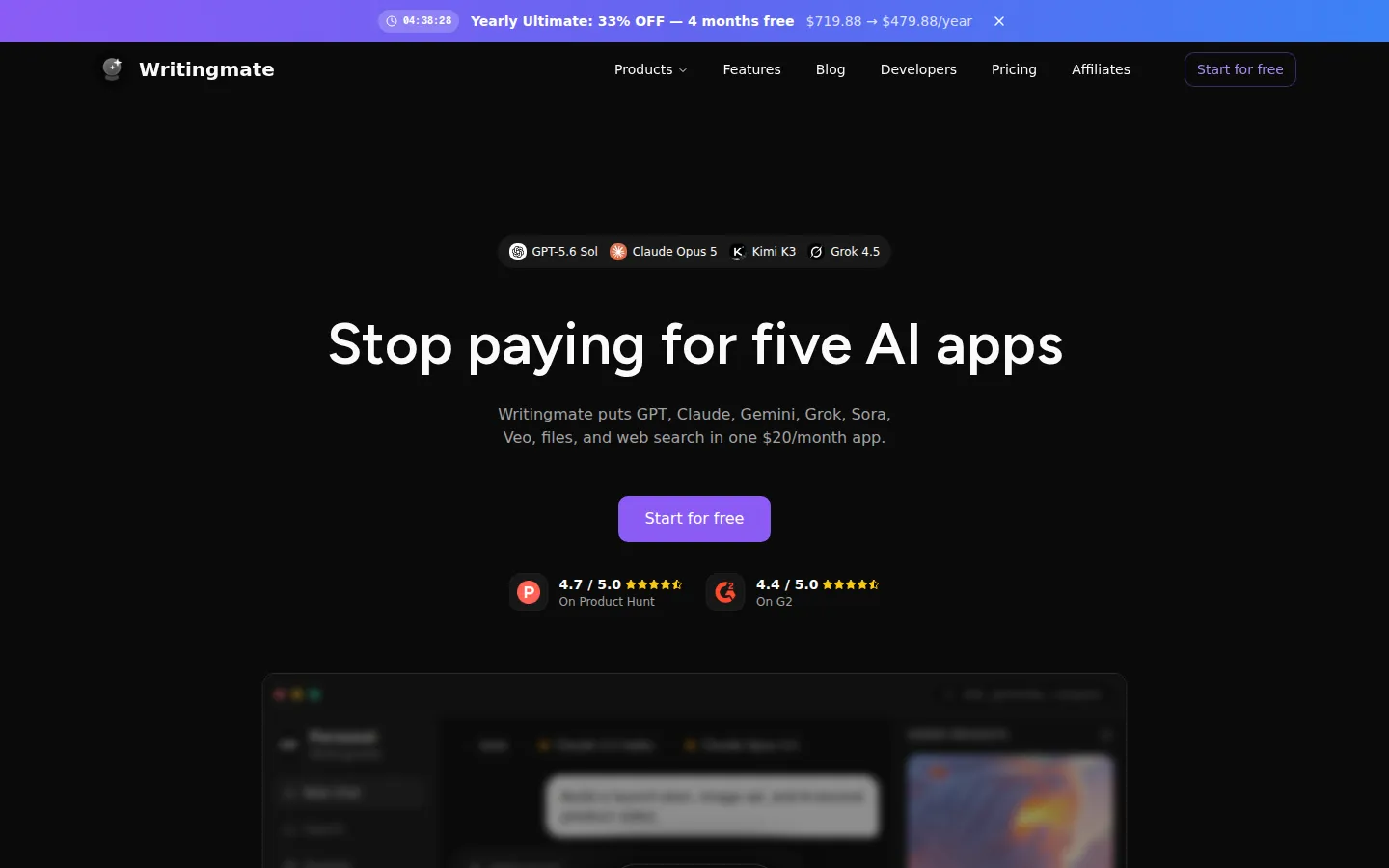
Writingmate is an all-in-one AI workspace that puts 350+ chat, reasoning, image and video models from OpenAI, Anthropic, Google, xAI, Meta and DeepSeek behind one subscription. Users chat, compare up to four models at once, analyse documents, search the web, save reusable prompts and Agents, and generate images or clips from a prompt, all from a browser app with a documented API and MCP server.
What is Writingmate?
Writingmate is an all-in-one AI workspace at writingmate.ai. Instead of paying for separate ChatGPT, Claude, Google and Grok subscriptions, one account gives access to a catalogue the site lists as 350+ AI models (the models directory shows 384 entries covering text, multimodal, reasoning, image, video and coding models) drawn from providers such as OpenAI, Anthropic, Google, Meta, xAI, Perplexity, DeepSeek, Moonshot, MiniMax, Qwen and Black Forest Labs.
The app is organised around a few workspaces. Chat handles text and reasoning: pick a model per task, or use Compare Mode to send one prompt to two to four text models and read the answers in parallel columns. Files attaches PDFs, documents, spreadsheets, text files and images, then answers questions, extracts facts, compares sections or writes a new draft from the upload. Web search adds current online sources to an answer. The image workspace generates and edits visuals with models such as Nano Banana, GPT Image, FLUX, Grok Imagine and Seedream, while the video workspace produces short clips, ad concepts and animatics with Sora, Veo, Seedance, Kling and PixVerse. Prompts, chats, files and custom Agents can be saved for repeat work, and Projects keep related material together.
Outside tools are handled in two directions. MCP integration lets a chat call tools from connected services, and the site says integrations reach 8000+ external tools and services. In the other direction, a Developer Key exposes Writingmate through an OpenAI-compatible API at https://writingmate.ai/api/openai/v1 and an MCP server at https://writingmate.ai/api/mcp, so coding agents and OpenAI-compatible clients can run on the same plan.
Billing runs on one monthly pool of credits shared by chat, images, video and web search. The site estimates well under one credit for an everyday chat message, about three to four for a top model, two to twenty per image and four to fifty per second of video. Credits refill on the billing date, unused plan credits do not carry over, and top-up packs stay valid for 90 days. Writingmate states that user conversations, files and other content are not used to train its AI models and that chat history stays inside the account, but requests are still processed by the selected provider under that provider's own terms. The product is browser based and installable as a Progressive Web App on desktop and mobile.
Writingmate Core Features
350+ models in one app
Use GPT, Claude, Gemini, Grok, DeepSeek and Kimi models without separate provider subscriptions.
Compare mode
Send one prompt to up to four text models and read every answer side by side.
File and document chat
Upload PDFs, documents, spreadsheets and images, then ask for summaries, extracted facts or new drafts.
Image generation and editing
Create visuals with Nano Banana, GPT Image, FLUX, Grok Imagine and Seedream, including reference images.
Video generation
Produce short clips from text or an uploaded image with Sora, Veo, Seedance, Kling and PixVerse.
Web search and MCP tools
Add current sources to an answer and connect services such as GitHub or Slack.
Saved prompts, Agents and Projects
Reuse prompts, build custom Agents and keep related chats and files together.
OpenAI-compatible API and MCP server
One Developer Key connects coding agents and OpenAI-compatible clients to your plan.
Who is Writingmate for?
Writingmate is built for people who already juggle several AI tools and want one bill instead of five. Writers, marketers and content teams are the core audience: they draft emails, articles, landing pages and campaign copy, then switch to a stronger model to review the same draft, or send one prompt to several models at once to compare tone and completeness. Marketers also use the image and video workspaces for product visuals, ad concepts and short promotional clips from the same account. Students, researchers and analysts use the file workspace to upload PDFs, documents and spreadsheets, then ask for summaries, extracted facts or structured analysis, and add web search when a question needs current sources. Because chats, files, saved prompts and Projects stay in one workspace, work is easier to revisit than a folder of browser tabs. Developers and technical teams get a documented OpenAI-compatible API and an MCP server. One Developer Key connects Claude Code, Cursor, Aider, Continue or any OpenAI-compatible client to the same model catalogue and plan allowances, so coding agents no longer need per-token billing or a second subscription. Small teams and agencies fit the workspace model: membership and plan settings are shared, every model is included on each paid tier, and the difference between Pro, Ultimate and Ultra is the size of the monthly credit pool. Power users and heavy image or video users are pointed to the higher tiers, while the free plan lets anyone try Basic models first. It suits people who want model choice without managing provider accounts, and anyone working in a place or moment where one provider is slow, blocked or unavailable, since switching model is a click. It is less of a fit for buyers who need a native app-store client, published per-seat team pricing or a production-grade API contract, because developer access is described as alpha and fair-use and the site sells subscription tiers rather than seats.
Writingmate Use Cases
Marketers drafting campaign copy, landing pages and ad variations across several frontier models from one tab.
Students and researchers summarising long PDFs, comparing sources and adding web search for current information.
Writers polishing emails, articles and reports, then asking a stronger model to review the same draft.
Developers pointing Claude Code, Cursor, Aider or other OpenAI-compatible clients at one Developer Key.
Small businesses generating product images and short promotional clips without hiring a production team.
Teams keeping chats, files, prompts and Agents in one shared workspace instead of five separate apps.
Anyone hitting a slow, blocked or unavailable provider, switching model inside the same conversation.
Writingmate Pros and Cons
Pros
- One subscription covers chat, file analysis, web search, image generation and video generation across 350+ models, which the site prices against $76 a month for separate ChatGPT Plus, Claude Pro, Google AI Pro and X Premium+ plans.
- The workspace keeps chats, files, saved prompts, Agents and Projects together, and Compare Mode sends a single prompt to up to four text models for side-by-side answers.
- A documented OpenAI-compatible API and an MCP server let the same plan power coding agents and OpenAI-compatible clients, with no per-token pricing and no second subscription.
- Stated privacy position: conversations and files are not used to train Writingmate AI models, and chat history stays inside the account and workspace.
- Fast catalogue updates, with the site saying supported model upgrades are usually added within a day.
Cons
- Everything draws on one monthly credit pool, so a top-model reply costs about three to four credits, an image two to twenty and video four to fifty credits per second, and unused plan credits do not carry over.
- New plans use credits while some older, promotional and AppSumo plans still run on daily message limits, so allowances differ between accounts and the current terms are only visible in Profile Settings.
- It is a browser-based Progressive Web App rather than a native app-store client, and the Chrome extension still listed in the web store is described as a legacy client whose interface, model list and features may differ from the current web app.
FAQ About Writingmate
Writingmate Pricing
Writingmate has a free plan with Basic models at 10 counted messages a day, and its three paid tiers each include a 3-day free trial: Pro at $19.99 per month billed yearly ($239.88 a year) with 800 monthly credits, Ultimate at $39.99 per month billed yearly ($479.88 a year, or $59.99 monthly) with 2,000 credits, and Ultra at $99.00 per month billed yearly ($1,188.00 a year, or $149.00 monthly) with 5,000 credits, with yearly billing saving 33% and taxes added at checkout.
Check official pricingWritingmate Alternatives

Cindy
Cindy is an open-source desktop AI agent from XD Inc. that unifies Claude Code, Codex and Pi harnesses with 20+ tools, persistent memory and reusable skills. Use it free with your own API key or existing Coding Plan, or pay for the optional managed model service that works the moment you sign in. No setup project required.
Safeguest
Safeguest is a guest-screening platform for short-term rental hosts. Every booking is verified inside your PMS: government ID and a biometric selfie, a signed guest agreement, and a refundable deposit or the No Deposit Option. An AI-written Arrival Briefing grades the booking Green, Yellow or Red, so you know who is arriving before keys change hands. Prevent is free; Protect is $29 per stay.

Migoo
Migoo turns a single chat window into a small AI department: a general assistant plus named specialists for video ads, design, slides, brochures, research, data analysis, photo editing, writing, websites and job applications. It reads the Google Workspace context you connect, then drafts reports, files expenses, builds decks and produces publishable assets, charging through a monthly points allowance rather than per-seat licences.