
Migoo
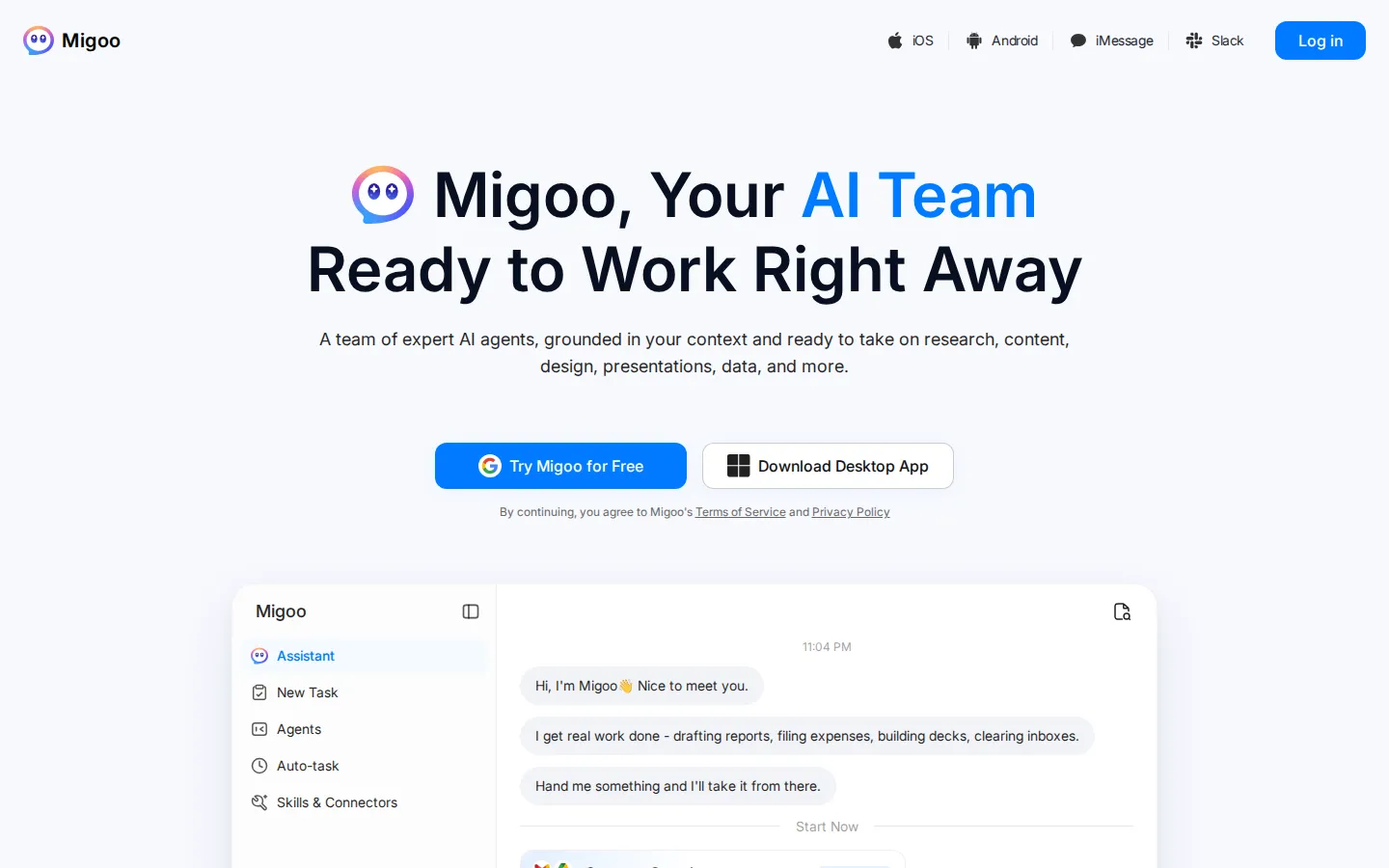
Migoo turns a single chat window into a small AI department: a general assistant plus named specialists for video ads, design, slides, brochures, research, data analysis, photo editing, writing, websites and job applications. It reads the Google Workspace context you connect, then drafts reports, files expenses, builds decks and produces publishable assets, charging through a monthly points allowance rather than per-seat licences.
What is Migoo?
Migoo is a browser-based AI workspace from InfiniteAI Private Limited that bundles a general chat assistant with a roster of named specialist agents. Rather than one undifferentiated chatbot, you get what the company calls an AI team: a Video Ad Producer that turns product photos, brand assets or a store link into conversion-focused video ads up to fifteen seconds long, a Creative Designer, a Slide Assistant, a Brochure Creator, a Research Assistant, a Data Analysis agent, an AI Photo Editor, a Writing Assistant, a Website Builder and a Job Apply agent. Each specialist arrives with its own brief, workflow and output format, so you describe a goal in ordinary language and it returns a finished asset instead of raw text.
The general assistant handles the everyday backlog: drafting weekly reports, filing expenses, outlining Monday's deck, sorting mail and managing a schedule. It works from whatever context you choose to share, and Migoo's Google Workspace connectors for Gmail, Drive and Calendar let it read the mail, files and meetings you grant access to, then carry that context across every agent. Auto-task and skills panels run routine jobs in the background while you review the output, and the top-level tabs split work into Mails, Schedule, Auto-task, Writing and Shopping.
Everything is metered by a monthly points allowance rather than per-seat licensing. Plans run from Basic at 60,000 points to Ultra at 1,800,000 points, yearly billing takes 20-26% off, and the upper tiers add first-month point bonuses plus cheaper Seedance 2.5 video rates. Work lands in place as video files, slide decks, brochures, documents, spreadsheets, web pages and retouched images that can be shared from the same workspace. Because the agents inherit whatever you connect, a single uploaded campaign brief can feed a video ad, a matching brochure and a landing page without re-explaining the product each time. Approval stays with you: drafts arrive for review, and the interface keeps a visible disclaimer that Migoo is AI and can make mistakes. Output quality tracks the material you supply, so specific briefs and clean source files produce markedly better assets than vague one-line requests, and the same workspace history becomes a reusable record of what has already shipped. Migoo runs in the browser with a desktop app download offered, while iOS, Android, iMessage and Slack builds are listed as coming soon.
Migoo Core Features
Specialist agent roster
Ten named agents cover video ads, creative design, slides, brochures, research, data analysis, photo editing, writing, website building and job applications, each with its own built-in workflow.
Video Ad Producer
Send a product image, brand asset, product link or short brief and receive a conversion-focused video ad of up to fifteen seconds, with variations ready to test.
Google Workspace connectors
Connect Gmail, Drive and Calendar so every agent can ground its output in the mail, files and meetings you choose to share.
Auto-task and skills
Recurring jobs such as weekly reports, expense filing and inbox clearing run in the background from a dedicated Auto-task panel.
Presentation and document output
The Slide Assistant builds decks from notes, files and data, while the Brochure Creator and Writing Assistant produce finished marketing and business copy.
Research and data analysis
Structured topic reports and trend analysis over your own data, delivered as readable summaries rather than raw tables.
Points-based metering
Every plan carries a monthly points allowance from 60,000 to 1,800,000, so heavy generation is budgeted rather than billed per action.
Cross-device access
Browser workspace plus a desktop download, with iOS, Android, iMessage and Slack clients announced as coming soon.
Who is Migoo for?
Migoo suits solo operators, small marketing teams and busy knowledge workers who need finished output rather than another chat interface. A founder without a design or video hire can hand over a product photo and a shop link and get a fifteen-second ad back, then ask the Slide Assistant for an investor deck and the Brochure Creator for a leave-behind, without opening four separate subscriptions. Social and performance marketers get variant generation from one brief, which shortens the loop between concept and something testable. Consultants, analysts and researchers benefit from the Research Assistant and Data Analysis agents, which produce structured reports and trend summaries from the material you supply, while the Writing Assistant keeps tone consistent across deliverables. Sales and operations staff who live in email and calendars use the connectors to draft replies, prepare for meetings and clear an inbox, and job seekers get a dedicated agent for matching roles and tightening applications. It is less convincing for engineering teams that need code repositories and CI hooks, or for enterprises demanding SSO, audit logs and procurement paperwork, since none of those appear on the public site. Teams already standardised on Microsoft 365 rather than Google Workspace will find the context layer thinner. It also assumes you are comfortable reviewing AI output before it ships; Migoo is proactive but approval stays with you. The natural buyer is a small business or independent professional spending under a hundred dollars a month who wants breadth across content, design, research and admin from one login.
Migoo Use Cases
Produce a fifteen-second product video ad from a store link and a single product photo
Build a pitch deck from meeting notes, a spreadsheet and an uploaded brief
Draft the weekly status report by pulling context from connected mail and files
Research a market and receive a structured report with sources and findings
Retouch and restyle product photography for a campaign without a retoucher
Turn a long-form article into a designed brochure or shareable web page
Clear an inbox by having replies drafted and expenses filed automatically
Match open roles and tighten a CV and cover letter for a job search
Migoo Pros and Cons
Pros
- Breadth in one subscription: video, design, slides, research, data and writing sit behind a single login and one points balance.
- Agents ship with real workflows, so the Video Ad Producer and Slide Assistant return assets rather than instructions.
- Google Workspace grounding gives output context that generic chatbots have to be told every session.
- Entry price of $10 a month with a three-day $0.50 trial makes it cheap to test against specialist tools.
- Yearly billing discounts of 20-26% and first-month point bonuses on Pro and above reward commitment.
Cons
- Points metering is opaque: the site never states how many points a video, deck or report consumes, so budgeting is guesswork.
- Google-only connectors leave Microsoft 365 and Slack-centric teams without the context layer that makes the agents useful.
- Mobile, iMessage and Slack clients are still labelled coming soon, so the promised everywhere-access story is incomplete.
FAQ About Migoo
Migoo Pricing
Migoo sells five monthly point bundles: Basic at $10 for 60,000 points, Plus at $18 for 120,000, Pro at $43 for 300,000, Max at $94 for 750,000 and Ultra at $216 for 1,800,000. Yearly billing takes 20-26% off, Basic and Plus include a three-day trial for $0.50, and the upper tiers add first-month point bonuses plus lower Seedance 2.5 video rates.
Check official pricingMigoo Alternatives

Velozity
Velozity is a multiplayer AI office for remote teams that puts people and AI agents in the same shared workspace. Persistent presence, video and audio calls, transcripts, tasks, notes, calendars and guest passes live in a single window, while built-in and bring-your-own agents take on real work across more than 100 integrations and a cloud computer.

Cindy
Cindy is an open-source desktop AI agent from XD Inc. that unifies Claude Code, Codex and Pi harnesses with 20+ tools, persistent memory and reusable skills. Use it free with your own API key or existing Coding Plan, or pay for the optional managed model service that works the moment you sign in. No setup project required.

SnapDub
Turns long recordings into ready-to-post shorts Paste a long video, get vertical clips that keep the speaker in frame