
warmwind
warmwind gives you AI workers that each control a separate cloud desktop, logging into portals, clicking through apps and moving data the way a person would. You teach a task once, set a schedule, and the worker repeats it unattended, even while you are offline. German hosting, credit-based pricing and a free plan to start.
What is warmwind?
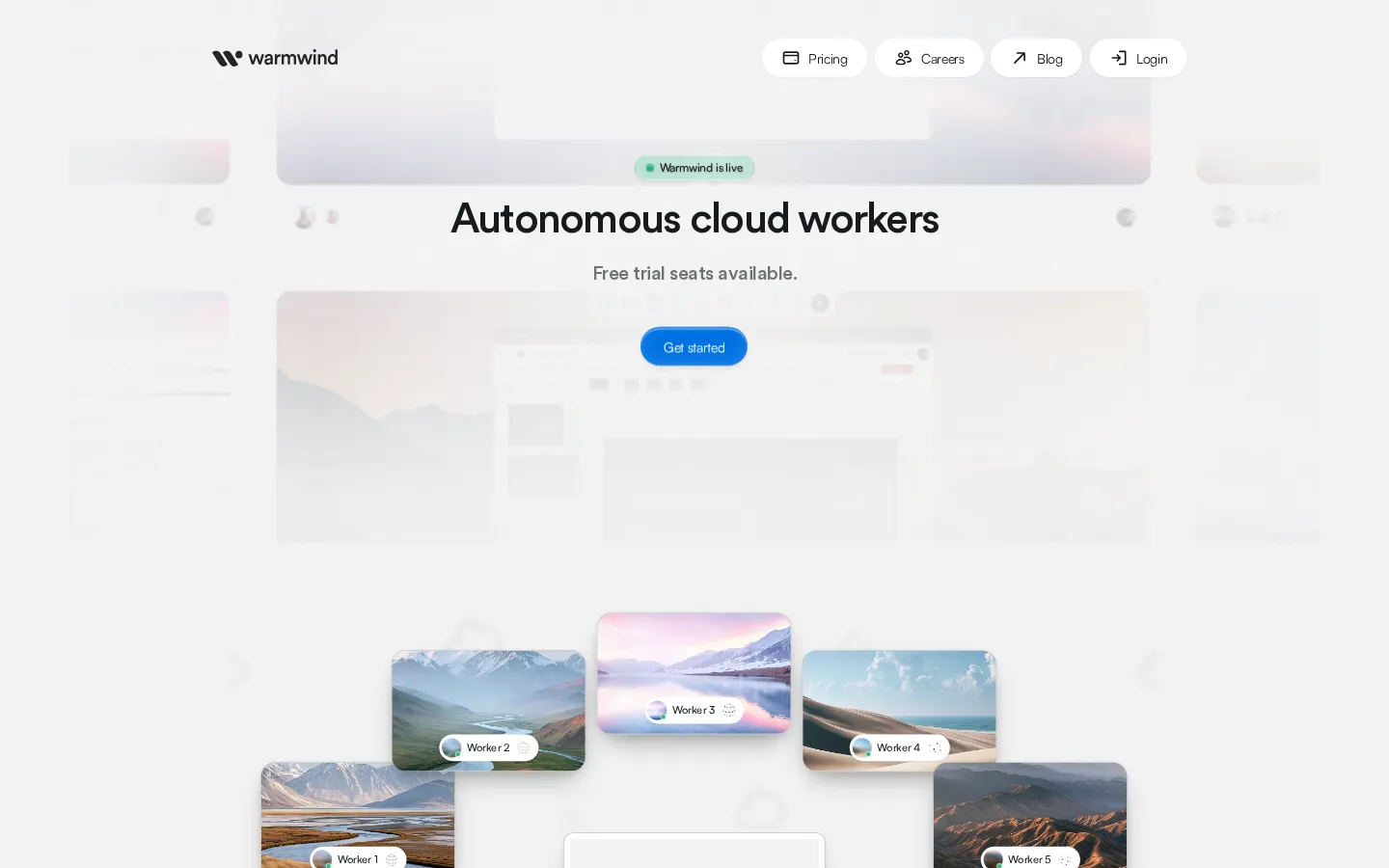
warmwind is a German platform that runs autonomous AI workers, each on its own isolated cloud computer, to carry out recurring office work inside the software a team already uses. Instead of wiring APIs or building MCP servers, a warmwind worker looks at a screen and moves a virtual mouse and keyboard the way a human would: opening a browser, signing into a supplier portal, copying figures from a PDF into an ERP field, replying to a support inbox, or filing invoices. Warmwind AG, based in Jena, spent about three years building the product, opened a closed beta in July 2025 and rolled out internationally in August 2026.
The unit of work is a worker, and the unit of instruction is a task: an ordered list of steps, each with a goal and optional notes, shown in a sidebar while the worker runs. Users can write steps by hand or use Teaching mode, which watches them perform the job once and turns the demonstration into an editable task. A worker then repeats that task on a schedule, whether every 30 minutes, every Monday at 09:00 or on the first day of the month, and keeps going when nobody is online. Several workers can run in parallel, and because each has a separate cloud desktop, a failed run does not contaminate the others.
Credentials live in a password manager inside the account. A login is stored once, granted per worker and injected at run time, so the worker uses the label it was given rather than reading the raw password. Google and Microsoft accounts can be connected through OAuth. This is what makes unattended runs possible on portals that have no API at all.
Pricing is credit-based. Each plan bundles a credit balance and a cap on concurrent workers; one credit is charged per active AI work hour, and warmwind says its workers operate about three times faster than the average human office click pace. The free plan includes one worker and 300 credits, and paid plans from €32 to €600 per month scale from four to twenty workers with a shared balance and no automatic overage.
Underneath, the company's Robot 2.1 architecture keeps a large vision-language model as the decision maker and adds smaller, faster side models for clicks, coordinates and formatting, falling back to the large model when confidence drops. Customer environments run in Falkenstein, Germany, and warmwind highlights invoice processing, customer support, ERP data management, portal monitoring and lead generation as its main uses.
warmwind Core Features
Isolated cloud desktop
Every worker gets its own cloud computer hosted in Germany, with a browser and installable native apps, so tasks never touch your own machine.
Teaching mode
Perform a workflow once and warmwind records the demonstration, turning it into an editable task with a goal and notes for each step.
Visual GUI automation
Workers read the screen and click, type, scroll and drag through portals and legacy software that has no API or MCP server.
Scheduled execution
Intervals, weekly slots and monthly dates start tasks automatically, and runs continue while you are offline or asleep.
Password manager and OAuth
Store logins once, grant them per worker, and connect Google or Microsoft accounts so workers never see raw passwords.
Parallel workforce
Up to twenty workers can run side by side, each with its own task and desktop, adding capacity without adding headcount.
Desktop and mobile apps
Windows and macOS clients for direct access, plus iOS and Android apps for monitoring workers and receiving notifications.
Credit metering
One credit per active AI work hour against a shared monthly balance, with no automatic overage charges when it runs out.
Who is warmwind for?
warmwind is built for teams whose work is stuck in screens rather than in systems. Back-office and shared-service operations at mid-sized companies are the core audience: invoice clerks, order processors and data-entry teams who retype information between a supplier portal, a mailbox and an ERP that will never get an API. Finance and accounting leads use it to pull invoices from vendor portals on a fixed cadence and reconcile statements against the ledger, while customer support managers point workers at order systems so repetitive tickets answer themselves. IT and automation leads at larger organizations adopt it to cover long-tail legacy software without buying an RPA licence or running a months-long integration project, and they value the isolated per-worker environments and German data residency. Business process outsourcing firms and agencies run one worker per client workflow, adding capacity without hiring for every new account. Founders and small operations teams with no engineers use Teaching mode to record a process once and hand it off, and e-commerce operators use workers for marketplace listings, price checks and portal monitoring. Procurement and compliance teams monitoring public registers or supplier portals are a natural fit too, because the work is periodic and the interface is fixed. Sales operations teams use workers to enrich CRM accounts and log details that arrive by email, and HR coordinators use them to chase documents through applicant portals. Most adopters start with a single workflow and one worker, then add workers as the task list proves itself. It suits scheduled, repeatable, clearly defined work. It is a poor fit for open-ended personal assistance, for anything that depends on software installed only on your own laptop, and for processes that must react to events inside an app rather than to a timetable.
warmwind Use Cases
Process supplier invoices by reading PDFs and entering totals into your ERP.
Monitor regulator and supplier portals for new documents and download them on schedule.
Answer recurring support tickets after checking order status in the backend.
Keep CRM records clean by copying details from email threads into fields.
Build lead lists by searching directories and pasting verified contacts into a sheet.
Reconcile bank statements against open invoices and flag every mismatch.
Publish the same product data to marketplaces and distributor portals weekly.
Run daily competitor price checks and log changes in a shared spreadsheet.
warmwind Pros and Cons
Pros
- No integration project: because workers drive the graphical interface, portals, desktop clients and legacy systems without APIs become automatable in days rather than quarters.
- Genuinely unattended operation: scheduled runs continue offline, each worker sits in an isolated German-hosted environment, and parallel workers add capacity without new hires.
- Low authoring barrier: Teaching mode turns a single demonstration into editable steps, so operations staff can build automations without engineers or RPA specialists.
- Transparent economics: a real free plan, flat monthly credit bundles and no automatic overage charges make the cost predictable before you scale up.
Cons
- It cannot reach software installed only on your local computer, and it cannot join your local network or VPN, which rules out on-premise tools and internal-only systems.
- Triggers are schedules only, workers cannot talk to each other directly, and one worker is meant for one clearly defined task rather than open-ended assistance.
- Credits burn per active hour, so complex tasks cost roughly €1 to €1.50 per hour by the company's own figures, and the top plan still caps at twenty workers with no public API.
FAQ About warmwind
warmwind Pricing
Credit-based subscription with a free entry point. The free plan is €0 and includes one worker, 300 credits and Lite intelligence. Paid plans all run Pro intelligence and scale in worker caps and monthly credits: €32 for up to 4 workers and 3,200 credits, €100 for 10 workers and 10,500 credits, then €150 for 15,750, €200 for 21,000, €250 for 15 workers and 26,250, €300 for 33,000, €400 for 44,000, €500 for 20 workers and 57,500, and €600 for 69,000 credits. Higher tiers add 5 to 15 percent bonus credits. One credit is charged per active AI work hour, balances are shared across workers, and there are no automatic overage charges. Press and creators can request complimentary access by email.
Check official pricingFree
One worker, 300 credits per month and Lite intelligence. Enough to test a single scheduled task without a card.
Pro 3,200
Up to 4 workers and 3,200 credits with Pro intelligence. The entry paid tier for a small team.
Pro 10,500
Up to 10 workers and 10,500 credits with Pro intelligence and a 5 percent bonus over the base rate.
Pro 15,750
Up to 10 workers and 15,750 credits with Pro intelligence and a 5 percent bonus.
Pro 21,000
Up to 10 workers and 21,000 credits with Pro intelligence and a 5 percent bonus.
Pro 26,250
Up to 15 workers and 26,250 credits with Pro intelligence and a 5 percent bonus.
Pro 33,000
Up to 15 workers and 33,000 credits with Pro intelligence and a 10 percent bonus.
Pro 44,000
Up to 15 workers and 44,000 credits with Pro intelligence and a 10 percent bonus.
Pro 57,500
Up to 20 workers and 57,500 credits with Pro intelligence and a 15 percent bonus.
Pro 69,000
Up to 20 workers and 69,000 credits with Pro intelligence and a 15 percent bonus. The largest self-serve tier.
Complimentary access
Press and creators can email launch@warmwind.com for complimentary access; larger deployments are arranged directly with warmwind.
warmwind Alternatives

Motion
Motion is a video agent from Mosaic that turns a written brief, raw footage or a reference clip into an edited video. It plans the story, generates or cuts shots, adds music and sound, then lets you refine the result in chat, on the preview or in a timeline before exporting to Premiere Pro, After Effects or DaVinci Resolve.

Cotlet
Cotlet is a hosted MCP server and REST API for apps with no API. Cotlet builds and maintains each integration and fixes it when the app changes. Cotlet is operated by Take Group sp. z o.o., Katowice, Poland.

Buddy
Buddy is a DevOps and platform-engineering automation suite for building, testing and shipping software. It pairs visual and YAML CI/CD pipelines with deployments to thousands of targets, ephemeral cloud sandboxes, tunnels, domains and visual regression tests. Its AI angle is agentic: a hosted MCP server, the bdy CLI and agent skills let Claude Code, Codex and Cursor run pipelines and deploy.