
Buddy
Buddy is a DevOps and platform-engineering automation suite for building, testing and shipping software. It pairs visual and YAML CI/CD pipelines with deployments to thousands of targets, ephemeral cloud sandboxes, tunnels, domains and visual regression tests. Its AI angle is agentic: a hosted MCP server, the bdy CLI and agent skills let Claude Code, Codex and Cursor run pipelines and deploy.
What is Buddy?
Buddy is a DevOps and platform-engineering automation suite that covers the path from a Git commit to a running, monitored application. It began as a CI/CD tool known for letting teams build pipelines in a visual editor or in YAML, and it has grown into a broader delivery platform: remote deployments to servers, clouds and CDNs, ephemeral environments for every branch, isolated cloud sandboxes, secure tunnels, DNS and domain management, and cross-browser visual regression testing. Everything is reachable from the web UI, the bdy command-line tool, a REST API, Terraform or plain YAML, which is why agencies, SaaS teams and platform groups use it as a single control plane instead of stitching together several vendors.
The AI side is deliberately practical rather than conversational. Buddy does not sell a chatbot that writes code; it sells the infrastructure those coding agents need to finish the job. A hosted remote Model Context Protocol server exposes more than ninety tools across pipelines, source control, deployments, sandboxes, packages, domains and test suites, so an agent such as Claude Code, Codex, Cursor, GitHub Copilot, Antigravity, Kiro, Devin, OpenCode or Grok Build can trigger a pipeline, watch it run, read the logs and roll back. Three regional endpoints cover the US, Europe and Asia, with OAuth for desktop clients and personal access tokens for headless CI use. A companion Buddy skill teaches agents to drive the bdy CLI, and the two approaches compose.
Agents can also run inside Buddy rather than on a laptop. A sandbox is a throwaway Ubuntu machine preloaded with Node, Docker, Go, Python, git and the CLI, fetchable from a repository in one command and reachable over SSH; a pipeline action runs the same agents on events such as an opened pull request, a Sentry error or a failed deployment. Teams can narrow the exposed tool set and start read-only before granting write access.
Buddy is used well beyond hobby projects. Docplanner, a healthcare platform serving tens of millions of patients, has run up to 600 deployments a day through Buddy since 2017, and web development agencies such as 829 Studios rely on it for client deployments. The security posture covers SOC 2 attestation, GDPR documentation, secrets storage, OIDC and granular roles.
Underneath sits conventional but well-executed DevOps machinery: cache-optimized pipelines on Intel, ARM, Linux, Windows, macOS or NixOS, change-aware uploads, one-click rollback, manual approvals, role-based access control, secrets and OIDC, DORA-style analytics, and a usage-based bill metered in CPU-minutes and GB-minutes. The trade-off is breadth: Buddy is wide, and its metering rewards teams that understand concurrency and compute consumption.
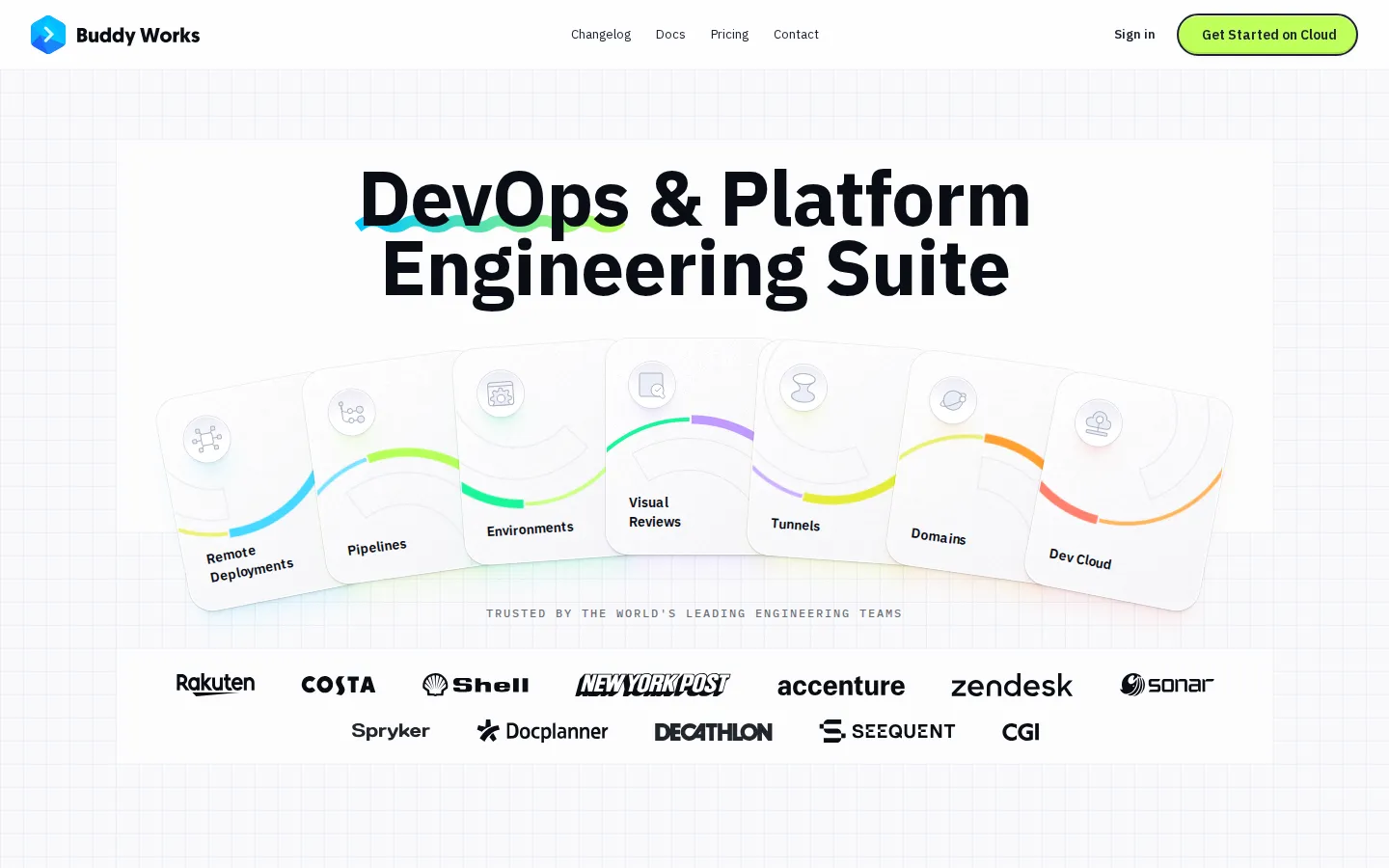
Buddy Core Features
Visual and YAML pipelines
Build, test and deploy workflows by dragging actions in the UI or committing YAML, with matrix runs, change-aware builds, scheduling and trigger conditions.
Remote deployments
Ship to thousands of targets across clouds, VPS, bare metal and CDNs, uploading only changed files, with one-click rollback, manual approvals and role-based access control.
Hosted MCP server
A remote Model Context Protocol endpoint exposes over 90 tools across pipelines, sandboxes, domains, packages and source, so coding agents can act inside a real workspace.
CLI and agent skill
The bdy CLI plus an installable Buddy skill teaches any shell-capable agent to link projects, deploy, run pipelines and read build logs from a terminal or IDE.
Isolated cloud sandboxes
Ubuntu microVMs preloaded with Node, Docker, Go, Python and git, reachable over SSH or a shareable URL, usable as agent workspaces or pipeline actions.
Environments and previews
Automated environments for every branch, pull request and developer, hosted on Buddy's cloud or your own AWS, each with its own URL and lifecycle controls.
Visual regression testing
Cross-browser screenshot and interaction tests with Playwright, Selenium and Cypress, intelligent baseline branching, and Figma or Storybook support.
Tunnels, domains and DNS
Secure tunnels into private networks, unlimited custom domains with automated SSL certificates, and anycast DNS managed from the UI, Git or the API.
Who is Buddy for?
Buddy is aimed at the people who own the path from commit to production. Platform and DevOps engineers are the core audience: they get one control plane for pipelines, targets, environments, DNS and secrets instead of a chain of scripts and plugins, and they can expose a scoped slice of it to AI agents through MCP. Web development agencies and freelance developers use it because a WordPress, Shopify or static site deployment can be assembled visually in minutes and repeated for every client, with only changed files uploaded. Teams experimenting with AI coding agents, from solo builders to platform squads, use Buddy as the execution layer those agents call into, so Claude Code, Codex or Cursor can deploy and read logs rather than just produce a diff. Engineering managers and release leads value the approvals, role-based access control, audit-friendly logs and DORA-style analytics that make a small team look like a bigger one. Frontend and QA engineers use visual reviews and preview environments to catch UI regressions across browsers and viewports before release. Startups and mid-sized SaaS companies pick it to avoid running their own CI runners, while cost-sensitive teams stay on the free tier until concurrency becomes the bottleneck. Data and platform teams also benefit from the Terraform provider and REST API, which let them declare environments and pipelines as code instead of clicking through a console. Larger organizations with SSO and audit requirements fit the Team tier, where SAML or OIDC and custom roles are included, and cost-conscious founders can validate a workflow on the one-seat free plan before paying for concurrency. It is a weaker fit for organizations standardized entirely on GitHub Actions or GitLab CI that only need a runner, and for anyone expecting an AI assistant that writes application code for them.
Buddy Use Cases
Replace brittle shell deployment scripts with a visual pipeline that ships only changed files.
Let Claude Code or Cursor trigger a production deploy and report back without leaving the terminal.
Spin up an isolated sandbox so a coding agent can experiment without touching your laptop.
Give every pull request its own preview environment with a shareable URL and automatic teardown.
Catch visual regressions across browsers and viewports before a frontend release ships.
Run an agent as a pipeline action to review pull requests or triage new Sentry errors.
Connect a private database to cloud pipelines through a tunnel without changing firewall rules.
Centralize scattered domains and SSL certificates under one DNS provider with full API control.
Buddy Pros and Cons
Pros
- Unusually approachable CI/CD: the visual editor and YAML definition coexist, so non-specialists can ship pipelines while platform engineers keep infrastructure as code.
- Genuine agent infrastructure rather than an AI veneer, with a hosted MCP server, a CLI skill and regional endpoints that let Claude Code, Codex, Cursor, Copilot and Devin act on real deployments.
- Broad scope in one product: deployments, environments, sandboxes, tunnels, DNS and visual testing remove several point tools from the stack.
- A real free tier plus a $29 entry plan, with per-seat and per-concurrent add-ons that scale gradually instead of forcing an enterprise contract.
Cons
- Usage-based metering in CPU-minutes, GB-minutes and GB-hours is hard to forecast, so heavy build or sandbox workloads can produce bills well above the plan price.
- The free plan is capped at one seat and two concurrent runs with a $1 monthly credit, which stalls any team beyond a single developer.
- Depth varies by area: SSO and custom roles only arrive on the $299 Team plan, and the platform assumes familiarity with Git, containers and deployment targets.
FAQ About Buddy
Buddy Pricing
Usage-based pricing with a real free tier. Free is $0 with one seat, two concurrent runs, a $1 monthly usage credit (compute and storage) and 1 GB of pipeline cache. Pro is $29 per month with one seat, two concurrents and pay-as-you-go compute from $0.00024 per CPU-minute or GB-minute; extra seats cost $20 and extra concurrents $5. Team is $299 per month with five concurrents, custom roles, SAML/OIDC SSO and seats at $30. All paid plans meter CPU-minutes, GB-minutes and GB-hours on top of the subscription, and the 14-day trial includes $5 of credit.
Check official pricingFree
One seat, two concurrent pipeline runs, a $1 monthly usage credit for compute and storage, 1 GB of pipeline cache, and all core features including scheduling, trigger conditions, custom services and sandbox custom domains.
Pro
For individuals and small teams. One seat with extras at $20 per month, two concurrents with extras at $5, pay-as-you-go compute from $0.00024 per CPU-minute or GB-minute, and every core feature.
Team
For engineering teams. One seat with extras at $30 per month, five concurrents, the same usage-based compute rates, advanced permissions with custom roles and groups, and SAML or OIDC single sign-on.
Enterprise
Custom terms for larger organizations: negotiated seats and concurrency, invoicing, dedicated support and security review. Arranged with Buddy sales.
Buddy Alternatives

Cotlet
Cotlet is a hosted MCP server and REST API for apps with no API. Cotlet builds and maintains each integration and fixes it when the app changes. Cotlet is operated by Take Group sp. z o.o., Katowice, Poland.

Pydantic
Pydantic is the company behind Pydantic Validation and a four-part AI engineering stack: Pydantic AI for type-safe Python agents, Logfire for OpenTelemetry traces and evaluations, Pydantic Evals for test datasets, and AI Gateway for one-key model routing with spend caps. Core libraries are open source; the hosted platform is metered with a free tier of 10 million records monthly.

Weave
Weave is engineering intelligence software that scores every merged pull request in expert hours, tracks quality, review health and DORA delivery metrics, and attributes output to AI or human authorship. Wooly, its research agent, answers questions about the org with cited sources, while Token Intelligence ties AI spend to shipped work and benchmarks cost per merged PR.