
Vidmoat
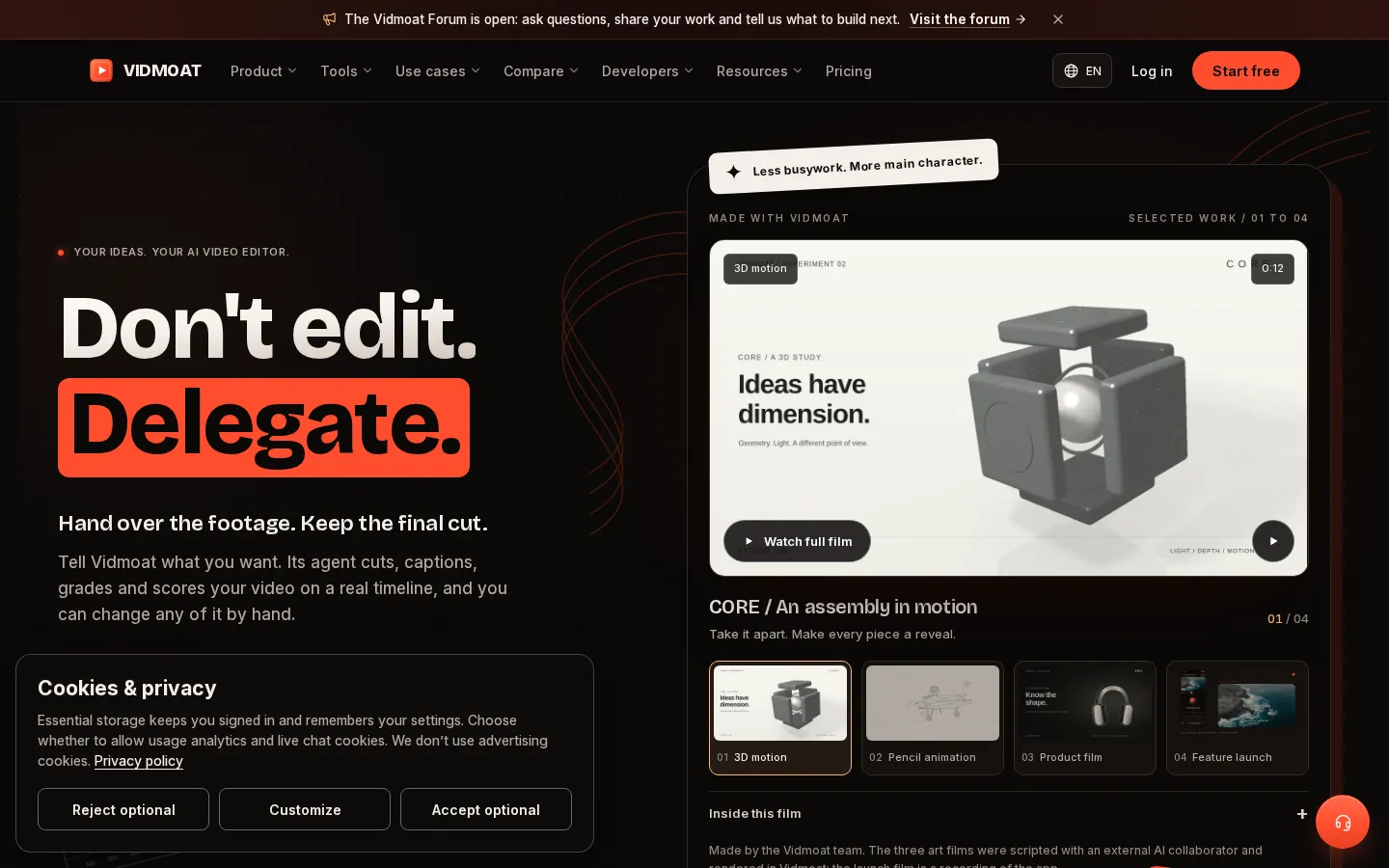
Vidmoat is a browser-based video editor with an AI agent built into the timeline. You drop in raw footage, describe the edit you want, and the agent cuts dead air, writes word-synced captions, grades color and adds music, showing each step on an editable timeline. Every change stays reversible, and the same projects open on desktop, phone and Telegram.
What is Vidmoat?
Vidmoat is a hosted AI video editor built around a full, familiar timeline, except an AI agent sits inside it. You upload footage, then describe the result you want in plain language: make this a punchy TikTok, cut the silences and caption it, give me three 30-second clips. The agent watches the footage, plans the edit, then cuts, captions, grades and scores it step by step, with each action appearing as an ordinary clip or effect on the timeline. Nothing is baked in: every decision can be undone, trimmed or overridden by hand.
That combination is the point of the product. Most AI video tools return a finished file from a black box, and most timeline editors make you do the work yourself. Vidmoat sits in the middle, so beginners get a first cut in minutes while experienced editors keep frame-level control. It shows its plan before it starts and leaves untouched anything you did not ask it to change.
Around the editor sits a wider toolkit: Auto-Cut for long recordings, word-synced captions, silence and filler-word removal, auto reframe for vertical formats, motion tracking, stabilization, color grading, background removal, speed ramping, AI voiceover, AI music, audio cleanup, and generators for video, images and photo-to-video. Templates and one-tap effects cover common formats, and a storyboard tool turns a brief into shots before the first cut.
Work does not have to happen in a browser tab. The same projects and credits are reachable from iPhone and Android apps, from Mac and Windows apps, and by messaging @vidmoat_bot on Telegram, WhatsApp or Discord. Developers can drive the editor over an MCP server with 128 tools exposed to Claude, ChatGPT, Cursor or a custom agent, and Studio plans add personal API keys.
Trust features are unusual for the category: AI actions quote their credit cost up front, live calls show a per-minute rate and cap, and MP4 and WebM exports carry a signed tag that anyone can verify against Vidmoat's ledger. The company is Buzz Innovations Ltd, registered in the UK as 17212684, and it is distinct from VidMate, the Android downloader. A free Hobby tier covers 3 projects and 8 exports a month at 720p.
Vidmoat Core Features
Agent on a real timeline
Describe the edit in plain language and the agent cuts, captions, grades and scores your footage, with every step landing as an editable clip or effect you can undo.
Auto-Cut for long footage
Watches full recordings, keeps the takes worth using, removes dead air and lays the story out on the timeline, with each cut still reversible.
Speech cleanup and word-synced captions
Auto captions, silence removal, filler-word removal and audio cleanup handle the tedious speech work before you touch a frame.
Auto reframe and multi-format repurposing
Reframes and re-times one edit for 9:16, 1:1 and 16:9, then publishes straight to YouTube and TikTok, with Instagram and LinkedIn planned.
Generate inside the edit
AI image, video, music and voiceover generation sit next to your footage, so b-roll, beds and narration can be made without leaving the project; video and music generation require Studio.
Edit from chat
Send a clip to @vidmoat_bot on Telegram, WhatsApp or Discord and the same agent returns the finished file, sharing projects, plan and credits with the web editor.
MCP and API access
128 MCP tools let Claude, ChatGPT, Cursor or a custom agent import footage, edit the timeline, inspect frames and render; Studio adds personal API keys and webhooks.
Transparent, verifiable output
AI actions quote their credit cost, live calls show a per-minute rate and cap, and exports carry a signed tag that anyone can check against a public ledger.
Who is Vidmoat for?
Vidmoat is aimed at people who have footage and a deadline but not the time, or the editing skill, to sit through a timeline. That includes solo creators producing YouTube videos, TikToks, Reels and Shorts; podcasters who need an episode cut into clips; and gamers sitting on hours of capture. It also fits small marketing teams making product demos, launch videos and ads from a link, and course creators who want lessons tightened without learning keyframes. Beginners benefit most from the delegation model: describe the edit, get something watchable, then nudge it by hand. Experienced editors are the second audience, because the agent writes to a real timeline rather than exporting a locked file, so you can keep the cuts you like and fix the rest. Teams and developers are a third group. Video teams get shared projects, shared media, a brand kit, roles and pooled credits on the Team plan, while developers can connect Claude, ChatGPT, Cursor or their own agents over MCP on every plan and buy Studio for personal API keys. It is a weaker fit if you need frame-accurate motion graphics, compositing or multicam work at a professional level, where Premiere Pro, DaVinci Resolve or Final Cut still go further. It is also not a pure text-to-video toy: generation exists but is capped to Studio and metered in credits, so prompt-only workflows may prefer a generator-first tool. Anyone allergic to credit accounting should note that agent edits, transcription and generation consume credits, while manual editing is free.
Vidmoat Use Cases
Turn hours of gameplay capture into a montage that keeps the clutch moments and cuts the downtime.
Cut a long podcast episode into a dozen captioned vertical clips ready for TikTok and Reels.
Repurpose one recording into 16:9, 9:16 and 1:1 versions without re-editing each format by hand.
Produce product demos and startup launch videos from a brief, with shots storyboarded before the first cut.
Tighten course lessons and tutorials by stripping silences, filler words and false starts.
Hand a rough cut to the agent, then fine-tune the pacing, color and captions yourself in the timeline.
Generate voiceover, music and b-roll for a video without licensing stock or booking a studio.
Make a vertical ad from a product page link, using the page's own wording as the script.
Vidmoat Pros and Cons
Pros
- The agent edits a real timeline, so its output is a starting point you can adjust rather than a locked file.
- Broad built-in toolkit: captions, silence removal, reframe, tracking, grading, voiceover, music and generation in one place.
- A free Hobby tier and a $19 entry price, plus day passes and credit packs for occasional projects.
- MCP on every plan and API keys on Studio make it unusually automation-friendly for an editor.
- Costs are shown before AI actions run, and exports can be independently verified.
Cons
- AI actions, transcription and generation burn credits quickly, and video generation is restricted to the $49 Studio plan.
- It is a young product: template and effects libraries are smaller than CapCut's, and independent reviews are scarce.
- No multicam, advanced compositing or deep motion-graphics tooling, so complex professional work still needs a full NLE.
FAQ About Vidmoat
Vidmoat Pricing
Freemium subscriptions priced in USD. Hobby is free forever with 3 projects, 8 exports a month at 720p, 40 AI credits, 500 MB storage and a watermark. Creator is $19/month ($15/month billed yearly) for unlimited projects and exports, 4K without watermark, 1,500 credits and 5 GB storage. Studio is $49/month ($39 yearly) for 6,000 credits, AI video and music generation, API keys, 5 seats and 15 GB. Team is $29 per seat/month ($23 yearly, minimum 3 seats, 2,000 pooled credits per seat). Day passes cost $2.99 for 24 hours, $4.99 for 3 days and $8.99 for 7 days; credit packs are $5 for 200, $10 for 500 and $20 for 1,200. Lifetime tiers are $299 (Creator) and $699 (Studio). Enterprise is quoted per contract.
Check official pricingHobby
3 projects, 8 exports a month at up to 720p, 40 AI credits monthly, 500 MB cloud storage, AI editing and auto captions, MCP access for Claude, ChatGPT or Cursor; small watermark and a two-second end card.
Creator
Unlimited projects and exports, 4K with no watermark or end card, 1,500 AI credits a month, AI images, captions, stickers and voiceovers, pro effects and transitions, stock library, 5 GB storage, priority rendering and Creator Studio for 3 channels.
Studio
Everything in Creator plus 6,000 AI credits, AI video and music generation, personal API keys for your own agents, 8 GB uploads, 5 concurrent renders, 15 GB storage, AI object removal (beta) and 5 seats.
Team
Studio features for every member, shared projects, media and brand kits, roles for owner, admin, member and viewer, 2,000 pooled AI credits per seat per month, 50 GB shared storage and one invoice per team.
Enterprise
Team features at volume with per-contract limits on credits, storage, uploads, concurrent renders and API rate, pooled organisation credits, a shared brand kit, annual terms by invoice or bank transfer, priority rendering and a named contact for security review.
Day Passes
Creator features with 4K and no watermark for 24 hours and 120 AI credits. Three-day passes cost $4.99 with 300 credits and seven-day passes $8.99 with 600 credits; all end automatically and never renew.
Vidmoat Alternatives

DeepSwap
DeepSwap is an online AI face swap studio for video, GIF and photo. Upload a clip, pick a source face, and its private model renders a realistic swap in seconds, handling up to six faces, tricky angles and 1080p output, plus enhancement, background removal, cartoon filters and text-to-video generation, with a credit-based API for bulk work.

Motion
Motion is a video agent from Mosaic that turns a written brief, raw footage or a reference clip into an edited video. It plans the story, generates or cuts shots, adds music and sound, then lets you refine the result in chat, on the preview or in a timeline before exporting to Premiere Pro, After Effects or DaVinci Resolve.

Klipa AI
Klipa AI is a browser-based video toolkit built around AI Clips, which scans long recordings and pulls out the strongest moments as ready-to-post shorts. It adds burned-in animated subtitles in 51 styles, reframes footage vertically, removes silences and filler words, translates audio, and wraps everything in a conversational assistant that chains up to four steps from a single sentence.