
Tripo AI
Tripo AI generates 3D models from text, images, photos, or sketches in seconds. It offers high-detail models up to 2M polygons, engine-ready quad meshes, auto-rigging, PBR texturing, and 3D printing exports. Teams from Sony, ByteDance, and Bambu Lab use Tripo for games, e-commerce, film, and industrial design, with a free plan available.
What is Tripo AI?
Tripo AI is a free online AI 3D model generator that converts text prompts, images, photos, or sketches into 3D models in seconds. Tripo is developed by VAST and powers the Tripo Studio workspace, where users generate models, refine them, animate them, and export them for games, film, e-commerce, and 3D printing. The platform offers two main generation paths: the High Detail Model, which produces high-fidelity models with up to 2 million polygons for rendering, VFX, and product visuals, and Smart Mesh, which generates artist-quality quad meshes from 500 to 50K polygons that are engine-ready with no retopology needed. Tripo includes a full post-processing toolkit: automatic rigging with production-ready skeletons, PBR texturing, smart segmentation that splits models into parts for 3D printing, and multi-view generation that turns single images into multiple views. Export formats include GLB, FBX, OBJ, USD, STL, and 3MF, so assets drop directly into Unity, Unreal, Cocos, Godot, Roblox, Blender, and other DCC tools. Tripo is used by major partners including Sony, ByteDance, NetEase Games, Tencent Games, Bambu Lab, Creality, Anycubic, Stability AI, and Replit, spanning animation and film previs, product design for e-commerce, industrial design, VR/AR/XR, game characters, and 3D printing. The free plan gives 200 credits monthly with about 13 models, while paid plans scale credits, concurrent tasks, processing priority, and storage. Tripo also offers an API for developers who want to integrate 3D generation into their own pipelines, and the platform keeps adding features like 8K textures, part-based transforms, and texture editing with a magic brush on higher tiers. Tripo Studio also includes batch generation for producing many assets in one run, edit history for revisiting past iterations, and a DCC bridge that connects Blender, 3ds Max, Unity, Unreal, Maya, Cocos, Godot, and ZBrush workflows. The platform's image generation capability, powered by models like Nano Banana and Midjourney on higher tiers, lets users create source imagery before converting it to 3D, closing the loop from concept to asset. New-user coupons and one-time credit packs make it easy to scale up for specific projects, and the free plan's 200 monthly credits are enough to evaluate quality. Tripo's research team publishes papers and model releases, and the Event page shows an active community and competition program. For production teams, features like part-based transforms, part-based retopology, and texture editing with a magic brush provide granular control beyond simple generation, while the API enables automated asset pipelines at scale.
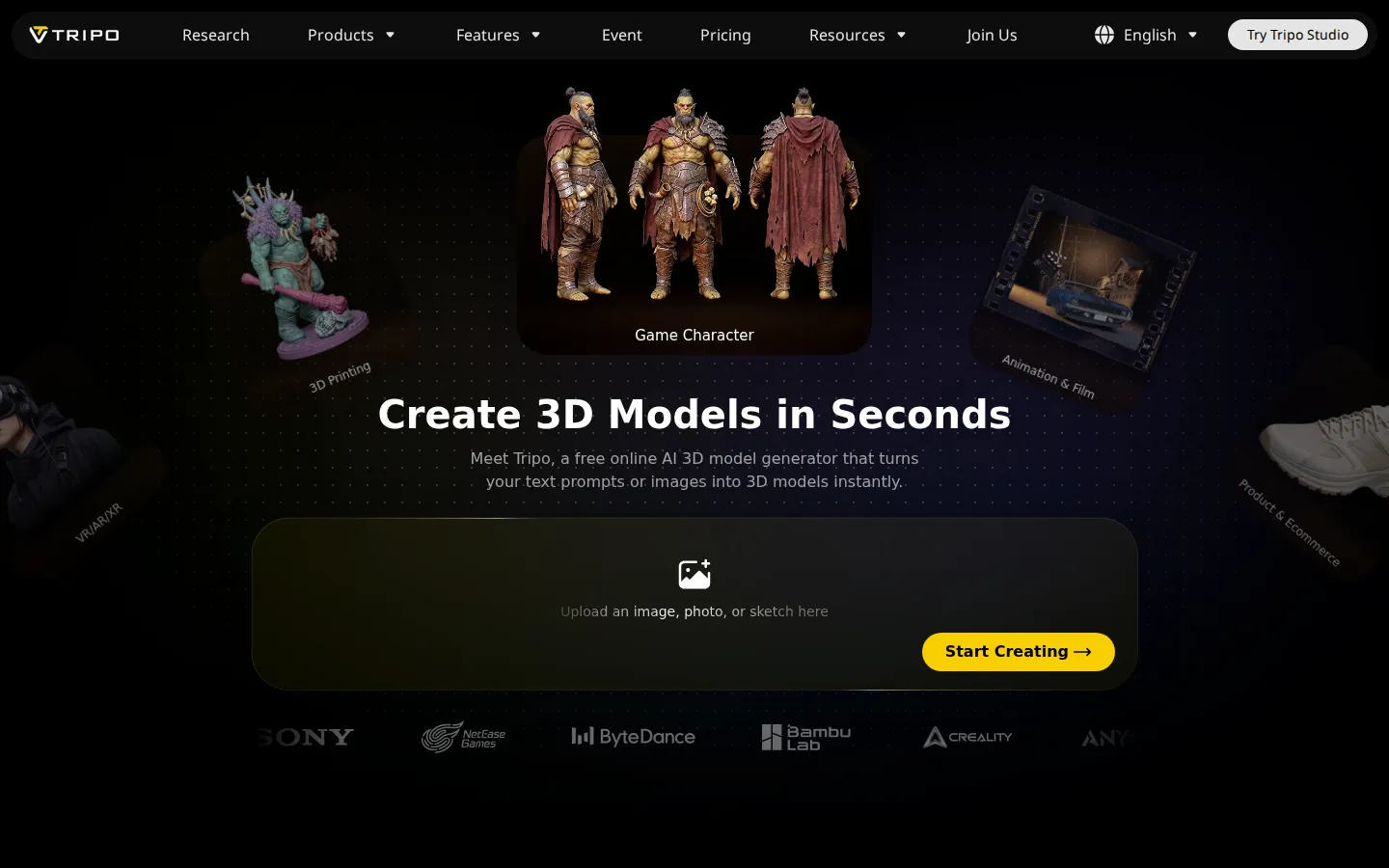
Tripo AI Core Features
Text & image to 3D
Generate 3D models from prompts, images, photos, or sketches in seconds.
High Detail Model
Create high-fidelity models with up to 2M polygons for rendering and VFX.
Smart Mesh
Produce engine-ready quad meshes from 500 to 50K polygons with clean edge flow.
Auto-rigging
Generate production-ready skeletons for natural character animation.
PBR texturing
Apply high-quality materials with industry-first true 8K textures on higher tiers.
Smart segmentation
Split models into print-bed-sized parts automatically for 3D printing.
Multi-view generation
Turn a single image into multiple views for better geometry.
Developer API
Integrate 3D generation into your own products and pipelines.
Who is Tripo AI for?
Tripo AI serves creators and professionals who need 3D assets quickly. Game developers use it to generate characters, props, and environment assets with quad meshes ready for Unity, Unreal, Cocos, Godot, and Roblox. 3D printing hobbyists and designers turn photos or sketches into print-ready models with auto-split parts and STL or 3MF exports. E-commerce teams create product renders and colorway variations without photoshoots. Industrial designers validate concepts and test parts with segmentation and early prototyping. Animators and filmmakers use Tripo for previs, rigging, and animation-ready characters. VR/AR/XR developers generate headset-ready assets with smart low-poly meshes. Indie developers and small studios use the free plan and affordable Pro tier to keep asset pipelines moving. Architecture and interior teams explore spatial concepts from images. Educators and students learn 3D workflows with a browser-based tool that needs no heavy software. Collectors and tabletop enthusiasts generate miniatures for printing. Tripo's API also serves developers who want automated 3D generation inside their products. From hobbyists to AAA studios, anyone who needs 3D models faster than manual modeling can benefit, and the credit-based plans scale from exploration to full production pipelines. Tabletop game studios and board game publishers use Tripo to iterate on miniature designs before manufacturing. Architects and interior designers generate conceptual spatial models from sketches. Jewelry and product designers explore form variations rapidly. VFX teams create base meshes for further sculpting in ZBrush or Blender. Educators in game design and 3D printing courses use Tripo's browser-based workflow for classroom projects. Marketplace sellers on platforms like Sketchfab and CGTrader produce catalog assets efficiently. Museum and heritage projects digitize artifacts from photographs. The free tier and credit packs make Tripo accessible to students and hobbyists while the API and DCC bridge serve professional studios, giving the platform an unusually wide adoption across the 3D ecosystem.
Tripo AI Use Cases
Generate game-ready characters and props with quad meshes for Unity or Unreal.
Turn a photo or sketch into a print-ready miniature for 3D printing.
Create product renders and color variants for e-commerce listings.
Build previs and animation assets for film and video production.
Prototype industrial design concepts with part-based segmentation.
Generate low-poly assets for VR, AR, and mixed-reality experiences.
Produce concept models for tabletop games and collectibles.
Tripo AI Pros and Cons
Pros
- Generates usable 3D models from text or images in seconds.
- Engine-ready quad meshes reduce retopology work significantly.
- Free plan plus credit-based scaling for hobbyists to studios.
- Wide export support including GLB, USD, STL, and 3MF.
Cons
- High-detail models and 8K textures are gated behind paid tiers.
- Complex organic models may still need manual cleanup.
- Credit costs add up for large batch generation runs.
FAQ About Tripo AI
Tripo AI Pricing
Freemium. Free 200 credits/mo (~13 models). Pro $19.90/mo (3,000 credits, ~200 models), Max $89.90/mo (25,000 credits), Team $54.95/seat/mo (90,000 credits). One-time credit packs from $10. New-user 50% off first month.
Check official pricingFree
200 credits (~13 models), 10 model storage, 15 exports, 3 free retries
Pro
3,000 credits (~200 models), 10 concurrent tasks, unlimited exports, commercial use; billed yearly $238.80
Max
25,000 credits (~1,660 models), 100 concurrent tasks, dedicated priority, 8K textures; billed yearly $1,078.80
Team
90,000 credits shared, 200 concurrent tasks, shared workspace, centralized billing; billed yearly
Tripo AI Alternatives

Hyper3D
Hyper3D is Deemos Tech's AI 3D generation platform, built around the Rodin model. Give it a text prompt, a product photo, a sketch or a multi-view set and it returns a textured, quad-topology 3D asset in under a minute. Bounding-box, voxel and point-cloud controls steer the result, and exports drop straight into Blender, Unity or Unreal.

Autonomyware
Autonomyware pairs a chat and files workspace with a geometry kernel the company built itself, so a description, sketch, or existing product becomes an inspectable model rather than a render. Its five steps cover starting an idea, shaping trade-offs, watching mechanisms move, reviewing parts and files, and exporting for 3D printing, milling, or a manufacturer. Paid plans run from $19.99 to $49.99 per month.

Promptelle
Promptelle is an AI photo prompt library & creative workspace tailored for Google Gemini. Features image-to-prompt, style library & prompt optimization.