
Hyper3D
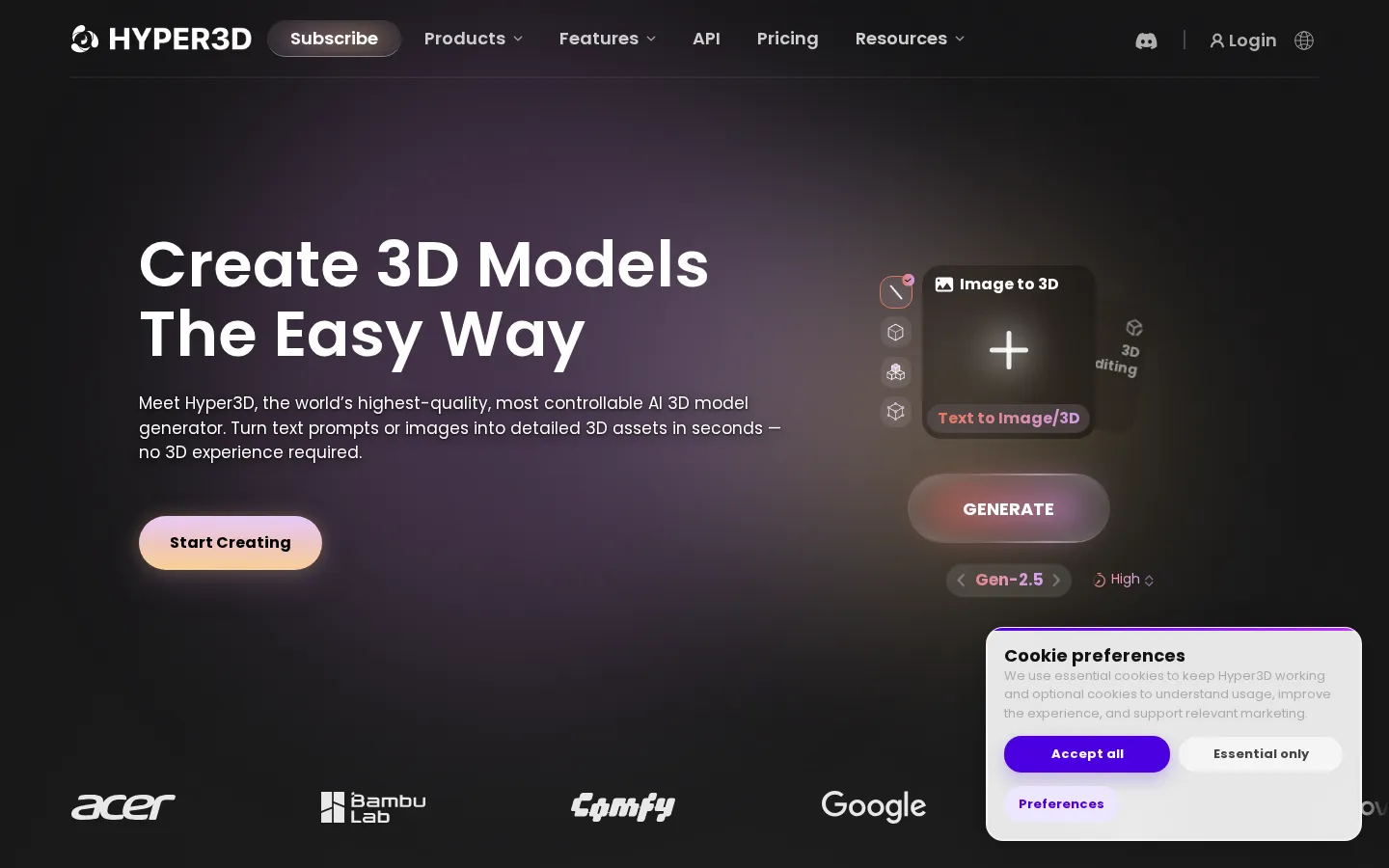
Hyper3D is Deemos Tech's AI 3D generation platform, built around the Rodin model. Give it a text prompt, a product photo, a sketch or a multi-view set and it returns a textured, quad-topology 3D asset in under a minute. Bounding-box, voxel and point-cloud controls steer the result, and exports drop straight into Blender, Unity or Unreal.
What is Hyper3D?
Hyper3D is a web-based AI 3D generation platform from Deemos Tech, the company behind the Rodin model family. It takes a text prompt, a single photo, a concept sketch or a multi-view set and returns a fully textured 3D asset with UV mapping and PBR materials, usually within a minute. The pitch is production-ready output rather than a rough sketch: Rodin is built to preserve silhouette, proportion and surface detail from the reference, so the mesh can go into a game engine or a slicer with modest cleanup.
Generation runs on Rodin, currently version 2.5 on the site. Before committing credits you get a free preview and can retry variations without charge. A thinking-effort slider trades time for quality, from an extreme-low pass at roughly four seconds up to extreme-high at about eighty seconds. Controls go beyond the prompt: bounding-box, voxel and point-cloud ControlNet modes let you dictate volume and pose, multi-image input pins down angles that a single photo leaves ambiguous, and a partial-edit tool changes one region of an existing model without rebuilding the whole thing. Smart Low-Poly retopologises a dense result into a cleaner game-ready mesh, and baked normals carry high-poly detail onto the lighter surface.
Around Rodin sits a wider toolkit. OmniCraft bundles an AI texture generator, an HDRI environment generator, an image remixer and enhancer, an SVG-to-3D converter, a mesh editor, a model viewer and a format converter. ChatAvatar produces 3D avatars with facial controls and PBR materials from text or images. WorldGen turns a picture into a scene of separate, editable objects. An image generator and a video generator share the same credit balance.
Exports cover OBJ, FBX, GLB, GLTF, STL and USDZ, which maps onto game engines, web and AR viewers, and slicers. Official add-ons exist for Blender, Unity, Unreal, Godot, Maya, 3ds Max, Cinema 4D and Omniverse, so a model can be pulled into a DCC tool without leaving it. Business plans add a documented REST API with rate limits, and an MCP server exposes the generation tools to AI agents.
Business and Enterprise tiers add SSO with SAML 2.0, domain-based access, team and role management, a shared asset workspace, audit logs and private on-premise deployment. The pricing model is pay-by-result: you preview, then confirm the credit spend.
Hyper3D Core Features
Text to 3D
Describe an object in a sentence and Rodin returns a textured mesh in seconds, with no modelling, UV unwrapping or retopology done by hand.
Image to 3D
Upload one photo, sketch or illustration as the reference, and add extra views only when you want tighter control over the back and sides.
3D ControlNet
Bounding-box, voxel and point-cloud guides constrain volume, pose and proportion, so output can be forced to match a blockout rather than merely echo the prompt.
Free preview and retries
Rodin renders before it charges, and you can regenerate variants without spending credits until a result is worth confirming.
Smart Low-Poly and partial edit
Retopologise a dense asset into a cleaner game-ready mesh, or change one region of an existing model without rebuilding it.
DCC add-ons
Native plugins for Blender, Unity, Unreal, Godot, Maya, 3ds Max, Cinema 4D and Omniverse bring generation into the tool you already model in.
OmniCraft toolkit
Texture and 8K HDRI generators, image remix and enhance, SVG-to-3D, mesh editor, viewer and format converter all draw on one credit balance.
API and MCP access
Business plans unlock a documented REST API running at 120 to 240 requests per minute, and an MCP server lets AI agents call the generation tools.
Who is Hyper3D for?
Hyper3D is aimed at people who need 3D assets but do not want to model them by hand, and at studios that want a faster first pass before an artist refines anything. Game developers are the loudest use case on the site: concept art and reference photos become props, environment pieces and UGC items that can be dropped into Unity, Unreal or WebGL builds. Product teams use it to turn catalogue photography into 3D models for configurators, 360-degree product pages and marketing renders, where a real object exists but a scan pipeline does not. 3D printing hobbyists and sellers are a natural fit because STL export is one click away and the Free tier lets them preview before paying. Jewellery designers, collectible makers and tabletop creators work in the style presets, which run from photorealistic to voxel and low-poly. Architects and educators use it for massing models, real estate previews and classroom visual aids that would otherwise take a week of modelling. On the technical side, the audience widens to developers and pipeline engineers. Business plans ship a documented REST API with rate limits, an MCP server exposes generation to AI agents, and add-ons exist for Blender, Unity, Unreal, Godot, Maya, 3ds Max, Cinema 4D and Omniverse. Teams integrating 3D into a marketplace, a configurator or an internal asset pipeline are the ones the API tier is written for. It fits less well where dimensional accuracy matters more than appearance. Mechanical engineers and anyone producing manufacturable parts with tolerances should stay in CAD; Hyper3D produces plausible geometry, not measured geometry. Absolute beginners also hit a ceiling once a model needs cleanup, because the editing tools assume some fluency with a DCC package.
Hyper3D Use Cases
Prototype game props and environment assets from concept art before a modeller touches them
Build 3D product models from catalogue photos for configurators and interactive product pages
Convert a character sketch into a textured base mesh for animation or 3D printing
Draft architectural elements, real estate previews and classroom models for presentations
Generate stylised collectibles and jewellery concepts across 21 preset art styles
Batch-generate assets through the API for a marketplace, UGC world or internal pipeline
Retopologise dense scans or generated meshes into low-poly versions for mobile and VR
Produce AR-ready USDZ and GLB models for web viewers and Apple AR Quick Look
Hyper3D Pros and Cons
Pros
- Genuine geometric control through bounding-box, voxel and point-cloud guides, which beats prompt-and-reroll workflows
- Free preview before any credit is spent, so experimenting costs time rather than money
- Broad export and plugin coverage, including Blender, Unity, Unreal, Godot, Maya, 3ds Max and Omniverse
- Full REST API and MCP server on the Business tier, rather than API access held back for enterprise deals
- 21 style presets plus texture, HDRI and mesh tools inside the same account and credit balance
Cons
- Credit costs climb quickly at production volume, and direct credits at $1.50 each are expensive against the subscription rate
- The Free tier caps private assets at 10 and restricts exports, so it is a trial rather than a working plan
- Geometry is visually plausible but not dimensionally accurate, leaving mechanical and tolerance-critical parts to CAD
FAQ About Hyper3D
Hyper3D Pricing
Hyper3D is freemium with pay-by-result credits. The Free tier costs $0 and lets you preview generations before spending, with 10 private assets and exports from legacy models; direct credits are $1.50 each. Creator is $15/mo monthly or $23.33/mo billed yearly at $280, producing roughly 60 models. Business is $60/mo or $96/mo billed yearly at $1,152, with full API access and about 416 models. Enterprise is custom, and verified students and educators get Education pricing.
Check official pricingFree
Pay-by-result generation with free previews before confirming credit spend, basic image-to-3D and text-to-3D, export from legacy models, 10 private assets and public gallery publishing. Direct credits cost $1.50 each.
Creator
About 60 models a month. Adds multi-image to 3D, Smart Low-Poly, HD and custom textures, baked normals, more polycount options, geometry redos x20 and material redos x6, plus unlimited private assets and exports. $23.33/mo if billed yearly at $280.
Business
About 416 models a month. Adds full API access at 120 to 240 RPM, high-resolution textures and high-poly quads, geometry redos x50 and material redos x15, premium image and video models, and ChatAvatar 3D previews with a commercial licence. $96/mo if billed yearly at $1,152.
Enterprise
Custom usage, deployment and support terms: SSO with SAML 2.0, team-grade administration, private on-premise deployment, custom LoRA and fine-tuning, volume discounts and AI plus artist production support.
Education
Creator-tier benefits at education pricing for verified students, educators, classrooms and learning programs. Verification is required before the discount applies.
Hyper3D Alternatives

Autonomyware
Autonomyware pairs a chat and files workspace with a geometry kernel the company built itself, so a description, sketch, or existing product becomes an inspectable model rather than a render. Its five steps cover starting an idea, shaping trade-offs, watching mechanisms move, reviewing parts and files, and exporting for 3D printing, milling, or a manufacturer. Paid plans run from $19.99 to $49.99 per month.

Promptelle
Promptelle is an AI photo prompt library & creative workspace tailored for Google Gemini. Features image-to-prompt, style library & prompt optimization.

Stability AI
Stability AI is the generative AI company behind Stable Diffusion, Stable Audio, Stable Video and Stable 3D, which generate and edit images, video, audio and 3D assets. Teams can call those models through the developer Platform API, download open weights from Hugging Face, or license them for self-hosted deployment. A free Community License covers organisations under $1M revenue, while enterprise licensing is quoted on request.