
Spark Tray
Spark Tray is a free, local-first Windows utility belt that puts five focused tools in your system tray: video downloader, audio extractor, bulk downloader, background remover, and transcriber. Everything runs on your machine — no account, no cloud uploads, no subscription. It stays free by sharing a little idle bandwidth through a vetted partner, with full transparency at install.
What is Spark Tray?
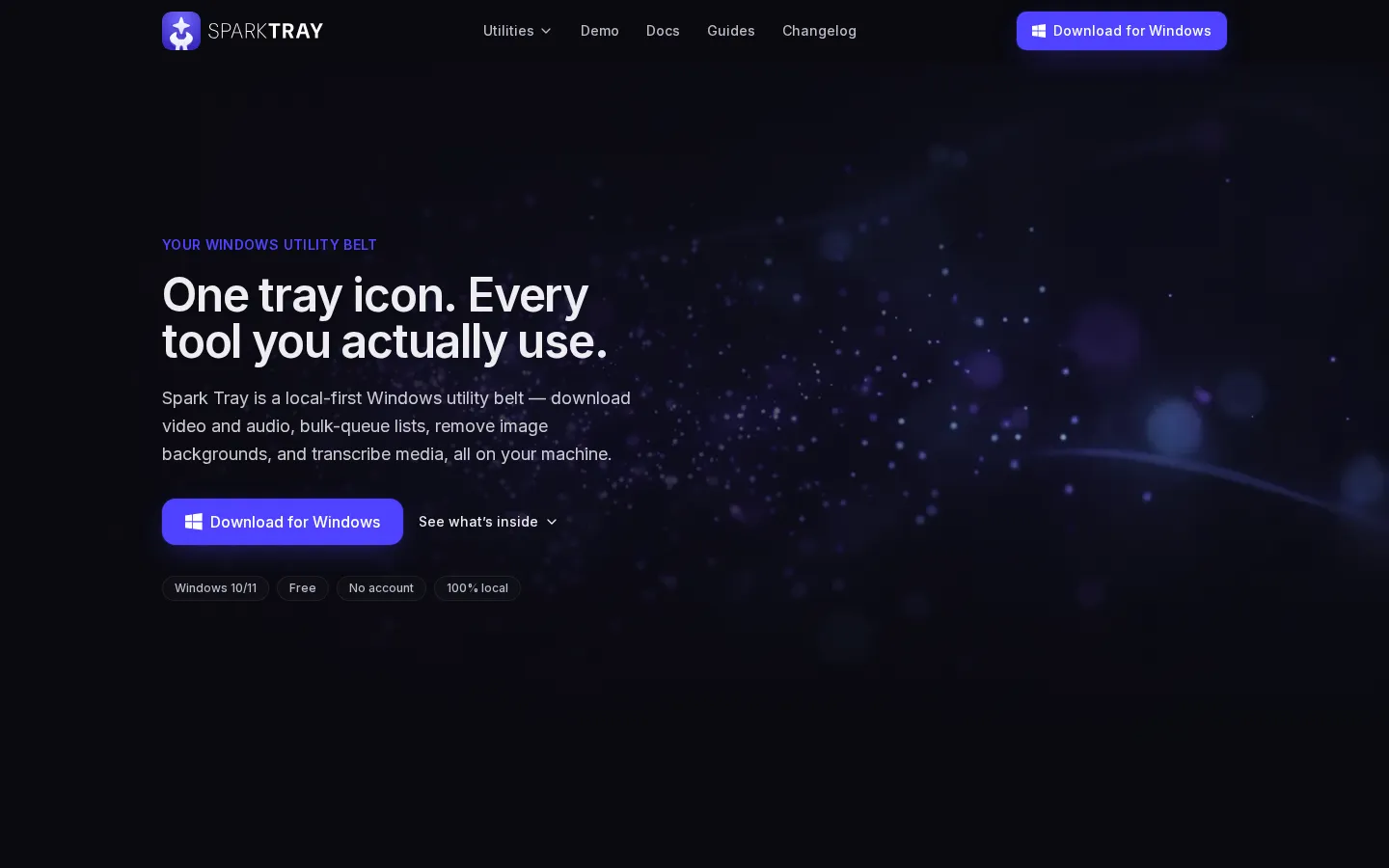
Spark Tray is a free, local-first Windows utility belt that puts five focused tools behind a single system tray icon. It is built for Windows 10 and 11, requires no account, and processes everything on your own machine — files and URLs never leave your PC. The five tools are the Video Downloader, which pastes a link and pulls the video or extracts audio as MP3 with quality selection, subtitle grabbing, and whole-playlist expansion across YouTube, Vimeo, and thousands of other sites; the Audio Extractor, which copies the original track losslessly or converts to MP3, M4A, WAV, FLAC, or Opus at the bitrate you choose; the Bulk Downloader, which accepts a CSV or one link per line and queues everything in the background while honoring your limits and retrying anything that fails; the Background Remover, which cuts the subject out of any photo and returns a crisp transparent PNG in seconds, one image or a whole batch, with the option to drop in a solid color or new backdrop; and the Transcriber, which turns any audio or video into an accurate, timestamped transcript with SRT, VTT, TXT, or JSON export, a choice of model for speed versus accuracy, and on-the-fly translation to English. Spark Tray is local by design: there is no cloud in the loop, no uploads, no queue, and no server round-trips. It is funded transparently instead of by a subscription — while your PC is idle, the app shares a little unused network bandwidth through a vetted partner, pauses instantly on metered connections, never touches capped or pay-per-GB networks, backs off the moment you need the network yourself, and is always disclosed at install. The installer is code-signed with Enhanced Verification, every binary is checksum-verified, and crash reporting is opt-out and off by default. Installation is per-user with no admin prompt and no reboot, the app lives quietly in the system tray until needed, and uninstalling is as simple as removing any Windows app. The product carries a 4.3 out of 5 rating based on 20 latest reviews, and is featured on several software directories and launch boards.
Spark Tray Core Features
Video Downloader
paste a link, pick quality, grab subtitles, and expand whole playlists across YouTube, Vimeo, and thousands of sites
Audio Extractor
copy the original track losslessly or convert to MP3, M4A, WAV, FLAC, or Opus at your chosen bitrate
Bulk Downloader
drop in a CSV or one link per line for background queueing with limits and automatic retry
Background Remover
crisp transparent PNG in seconds, batch mode, with solid color or new backdrop options
Transcriber
timestamped transcripts with SRT, VTT, TXT, or JSON export, model choice, and on-the-fly translation to English
100% local processing
files and URLs never leave your PC, with no account and no cloud round-trips
Free forever with transparent funding
optional idle-bandwidth sharing through a vetted partner, disclosed at install
Code-signed Enhanced Verification installer with checksum-verified binaries and opt-out crash reporting
Who is Spark Tray for?
Spark Tray is for Windows 10 and 11 users who want a practical set of media utilities without paying for a subscription or trusting a cloud service with their files. It is ideal for content creators and editors who download reference videos and audio from YouTube, Vimeo, and other sites, extract soundtracks in lossless or compressed formats, and need transcripts of long recordings with timestamps. Students benefit directly — one reviewer pulled a whole semester of lecture recordings down as MP3s for commute listening — and podcasters and interviewers use the transcriber to turn two-hour conversations into clean SRT files with timestamps, all on their own laptop. E-commerce sellers and small businesses use the background remover to cut subjects out of product shots and get transparent PNGs in seconds, in single or batch mode. Researchers and analysts who collect media at scale use the bulk downloader to drop a CSV of hundreds of links and come back to a finished queue with failed items retried automatically. Privacy-conscious users are a core audience: interviews with sensitive clients stay on the machine, nothing is uploaded, and there is no account to sign into. The tool is also suited to anyone tired of sketchy ad-filled download sites — reviewers describe replacing several such sites with this one tray icon. It is not for Mac or Linux users, as only Windows 10 and 11 are supported, and users with strict corporate antivirus policies may need to manually approve the installer the first time. Users who are uncomfortable with the idle-bandwidth funding model can rest easy knowing it pauses on metered connections, yields when they are active, and is fully disclosed at install, with uninstalling as the opt-out.
Spark Tray Use Cases
Saving YouTube and Vimeo videos and whole playlists for offline viewing
Extracting podcast audio as MP3 for commute listening
Batch-downloading large link lists from a CSV with automatic retries
Removing backgrounds from product shots for e-commerce listings
Transcribing interviews and client calls into timestamped SRT or VTT files
Converting audio between formats (MP3, M4A, WAV, FLAC, Opus) at chosen bitrates
Processing sensitive media locally without uploading to any cloud service
Translating transcripts to English on the fly for research and reporting
Spark Tray Pros and Cons
Pros
- Free forever with no account, no trial timers, and no paywalled features
- Fully local processing — privacy-friendly, nothing ever uploaded
- Five practical tools in one lightweight tray app, replacing sketchy websites
- Transparent funding model with pauses on metered connections
Cons
- Windows 10 and 11 only — no macOS or Linux version yet
- Funded by idle-bandwidth sharing, which not every user will want (opt-out is uninstalling)
- Background remover is all-or-nothing on subject selection and batch mode is slow on older PCs
FAQ About Spark Tray
Spark Tray Pricing
Free forever — all five tools free with no account, no trial timer, and no paywalled features. Funded transparently by optional idle-bandwidth sharing through a vetted partner, disclosed at install. No card required.
Check official pricingSpark Tray
All five tools included: Video Downloader, Audio Extractor, Bulk Downloader, Background Remover, Transcriber. Funded by optional idle-bandwidth sharing through a vetted partner.
Spark Tray Alternatives

iMobie
iMobie is a consumer software suite for iPhone, iPad and Android owners, covering data recovery, phone-to-phone transfer, passcode and Apple ID unlocking, system repair and storage cleaning. Its multimedia line adds AI-assisted screen recording in FocuSee, real-time voice changing in Vozard and AI video upscaling in AnyEnhancer, sold through monthly, yearly and perpetual licences on its own store.

Velozity
Velozity is a multiplayer AI office for remote teams that puts people and AI agents in the same shared workspace. Persistent presence, video and audio calls, transcripts, tasks, notes, calendars and guest passes live in a single window, while built-in and bring-your-own agents take on real work across more than 100 integrations and a cloud computer.

HiNoter
HiNoter converts audio, video, PDFs, and meeting recordings into transcripts, structured summaries, and action items. It records Zoom, Google Meet, and Microsoft Teams calls, accepts uploaded files or YouTube links, and transcribes over 100 languages. A one-time free credit covers a single note, Personal Pro costs $6.99 a week or $69.99 a year, and Team Pro starts at $119.98 a year for two seats.