
Opengeni
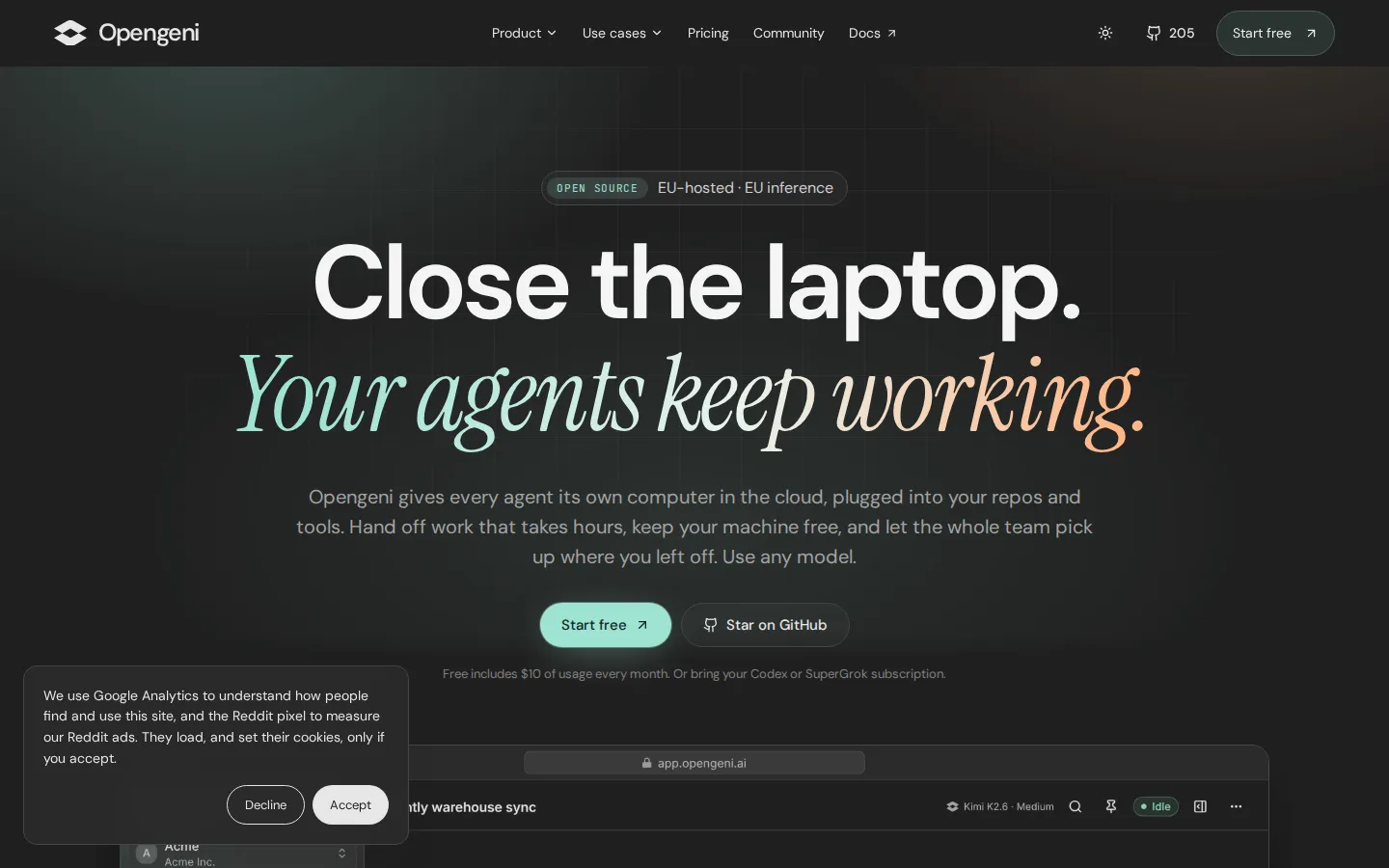
Opengeni is a cloud harness for long-running AI agents. Each agent gets a sandboxed computer with git, a shell, Python and a browser, connected to your repos, Slack and MCP tools. Credentials sit in an encrypted vault, teammates can open and steer the same chat, and you can bring any model, including a Codex or SuperGrok subscription. Free includes $10 of monthly usage.
What is Opengeni?
Opengeni is an open-source agent harness, hosted in the EU, that gives every AI agent its own computer in the cloud instead of borrowing yours. The company behind it is Cloudgeni, a Norwegian team that built the platform while running agents in production for customers including Hydro, Havila, Posten and We Are Learning, then released it under Apache 2.0. The pitch is deliberately narrow and practical: an agent is only useful for real work if it can run code, reach your tools, keep going for hours, and be handed to a colleague without a transcript pasted into a chat window.
Mechanically, each task gets a sandbox with git, a shell, Python and a browser. An agent can clone a repository, install packages, run a test suite, edit files, use the GitHub CLI, browse the web and build documents, spreadsheets or small sites. Because the sandbox is not your laptop, ten tasks can run in parallel while your machine stays idle, and a job started before dinner is still running at breakfast. Work arrives in three shapes: a goal that continues until it is done or needs a decision, a schedule that recurs on plain-language timing, and a chat you can continue from Slack, the web app or a phone.
Two design choices separate it from a local coding agent. The first is credentials: keys, logins and one-time codes live in an encrypted server-side vault, a command references the secret by name, and the real value is injected only at execution, never entering the model, transcript or logs. The second is multiplayer: workspaces hold members, roles, shared integrations and knowledge, and any teammate can open a running task to add context or change direction. Riskier actions can be set to allow, ask first or block, with approvals arriving on the web, in Slack or on a phone.
Models are a plug, not a lock-in. You can connect a Codex or SuperGrok subscription, add keys for OpenAI, Azure OpenAI, OpenRouter or Vercel AI Gateway, or spend Opengeni credit, and pick a different model per task. Calls through your own subscription or key consume no credit, and cloud model calls bill at the provider's API price with no markup.
Deployment is three-way: the managed cloud, your own Kubernetes through the Helm chart with Terraform for AWS, Azure and GCP, or an always-on Mac or Linux machine running the agent, which dials out so no ports need opening. The same Apache 2.0 code runs the vendor's cloud, which is a credible signal for teams that expect to self-host later.
Opengeni Core Features
A computer per agent
Every task runs in its own cloud sandbox with git, a shell, Python and a browser, so ten agents work in parallel while your laptop idles.
Long-running goals
Give the agent an objective rather than a prompt; it plans, checks its own progress on a schedule and continues until the job is done or it needs your decision.
Scheduled work in plain words
Recurring jobs such as error triage, dependency updates or cost checks are described in a sentence and deliver results into a chat or a Slack channel.
Slack-native handoff
Mention @Opengeni in a thread and the same task is available from the web app and phone, so the conversation and the work stay in one place.
Pull requests, not patches
Agents clone the repo, reproduce the bug, run the tests and open a pull request with a log of every step for a human to review and merge.
Encrypted secrets vault
Keys, logins and one-time codes are stored server-side and injected only when a command runs, so values never touch disk, logs or model context, and risky actions wait for a person's approval.
Shared workspaces
Organizations hold multiple workspaces with members, roles, integrations, knowledge and personal Only me chats, and any teammate can continue a running task.
Any model, one meter
Connect Codex, SuperGrok, OpenAI, Azure OpenAI, OpenRouter or Vercel AI Gateway, or use credit billed at provider API prices with no markup.
Who is Opengeni for?
Opengeni is built for engineering organizations that already use coding agents and have hit the limits of running them on developer laptops: work stops when the lid closes, secrets end up in dotfiles, and nobody can pick up a colleague's session. It fits teams with a real backlog of well-scoped work (bug fixes, upgrades, dependency bumps, triage, reporting) and enough process that a task can be described and reviewed. Because the platform is EU-hosted and self-hostable, it also suits companies with data-residency or procurement constraints that rule out US-only SaaS. Roles it typically serves: - Engineering managers and platform leads who want agents available to a whole team rather than one power user, with shared chats, roles and a single place to configure integrations. - Software engineers who want to hand off small tickets, test fixes, refactors and upgrades and come back to a pull request with a full log instead of babysitting a terminal. - DevOps and SRE teams automating recurring checks such as error triage, dependency updates, cost reviews and post-release smoke tests on a schedule. - Data and analytics teams running long backfills, report generation and warehouse sync repairs that span hours and fail on expired tokens. - Product and support engineering teams embedding an assistant inside their own product, where each customer's data and credentials must stay separated and the API key stays in the backend. - Founders and small teams without platform staff, who want agents that keep working overnight without operating a server or an orchestration stack. - Security and compliance reviewers at EU companies, who need keys in an encrypted vault with an audit trail, approvals on risky actions, and an option to deploy inside their own VPC. It is a weaker fit for solo developers who work interactively in an IDE and rarely need parallel or unattended runs, for teams whose tasks cannot be reviewed as a diff or a log, and for anyone unwilling to manage model costs, since usage is metered at provider API rates once free credit ends.
Opengeni Use Cases
Migrate a billing service to a new API and keep going until continuous integration is green.
Triage overnight Sentry errors every weekday morning and flag the ones tied to yesterday's release.
Turn backlog tickets into reviewed pull requests with tests and a written change log.
Run several coding agents in parallel on dependency upgrades and framework migrations.
Rotate an expired token and re-run a failed warehouse sync end to end.
Embed a customer-facing assistant that looks up invoices, finds duplicate charges and issues refunds.
Publish internal tools as live sites with their own database instead of sharing screenshots.
Answer recurring questions in a Slack channel using workspace knowledge and connected tools.
Opengeni Pros and Cons
Pros
- Open source under Apache 2.0, with Helm and Terraform, so the cloud version can be recreated in your own Kubernetes or VPC later.
- Credits buy five times their value in usage, model calls are passed through at provider API prices with no markup, and bringing your own subscription costs no credit.
- Credentials live in an encrypted vault with per-action approvals, which addresses the usual objection to giving an autonomous agent production access.
- Multiplayer workspaces with roles and shared chats make agents a team resource rather than a personal terminal habit.
- EU hosting and EU inference, with a self-host path, suit companies that cannot send code to a US-only service.
Cons
- The project is young: the public repository has roughly two hundred stars and the GitHub organization dates from December 2024, so long-term roadmap and community depth are unproven.
- Usage is metered by tokens, so long autonomous goals and large repos can spend credit quickly; the $10 free allowance is a trial, not a working budget.
- Self-hosting assumes Kubernetes and Terraform skills, and the platform competes with IDE-native agents that developers already have open.
FAQ About Opengeni
Opengeni Pricing
Opengeni is freemium with published tiers. Free includes $10 of usage each month for up to five members; Pro is $20 a month for $100 of usage and ten members; Max is $100 a month for $500 of usage and unlimited members. The $500 figure is credit, not a price, and plans grant credit worth five times the payment. Model calls bill at the provider's API price with no markup, top-ups never expire, and self-hosting the Apache 2.0 code is free.
Check official pricingFree
$10 of usage credit every month for up to five members, with cloud sandboxes, schedules, goals and the option to bring your own subscription or API key. No card required.
Pro
$100 of usage credit each month for up to ten members, five times the payment in credit. When credit runs out, agents continue pay-as-you-go from top-ups that never expire.
Max
$500 of usage credit each month with unlimited members, built for teams running agents all day. Same pay-as-you-go continuation and non-expiring top-ups as Pro.
Enterprise
Volume pricing for larger teams, on Opengeni's managed cloud or self-hosted in your VPC, with SSO and access requirements, deployment help and commercial support.
Pay as you go
No plan and no monthly fee: add credit when needed and spend it at provider API prices with no markup. Credit never expires and covers cloud sandboxes, schedules and goals.
Opengeni Alternatives

ZooWork
ZooWork packages professional expertise into deployable AI agents. Experts describe their role, load company knowledge and working SOPs, set delivery standards and tool permissions, then publish an agent that plans tasks, calls real systems, pauses at human approval gates, and produces deliverables. A managed runtime handles orchestration, sandboxes, and model routing across OpenAI, Claude, Gemini and DeepSeek, plus Slack, Teams and API access.

OpenBot
OpenBot is a desktop workspace where several AI agents live on your machine, each with its own name, instructions and workspace. They message each other, hand off tasks and share files. You pick the provider - Codex, Claude Code, Gemini, Grok, Cursor, Cline, OpenCode or a local model - and your files, conversations and browser data stay local, running on subscriptions you already own.

Rill
Rill is a free beta browser for Apple silicon Macs that puts Claude Code and Codex beside your browsing. Press Command-E on any page to send a task, with the page or selection attached, and Rill routes it to the right local project. Your existing agent plan powers everything, with no new subscription or API keys, and nothing to configure.