
Rill
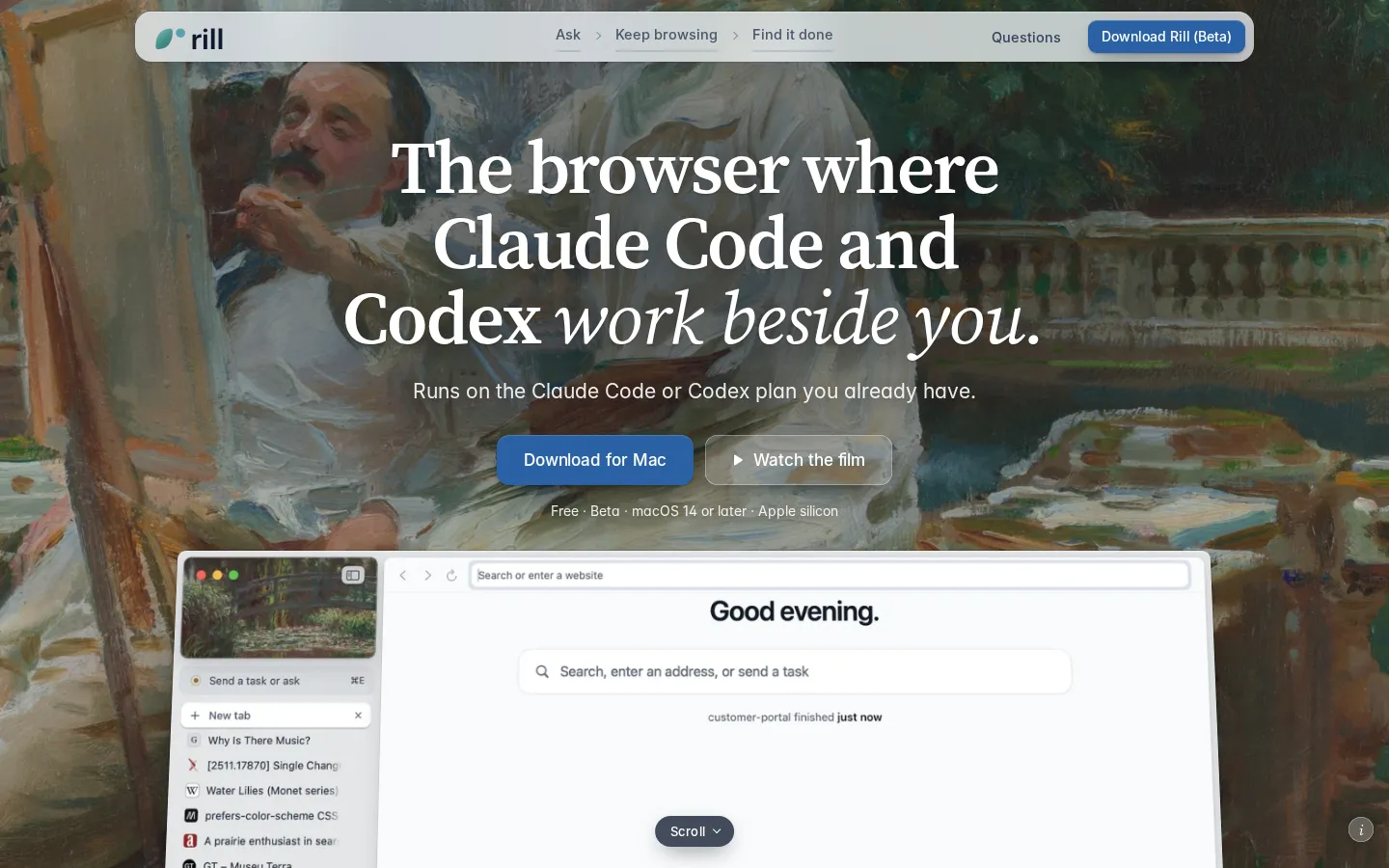
Rill is a free beta browser for Apple silicon Macs that puts Claude Code and Codex beside your browsing. Press Command-E on any page to send a task, with the page or selection attached, and Rill routes it to the right local project. Your existing agent plan powers everything, with no new subscription or API keys, and nothing to configure.
What is Rill?
Rill is a native Mac browser built around one idea: the coding agent you already pay for should be able to see the page you are reading. Instead of copying a link into a terminal or a chat window, you press Command-E on any page, describe what you want in plain words, and Rill hands the request to your local Claude Code or Codex installation along with the page address, its title and your selection. A routing pass then decides which of your projects the work belongs to and shows its reason; when it is unsure, it asks you. There is no project setup step, because Rill reads your existing Claude Code and Codex history to learn what your projects actually are.
The app is version 0.1.6, an early release from Manifold AI Inc., and it is free. It needs macOS 14 or later on Apple silicon, plus Claude Code 2.1.261 or the Codex CLI 0.144.4 installed and signed in. Because every AI feature runs that local CLI under your own account, Rill adds no subscription and stores no API keys; billing stays exactly where it already was. Browsing works without any agent at all, so the window is useful before you sign in to anything.
Around that core it is a deliberately quiet browser. Tabs are grouped on the start page by what you were doing, each group carrying a one-line summary, and the bar stays as you left it. History becomes day episodes: where you went, what you asked for, what got done. A search box accepts a description of a page you half remember and finds it in your own library. Every project your agents have touched appears on one map, sorted into AI-named areas, with finished work marked Done.
Agents working inside a project browse in background tabs with separate website data, so they read pages without your logins. A second kind of request, shown as On the web, uses your sign-ins to compare, book or look things up, and is told to stop before the step that pays, orders, sends, posts or deletes unless you plainly said to go through with it. History, threads and passwords stay on the Mac, the last of them in the Keychain.
Rill Core Features
Send from any page
Press Command-E wherever you are reading, describe the work in plain words, and Rill attaches the page address, its title and your selection to the request.
Project routing
Rill learns your projects from existing Claude Code and Codex history, sends each request to the right one with a visible reason, and asks when the match is unclear.
Your own agent at work
Tasks run the CLI you installed, in the background, with tool steps, file diffs and per-edit Undo inside git repositories.
Agent tabs
Inside a project, agents browse in their own background tabs with separate website data, so they read the web without your logins and you can take a tab over.
Tasks on the web
Rill can compare, book or research with your sign-ins, stopping before any step that pays, orders, sends, posts or deletes unless you said to continue.
Tabs sorted by AI
The start page groups open tabs by intent and writes a one-line summary for each group, using titles and addresses only, never page text.
History as days
Visits become day episodes with a summary and a ribbon of the day, and a description search finds a page you only half remember.
Project map
Every project your agents have touched sits on one map, sorted into AI-named areas such as Research and data or Design, with finished work marked Done.
Who is Rill for?
Rill is aimed at people who already run Claude Code or Codex in a terminal and keep a browser open beside it, then lose time moving context between the two. It assumes you are comfortable with a CLI, a git repository and the idea that an agent edits files on your machine, and it rewards that comfort by removing the copy-paste step entirely. The common thread is working style rather than job title: you read in order to decide something, you keep several projects alive at once, and you would rather file a request the moment you notice it than reconstruct the context an hour later. - Software engineers who keep several repositories open and want a page, an error report or a design reference to land in the right one without retyping the address. - Indie hackers and solo founders shipping a product alone, who read docs, changelogs and competitor pages all day and would rather file each finding as a task than as a bookmark. - Researchers and data analysts pulling methods from papers into notebooks, where the value is in the exact paragraph that started the idea. - Designers and front-end engineers who point at a page whose look they like and ask an agent to make their own project match it. - Technical product managers and support engineers who reproduce a bug from a customer's page and want it captured as a task with the exact context attached. - Writers and editors who want to compare several sources in one table or check a claim against the page it came from. - Data journalists and newsletter authors who chart public statistics and need a citable trail from page to figure. - Students and teachers who work through course material with an agent on hand, without handing over an account or an API key.
Rill Use Cases
Turn a methods paragraph from an arXiv paper into a change in your analysis repository.
Send a release note from a changelog page to the project that should test the upgrade.
Chart a table row you clicked on and route it to a newsroom charting project.
Book a flight from a travel page and answer the agent's question about departure time.
Compare up to six open tabs into one table that quotes each page it read.
Find a page you remember only by description, searched across your own browsing library.
Review the diff and undo a single edit before an agent's change reaches your repository.
Dictate a task by holding Fn while you read, without leaving the page.
Rill Pros and Cons
Pros
- Runs on the Claude Code or Codex plan you already have, with no new subscription and no API keys.
- Command-E routing removes the copy-paste step between reading a page and asking an agent to act on it.
- Local history, Keychain passwords and features you can switch off make the privacy claims concrete rather than decorative.
- Agents inside projects work without your logins, and web tasks stop before payment, orders or posts unless you approve.
- The interface is genuinely calm: grouped tabs, day episodes and a project map instead of a wall of bookmarks.
Cons
- It is beta software at version 0.1.6, limited to Apple silicon Macs on macOS 14 or later, so Intel machines are excluded.
- AI features require a separately installed, signed-in Claude Code or Codex CLI, which is a real setup hurdle for non-developers.
- It depends on an Anthropic or OpenAI plan; without either, Rill is a pleasant but ordinary browser with no agents in it.
FAQ About Rill
Rill Pricing
Rill is free during its beta. There is no subscription, no paid tier and no API key: AI features run on the Claude Code or Codex plan you already have, signed in under your own account.
Check official pricingRill Alternatives

MaxAsk
MaxAsk is a free search engine run by Maxthon Limited. A query returns web results and image results on one page, and adding a question mark at the end of a query requests an AI answer. It runs in the browser, needs no account, and can be set as a browser default search engine. The same search service is built into the Maxthon browser.

Aside
Aside is a Y Combinator-backed AI browser that acts as the most intelligent AI assistant, but as a browser. It works across your logged-in websites and accounts - email, dashboards, internal tools - and completes tasks other agents can't: messaging, payments, research, and file work. Ranked #1 on three browser-agent benchmarks, it features local-first memory, a built-in password manager, and agent tabs that work while you work.

Tabbit
Tabbit is an AI-native browser that understands your context. Chat with webpages, drop in tabs, files, screenshots or highlighted elements with @ anything, automate tasks with Agent Mode, and create custom Skills. It bundles site MCPs, agent memory, smart tab organization, favorites with full-page saving, multilingual translation, and support for top models like GPT, Claude, and Gemini, with local-first privacy. Free for macOS and Windows.