
Tabbit
Tabbit is an AI-native browser that understands your context. Chat with webpages, drop in tabs, files, screenshots or highlighted elements with @ anything, automate tasks with Agent Mode, and create custom Skills. It bundles site MCPs, agent memory, smart tab organization, favorites with full-page saving, multilingual translation, and support for top models like GPT, Claude, and Gemini, with local-first privacy. Free for macOS and Windows.
What is Tabbit?
Tabbit is an AI-native desktop browser for macOS and Windows, developed by Lumina Lab (LUMINALAB PTE. LTD., registered in Singapore). Unlike traditional browsers that treat AI as an add-on, Tabbit is built around context: tabs, tab groups, favorites, PDFs, screenshots, highlighted page elements, and local files can all be dropped into an AI conversation with the @ anything shortcut, and the agent reads, plans, and runs. The browser ships with Agent Mode, which can create documents and webpages, run deep research, and automate web operations. A multi-agent system loads specialist agents — Research, Operator, Writer, and Analyst — each equipped with the right Skills. Tabbit offers 2000 Agentic Skills covering the top 100 daily-use sites such as YouTube, ChatGPT, Substack, Papers, Reddit, GitHub, and Gmail, and users can build their own skills from scripts or saved agent workflows. Model access is a headline feature: GPT, Claude, Gemini, Grok, DeepSeek, Kimi, Qwen, GLM, Doubao, and MiniMax are all available, with new state-of-the-art models added within 12 hours of launch. Prompts go directly to the provider the user selects, routed through compliant servers in Singapore or the user's region. Everyday browsing features include a context-aware omnibox (browse, chat, search, or agent mode), smart tab grouping, vertical tabs, favorites with full-page saving and hover summaries, multilingual webpage translation, cross-device sync of favorites, passwords, and conversations, one-click import from Chrome, Safari, or Edge, and background updates. Recent releases add webpage generation and one-click publishing, scheduled tasks, pinned chats, address-bar search-engine switching, and desktop pets. The company reports 107,763 users across 20+ countries, with testimonials from podcast hosts, tech bloggers, and startup founders who made Tabbit their default browser. Privacy is a stated principle: highlights, chats, and saved pages stay on the device, and Tabbit says it never sells data, trains on user reads, or decides what users see.
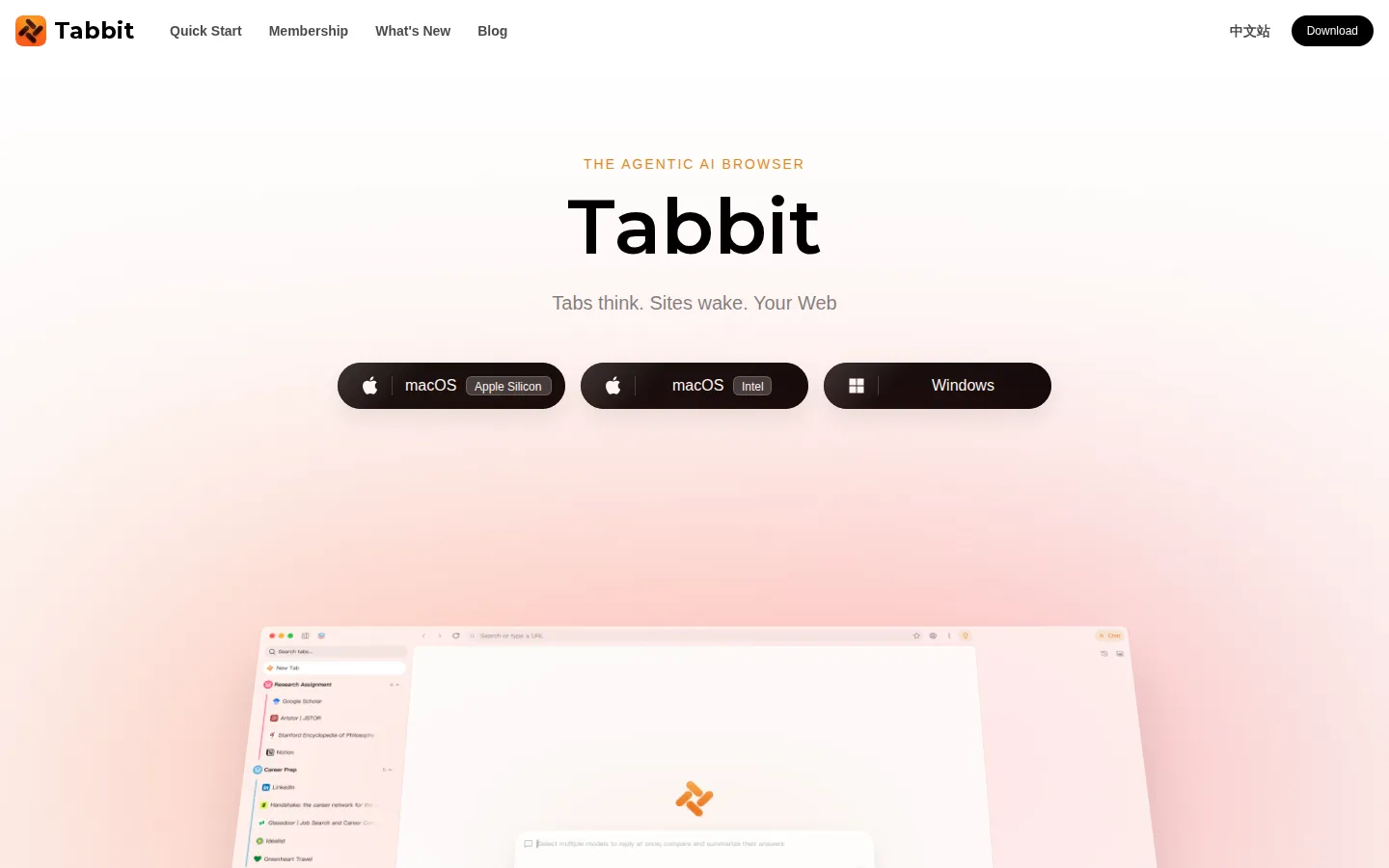
Tabbit Core Features
@ anything lets you attach tabs, files, screenshots, highlights, and local files as AI context
Agent Mode automates web tasks
deep research, document creation, and online operations
2000 Agentic Skills for the top 100 daily-use sites, plus custom Skill creation
Multi-agent workflows
Research, Operator, Writer, and Analyst agents each loaded with Skills
Access top models — GPT, Claude, Gemini, Grok, DeepSeek, Kimi, Qwen — in one browser
Smart tab grouping, vertical tabs, and chat with tab groups as a knowledge base
Favorites with full-page saving, hover summaries, and note-like text and image capture
Privacy-first local storage
no selling data, no training on your reads, no content filtering
Who is Tabbit for?
Tabbit is built for anyone who lives in a browser and wishes the AI were already part of it — researchers, students, content creators, podcasters, founders, and knowledge workers who juggle dozens of tabs, PDFs, and bookmarks every day. Researchers and students can feed papers, lecture recordings, and notes to the AI and get study aids like Anki flashcards or literature summaries. Podcasters and media creators — like the podcast host quoted on the site who sifts through nearly a million words before each episode — use Tabbit to collect, classify, and integrate source material into show prep. Independent AI creators, tech bloggers, and startup founders use it as a default-browser companion for reading, writing, and producing content. The product also targets people who want automation without leaving the browser: shopping research, deep-research reports, web crawling, and document generation can all be handed to Agent Mode. Multilingual readers benefit from built-in webpage translation and word explanations, and heavy tab users get smart tab grouping plus the ability to chat with tab groups as a knowledge base. It is equally suited to privacy-conscious users, since highlights, chats, and saved pages stay on the machine and prompts go directly to the model provider the user picks. Because the browser is free forever and the Standard plan's 10x AI allowance costs nothing if you set Tabbit as your default browser, it is an easy experiment for anyone curious about AI-native browsing — no payment required to try it.
Tabbit Use Cases
Turn a recorded lecture into Anki flashcards with a single prompt
Research academic topics and generate deep-research reports via Agent Mode
Pull quotes, timestamps, and book references from a two-hour podcast into one doc
Skim dozens of uploads and surface the three worth your time, ranked
Ask the agent to find shopping options for anything you need
Auto-organize open tabs into smart groups and manage them visually
Generate and publish a full webpage online from a single sentence prompt
Translate webpages and get word explanations that simplify complex content
Tabbit Pros and Cons
Pros
- Free forever browser; the Standard plan's 10x AI usage is free when you set Tabbit as your default browser
- One browser for nearly every major AI model, with new SOTA models added within 12 hours
- Deep context integration: attach tabs, files, screenshots, and highlights to any chat via @
- Strong privacy stance — data stays local and prompts go straight to the chosen model provider
- Large ready-made skill ecosystem (2000+ skills) that users can extend with custom Skills
Cons
- Desktop-only for now: macOS 12+ and Windows 10+; Linux and mobile are still on the roadmap
- Free AI usage is limited to a weekly allowance; top-tier models require the paid Pro plan
- Pro subscriptions can only be purchased inside the app, with no public web checkout
FAQ About Tabbit
Tabbit Pricing
Tabbit is free forever — the browser costs $0, the Standard plan (10x AI usage) is unlocked free by making Tabbit your default browser, and Pro costs US$ 30.00/month for 100x usage and top-tier models.
Check official pricingFree
Explore AI capabilities: basic usage resetting weekly, chats with top-tier AI models, unlimited chats with the default model, Skills, Super @, Memory, sync, smart tab grouping, and multilingual translation.
Standard
For everyday AI use: 10x the Free plan's usage resetting weekly, Agent Mode, multi-model chat, unlimited default-model chats, 1 scheduled task (coming soon), and the full feature set — free when Tabbit is your default browser.
Pro
For advanced AI use: 100x the Free plan's usage, top-tier models (Claude Opus/Sonnet, GPT-5.6, Gemini 3.x), Agent Mode, up to 3 scheduled tasks, and all Standard features.
Tabbit Alternatives

Rill
Rill is a free beta browser for Apple silicon Macs that puts Claude Code and Codex beside your browsing. Press Command-E on any page to send a task, with the page or selection attached, and Rill routes it to the right local project. Your existing agent plan powers everything, with no new subscription or API keys, and nothing to configure.

MaxAsk
MaxAsk is a free search engine run by Maxthon Limited. A query returns web results and image results on one page, and adding a question mark at the end of a query requests an AI answer. It runs in the browser, needs no account, and can be set as a browser default search engine. The same search service is built into the Maxthon browser.

Aside
Aside is a Y Combinator-backed AI browser that acts as the most intelligent AI assistant, but as a browser. It works across your logged-in websites and accounts - email, dashboards, internal tools - and completes tasks other agents can't: messaging, payments, research, and file work. Ranked #1 on three browser-agent benchmarks, it features local-first memory, a built-in password manager, and agent tabs that work while you work.