
Morgen
Morgen is an AI daily planner that unifies calendars and tasks in one app, trusted by 248,000+ professionals. Its AI Planner prioritizes to-dos, reprioritizes when conflicts arise, and flags at-risk tasks, guided by Frames templates. It integrates with Google, Outlook, Apple, Fastmail, and task tools like Linear, with automations, booking pages, and the Kai AI assistant across every major platform.
What is Morgen?
Morgen is an AI-powered daily planner that brings calendars and tasks together in a single application. It syncs calendars from Google, Outlook, Apple, Fastmail, and more, and combines them with tasks from project management, to-do, and PKM tools so users can see everything in one place. The core feature is the AI Planner, which designs daily plans that prioritize important to-dos, events, and projects, reprioritizes automatically when conflicts or schedule changes arise, evaluates capacity, and highlights tasks at risk of missing deadlines. Users guide the AI with Frames, templates of an ideal week, and can preview, adjust, or confirm every recommendation, keeping control over the final plan. The app also includes calendar automations, buffer and travel time handling, booking pages and scheduling links for teams, and a newer AI executive assistant called Kai. Morgen is available on Windows, macOS, Linux, mobile, and in the browser, and reports more than 248,000 professional users. Pricing starts with a 14-day free trial, Pro at $30 per month billed monthly or $15 per month billed yearly, and team plans from $25 per seat monthly or $10 per seat billed yearly, with a 30-day money-back guarantee and Swiss-hosted GDPR-compliant infrastructure. Morgen started as a calendar-focused app and expanded into task management, monotasking, and team workflows, with automations that handle buffers and travel time between meetings. The AI Planner learns from Frames templates and user adjustments to produce increasingly relevant daily plans. The team plan adds shared calendars, member views, and scheduling links, making it useful for consultancies and agencies. Morgen also publishes guides and blog content to help users adopt time-blocking and daily planning habits, and with integrations spanning calendar providers, task managers, and note-taking tools, it positions itself as the single layer connecting scheduling, tasks, and focus time. The company continues to invest in AI assistance as a core differentiator.
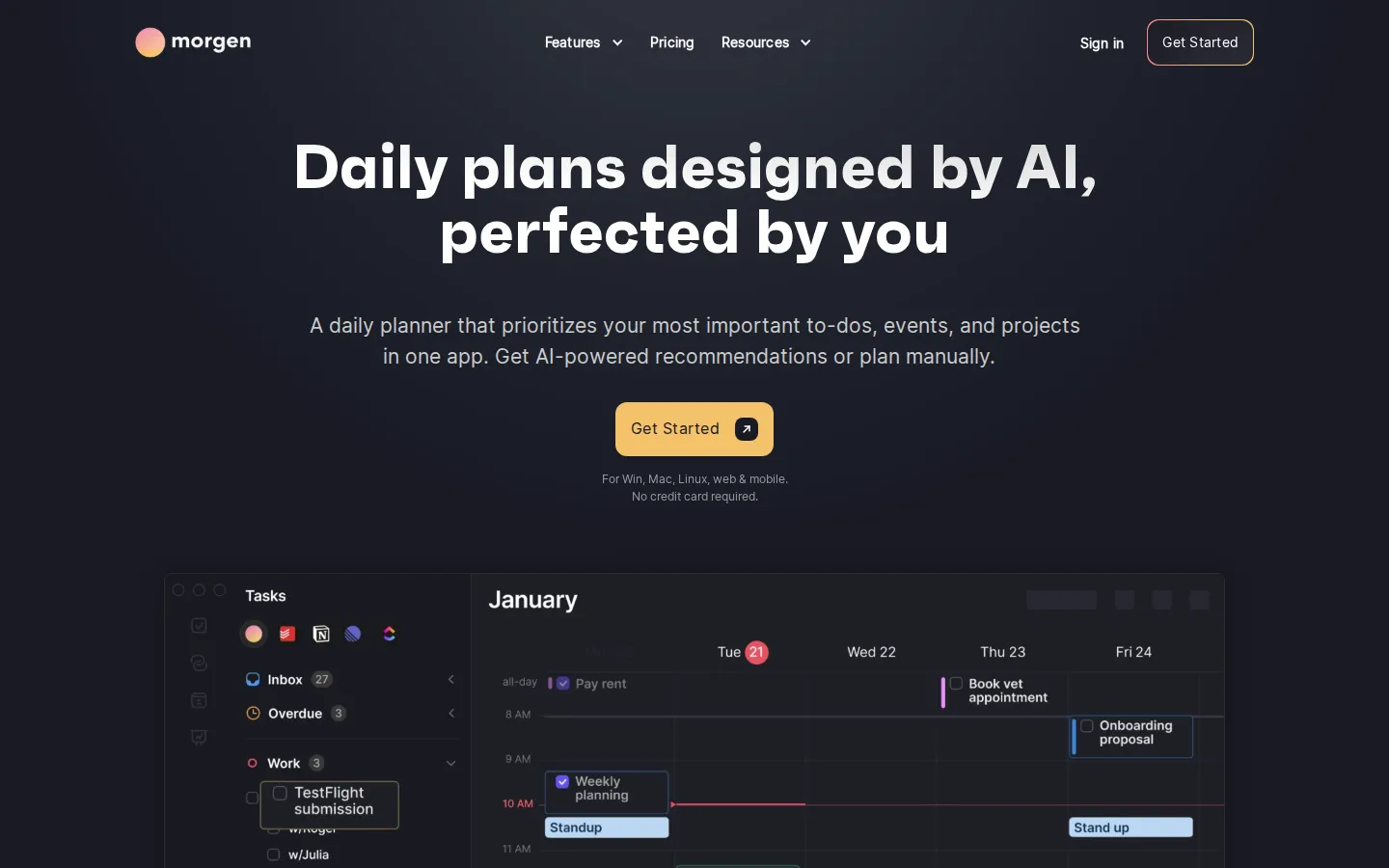
Morgen Core Features
AI Planner
Generates prioritized daily plans and reprioritizes automatically when schedules change.
Unified calendar view
Combine Google, Outlook, Apple, Fastmail, and other calendars in one place.
Task integration
Filter and schedule tasks from project management, to-do, and PKM tools.
Frames templates
Guide AI recommendations by templating your ideal week, with preview and adjust controls.
Capacity awareness
AI evaluates your workload and flags tasks that are at risk of being late.
Calendar automations
Automate scheduling with buffer and travel time handling.
Booking pages and scheduling links
Share availability for meetings and team coordination.
Kai AI assistant
An AI executive assistant for planning and calendar management, built into Morgen.
Who is Morgen for?
Morgen serves busy professionals who juggle multiple calendars and task lists and want a single view of their time. Consultants, managers, and knowledge workers use it to consolidate Google, Outlook, and Apple calendars with tasks from Linear, Todoist, and other tools, avoiding double-bookings and overloaded days. People who struggle with daily planning use the AI Planner to get prioritized to-do lists, while teams use shared workflows, booking pages, and scheduling links to coordinate across members. The app also fits students and freelancers who need monotasking and time-blocking to protect deep work. Its 14-day free trial and month-to-month plans appeal to individuals, while the team plans with per-seat pricing suit small and medium organizations. Privacy-conscious users in Europe appreciate Swiss hosting and GDPR compliance, and the 30-day money-back guarantee lowers the risk of switching from other planners. Executive assistants and operations staff use Morgen to manage leaders' calendars and protect preparation time, while remote and hybrid teams coordinate across time zones with shared workflows and booking links. Freelancers pair it with invoicing and project tools to keep client work visible on a single timeline. The cross-platform apps, including Linux, make it a fit for developer-heavy teams, and the 30-day money-back guarantee reduces switching risk for teams migrating from other planners.
Morgen Use Cases
Consolidate work and personal calendars from different providers to avoid double-bookings.
Let the AI Planner build a prioritized daily plan for your most important to-dos and projects.
Protect deep-work time by time-blocking tasks from Linear or Todoist into your calendar.
Adapt quickly to schedule changes with AI-driven reprioritization of remaining tasks.
Share booking pages and scheduling links to coordinate meetings with clients and teams.
Track deadlines across task tools by displaying due dates directly on the calendar.
Use Frames to encode recurring weekly routines and let AI planning follow your preferred structure.
Morgen Pros and Cons
Pros
- AI Planner is proactive: it reprioritizes plans, evaluates capacity, and flags at-risk tasks.
- Broad integrations cover nearly every calendar plus major task and project tools.
- Runs on every major platform, including Linux and mobile, with browser access.
- Swiss-hosted and GDPR compliant, with a 30-day money-back guarantee.
- 14-day free trial with full access and no credit card required.
Cons
- No permanent free tier, only a 14-day trial, unlike some competitors.
- Advanced AI planning features require the paid Pro plan.
- Per-seat team pricing with a two-seat minimum can be costly for small teams.
FAQ About Morgen
Morgen Pricing
Paid: 14-day free trial, Pro $30/mo monthly or $15/mo yearly, Teams from $25/seat monthly or $10/seat yearly.
Check official pricingPro Monthly
AI Planner time blocking, unlimited calendar and task integrations, calendar automations, booking pages
Pro Yearly
All Pro Monthly features, billed yearly, access to all updates
Teams Monthly
Team workflows, minimum 2 seats, billed monthly
Teams Yearly
Team workflows, minimum 2 seats, billed yearly
Morgen Alternatives

Manus
Manus is an AI agent platform that goes beyond answering questions to execute real tasks, automate workflows, and extend human reach. Users describe a goal and Manus plans and completes it across browsers, computers, and code. It offers Agent Mode with Manus 1.6 models, Chat Mode for conversation, and Team plans for collaboration, with free and paid memberships.

Oreate AI
Oreate AI is an all-in-one AI workspace that makes everyone a pro at creating slides, spreadsheets, images, videos, and written content. The Oreate Agent handles file-based tasks with drag-and-drop, while specialized tools generate presentations, edit spreadsheets, create images, and produce videos with Seedance 2.5. Free daily credits make it accessible, with paid subscriptions from $19.99 per month.

Sollo
Sollo is an all-in-one AI platform that combines AI agents, automation workflows, and business tools in a single command center. Users deploy specialized AI employees for marketing, sales, customer support, and operations that work around the clock. Built for solo entrepreneurs, Sollo replaces an entire AI stack with one platform and includes access to GPT, Claude, Gemini, and Sollo's own models.