
Modaal
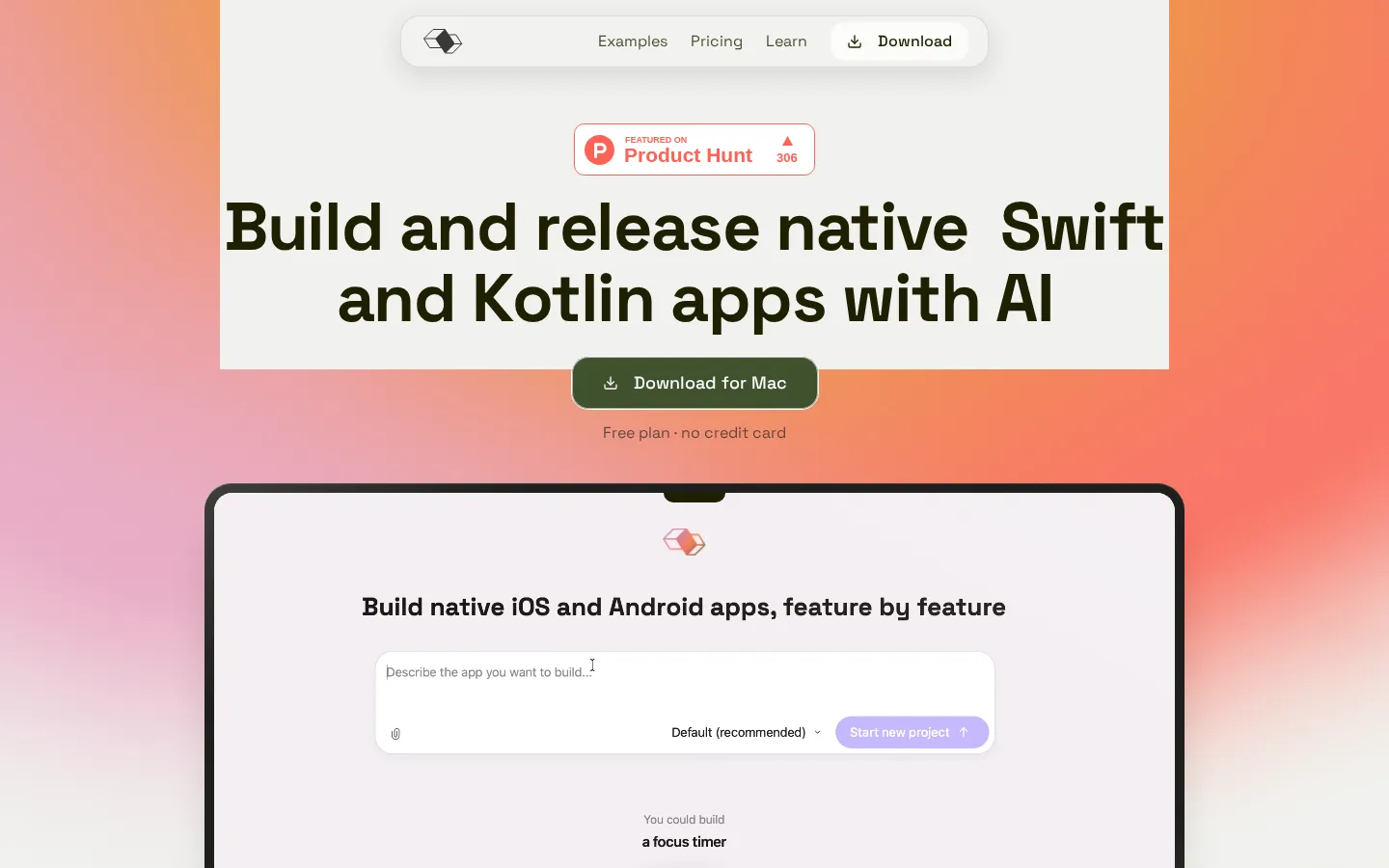
Modaal turns an app idea into shipping native software: it plans each feature as an approved spec, then lets the coding agent you already pay for write SwiftUI and Jetpack Compose from one shared core. Projects stay as real Xcode and Android Studio repositories on your Mac, with simulators, TestFlight, and App Store release built in.
What is Modaal?
Modaal is a macOS desktop studio that turns a written idea into two genuinely native mobile apps. You describe the product, paste a PRD, drop screenshots, or link a Figma file; on the first turn the agent reads that material, writes PRD.md at the project root, and plans the first feature into a spec covering overview, user scenarios, technical approach, implementation steps, files to modify, risks, and a testing strategy. You read the spec, correct it, and approve it before any code is generated, and every later feature is planned against the same document. Modaal does not ship its own language model. It connects to one of thirteen CLI coding agents, including Claude, Codex, Cursor, Gemini and Copilot, and authenticates through the subscription you already pay for, so you are not billed per token at API rates. Around that agent Modaal supplies the parts a terminal agent lacks: it scaffolds the project, registers new files in the Xcode target, reads build errors in a structured way, drives the simulators, and keeps the module structure on disk across context clears. Each feature's logic is written once and rendered per platform, SwiftUI on iPhone, iPad and Watch, Jetpack Compose on Android, using the open-source Duet framework that ships with the app. Projects are real Git repositories in Xcode and Android Studio format from the first build, with built-in native simulators for local runs, GitHub pull-request flow, and TestFlight and App Store distribution under your own Apple account. Because output is true Swift and Kotlin rather than a web view, widgets, Live Activities, Shortcuts, sensors, background tasks, watch apps and Wallet are reachable. Pricing is a flat subscription with no credits; the coding agent is billed separately by its own provider. Android builds still route through the same Mac-only studio, which is the main practical constraint for teams standardised on other hardware. A free plan is enough to test the whole loop on one platform, and Pro unlocks both stores inside a single project.
Modaal Core Features
Spec-driven development writes a PRD plus one approved spec per feature before any code exists
One shared logic core renders as SwiftUI on iPhone, iPad and Watch and Jetpack Compose on Android
Bring your own coding agent
thirteen supported, including Claude, Codex, Cursor, Gemini and Copilot
Built-in native simulators and emulators run builds locally at full fidelity without lag
Real Xcode and Android Studio projects live in Git on your disk from the very first build
GitHub integration lets you push, review as pull requests and follow your team's workflow
Native capabilities such as widgets, Live Activities, sensors, watch apps and Wallet are available
TestFlight and App Store distribution run under your own Apple developer account
Who is Modaal for?
Modaal is aimed at people who know exactly which app they want to ship but do not want to hand-write two native codebases. Indie developers and solo founders use it to take an idea from a paragraph to TestFlight without hiring both an iOS and an Android engineer, because each feature's behaviour is written once and rendered in SwiftUI on iPhone and Jetpack Compose on Android. Small studios and agencies use it to prototype client apps quickly while still handing over real Xcode and Android Studio repositories that the client's own team can open, branch, and maintain. Product managers and product designers who are comfortable with specs but not with Swift use it to turn an approved PRD into a working build they can test in a native simulator, then iterate feature by feature. Technical co-founders and lead developers use it as structure around the coding agent they already subscribe to, keeping architecture, module layout, and specs on disk so the work survives a context reset or a switch between agents. It also suits teams modernising an existing web app into something native, and startups that need a presence on both stores for launch. Freelancers who maintain several client apps appreciate that every project is a separate Git repository they can archive or hand off, and that a student discount halves the annual Pro price. It is not for people who want a purely visual no-code canvas, for Windows or Linux users, or for anyone unwilling to install Xcode and a CLI coding agent, since Modaal orchestrates those tools rather than replacing them. Expect a setup session of roughly half an hour before the first build.
Modaal Use Cases
Ship a first native iOS app from a written idea without learning Swift first
Build matching iOS and Android versions of one product from a single feature specification
Prototype a client app for an agency pitch and hand over a real Xcode repository
Turn an approved PRD into a running build that product managers can test in a simulator
Add widgets, Live Activities or watch support to an app that already exists
Migrate a web app or web view product into genuinely native Swift and Kotlin
Keep an AI coding agent productive across long projects by holding architecture on disk
Modaal Pros and Cons
Pros
- Produces real Swift and Kotlin projects you own and can export at any time, not a locked hosted runtime
- Spec approval before code generation keeps large features reviewable and reduces surprise diffs
- Runs on the coding agent subscription you already pay for instead of charging per-token API rates
- Open-source Duet framework and a flat subscription with no credit accounting to monitor
Cons
- Requires an Apple Silicon Mac with Xcode plus a separate paid coding-agent subscription
- No Windows or Linux client, and no browser-based version for teams on mixed hardware
- Free plan is limited to one active project and a single platform, so both stores need Pro
FAQ About Modaal
Modaal Pricing
Modaal is freemium: a free plan covers one active project on a single platform, Pro costs 9 euros per month billed annually (108 euros a year, or 15 euros month to month) and adds unlimited projects, both platforms and store distribution, with optional human-help sessions from 199 euros per month.
Check official pricingFree
One active project, unlimited prompts, one platform (iOS or Android), bring your own AI agent, native builds and code export.
Pro
Billed annually at €108 (€15 month to month): unlimited projects, iOS and Android together, TestFlight and App Store distribution, Git collaboration, priority support.
Human in the Loop
Optional add-on with two live sessions a month plus async chat with an iOS architect, sold separately from the Pro subscription.
Team in the Loop
Optional add-on starting at €2,500 per month for up to eight hours of hands-on help, a weekly sync and a dedicated channel.
Modaal Alternatives

Superblocks
Superblocks is an enterprise platform for AI-generated business apps. Business teams describe internal tools in natural language and the Clark agent builds them on private company data, while IT controls integrations, permissions, secrets, audit logs and deployment. Apps run in the Superblocks cloud or inside a customer VPC on AWS, GCP or Azure.

Vento
Vento is an AI platform from Protofy for building connected systems, not just screens. Describe what a system should sense, decide and do, and Vento Agent creates the interfaces, data connections, automations, AI agents and device integrations inside one project, then refines them through conversation. It connects ESP32, Arduino and Raspberry Pi hardware without code, so a working prototype and its dashboard arrive together.

GoDaddy Airo AI Builder
GoDaddy Airo AI Builder is a prompt-driven site builder from GoDaddy. Describe a business or idea and it drafts pages, sections and copy, then lets you refine layout, tone and visuals with guided controls before publishing to GoDaddy hosting with SSL, forms and analytics included. Plans start free with credits, and paid tiers add custom domains, payments, bookings and more sites.