
minimi
minimi is a Mac app built as an AI cat with a memory. It reads your personal context through Apple's accessibility layer, turns it into on-device memories, then uses those memories to spot open loops such as unanswered messages and promised follow-ups, pinging you at the right moment and closing the loop for you.
What is minimi?
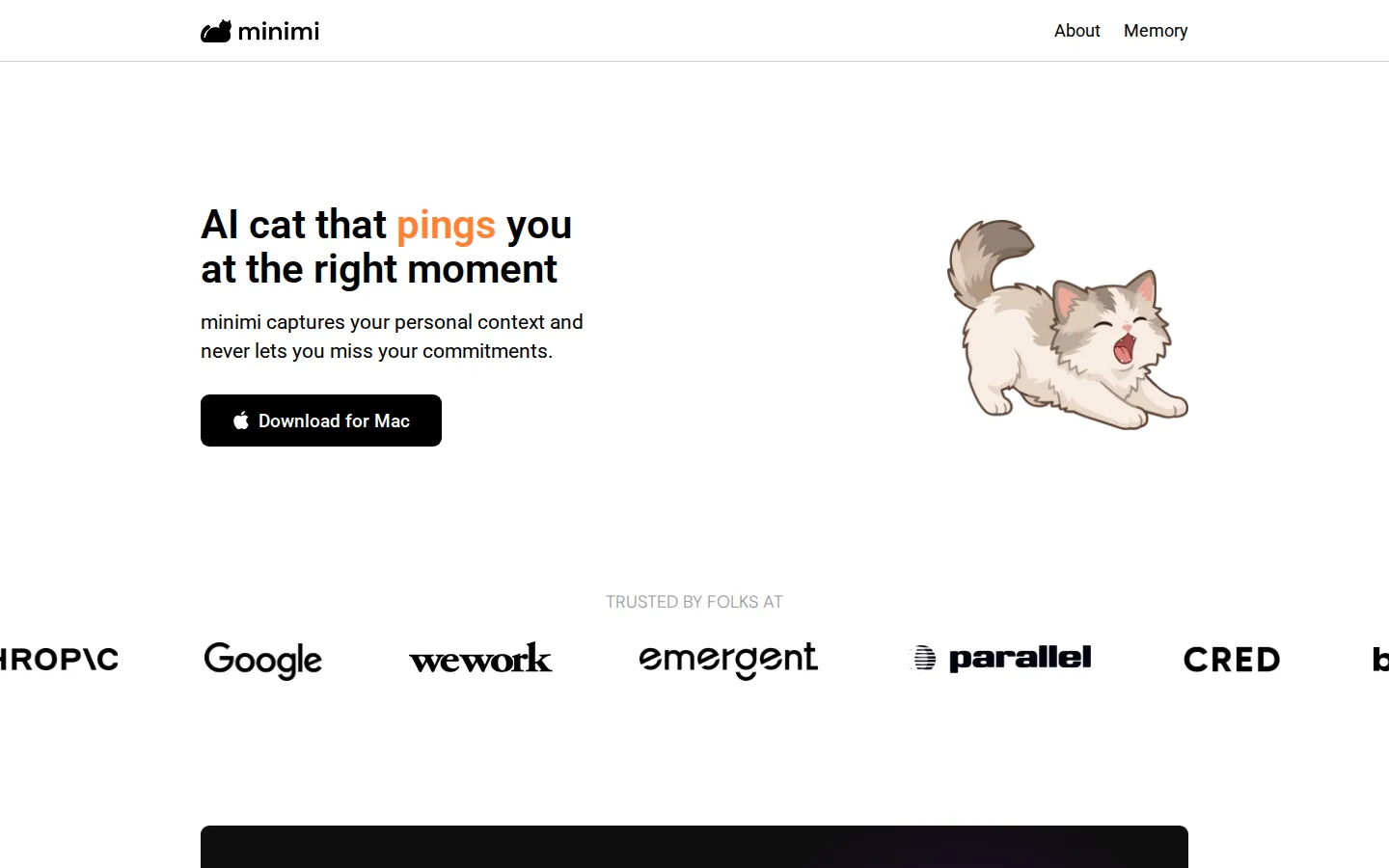
minimi is a Mac application from Shram Intelligence, Inc. that describes itself as an AI cat that pings you at the right moment. It is built around a simple observation: most of what people drop is not work they cannot do, it is work they forgot they promised. A message half-answered in WhatsApp, a follow-up mentioned in passing during a call, a favour quietly agreed to in a Gmail thread. These small commitments leak out of working memory the moment attention shifts, and they resurface only when somebody else chases them. minimi's answer is to keep a continuous, private model of your personal context and use it to catch those leaks before they turn into apologies.
The product moves in two stages. First it finds your open loops: it captures the personal context flowing through the apps you already use and pulls out the high-value action items hidden inside it. Then it closes them automatically, tracing decisions you have already made and resolving loops without the manual effort of maintaining yet another task list. The site claims this works out of the box with no integrations at all, naming WhatsApp, Gmail and Calendar, because minimi reads what is on your screen through Apple's accessibility infrastructure rather than through API connections. The FAQ states plainly that minimi does not take screenshots.
Memory is the substrate rather than a side feature. minimi builds memories the way a person does, from what it can see and read in your digital activity, so you stop re-explaining yourself to software. That same memory is exposed through what the company calls minimi MCP: a digital pendrive you plug into any AI you already use, including Claude, ChatGPT and Gemini, plus agent harnesses such as OpenClaw and Hermes, so those tools inherit your context instead of starting cold.
Privacy is framed as ownership. Memory is stored on your Mac, there is no cloud database, and the company says it does not store private data on its servers, does not retain it and does not train on it. That on-device design is the core architectural claim, and it is what makes screen reading feel defensible in a way a cloud capture tool would not.
Day to day, minimi presents itself as an ambient companion rather than a dashboard you must visit: a small cat presence that interrupts at the right moment, a memory layer that accumulates quietly, and an open loops inbox that stays short because items get resolved rather than merely collected. Distribution is a direct Mac download with no setup step, and pricing is not published on the website, so commercial terms have to be confirmed with the company before anyone can judge whether the habit it builds is worth the subscription.
minimi Core Features
Open loop detection
Captures your personal context and surfaces the high-value action items you have implicitly committed to but not written down anywhere.
Automatic loop closing
Traces decisions you have already made and resolves open loops without you maintaining a separate task list by hand.
On-device memory
Every memory lives on your Mac, with no cloud database and no retention of your private data on company servers.
minimi MCP
Exposes your memory as a portable layer you can plug into Claude, ChatGPT, Gemini or agent harnesses such as OpenClaw and Hermes.
Works without integrations
Reads activity from WhatsApp, Gmail, Calendar and other apps out of the box, with no connectors to configure.
No screenshots
Uses Apple's accessibility infrastructure to read what is on screen, which the company contrasts with screenshot-based capture.
Open loops inbox
A single review surface that stays short because items get resolved rather than accumulating as an unread backlog.
Right-moment pings
A cat presence that interrupts with a reminder at the moment it is useful, instead of adding another dashboard to check.
Who is minimi for?
minimi is aimed at people whose working day is a stream of context switches: founders, operators, consultants, designers and engineers who live between chat, email and calendar and who lose commitments in the gaps between them. If your obligations arrive as fragments inside WhatsApp threads, Gmail replies and meeting notes rather than as tickets in a tracker, minimi is trying to be the layer that remembers them for you. It suits solo workers and small teams who do not want to run a full project management system just to track personal follow-ups, and people who already work Mac-first and prefer software that keeps its data on the device. It is also relevant to heavy AI users who want one portable memory they can hand to Claude, ChatGPT, Gemini or an agent harness instead of re-explaining their context in every new chat, and to anyone whose job depends on never dropping a promised follow-up with a client, investor or colleague. Because minimi watches work as it happens rather than asking you to file anything, it tends to fit roles already drowning in low-structure communication: recruiters juggling candidate threads, agency owners answering client messages late at night, and independent consultants whose promises live in email. The same logic applies at smaller scale to students tracking applications and follow-ups, and because memory is free-form, no preset schema has to fit your life before the product becomes useful. Teams should note that what it builds is individual context, so it complements a project tracker rather than replacing one. It is less suited to Windows or Linux users, to teams that need shared multi-user assignment, permissions and reporting, and to anyone who is uncomfortable granting a desktop app accessibility access to read what is on screen.
minimi Use Cases
Catch the follow-up you promised in a WhatsApp thread before the other person has to chase you for it.
Recover action items from a day of meetings and email without writing notes or maintaining a task list.
Resolve small commitments automatically so your to-do list reflects decisions you already made rather than intentions.
Hand your personal context to Claude, ChatGPT or Gemini through Memory MCP instead of re-explaining yourself each session.
Reduce the cost of context switching between chat, mail and calendar when you work across several projects in one day.
Keep a private record of your working context on your own Mac when you do not want a cloud knowledge base.
Brief an agent harness such as OpenClaw or Hermes with your real context so delegated work starts from the right place.
Review a short open loops inbox each morning instead of reconstructing what you owe people from scattered apps.
minimi Pros and Cons
Pros
- Genuinely local design: memories are stored on your Mac with no cloud database, and the company says it does not train on your data.
- No integration setup, because reading the screen through Apple's accessibility layer covers apps that have no usable API.
- Memory is reusable outside the app through MCP, so the context you accumulate is not locked to one assistant.
- The framing is narrow and useful: it targets forgotten commitments rather than becoming another general purpose note-taking tool.
Cons
- Pricing is not published anywhere on the site and the pricing URL returns a 404, so cost has to be confirmed by contacting the company.
- It is a macOS-only download, which excludes Windows, Linux, iOS and Android users entirely.
- Reading the screen requires broad accessibility permission while the site says little about detection accuracy, supported languages or how it handles a misread commitment.
FAQ About minimi
minimi Pricing
minimi does not publish pricing on its website, and the pricing URL returns a not-found page, so there is no public price, plan table or free tier documented. The homepage offers a direct Download for Mac and says no setup is needed, and the footer links a refund policy, which implies paid commercial terms exist. Treat cost as unconfirmed: contact Shram Intelligence through the site's contact page to get current pricing before you commit.
Check official pricingminimi for Mac
Direct Mac download offered from the homepage. No price, billing period or tier is listed anywhere on the site, so terms must be confirmed with the company.
Memory MCP access
The memory layer that plugs into Claude, ChatGPT, Gemini and agent harnesses is described as part of the same product, with no separate price published.
minimi Alternatives

Synthesise AI
Synthesise AI turns your expertise into a sellable digital product. It calculates a Unique Value Zone from audience demand and your own skills, then generates a fully populated product charter and framework you can package into a course, playbook or paid digital program. One plan costs $2,999 one-time, with unlimited credits and a personalised dashboard.

warmwind
warmwind gives you AI workers that each control a separate cloud desktop, logging into portals, clicking through apps and moving data the way a person would. You teach a task once, set a schedule, and the worker repeats it unattended, even while you are offline. German hosting, credit-based pricing and a free plan to start.

siift
siift is an AI decision platform for founders and business teams that need a clearer direction. It maps your business on an intelligent canvas, turns assumptions into evidence-scored research, and prioritizes what to do next. A shared context system keeps strategy, actions and results aligned across teammates and outside AI assistants, so progress compounds instead of scattering.