
Live3D
Live3D is an all-in-one VTuber software suite built around AI. VTuber Maker delivers real-time AI face and motion tracking with a virtual camera for streaming, VTuber Editor customizes VRM models and animations, and the platform adds dozens of free AI tools — face swap, talking photo, anime generation, image upscaling, and more. Free tier available, with paid suites from $3.9 per month via Steam.
What is Live3D?
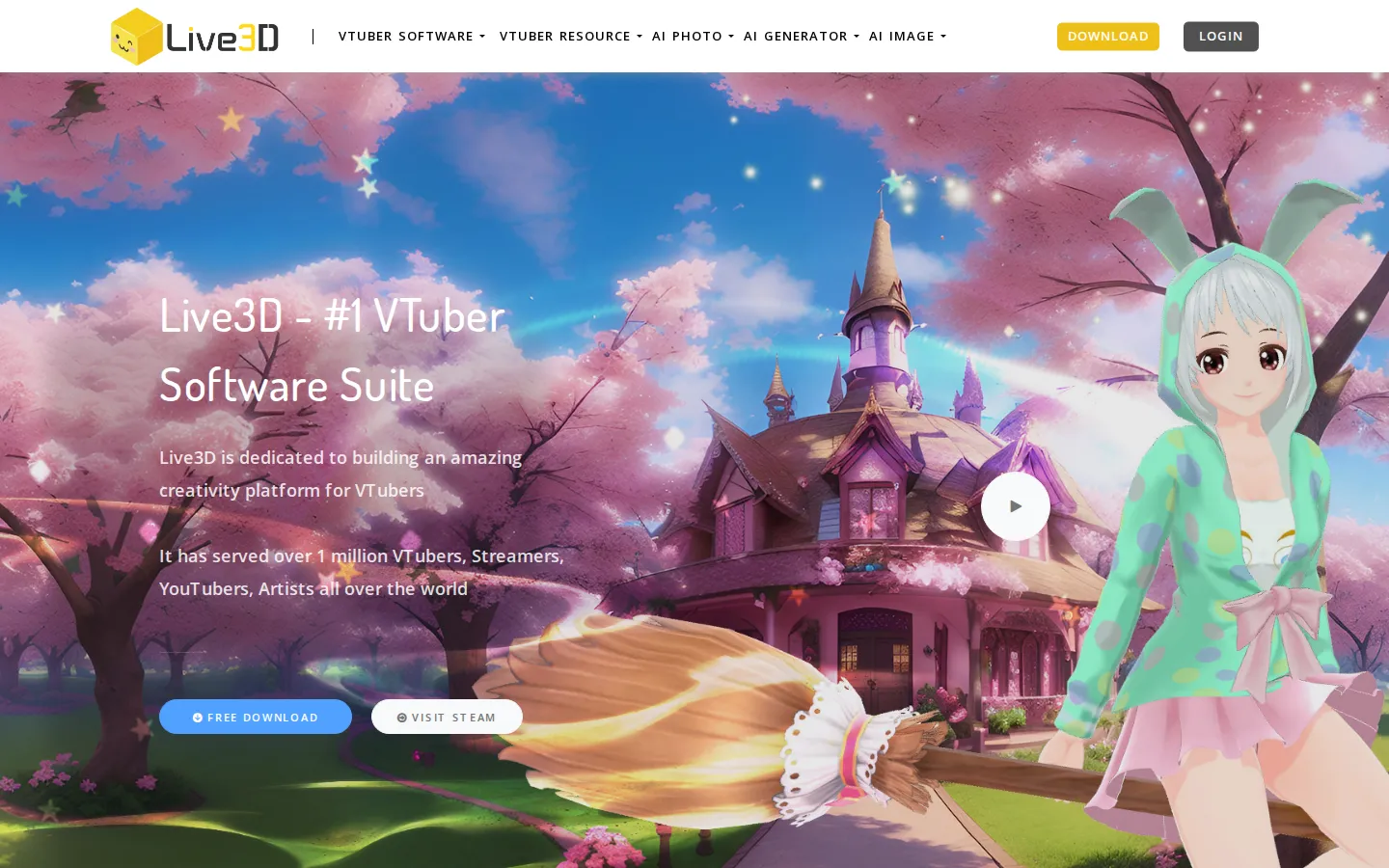
Live3D is a comprehensive AI-powered VTuber and digital avatar platform. Its core desktop software, VTuber Maker, is an AI motion-capture application that tracks facial expressions and head movement through a webcam or other devices, including hand tracking with Leap Motion, and drives a 3D avatar in real time for streaming. It outputs through a virtual camera for OBS, supports green screen and transparent streaming, and includes a Twitch extension for interactive stream effects. The companion VTuber Editor is a professional VRM model editor: creators load their own VRM models, customize them with props, paints, and backgrounds, edit 3D animations, emotes, sticker effects, and dance moves, and export ready-to-use assets. Beyond the desktop tools, Live3D operates an extensive web platform of AI tools organized into three categories: AI Photo (AI Face Swap, Multiple Face Swap, AI Clothes Swap, AI Talking Photo, AI Face Morph, AI Head Swap, Face Cut Out, AI Face Shape Detector, Face Expression Changer, AI Attractiveness Test, AI Hairstyle Changer, and more), AI Generator (AI Body Generator, AI Comic Generator, AI Manga Generator, AI waifu Generator, Anime to Real Life, AI Meme Generator, AI Body Swap, AI Gender Swap), and AI Image (AI Image Generator, Editor, Extender, Upscaler, Colorizer, AI Photo Enhancer, AI Watermark Remover, AI Image Combiner, and more). It also hosts a large free resource library of 3D models, backgrounds, overlays, animations, and poses. The suite pricing is subscription-based with tiers from a free suite to a $99.9 Pro suite, paid through Steam, with commercial-use allowances scaled by monthly revenue. The platform positions itself as an AI mocap animation software company, and the same account ties the desktop apps, browser tools, and asset library together, so creators can move from generating a character with AI tools to rigging and streaming it in one session. The free resource library and tutorial hub, including getting-started guides and a VTuber tutorial section, lower the barrier for newcomers, and the blog covers trends and updates for the VTuber and AI content space.
Live3D Core Features
AI face and motion capture
Real-time facial, head, and hand tracking that drives your avatar from a webcam or Leap Motion
Virtual camera output
Stream your avatar into OBS and any video software, with green screen and transparent modes
VRM model editor
Load, customize, and rig VRM models with props, paints, animations, emotes, and dance moves
Twitch integration
Interactive stream effects through the official Twitch extension and desktop mascot mode
AI Photo tools
14+ browser tools including AI Face Swap, AI Talking Photo, AI Clothes Swap, and AI Attractiveness Test
AI Generators
Create waifus, manga, comics, memes, and anime-to-real-life images from prompts
AI Image tools
Generate, edit, upscale, colorize, enhance, and remove watermarks from images
Free asset library
3D models, backgrounds, overlays, animations, and poses for avatars
Who is Live3D for?
Live3D is built for VTubers, streamers, and digital content creators who want AI-driven avatars and image tools in one ecosystem. Aspiring VTubers use VTuber Maker to start streaming with a live avatar using only a webcam, with free public avatars and basic tracking. Experienced VTubers and model riggers use VTuber Editor to customize VRM models, add animations and emotes, and prepare professional-quality avatars. Twitch streamers use the virtual camera, green screen, and Twitch extension to add interactive effects to their broadcasts. Anime and manga fans use the AI generators to create waifus, comic pages, and stylized art. Social media creators use the AI photo tools for face swap, talking photos, and hairstyle changes for engagement content. Small studios and agencies producing avatar content commercially use the Plus and Pro suites for higher limits and broader commercial rights. Hobbyists on a budget use the free suite and the free AI tools, then upgrade through Steam when they outgrow the limits. Anime artists use the generators to explore character concepts and style variations without starting from a blank canvas. Content teams at gaming and entertainment brands experiment with avatar-based marketing and interactive streams. Tutorial creators and educators use the free tools to produce visual assets for videos and courses. Parents and young creators use the accessible free tier to try VTubing safely before committing to paid plans. Because the suite bundles streaming software, model editing, and web AI tools under one subscription, it also suits creators who want a single budget line for their entire avatar workflow rather than paying for several separate services.
Live3D Use Cases
Start VTubing with a live AI-tracked avatar using just a webcam
Customize a VRM model with new animations and emotes in VTuber Editor
Stream with a virtual camera and green screen in OBS
Create engagement content with AI face swap and talking photo tools
Generate anime waifu and manga-style art with AI generators
Enhance, upscale, and colorize old images with AI tools
Add interactive effects to Twitch streams with the extension
Produce commercial avatar content with Plus or Pro suite licenses
Live3D Pros and Cons
Pros
- One platform covers live streaming, model editing, and dozens of AI tools
- Real-time AI face tracking works with a basic webcam — no expensive mocap gear
- Generous free tier plus free AI tools in the browser
- Large free 3D asset library for models, backgrounds, and animations
- Clear commercial-use tiers based on monthly revenue
Cons
- Desktop software is Windows-only for VTuber Maker and Editor
- Payment is only accepted through Steam, which may be inconvenient for some users
- Free suite output carries a watermark and limited commercial use
FAQ About Live3D
Live3D Pricing
Freemium. Free Suite at $0/month, Lite Suite $3.9/month (commercial use up to $2000 monthly revenue), Plus Suite $16.9/month (up to $5000), Pro Suite $99.9/month (unlimited). Yearly billing saves up to 25%. Payment via Steam.
Check official pricingFree Suite
Entry-level streaming solution: 6 public avatars, 6 animation assets, 3 interaction effects, 6 backgrounds, basic facial and head tracking, virtual camera, green screen and transparent streaming, with watermark.
- 6 public avatars
- Basic facial & head tracking
- Virtual camera
- Green screen streaming
- Watermark on output
Lite Suite
15 public avatar seats, 20 animation assets, 9 interaction effects, 20 backgrounds and overlays, 20 prop assets, commercial use with monthly revenue up to $2000.
- 15 avatar seats
- 20 animation assets
- 20 backgrounds & overlays
- Commercial use ≤ $2000/mo revenue
Plus Suite
Everything in Lite plus more seats and assets, commercial use with monthly revenue up to $5000.
- More avatar seats & assets
- Commercial use ≤ $5000/mo revenue
Pro Suite
Everything in Plus with the highest limits and unrestricted commercial use for professional VTuber creators and studios.
- Highest limits
- Unrestricted commercial use
Live3D Alternatives

Cuty AI
Cuty AI is a web studio that bundles dozens of leading generative models, from Seedance 2.5 and Kling 4.0 to GPT Image 2.5 and Nano Banana 2, with editing tools for face swap, lip sync, motion control and upscaling. One credit balance covers video, image, avatar and music work, plus a command-line agent for automated pipelines.

Vidnoz AI
Vidnoz AI is a browser-based studio that turns text into talking-avatar videos. Pick an avatar and template, type a script, choose a voice from 2,000+, then export a lip-synced clip. It also bundles voice cloning, lip-synced translation in 135+ languages, Veo and Kling text-to-video models, an image generator, and a free plan with 30 daily credits.

Artflow
Artflow is an AI actor and image studio built around your own face. Upload a few photos and Artflow trains a personal Actor, a reusable identity that keeps your look consistent across every generated image and video. You can then star in hundreds of templates, create headshots and LinkedIn banners, produce short video content, and export print-ready designs up to 64 megapixels, no photographer required.