Vidnoz AI
Vidnoz AI is a browser-based studio that turns text into talking-avatar videos. Pick an avatar and template, type a script, choose a voice from 2,000+, then export a lip-synced clip. It also bundles voice cloning, lip-synced translation in 135+ languages, Veo and Kling text-to-video models, an image generator, and a free plan with 30 daily credits.
What is Vidnoz AI?
Vidnoz AI is a web app for producing videos where an AI avatar speaks your script. The homepage describes it as a free AI video generator built on 1,900+ realistic avatars, 2,000+ AI voices and 2,800+ templates, and the pricing table lists 3,400+ templates with avatar counts of 1,600+ on the free plan and 1,700+ on paid plans. You work inside a template instead of a blank timeline: choose an avatar, paste text, pick a voice, then adjust layout, music, transitions and on-screen text before rendering. Avatars include studio presenters, expressive avatars that add gestures, expressions and body language, product avatars built from a product image, photo avatars that animate a single portrait, and custom or Avatar Lite digital twins trained from your own footage. Voice tools cover 2,680+ voices on paid plans (890 on free), emotional voices, a pronunciation dictionary, voiceover uploads and voice cloning. The video translator re-voices footage in 135+ languages with lip sync, and text-to-speech supports 140+ languages. Beyond avatars, Vidnoz bundles a model-driven generation layer: text-to-video and image-to-video through Google Veo, Kling, Seedance, Wan, Hailuo, Pixverse and Luma Ray, and an image generator using Nano Banana, Imagen, Flux and Kling, alongside a photo editor, background remover, clothes changer and image extender. Editing is covered by an online video editor, AI script generator, auto captions, a 60M+ asset media library, screen recorder, PPT/PDF import and SCORM export. Business plans add a brand kit, branded video pages, call-to-action buttons, embeddable players, video analytics and team collaboration with SAML/SSO, while the account menu exposes API credentials for developers. Vidnoz also publishes security claims around hardened servers, a transparent privacy policy, single sign-on across its products and customized enterprise deployments, and the page states videos can be made in minutes without a camera, crew or editing background. Rendering happens in the browser, projects stay in a media library, and finished videos can be shared through a branded page, embedded on a site with smart updates, or exported with captions and SCORM packaging for a learning platform. Localized subdomains, an education discount page and a creator fund round out the offering, and the reference customers on the pricing page span higher education, manufacturing, agriculture and e-commerce teams using it for training and internal communication.
Vidnoz AI Core Features
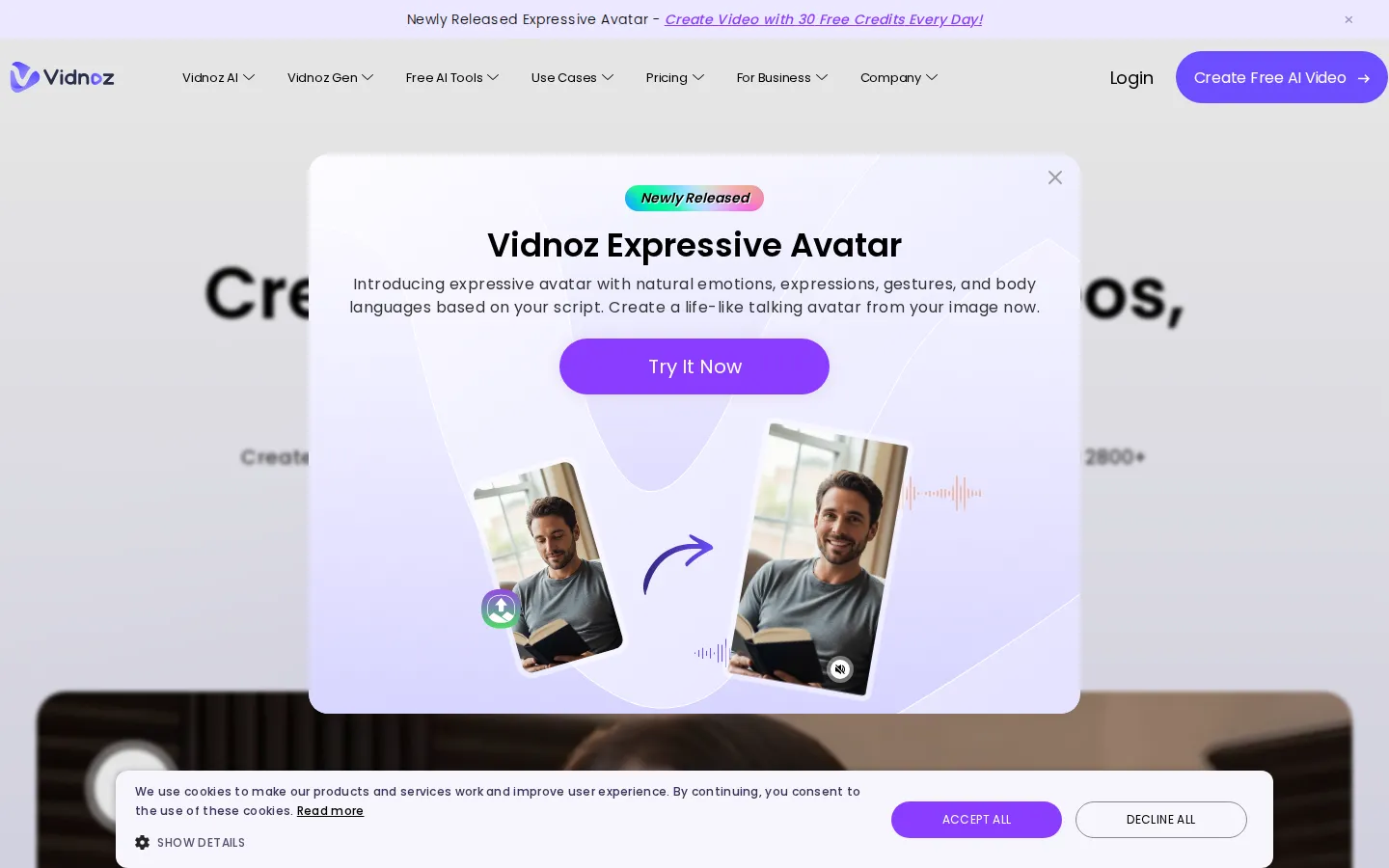
1,900+ studio, expressive and photo avatars, including product avatars and custom digital twins trained from your own video
2,680+ AI voices on paid plans with emotional delivery, a pronunciation dictionary, voiceover uploads and voice cloning
3,400+ editable video templates plus PPT/PDF import, AI script generation and text-to-video or prompt-to-video scenes
Video translation with lip sync in 135+ languages and text-to-speech support for 140+ languages
Third-party generation models including Google Veo, Kling, Seedance, Wan, Hailuo, Pixverse, Luma Ray, Nano Banana, Imagen and Flux
Online editor with auto captions, a 60M+ asset media library, screen recorder, background removal and an AI image generator
Business tooling
brand kit, branded video pages, CTA buttons, embeds, video analytics and 1,000 seats with SAML/SSO
SCORM export for LMS delivery plus API credentials for teams that want to integrate generation into their own stack
Who is Vidnoz AI for?
Vidnoz AI fits teams that need presenter-style video without cameras, studios or actors. Learning and development groups use it to batch out onboarding, compliance and product-training modules, and the pricing table's SCORM export plus team workspaces make it unusually practical for LMS-driven training departments. Marketing and sales teams use the template library to produce localized campaigns, product explainers and social clips at volume, and the built-in video translator with lip sync lets one recording serve several markets. Educators and universities use photo avatars for interactive teaching material, a use case the vendor documents with testimonials from Martin-Luther-University Halle-Wittenberg and Universitat Politecnica de Catalunya. E-commerce sellers turn a single product photo into an avatar-led showcase, while support organizations record tutorial and FAQ videos without booking a studio. Solo creators and YouTubers lean on the free plan to test formats before paying, and agencies use the brand kit, branded video pages, embeds and analytics to hand clients measurable results. Larger enterprises get SAML/SSO, access management, 1,000 seats on Business and a dedicated data center, account manager and solution engineer on Enterprise, which is why it also shows up in corporate localization and internal communications workflows. Anyone who mainly needs cinematic text-to-video generation rather than a talking presenter should compare it against dedicated model aggregators first.
Vidnoz AI Use Cases
Onboarding, compliance and staff-training videos with SCORM export for an LMS
Product explainers and demo videos built from a template and a written script
Localizing one recording into many languages with lip-synced video translation
Sales outreach and social ad clips produced in batches from a shared brand kit
E-learning and university teaching material using photo avatars and interactive scenes
Support tutorials and FAQ videos recorded without a studio or presenter
E-commerce product showcases generated from a single product image
Internal communications and news-style updates for distributed teams
Vidnoz AI Pros and Cons
Pros
- Genuinely usable free tier: 30 credits a day, no credit card required, with 1,600+ avatars and 890 voices
- Very broad avatar, voice and template library for the price, including expressive avatars with body language
- Strong localization stack: 140+ language voiceover and lip-synced translation in 135+ languages
- Business plan adds brand kit, analytics, SAML/SSO, team seats and SCORM export, which is rare at this price
Cons
- Free plan is capped at three minutes per video, 720p export and a visible Vidnoz watermark
- Credits expire at the end of each billing cycle and unused add-on credit packages never roll over
- Monthly subscriptions are not refundable; the seven-day money-back guarantee applies only to annual plans
FAQ About Vidnoz AI
Vidnoz AI Pricing
Freemium: a $0 plan with 30 credits per day (about 60 seconds of video), Starter at $19.99/month billed yearly (450 credits, $26.99 if billed monthly), Business at $56.99/month billed yearly (900 credits, $74.99 monthly) and custom Enterprise pricing.
Check official pricingFree
30 credits per day (about 60 seconds of video), three-minute clips, 1,600+ avatars, 890 voices, 3,400+ templates, 720p export with a Vidnoz watermark.
Starter
450 credits per month billed yearly ($26.99 billed monthly), 60-minute videos, 1,700+ avatars, 2,680+ voices, 1080p export, no watermark, SCORM export.
Business
900 credits per month billed yearly ($74.99 billed monthly), everything in Starter plus unlimited photo avatars, one voice clone, video translation, brand kit, branded video pages, embeds, analytics, SAML/SSO and 1,000 seats.
Enterprise
Custom credits and duration, Avatar Pro, video creation support, a dedicated data center, dedicated account manager and paired solution engineer. Quote on request via a demo.
Vidnoz AI Alternatives

Filmpire
Filmpire combines AI video, image, and voice generation in one browser studio built on a shared credit balance. Start from a prompt or reference image, choose from models such as Hailuo, Seedance, Kling, Veo, or GPT Image, let the AI director plan a full story, then export watermark-free files with commercial rights on any paid plan.

APIPod
APIPod is a unified AI media generation API for developers: one key unlocks 156 image, video and language models from 14 providers, including Seedance, Google Veo, Sora, Nano Banana, GPT Image, Kling, Wan and MiniMax. Billing is pay-as-you-go through credit top-ups, metered per token, request or second, with weighted multi-channel routing, automatic failover and circuit breakers on every request.
Sartoris
Sartoris is a browser-based AI creative studio that generates premium still images and cinematic video from text prompts, with optional start and end frames plus image, video, and audio references. It runs on purchased credits rather than a subscription, keeps one library for both media types, and deletes finished generations twelve hours after they are created.