
Keet
Keet is an iOS learning app that turns any topic you type in into a complete video course, pairing short AI-produced explainer videos with quizzes and Duolingo-style games inside a structured roadmap. Roadmaps split each subject into modules and four-minute lessons, and you can set depth, complexity and narration style when generating a course. New users get two free courses before buying credits.
What is Keet?
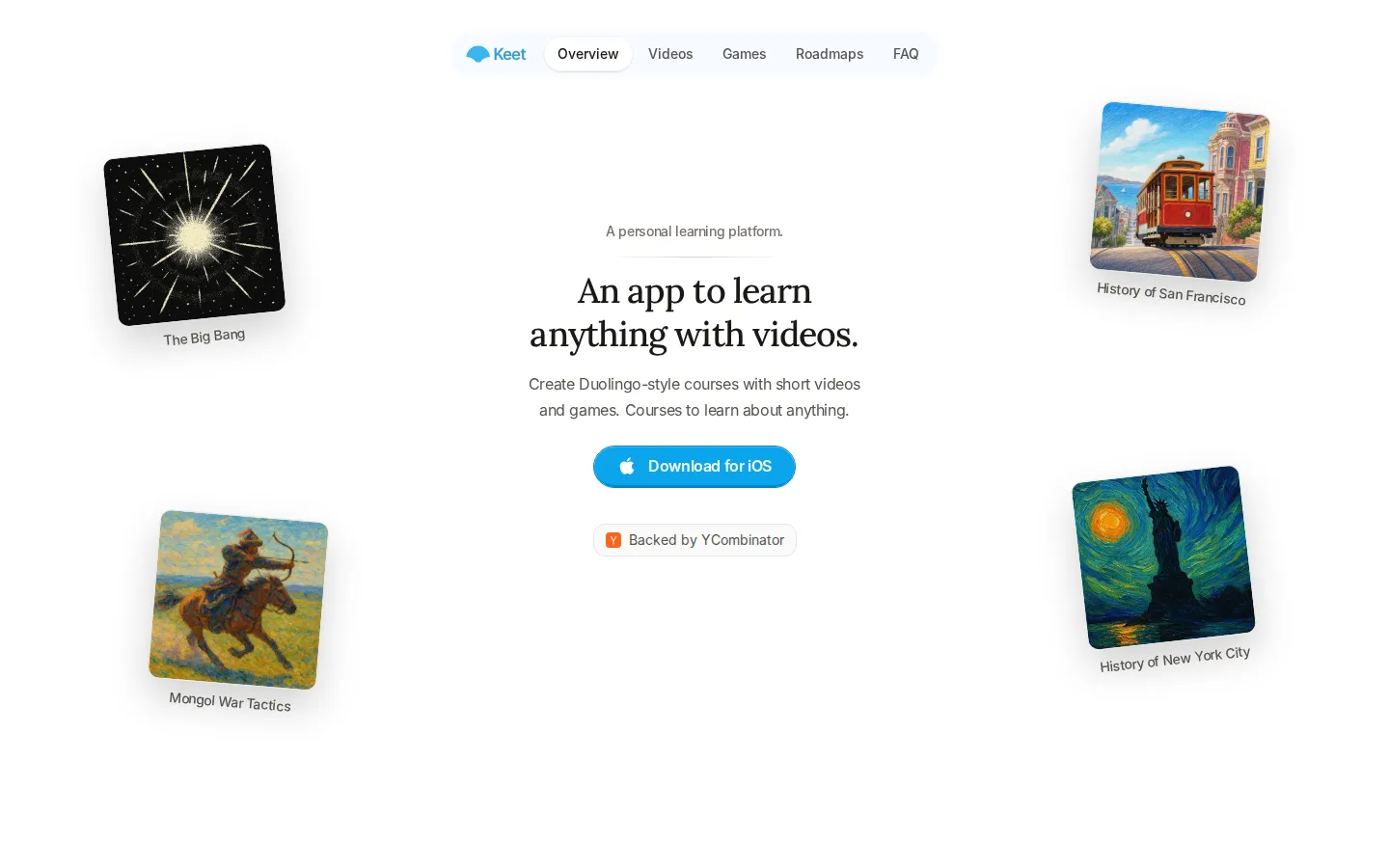
Keet is a personal learning app built around one promise: type in anything you are curious about and get a real course back. Instead of searching for a course that happens to exist, you describe the topic, optionally tune the depth, complexity and narration style, and Keet generates a curriculum with short explainer videos and interactive activities. Each course is organized as a roadmap of modules and lessons, with lessons unlocking in prerequisite order so that finishing the course means covering every concept in a sensible sequence. A typical lesson is a four-minute video followed by several games: multiple choice, swipe, order, connections and custom formats that test recall rather than passive watching. The homepage shows example roadmaps such as Abstract Set Theory with modules on topological spaces, continuity and compactness, plus lighter courses like The Big Bang, Mongol War Tactics and the History of New York City. Keet is the work of a small New York team backed by Y Combinator's Summer 2024 batch, and it ships as a native iPhone app distributed through the App Store. Accounts include a daily streak, a today's lesson card and a list of recent courses, so the app behaves like a habit-forming study companion rather than a one-off video generator. A friends feature shows what other people are generating and how they are progressing, and the app tracks quiz performance so you can see which concepts are sticking. Access is freemium: the download is free, new accounts receive two free course generations, and further courses require purchasing credits. At the time of writing the site does not publish a standalone pricing page, so credit packs are surfaced in-app, while the App Store listing advertises optional Keet Monthly and Keet Pro Annual in-app purchases. Keet is not a general-purpose chatbot or a video editor; the output is a fixed course structure you work through, which keeps the experience focused on finishing a subject rather than prompting endlessly.
Keet Core Features
Topic-to-course generation that builds a full curriculum from a single prompt
Short AI-produced explainer videos, typically around four minutes per lesson
Five quiz game formats
multiple choice, swipe, order, connections and custom
Structured roadmaps that split subjects into modules with lessons that unlock in order
Course settings for depth, complexity and narration style before generation
Daily streaks, a today's lesson card and recent course history on the home screen
Progress tracking that shows quiz performance across each course
Friends feed showing what others are generating and how far they have progressed
Who is Keet for?
Keet is aimed at curious self-directed learners who want to actually understand a subject instead of skimming a feed of disconnected clips. That includes students who need a structured on-ramp to a hard topic such as abstract set theory or topology, and professionals who want a fast, ordered briefing on something outside their field, like the history of San Francisco or how modern rocket engines work. It also suits hobbyists chasing a niche obsession, because the generator happily builds courses on narrow subjects that no mainstream course marketplace would ever publish. Lifelong learners who respond well to streaks, progress tracking and game-like reinforcement are the clearest fit, since Keet borrows Duolingo's habit loop of short daily lessons that unlock in sequence. Teachers, tutors and parents can use it to sketch a first-pass curriculum for a topic before building their own materials, and anyone preparing for an interview, a trip or a conversation where surface-level knowledge will not be enough gets a compact syllabus in minutes. It is a weaker fit for people who need certified accreditation, live instruction or a rigorously peer-reviewed textbook, since the videos and quizzes are generated automatically rather than authored by subject experts. The social layer, which shows what friends are generating and how far they have progressed, makes it more appealing to learners who like light accountability than to those who prefer to study entirely privately.
Keet Use Cases
Generate a structured beginner course on a subject you have always wanted to understand
Build a compact syllabus for a niche topic no existing course marketplace covers
Brush up on advanced mathematics such as set theory or topology with worked explanations
Prepare background knowledge quickly before an interview, project or client conversation
Turn a passing curiosity into a finished course using short daily lessons and streaks
Review a topic you already know through quizzes that expose gaps in recall
Create a first-pass curriculum outline that a teacher or tutor can refine further
Compare what friends are learning and stay accountable through visible progress
Keet Pros and Cons
Pros
- Course generation covers genuinely obscure and advanced topics, not just popular subjects
- The roadmap structure enforces prerequisite order, which is far better than random video browsing
- Lessons are short and game-based, so daily study fits into a few minutes
- Depth, complexity and narration style are adjustable before generation
- Free download with two free courses makes it easy to judge output quality first
Cons
- Only available as an iPhone app, with no Android, web player or desktop version
- Credit pricing for additional courses is not published on the website
- Generated videos and quizzes are not authored by credentialed subject experts
FAQ About Keet
Keet Pricing
Keet is freemium: the iPhone app is free, new users get two free generated courses, and additional courses require in-app credits, with the App Store listing optional Keet Monthly (~$14.99) and Keet Pro Annual (~$107.99) purchases; credit pricing is not published on the website.
Check official pricingFree
Download the iPhone app and generate two free courses before credits are required.
Keet Monthly
Optional monthly in-app purchase listed on the App Store for expanded access.
Keet Pro Annual
Annual in-app purchase listed on the App Store, roughly two-thirds the monthly rate over a year.
Credits
Purchased in-app to generate courses beyond the two free ones; pack prices are not published on the site.
Keet Alternatives

ActiveBook
ActiveBook is a digital textbook platform that replaces static pages with working quizzes, simulations, calculators, animations and 3D environments built directly into each chapter. Titles span engineering, science, business, education and the humanities, are read in free apps for desktop and mobile, update in real time, and launch from Moodle, Canvas, Blackboard or D2L through LTI 1.3.

X-Pilot
X-Pilot turns source material into editable course and training videos. Upload a PDF, PPT, DOC, URL or finished script, or just type a topic, and X-Pilot plans an outline and scenes with narration. Review and edit any element by typing, then export a 1080p MP4 or SCORM package - one long lesson or a chapter series.

SuccessWise.ai
SuccessWise.ai is a self-improvement learning platform. It builds a personalised roadmap from a 60-second quiz, delivers one short expert-curated lesson per day across areas such as mindset, career, business, health, and finance, and pairs every lesson with a personal AI Coach that turns it into a specific action. Progress tracking, streaks, and certificates are included.