
X-Pilot
X-Pilot turns source material into editable course and training videos. Upload a PDF, PPT, DOC, URL or finished script, or just type a topic, and X-Pilot plans an outline and scenes with narration. Review and edit any element by typing, then export a 1080p MP4 or SCORM package - one long lesson or a chapter series.
What is X-Pilot?
X-Pilot is AI video production software for courses and training. It takes a topic or supported source material and turns it into an editable, reviewable video project: an outline, planned scenes, narration, knowledge visualizations and a preview you approve before the final render. Output is one long lesson or a set of chapter-based videos organised as a series.
Starting points are deliberately broad. You can type a topic, or upload a PDF, PPT/PPTX, DOC/DOCX, Markdown, MDX or plain text file, paste a URL, or hand over a finished narration script. X-Pilot uses that material to plan the outline and scenes, so a certification manual, past paper, training SOP or slide deck becomes lesson content without manual storyboarding.
The editing model is the product's centre. Instead of a timeline, you select an element in a scene - a title, diagram, formula or the narration itself - describe the change in plain language, and preview the revised result. Edits apply to the whole project, a single scene or a single element, which makes correction cheap and keeps the rest of an approved lesson untouched.
Accuracy is treated as a workflow rather than a promise. Scenes stay traceable to the source, the outline and preview remain open to correction, and a qualified reviewer verifies factual and technical claims before anything ships. Approved knowledge scenes are then rendered deterministically from code with Remotion, so exact text, equations, charts, labels and timing are reproduced rather than synthesized as pixels. The site contrasts this with diffusion video models, which handle people and natural scenes well but cannot guarantee editable, exact text.
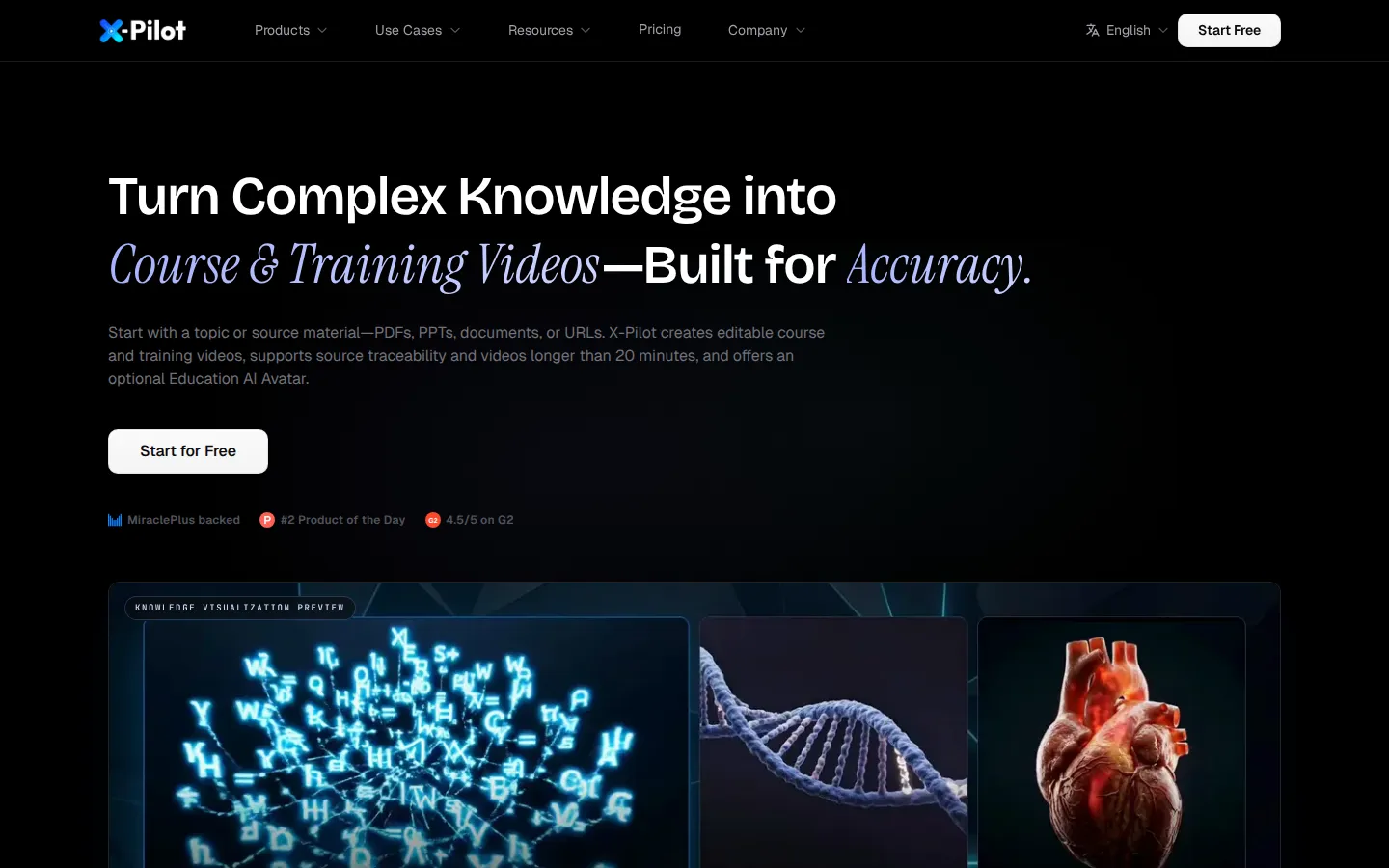
Knowledge visualization is what the rendered scenes are made of: 58 built-in components covering diagrams, annotated figures, animated formulas, charts, code and process visuals, aimed at hard sciences, engineering and technical training.
Capacity is built for real courses. Long-form course videos can run beyond 20 minutes in a single source-traceable project, and a chapter-based workflow creates an independent project for each selected chapter, so large curricula are reviewed and updated piece by piece. An education AI avatar is included in paid plans as a low-cost digital instructor, at no extra cost and with no separate avatar subscription. Final delivery is a 1080p MP4 or a supported SCORM/xAPI learning package, uploaded to Udemy, Teachable, an LMS or another destination. Plans are self-serve, the free tier covers one full video generation, and the interface is available in nine languages including English, Spanish, Chinese, French, German, Japanese and Korean.
X-Pilot Core Features
Course & Training Video Production
Start from a topic or source material and get one editable video project, or a separate project for each selected chapter organised as a series.
Natural-Language Video Editor
Select any element in a scene title, diagram, formula or narration describe the change by typing, and preview the revised result before export.
Knowledge Visualization
58 built-in components cover diagrams, annotated figures, animated formulas, charts, code and process visuals for complex technical subjects.
Long-Form Course Video
Build one extended, source-traceable lesson project that runs beyond 20 minutes instead of splitting everything into short clips.
Education AI Avatar
Add a low-cost digital instructor inside X-Pilot at no extra cost, with no separate avatar plan or platform required.
Accuracy & Review
Scene-level source traceability, subject-matter review and preview keep the approved representation visible before the file ships.
Deterministic Rendering
Approved scenes are rendered from code with Remotion, so exact text, equations, charts and labels stay reproducible instead of pixel-generated.
Delivery & Credits
Export 1080p MP4 or a supported SCORM/xAPI learning package, on self-serve plans from 1,000 to 12,000 monthly credits plus credit packs that never expire.
Who is X-Pilot for?
X-Pilot is built for people who publish knowledge-heavy video where a wrong formula, label or procedure would be noticed immediately. Six groups get the most value from it. Course creators and technical educators use X-Pilot to produce video lessons at scale. Independent creators selling on Udemy, Teachable or their own platform turn notes, PDFs and outlines into chapter-based series, and technical educators ship coding, API and data-science lessons where every snippet and diagram is rendered from the source instead of being invented by a pixel model. Teachers, tutors and exam-prep specialists build K-12, IGCSE, IB, AP, SAT and JEE lessons from past papers and lesson plans. They keep formulas, dates and rules available for review before export, and they reuse the same chapter project when a syllabus changes. Corporate trainers and certification teams build employee-learning libraries for onboarding, new-hire and upskilling programmes, including certification prep such as OSHA, PMP, FDNY Certificate of Fitness and STCW. Chapter projects let a subject-matter expert approve one lesson at a time rather than reviewing a whole course in a single render. L&D leads, SOP owners and compliance teams in healthcare, manufacturing and education convert HIPAA, HACCP, OSHA, clinical and childcare SOPs into auditable training videos, often bilingual, with a qualified reviewer signing off before the file ever reaches learners. Professors and researchers turn lectures, papers and LaTeX-heavy material into visual explainers for hard sciences, engineering and mathematics, where animated formulas, charts and annotated figures carry the teaching load. SaaS and product marketing teams turn a PRD, pitch deck or API documentation into product demos, walkthroughs and launch announcements for complex or technical products where every claim has to be defensible. In short, X-Pilot fits anyone who needs a reviewable video workflow rather than a one-shot generation.
X-Pilot Use Cases
Turn a PDF or certification manual into a reviewable course video series with traceable scenes.
Build HIPAA, HACCP or SOP compliance training chapters that a reviewer approves before staff see them.
Produce onboarding and new-hire videos from existing handbooks, slide decks and process documents.
Create technical tutorials where API, code and PLC diagrams render exactly as written in the source.
Prepare IGCSE, IB, AP, SAT or JEE lessons with formulas and diagrams edited by typing.
Convert a finished narration script into a fully visualized course video without storyboarding by hand.
Explain complex concepts, engineering processes and SaaS product demos with animated formulas and charts.
Rebuild an old slide deck into a narrated lesson while keeping charts, labels and numbers accurate.
X-Pilot Pros and Cons
Pros
- The workflow is genuinely editable and reviewable: outline, scenes and preview stay open to correction before export, and every scene traces back to the source.
- Deterministic code rendering keeps formulas, charts, code blocks and labels exact, which matters more for training video than cinematic realism.
- Long-form lessons beyond 20 minutes, chapter-based series and MP4 or SCORM/xAPI delivery cover the full path from source to LMS.
- A low-cost education AI avatar is bundled into paid plans rather than sold as a separate subscription.
- A real free tier (one video, no credit card) plus annual billing and non-expiring credit packs keep the entry cost low.
Cons
- Credits are consumed by length and complexity, so long or visually complex projects can burn through monthly capacity quickly.
- Delivery is a reviewed MP4 or learning package that you upload yourself; there is no built-in publishing push to Udemy, Teachable or an LMS.
- No public API, developer documentation or MCP server is published, so teams needing automated pipelines must work through the web app.
FAQ About X-Pilot
X-Pilot Pricing
X-Pilot is freemium: a Free plan gives one video with no credit card, and self-serve subscriptions run $19/month (Creator), $49/month (Professional), $129/month (Ultra) and $159/month (Business) with cheaper yearly billing, non-expiring credit packs from $19, and a 40% monthly discount applied at checkout.
Check official pricingFree
One free video generation with no credit card required, enough to test the outline, editing, preview and export workflow.
Creator
For independent creators. 1,000 credits per month (about 20 minutes of simple video), HD export, no watermark, education AI avatar, custom branding and 3 premium AI voice clones.
Professional
Most popular. 3,000 credits per month (about 60 minutes of simple video), complex video with Veo, 3D and AI images, everything in Creator, and 6 premium AI voice clones.
Ultra
For power creators. 9,000 credits per month (about 180 minutes of simple video), complex video support, everything in Professional, and priority support.
Business
For teams. 12,000 shared credits per month, owner plus 2 included member seats, up to 50 members, $15 per month per additional seat, and everything in Ultra.
X-Pilot Alternatives

Filmpire
Filmpire combines AI video, image, and voice generation in one browser studio built on a shared credit balance. Start from a prompt or reference image, choose from models such as Hailuo, Seedance, Kling, Veo, or GPT Image, let the AI director plan a full story, then export watermark-free files with commercial rights on any paid plan.

APIPod
APIPod is a unified AI media generation API for developers: one key unlocks 156 image, video and language models from 14 providers, including Seedance, Google Veo, Sora, Nano Banana, GPT Image, Kling, Wan and MiniMax. Billing is pay-as-you-go through credit top-ups, metered per token, request or second, with weighted multi-channel routing, automatic failover and circuit breakers on every request.

Sartoris
Sartoris is a browser-based AI creative studio that generates premium still images and cinematic video from text prompts, with optional start and end frames plus image, video, and audio references. It runs on purchased credits rather than a subscription, keeps one library for both media types, and deletes finished generations twelve hours after they are created.