
invideo
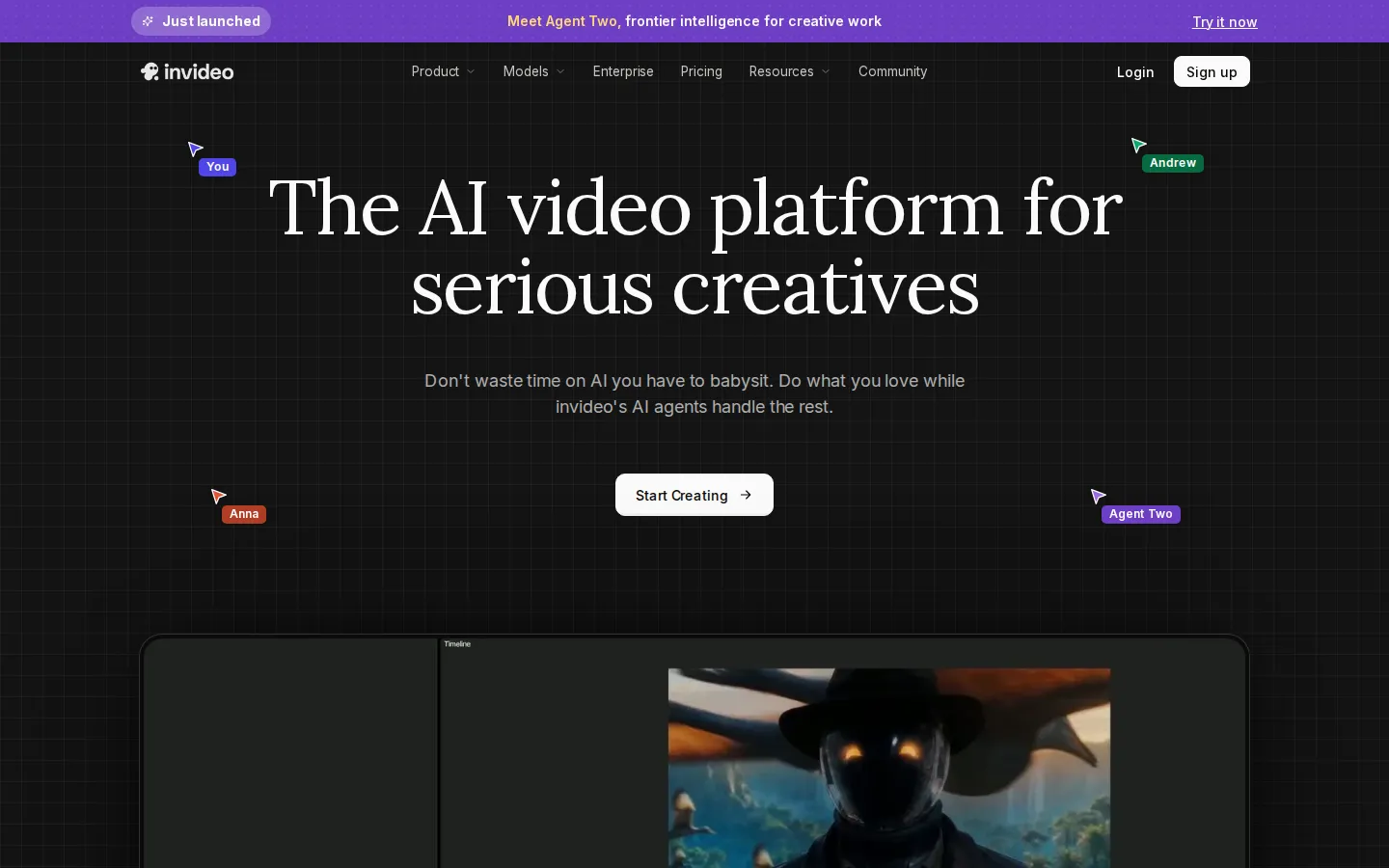
invideo is an AI video platform for serious creatives, combining an agentic editing assistant with a full multitrack timeline. Its editing agent indexes your footage so you can find any moment by describing it, applies one instruction across every clip, and supports real-time multiplayer editing, storyboarding and custom role-based agents, with frontier video, image and audio models built in.
What is invideo?
invideo is an AI video platform built around agentic editing, sold as invideo AI for prompt-driven creation and invideo Studio for timeline-based editing, with a shared editor at studio.invideo.io. The flagship feature is an editing agent that ingests uploaded footage, watches every clip and logs each moment into memory, so you can find any shot by describing it in plain language instead of scrubbing through hours of rushes. Rather than babysitting a generator that returns one-off clips you then have to assemble, you direct the agent across the multitrack timeline: give one instruction and it applies the same change to every shot, from cutting pauses to matching colour, pacing and look across the sequence.
invideo keeps video creation in one connected environment. You upload your own footage and describe the edit; the agent returns a cut you can review, then export. Storyboarding turns any script or idea into a shot-by-shot plan you can adjust before generating. Script writing lets you draft the script inside invideo with an AI co-writer if you want one. The timeline editor is a full multitrack surface where AI actions and manual editing coexist, so a human editor can take over at any frame. Multiplayer mode adds real-time collaboration with live cursors, so a producer, editor, writer and sound designer can work in the same project at the same time. Teams can also build their own agents to fill specific roles such as cinematographer, music designer, colourist, sound designer and scriptwriter.
On the generative side, invideo routes work through frontier video, image and audio models. Video models include Google Veo 3.1, Sora 2, Kling AI, Wan AI, Pixverse AI, Hailuo AI and Seedance 2.5 plus Seedance 2.0. Image models include Nano Banana Pro, GPT Image 2, Ideogram, Seedream, Flux Kontext, Qwen, Imagen and Reve. Audio models include ElevenLabs and Minimax. Those models are reachable through task-specific tools: AI Video Generator, AI Avatar Generator, Text to Video, Image to Video, UGC Ads, AI Animation Generator, AI Ad Generator, AI Image Generator, AI Art Generator, Image to Image, AI Thumbnail Maker, AI Image Enhancer, AI Voice Generator, AI Music Generator, Text to Speech, Voice Cloning, plus Face Swap and Face Swap Video. invideo Studio covers the conventional editing jobs — online video editor, picture video maker, Instagram, Facebook, YouTube and TikTok editors, video collage maker, trimmer and compressor.
Access is credit-based. Plans grant monthly credits per seat that are spent on video creation and generative models rather than on downloading or exporting, and each model is priced at its own credit rate, so a five-second Seedance 2.0 Fast clip costs roughly 30 credits while a Nano Banana Pro image costs about 2.5. An Enterprise tier adds SOC 2 and GDPR compliance, ISO alignment, single sign-on, commercial indemnification, dedicated data isolation and audit trails, with inputs and outputs never used to train models.
invideo Core Features
Agentic editing that indexes uploaded footage and finds any moment from a plain-language description
Multi-shot editing
one direction from you is applied across every clip on the timeline
Full multitrack timeline editor you can take over manually at any frame
Real-time multiplayer editing with live cursors for producers, editors, writers and sound designers
Storyboarding that turns a script or idea into a shot-by-shot plan before generation
Access to frontier models including Veo 3.1, Sora 2, Kling AI, Seedance 2.5 and Nano Banana Pro
Custom role-based agents you define, such as cinematographer, music designer and colourist
Credit-based per-seat plans with seats, premium stock footage, storage and 4K watermark-free export
Who is invideo for?
invideo is aimed at people who edit video for a living or as a serious part of their work — editors, filmmakers, producers, creative agencies and in-house brand teams — rather than at users who want a single one-click clip and never want to touch a timeline. The product states its positioning plainly: it is the AI video platform for serious creatives, and the pitch is that you should not have to babysit an AI that produces unusable first drafts. Instead of replacing the editor, invideo's agents sit inside a real multitrack editing environment, so the tool fits workflows where a human still owns the cut. The first group it suits is professional editors and post-production people: freelancers and small studios who shoot their own footage, need to find a moment in long rushes by describing it, and want repetitive work such as cutting pauses or matching a look applied across dozens of clips at once. Multiplayer editing with live cursors also fits small post teams where a producer, an editor, a writer and a sound designer work on one project simultaneously, and custom agents let a team formalise roles like cinematographer, colourist and music designer. The second group is marketing, brand and social teams. invideo's format tools and idea pages point at agencies, ecommerce brands, advertising teams and social media managers who need many variants of one idea — vertical cuts for TikTok, Instagram Reels and YouTube Shorts, UGC-style ad creative, product videos and thumbnails — and who value staying on brand across every format without waiting on a production queue. Microdrama and episodic creators are served by storyboarding plus character continuity across shots. The third group is enterprise and media organisations. The Enterprise tier targets large ecommerce companies, film studios, music labels, advertising tastemakers, publishers and edtech platforms that require SOC 2 and GDPR compliance, ISO-aligned controls, single sign-on, commercial indemnification, isolated data environments and audit trails, plus a contractual guarantee that their footage and outputs are never used to train models. invideo is less compelling for hobbyists who want a finished video from a prompt with no editing decisions to make, and for developers who need a documented public API to embed video generation inside their own product, since model access is sold inside the platform.
invideo Use Cases
Cut a long interview or documentary shoot down to its best moments without scrubbing raw footage by hand
Apply one colour, pacing or look instruction across dozens of timeline clips in a single pass
Turn a finished script into a shot-by-shot storyboard before spending credits on generation
Collaborate live with a remote production team using shared cursors on the same project
Spin one idea into vertical cuts for TikTok, Instagram Reels and YouTube Shorts
Produce UGC-style and advertising creative with AI avatars, voice cloning and generated b-roll
Draft and refine a script inside the editor with an AI co-writer before shooting anything
Run compliant, indemnified AI video production for enterprise teams with isolated data environments
invideo Pros and Cons
Pros
- The editing agent is genuinely different: it remembers your footage and applies one instruction across the whole timeline, removing the most repetitive part of editing
- A full multitrack timeline with manual override at any frame means output is not locked inside a black-box generator
- Unusually broad model menu in one subscription — Veo 3.1, Sora 2, Kling AI, Seedance 2.5, Nano Banana Pro and ElevenLabs
- Real-time multiplayer collaboration and custom role-based agents make it usable by production teams, not only solo creators
- Strong enterprise posture: SOC 2 and GDPR compliance, ISO alignment, SSO, indemnification and no training on customer data
Cons
- Credits are consumed by generations and do not roll over, so any unused monthly allowance is lost
- Annual billing is the headline presentation and Starter costs the same monthly while granting far fewer credits than higher tiers
- There is no documented public developer API — model access is billed at original API pricing inside the product only
FAQ About invideo
invideo Pricing
Freemium, credit-based and billed per seat. A free tier (the Free Plan) exists per invideo's terms, and paid plans are presented on an annual-first basis: Starter $20/seat/mo with 400 credits, Plus $50/seat/mo billed annually ($60 monthly) with 2,000 credits, Max $100/seat/mo annually ($150 monthly) with 5,000 credits plus Max 2x and Max 3x volume tiers, Team $65/seat/mo annually ($79 monthly) with 1,600 credits and 5 seats, Scale $150/seat/mo annually ($215 monthly) with 4,000 credits and 5 seats, and Enterprise quoted on request. Extra credit packs are available as add-ons and unused credits do not roll over.
Check official pricingFree Plan
Free tier with limited features, referenced in invideo's terms of service as the Free Plan. No free-tier card or credit allowance is published on the pricing page, which leads with annual paid plans.
Starter
For first-time AI creators. 400 credits per seat per month (about 160 Nano Banana Pro generations or 15 Seedance 2 fast videos), 5 seats, full timeline editor, multiplayer editing, professional colour, audio and 3D tools, Agent Two Lite, Seedance 2.0 Fast and 2.0 Mini, 100 premium stock footage assets and 20 GB storage. $240 billed annually for one seat; no difference compared to monthly billing.
Plus
$60 per seat per month when billed monthly (17% off annually). 2,000 credits per seat per month (about 800 Nano Banana Pro generations or 56 Seedance 2 videos), 10 seats, access to Lite, Pro and Ultra frontier agents, Seedance 2.5 at 1080p and Seedance 2.0 at 4K, early access to advanced AI features, 200 premium stock footage assets and 60 GB storage.
Max
$150 per seat per month when billed monthly (33% off annually, marked best value). 5,000 credits per seat per month (about 2,000 Nano Banana Pro generations or 142 Seedance 2 videos), 20 seats, all frontier agents and models, lowest cost per credit, 500 premium stock footage assets and 200 GB storage. Volume tiers of 10,000 and 15,000 credits per month are available as Max 2x ($250 monthly / $200 annual) and Max 3x ($375 monthly / $300 annual).
Team
Under the Business plans tab, for agencies and small teams to create faster. $79 per seat per month when billed monthly. 1,600 credits per seat, 5 seats per workspace, 4K watermark-free export and generative credits.
Scale
Designed for growing creative teams. $215 per seat per month when billed monthly. 4,000 credits per seat, 5 seats per workspace, 4K watermark-free export and generative credits.
Enterprise
For organisations needing personalisation and security. Custom credits per seat per month, unlimited seats, custom model access, volume pricing, SOC 2 and GDPR compliance, ISO alignment, single sign-on, commercial indemnification, isolated data environments and audit trails. Quote on request via invideo.io/enterprise.
Extra Credits
Add-on credit packs available in $50, $250 and $1,000 bundles for additional generations without changing your subscription. Purchased credits are added instantly.
invideo Alternatives

DeepSwap
DeepSwap is an online AI face swap studio for video, GIF and photo. Upload a clip, pick a source face, and its private model renders a realistic swap in seconds, handling up to six faces, tricky angles and 1080p output, plus enhancement, background removal, cartoon filters and text-to-video generation, with a credit-based API for bulk work.

Motion
Motion is a video agent from Mosaic that turns a written brief, raw footage or a reference clip into an edited video. It plans the story, generates or cuts shots, adds music and sound, then lets you refine the result in chat, on the preview or in a timeline before exporting to Premiere Pro, After Effects or DaVinci Resolve.

Vidmoat
Vidmoat is a browser-based video editor with an AI agent built into the timeline. You drop in raw footage, describe the edit you want, and the agent cuts dead air, writes word-synced captions, grades color and adds music, showing each step on an editable timeline. Every change stays reversible, and the same projects open on desktop, phone and Telegram.