
Giga
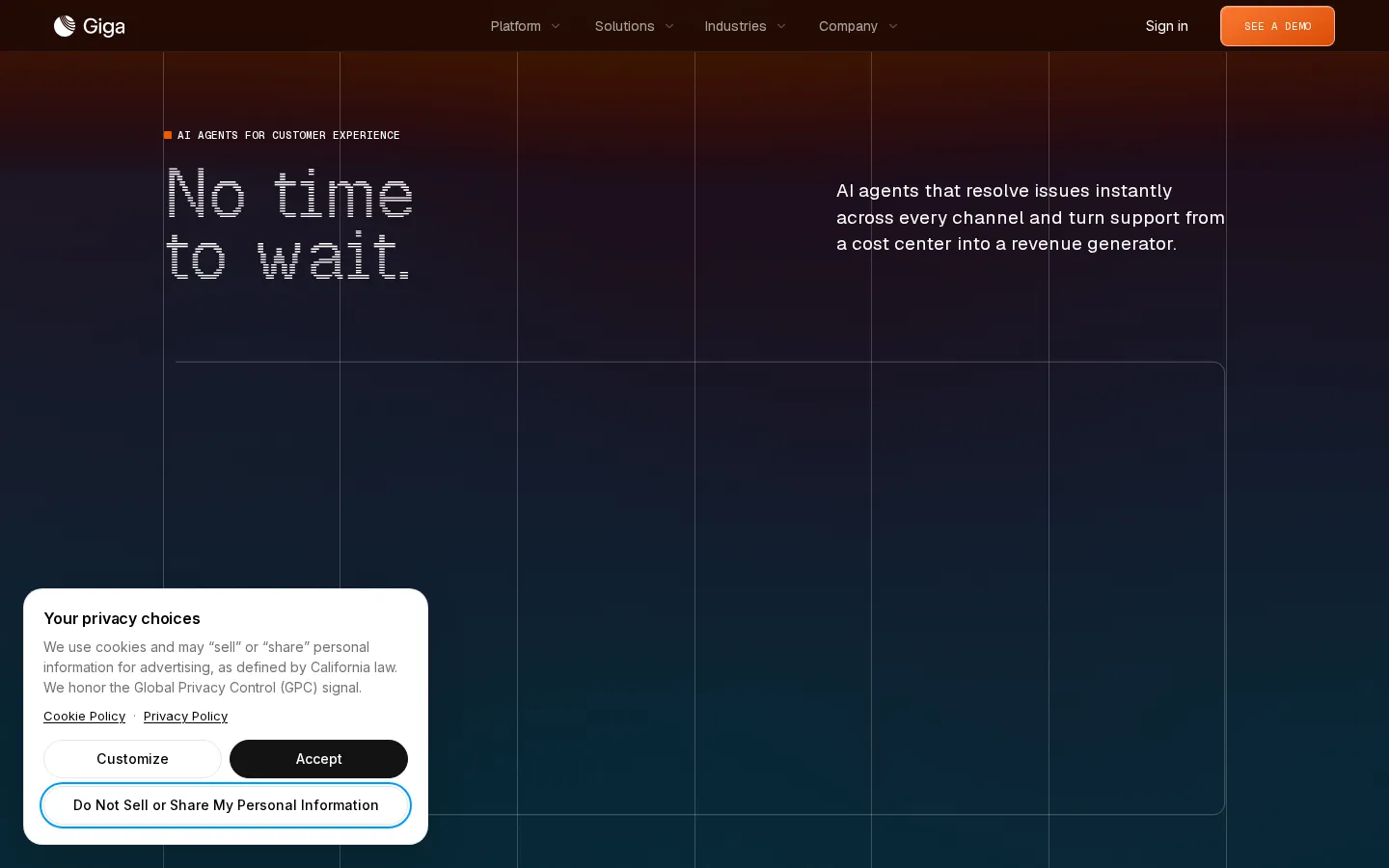
Giga is an enterprise AI agent platform for customer support. Its agents resolve complex issues across chat, voice and email, act inside your own tools, and improve against the KPI you set. Deployment takes weeks rather than quarters, and buyers start with a contact-sales pilot. DoorDash runs it at scale with a 90%+ Did We Resolve rate.
What is Giga?
Giga is an enterprise AI agent platform for customer support, built by Giga AI, Inc., the San Francisco company formerly known as GigaML. Rather than selling a chatbot widget, Giga sells agents that finish work: they read the customer's request, look up the order, account or booking in your own systems, take the action, and only hand off to a person when a policy says they must. One agent covers chat, voice and email, so a customer can begin in a messaging thread and continue on a call without repeating themselves.
The product is organized as a loop of three stages the company calls Build, Observe and Improve. Build is where policies, knowledge, brand voice and tools are configured. Instructions are written as readable scenarios, and every connected API has to be explicitly granted to an agent, so an integration that exists in your stack does not silently become something the agent can call. Observe turns a metric into evidence: open the conversations behind a resolution rate, read the transcript, see which tool calls ran, check evaluation fields such as hallucination risk and sentiment, and find where the customer's intent diverged from the agent's action.
Improve is handled by Scout, Giga's agent-building agent. You give Scout a KPI, such as resolution rate, CSAT or transfer rate, plus a target and how often to recompute it. Scout groups flagged conversations into opportunities, proposes specific policy or scenario changes grounded in that evidence, projects the lift on your metric, and can test a change on a slice of traffic before you publish. Scout also works inside Slack, so a team can ask it a question in a thread and approve the fix without leaving the channel.
Around that core sit several products. Agent Canvas is the visual builder for a first multimodal agent, holding scenarios, supporting documents, personalization and evaluation in one editor. The CLI ships and operates agents from a terminal through the giga-sdk, including log inspection filtered by conversation and time window. The Browser Agent executes workflows inside browser-based systems that have no API, signing in like a person and completing the task in an isolated cloud browser while the call is live. Voice Experience covers 90+ languages with dynamic interruption handling and emotion detection, and Insights packages the analytics and suggestion layer.
Deployment is the commercial argument. Giga says a first agent runs in about ten minutes and most teams are in production in under two weeks, using existing transcripts and policy documents as raw material. DoorDash is the reference customer, reporting a Did We Resolve rate above 90% while handling delivery issues end to end. The platform sells to enterprises, with SOC 2 Type II, ISO 27001, ISO 42001 and PCI DSS 4.0.1 attestations published in its trust center.
Giga Core Features
Omnichannel agents
one agent handles chat, voice and email, keeps context across the interaction, and hands off to a human with the transcript attached.
Policy-based build
scenarios, brand voice and rules are written in plain language and versioned, with shared policies that sync across multiple agents.
Scoped tool access
APIs are attached per agent with controlled calling, so an available integration is not automatically an available agent action.
Observe and evaluation
move from a KPI to the exact conversations behind it, with resolution, sentiment, hallucination risk and actions taken on each ticket.
Scout
an agent-building agent that reads flagged conversations, proposes evidence-based policy changes, projects lift and tests them before publish.
Agent Canvas
a visual builder that takes a first multimodal agent from transcripts or SOPs in minutes, with personalization and evaluation in one editor.
Browser Agent
executes workflows inside browser-based internal systems that have no API, in an isolated cloud session, during a live call.
Voice Experience
90+ languages with dynamic interruption handling, emotion and urgency detection, personalized voices and low-latency responses.
Who is Giga for?
Giga is built for large consumer-facing enterprises where support volume runs to hundreds of thousands of contacts a day and a wrong answer carries real cost. The industries it names are the tell: marketplaces and delivery, fintech and banking, telecom, retail, healthcare, freight and logistics, hospitality, and software. These are businesses with deep internal tooling, strict compliance requirements, and queues that grow faster than hiring. The buyer is usually a support or customer experience leader held to resolution rate, cost per contact or CSAT, who needs the number to move this quarter rather than after a multi-quarter rollout. Contact center and workforce teams fit too, because the platform is designed to hand off cleanly to humans with context attached instead of dumping escalated conversations into a queue. Engineering and platform teams are the second audience. Giga assumes agents will call your APIs, so someone has to scope tool access, review policies as code-like artifacts, and run the CLI and SDK in existing pipelines. Security and compliance reviewers matter as much as users: procurement in banking or healthcare will ask about SOC 2, ISO 27001 and PCI DSS before a pilot starts, and Giga publishes those attestations deliberately. It is a poor fit for solo developers, small teams or anyone who wants to swipe a card and self-serve. There is no published price list, no free tier and no per-seat checkout, so evaluating Giga means a sales conversation, a pilot and internal sign-off. Teams that need a cheap turnkey widget for a low-volume site should look elsewhere.
Giga Use Cases
Resolve delivery and order issues end to end, including reschedules, refunds and courier escalations, as DoorDash does.
Handle appointment booking, confirmation and rebooking for telehealth and clinic front desks.
Increase card limits, replace lost cards and answer balance questions inside a live chat or phone call.
Recover failed payments, at-risk accounts and lapsed renewals by acting in billing systems during the conversation.
Triage and answer email support queues by pulling the answer from policy documents and account data.
Deflect password, subscription and account-change requests without sending customers to a help center article.
Run outbound follow-ups and win-back calls in the customer's language across 90+ supported languages.
Complete tasks in legacy internal tools that expose no API through the Browser Agent's cloud sessions.
Giga Pros and Cons
Pros
- Agents take real actions in your systems rather than drafting replies, so resolution rate is the metric instead of deflection.
- Deployment is unusually fast for enterprise software: a first agent in about ten minutes, most teams live in under two weeks.
- The Observe layer is genuinely useful, since every metric opens into transcripts, tool calls and evaluation fields behind it.
- Compliance coverage is stronger than most support-AI startups, with SOC 2 Type II, ISO 27001, ISO 42001 and PCI DSS 4.0.1 published.
- Reference customers are large and specific, including DoorDash at a 90%+ Did We Resolve rate handling edge cases.
Cons
- No public pricing at all: the pricing URL returns a 404, there is no free tier or self-serve checkout, and costs only emerge after a sales conversation and pilot.
- The platform assumes engineering capacity, since tool scoping, CLI operation and policy review are part of running it well.
- There is little independent benchmarking of resolution claims, and reported results come mainly from Giga's own customer stories.
FAQ About Giga
Giga Pricing
Enterprise quote only. Giga publishes no price list; giga.ai/pricing returns a 404 and every commercial path leads to a demo request, so lowest_price is recorded as 0 rather than a real entry price. Engagements are scoped per company after a sales conversation and typically begin with a pilot under Giga's published enterprise pilot terms, with cost depending on channels, conversation volume and integration scope.
Check official pricingEnterprise
Quote-based enterprise engagement covering chat, voice and email agents, Agent Canvas, Scout, the CLI and Browser Agent. Scope, conversation volume, channels and support terms are agreed with sales, usually starting from a pilot under Giga's enterprise pilot terms.
Giga Alternatives

Beside
Beside combines an AI receptionist, business phone line, scheduling, CRM, review management, website builder, and ads management into one agent for local service businesses. It learns your trade, drafts each next move for approval, then executes: after-hours calls get answered, leads get chased by text and email, jobs land on the calendar, and reviews get replies in your voice. Paid plans start at $99 monthly.

StarVox
StarVox is an AI phone receptionist that answers every call 24/7 for restaurants, clinics, hotels, car rental companies, and online stores. It greets callers naturally, books appointments and reservations using live availability, captures orders and patient details, logs every request into your CRM or ERPNext, records and summarises each conversation, and transfers complex calls to your staff with full context.
Replient
Replient is an AI social media comment manager for brands. It replies to comments across Facebook, Instagram, TikTok, LinkedIn, YouTube, Google Reviews and the app stores in your brand voice, learns your tone from past replies and your website, hides spam and hate, and turns comments into leads with DM automations. A 14-day free trial is available.