
Deskbell
Deskbell is a hotkey AI agent for macOS and Windows that answers small questions in a Spotlight-style window over whatever you are doing. Press Control + Option + Space, ask about a term, look something up, translate a phrase or improve the wording, then dismiss it. It runs on the built-in Chime model with no API key, or on any OpenAI-compatible model you connect yourself.
What is Deskbell?
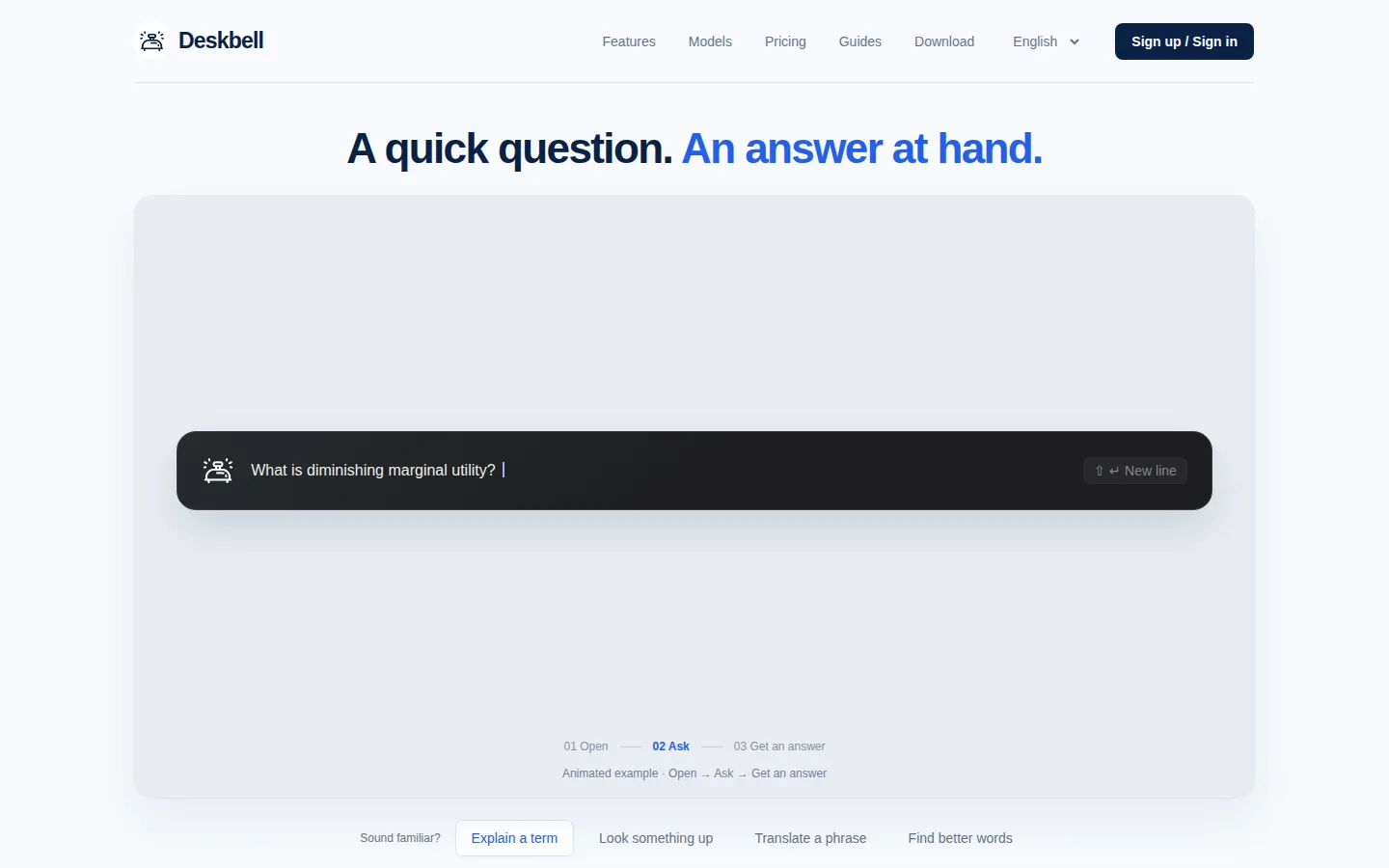
Deskbell is a hotkey AI agent for macOS and Windows, made by the company of the same name, that answers small questions in a window that appears on top of whatever you are doing. Instead of opening a workspace, choosing a model and starting a fresh thread, you press the default shortcut, Control + Option + Space on macOS or Control + Alt + Space on Windows, type the question, read the answer and dismiss it. The product positions itself as a Spotlight-style quick bar for trivial tasks: a term to confirm, a fact to check, a phrase to translate, a sentence to reword or a small sum to calculate.
The workflow is deliberately short. Deskbell lives in the tray until the hotkey brings it up, the input bar opens over your current window rather than replacing it, and the shortcut can be changed in settings if it collides with another app. Because the window is separate, a side question never becomes a detour in a long project chat: Claude Code, Codex or a multi-agent run keeps working while you ask elsewhere, and you do not wait for it to free up first.
Two ways to power a question are offered. The built-in Chime model needs no API key and uses lightweight models the company selects from commercially available and open-source offerings, chosen for explanations, lookups, translations and small edits; the terms note that Deskbell may adjust or replace the underlying model over time. Alternatively, BYOK lets you connect any OpenAI-compatible service with your own key, and with your own provider Deskbell itself costs nothing. A custom system prompt field shapes how the agent answers.
Capabilities go beyond definitions. Deskbell can look things up with web-enabled tools, translate text, discuss a phrase's tone and usage, improve wording, and handle quick calculations. When agent tools are enabled, a single question may take several model calls, and every call counts against the plan allowance. Conversations keep their context, so follow-ups and new angles work naturally, and saved conversations can be reopened later.
Privacy is handled locally where it matters: chat history is stored on your device, which keeps quick side questions out of the context of your main agent. To answer a question the relevant messages, images and tool results are sent to the selected model service, and web tools access the sites they look up. Accounts, devices, subscriptions and deletion are managed in the account center.
Deskbell 1.1.0 ships as a 13 MB universal macOS download for macOS 13.0 and later, Apple Silicon and Intel, plus a 4.6 MB 64-bit Windows build for Windows 10 and later that is labelled beta on the download panel. Even so, the free Trial allows only 10 model calls per monthly billing period, so the paid tiers carry most everyday use.
Deskbell Core Features
Hotkey summon anywhere
Control + Option + Space on macOS or Control + Alt + Space on Windows brings the agent up over the current window.
Spotlight-style quick bar
a small input window opens over your work, so the answer arrives without switching apps or workspaces.
Built-in Chime model
lightweight models selected for everyday explanations, lookups, translations and small edits, with no API key required.
Bring your own model
connect any OpenAI-compatible service with your own key, and Deskbell itself costs nothing.
Web-enabled tools
look facts up on the spot in a separate window instead of leaving the conversation you are in.
Local chat history
conversations are stored on your device and keep their context, so follow-ups and saved conversations work later.
Custom system prompt
shape how the agent answers so its tone and behavior match the way you work.
Agent tools with call accounting
one question may use several model calls, and each call consumes one unit of the plan allowance.
Who is Deskbell for?
Deskbell is for people who keep hitting small questions in the middle of larger work, and it fits several clear profiles. Developers and agent users. Anyone running Claude Code, Codex or a group of agents on a complex task needs the occasional definition, fact check or rewritten sentence. Adding those questions to the main thread disturbs its context, and swapping the heavy model down and back up is wasteful, so Deskbell gives the side question its own window while the run keeps going. Knowledge workers in documents and chat. People who live in email, shared docs, Slack or a CMS constantly look up terms, check facts and reword replies. Deskbell opens over the page they are already reading, answers, and disappears without a workspace switch. Non-native speakers and multilingual teams. The app handles translation, and the site is published in English, French, German, Japanese, Korean and Chinese. Users can ask what a phrase means in context, how it sounds, or how to say something politely in another language. Students and researchers. Reading a paper or a textbook produces a steady stream of vocabulary and background questions. A quick bar keeps those lookups from turning into long research detours away from the page. Writers, marketers and support staff. Anyone polishing wording all day can paste a sentence and ask for a more direct, softer or clearer version without opening a full editor or a chat workspace. Budget-conscious and BYOK users. A $0 trial with 10 model calls, Plus at $2.99 and Pro at $5.99 keep everyday questions cheap, and people who already pay for an OpenAI-compatible provider can connect their own key and use Deskbell for free. Mac and Windows users who dislike heavyweight assistants. Deskbell waits in the tray, is summoned by one shortcut, and is small enough to keep running all day, with the Windows build still in beta.
Deskbell Use Cases
Explain an unfamiliar term mid-conversation and ask for an everyday example you can repeat in the meeting.
Check a quick fact or definition in a separate window without breaking the task your main agent is running.
Translate a phrase and ask about its tone and usage before sending the message.
Reword a reply so it sounds more direct, softer or clearer without opening a full editor.
Run a small calculation, such as splitting a total three ways evenly, at the cursor.
Ask side questions while Claude Code, Codex or a multi-agent run keeps working undisturbed.
Reopen a saved conversation to pick up a previous line of questioning where you left off.
Connect your own OpenAI-compatible key and keep using Deskbell without paying for the Chime allowance.
Deskbell Pros and Cons
Pros
- Cheap entry points: a $0 Trial with 10 model calls per monthly billing period, Deskbell Plus at $2.99 for 400 calls and Deskbell Pro at $5.99 for 1,000 calls.
- No API key is needed to start because Chime is built in, and BYOK users who supply an OpenAI-compatible key can use Deskbell completely free.
- Chat history stays on your device, which keeps quick side questions out of the context of your main Claude, Codex or multi-agent project.
- One configurable hotkey and a small overlay window mean no workspace switching, no model downgrade and no re-orienting after the answer.
- Ships for both macOS (Apple Silicon and Intel, macOS 13.0+) and Windows (Windows 10+, beta) as a small 13 MB and 4.6 MB download.
Cons
- Monthly allowances are small and unused model calls do not roll over, and any question that uses agent tools can consume several of them.
- There is no Linux, iOS, Android or browser version, the Windows build is still labelled beta, and the free Trial runs out after 10 calls.
- There is no dedicated pricing page, no public API or SDK for developers, and Chime's underlying models can be adjusted or replaced at any time.
FAQ About Deskbell
Deskbell Pricing
Freemium: the Trial plan is $0 with 10 model calls per monthly billing period, Deskbell Plus is $2.99/month for 400 model calls and Deskbell Pro is $5.99/month for 1,000 model calls, while connecting your own OpenAI-compatible model key makes Deskbell free.
Check official pricingTrial
10 model calls per monthly billing period. Turn on the built-in Chime model and start asking without an API key; the company says 10 calls are often enough to judge whether a quick bar fits your day.
Deskbell Plus
400 model calls per monthly billing period with the built-in Chime model, so no API key is required. An active Plus period can be upgraded to Deskbell Pro for a fixed $3.00 without changing its end date or resetting usage.
Deskbell Pro
1,000 model calls per monthly billing period. Active Pro periods cannot be downgraded, though you can buy Plus again after cancellation or expiry. Unused model calls do not roll over between periods.
Bring your own key (BYOK)
Connect any OpenAI-compatible model service with your own API key and customize the system prompt; Deskbell itself costs nothing, and you pay your own provider for usage.
Deskbell Alternatives

iMobie
iMobie is a consumer software suite for iPhone, iPad and Android owners, covering data recovery, phone-to-phone transfer, passcode and Apple ID unlocking, system repair and storage cleaning. Its multimedia line adds AI-assisted screen recording in FocuSee, real-time voice changing in Vozard and AI video upscaling in AnyEnhancer, sold through monthly, yearly and perpetual licences on its own store.

Velozity
Velozity is a multiplayer AI office for remote teams that puts people and AI agents in the same shared workspace. Persistent presence, video and audio calls, transcripts, tasks, notes, calendars and guest passes live in a single window, while built-in and bring-your-own agents take on real work across more than 100 integrations and a cloud computer.

HiNoter
HiNoter converts audio, video, PDFs, and meeting recordings into transcripts, structured summaries, and action items. It records Zoom, Google Meet, and Microsoft Teams calls, accepts uploaded files or YouTube links, and transcribes over 100 languages. A one-time free credit covers a single note, Personal Pro costs $6.99 a week or $69.99 a year, and Team Pro starts at $119.98 a year for two seats.