CutAI
CutAI is an iPhone AI video editor that converts raw talking videos into clean, postable short-form clips. You record a messy take, upload it, and the engine removes dead space, retakes, filler words, and fumbles, then hands back a tight cut. It is built for creators who want to edit less, film more, and publish more without hiring an editor or learning a timeline.
What is CutAI?
CutAI is an AI video editor for iPhone that turns raw talking-head footage into tight, postable short-form videos. Built by CutAI LLC, it targets creators who want to edit less and post more, and its homepage claims the average CutAI creator gets 34 hours a week back. Instead of learning a timeline, you record your take, upload it, and let the engine do the cutting.
The editorial idea is simple. CutAI screens your clip for the parts worth keeping and removes everything else: dead space, retakes, filler words, and the fumbles between takes. You talk; the engine finds the moments that land and drops the rest. A messy, multiple-take recording comes back as one clean cut you can post, without you scrubbing manually through the footage.
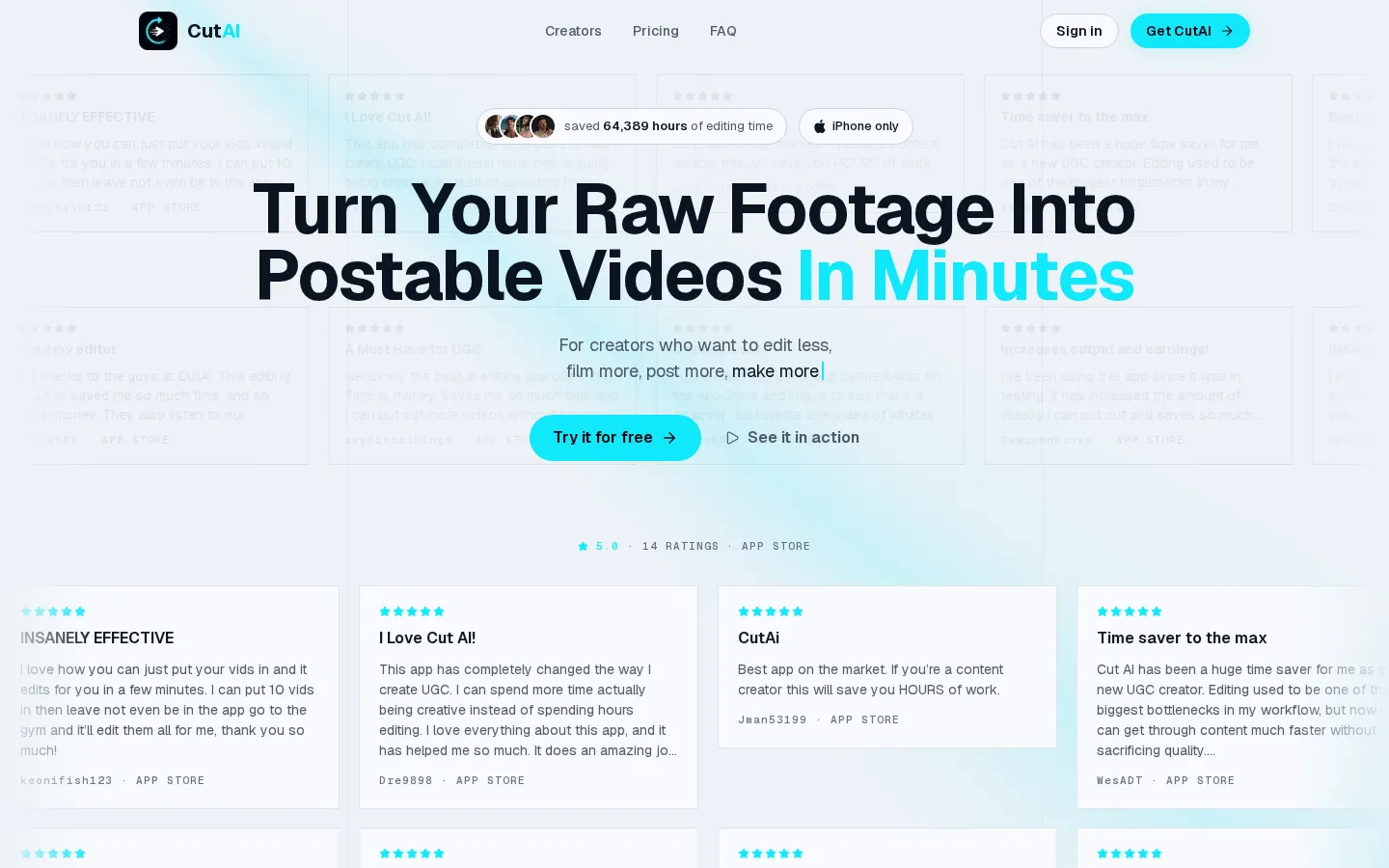
Cutting is only part of the workflow. CutAI can overlap audio, so background sound carries across cuts instead of stopping and starting. Scheduled batch edits let you queue several videos and let the app process them, which is why reviewers describe uploading ten videos, leaving the app, and returning to finished cuts. The homepage shows clips from creators posting on Instagram and TikTok, including accounts with hundreds of thousands of followers.
Finished cuts stay in your library, so you can rewatch and re-export them at any time. When an automatic decision is wrong, every cut opens in a real editor inside the app, where you can trim, split, and reorder on a full timeline. Exports go up to 4K with no watermark, and each source video can be up to 15 minutes and 1 GB.
CutAI is iPhone-only today and requires iOS 17 or later, so Android users are not served. The app connects to a companion website where you sign in with the same email, manage billing, and start a plan. Every plan includes a three-day free trial with a card on file, and nothing is charged until the trial ends. There is no public API and no desktop editor, so CutAI stays focused on the phone-based creator workflow.
Pricing runs from $19.99 per month for Starter up to $89.99 for Ultimate, with Pro in the middle, and the site frames each plan as paying for itself against the cost of hiring an editor. Overall CutAI is a narrow but well-executed tool: it does not try to be a full non-linear editor, it tries to remove the editing bottleneck for people who record themselves talking.
CutAI Core Features
Automatic rough-cut editing
CutAI screens raw talking videos and removes dead space, retakes, filler words, and fumbles between takes.
Batch editing on a schedule
queue several videos and let the app process them, so you can film once and post all week.
In-app timeline editor
every automatic cut opens in a real editor where you can trim, split, and reorder manually.
Overlap audio
background sound carries across cuts instead of stopping and starting, available on Pro and Ultimate.
Library storage
finished cuts are saved in your library so you can rewatch and re-export them at any time.
High-quality export
render finished videos up to 4K with no watermark on the output.
iPhone-native workflow
record and edit on the same device, with the app requiring iOS 17 or later.
Creator proof on the homepage
sample cuts from Instagram and TikTok creators with hundreds of thousands of followers.
Who is CutAI for?
CutAI is built for people who already film themselves and hate the editing step. The clearest fit is the short-form creator and UGC creator who records talking-head videos for TikTok, Instagram Reels, or YouTube Shorts and needs to publish several times a week. Reviewers on the App Store are explicit that the app replaced hours of manual editing and let them post more without sacrificing quality. A second group is solo founders, coaches, and course sellers who record promotional or educational videos themselves. They usually have no editing skills or timeline workflow, and CutAI removes the need to learn one: record, upload, and the engine returns a clean cut. The iPhone-only design suits people who shoot on their phone and want to edit on the same device. Editors and small agencies can use it as a first-pass tool. Instead of manually scrubbing raw takes, they run footage through CutAI to remove dead space and retakes, then apply final touches in the in-app editor before export. The scheduled batch edits make it practical to process several client videos in one session, and social media managers handling multiple accounts get the same benefit when output volume matters more than frame-accurate control. Anyone producing high-volume talking videos also benefits: a podcaster cutting clips, a consultant recording outbound videos, or a marketer feeding a posting calendar. It is a poor fit for advanced editing such as multi-cam work, motion graphics, colour grading, or collaborative team timelines. Android users cannot use it at all, since CutAI is iPhone-only, and anyone who needs a desktop workflow or an API must look elsewhere. Beginners are well served, because the app hides the timeline until you choose to open it.
CutAI Use Cases
Turn a messy multi-take UGC recording into one clean, postable short for TikTok or Instagram Reels
Film a week of talking-head videos in one session and let batch editing process them overnight
Cut filler words and dead space from a product review before publishing it to social media
Remove retakes and fumbles from a founder's promotional video without learning timeline editing
Process several client videos quickly as a first pass, then finish them in the in-app editor
Clean up a podcaster's talking clips before exporting them as vertical shorts
Edit a coach's educational video on the same iPhone it was shot on
Queue outbound sales videos in a batch and export them all watermark-free
CutAI Pros and Cons
Pros
- Automates the most tedious part of editing, cutting dead space, retakes, and filler without a timeline.
- Batch editing lets creators process many videos at once, which reviewers credit with posting more per week.
- Exports up to 4K with no watermark, and every auto-cut can be adjusted in a real in-app editor.
- Simple iPhone-first workflow with a three-day free trial and no extra skills required to start.
Cons
- iPhone-only and requires iOS 17 or later, so Android users and older devices cannot use it.
- No free plan and no desktop editor or public API; ongoing use starts at $19.99 per month after the trial.
- Automatic cuts can still need manual clean-up, and there is no multi-cam, motion graphics, or colour grading.
FAQ About CutAI
CutAI Pricing
CutAI is paid-only with no free plan: three monthly plans (Starter $19.99, Pro $49.99, Ultimate $89.99), each with a three-day free trial and no charge until it ends.
Check official pricingStarter
For posting a few times a week: 100 AI edits a month, camera, manual editor, and exports, billed monthly; overlap audio and scheduled batch edits are not included.
Pro
For posting every day: 300 AI edits a month, camera, manual editor, exports, overlap audio, and scheduled batch edits, billed monthly.
Ultimate
For teams and high-volume shops: unlimited AI edits plus camera, manual editor, exports, overlap audio, and scheduled batch edits, billed monthly.
CutAI Alternatives

DeepSwap
DeepSwap is an online AI face swap studio for video, GIF and photo. Upload a clip, pick a source face, and its private model renders a realistic swap in seconds, handling up to six faces, tricky angles and 1080p output, plus enhancement, background removal, cartoon filters and text-to-video generation, with a credit-based API for bulk work.

Motion
Motion is a video agent from Mosaic that turns a written brief, raw footage or a reference clip into an edited video. It plans the story, generates or cuts shots, adds music and sound, then lets you refine the result in chat, on the preview or in a timeline before exporting to Premiere Pro, After Effects or DaVinci Resolve.

Vidmoat
Vidmoat is a browser-based video editor with an AI agent built into the timeline. You drop in raw footage, describe the edit you want, and the agent cuts dead air, writes word-synced captions, grades color and adds music, showing each step on an editable timeline. Every change stays reversible, and the same projects open on desktop, phone and Telegram.