Clipto
Clipto is a local-first AI memory platform that turns videos, audio, meetings, documents, images and bookmarks into one searchable Memory living on your own computer. It transcribes speech in 99+ languages, tags people and scenes automatically, finds exact moments by search, and connects that Memory to Claude, ChatGPT, Cursor and other MCP tools. A 7-day free trial is available.
What is Clipto?
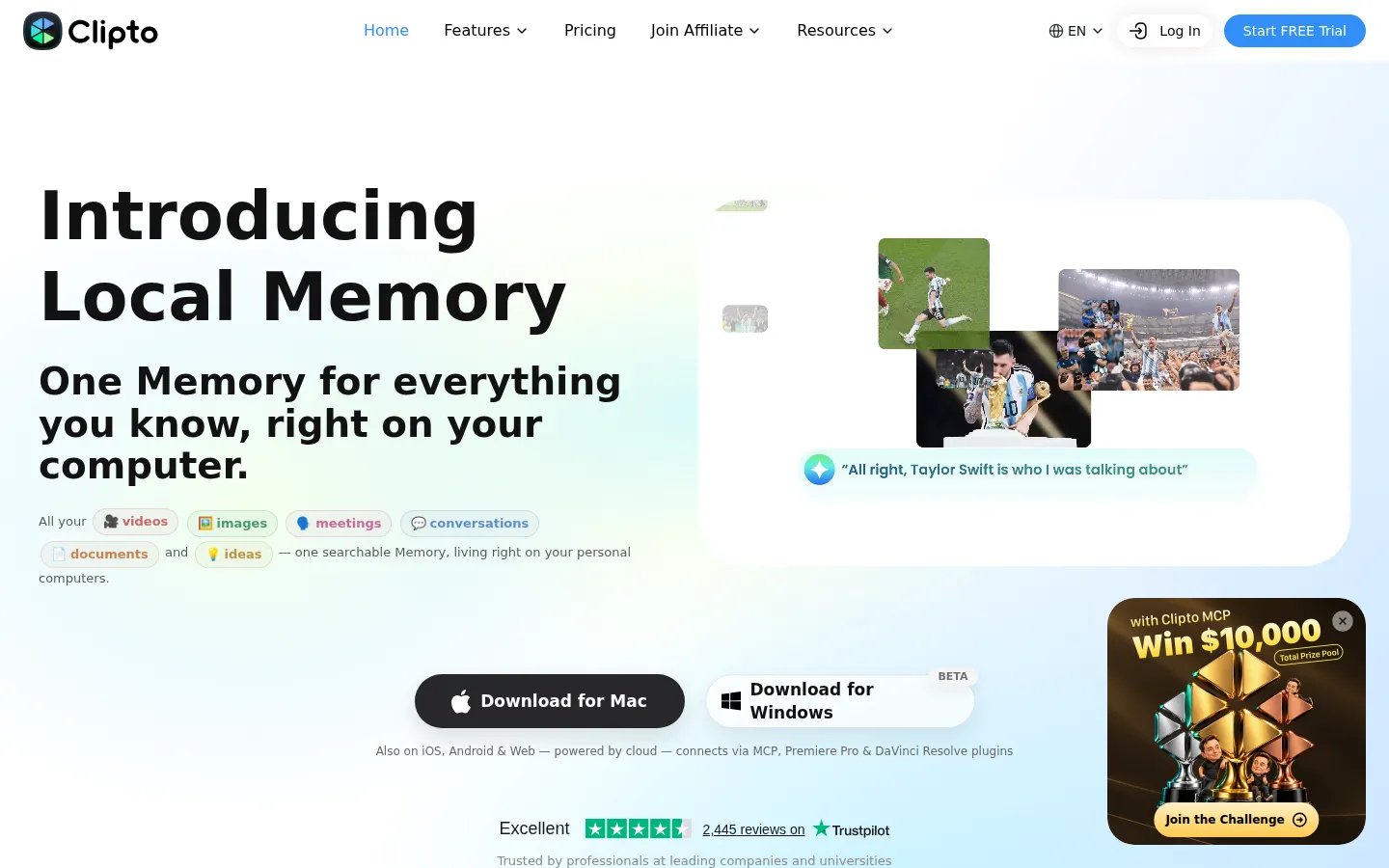
Clipto is a local-first AI memory platform built by Clipto, Inc. that turns the media you already own into one searchable Memory living on your own computer. The company's own framing is blunt about the problem: people are drowning in data yet starving for memory, because meetings, recordings, voice memos, screenshots and documents each land in a folder and disappear. Clipto's answer is not more storage but memory - a system that captures raw files, builds understanding from them, and lets that understanding compound over time.
In practice you point Clipto at your videos, footage, meetings, calls, interviews, voice memos, photos, screenshots, PDFs, DOCX files, slides and bookmarks. Everything it indexes stays local: as the site puts it, your Memory should not begin with an upload, and your videos should not have to leave your device just to become searchable. The product is described as local-first, not local-only, so cloud intelligence is optional and your Memory stays yours.
On top of that index sit several capabilities. Automatic speech transcription handles 99+ languages, automatic people tagging labels speakers, and video and audio search lets you find exact moments rather than filenames. Because Clipto also analyses the picture, you can search by what is on screen - scene, subject and shot type - and jump straight to the exact frame and timecode, ready to cut. Videos up to six hours long can be analysed, and access to advanced models is part of the paid plan. Summaries turn long recordings into reusable context, and every claim is traceable back to the person, the moment and the exact timestamp in the source.
The other half of the pitch is reach. Clipto connects to Claude, ChatGPT, Cursor and any other MCP-compatible tool, so the same Memory answers questions inside the AI you already use, and Clipto also ships an Agent of its own. Around that core the site lists AI transcription tools (video to text, audio to text, speech to text, meeting transcription and YouTube transcripts), a Knowledge Library for media asset management and AI video search, an AI editing assistant, a video summarizer and a YouTube video summarizer. Clipto runs as a Mac app (Apple silicon M1+ with 16GB+ memory), a Windows beta (12GB+ RAM), iPhone and Android apps, a cloud-powered web version and plugins for Premiere Pro and DaVinci Resolve, with MCP support in beta. The site says professionals at Google, Apple, Microsoft, Netflix and major universities use it, and pricing starts with a seven-day free trial followed by Clipto Pro at $24.99 per month or $149.88 per year.
Clipto Core Features
Local-first Memory
Clipto indexes your videos, audio, meetings, documents, images and bookmarks into one searchable Memory that stays on your own computer instead of having to be uploaded first.
Automatic transcription
Speech is transcribed automatically in 99+ languages, covering video to text, audio to text, speech to text, meeting transcription and YouTube transcript generation.
Search to the exact moment
Find results by what was said or by what is on screen, then jump straight to the frame, timecode or timestamp in the original source file and cut from there.
Automatic tagging
Scenes, subjects, shot types and people are tagged automatically, so footage and conversations organize themselves instead of waiting for someone to log them by hand.
Summaries and AI editing
A video and YouTube summarizer turns long recordings into reusable context, while the AI editing assistant helps you locate the source clips you need.
MCP and AI tool connections
Connect the same Memory to Claude, ChatGPT, Cursor and any MCP-compatible tool, or use Clipto's own Agent, with every answer traceable to its source.
Everywhere you work
Native Mac and Windows apps run local-first, while iPhone, Android and web versions are cloud-powered, with plugins for Premiere Pro and DaVinci Resolve.
Knowledge Library
A media asset management layer stores and organizes a growing library of footage, recordings and documents so past work stays reusable instead of buried.
Who is Clipto for?
Clipto is aimed at people whose work produces a lot of media and who lose time hunting through it afterwards. The site groups those users into six explicit buckets: creators, analysts, students, product teams, researchers and journalists. For creators - filmmakers, video editors, photographers, marketers and video agency owners - Clipto turns years of footage into a searchable library. Testimonials on the site come from exactly those roles: a filmmaker who shoots multiple takes and now searches for the best one instead of scrubbing; a marketer whose campaign clips sit scattered across drives; a restaurant photographer who types a keyword and jumps to the exact timecode. B-roll organizes itself, auto-tagged by scene, subject and shot type. Analysts get every earnings call, report and note kept queryable with sources, so a question such as what changed in guidance since Q1 can be traced quarter over quarter. Students can ask questions across a semester of lectures and jump to the exact slide or moment a topic was taught, with auto-generated notes from every recorded class. Product teams use it so decisions stop getting lost in meetings and new hires catch up without asking around. Researchers keep interviews, papers and field notes connected to their evidence and build citations without re-reading everything. Journalists verify a quote down to the exact second it was said. Because the Mac and Windows apps run locally, the product suits people who are uncomfortable uploading client footage, research interviews or internal meetings to a cloud service. It also suits archivists of their own work, meaning anyone with years of recordings and documents that exist but never resurface. It is less suited to someone who only wants a lightweight online transcriber, because the desktop apps carry real hardware requirements - an Apple silicon Mac with 16GB or more memory, or a Windows PC with at least 12GB of RAM - and the deepest features sit behind a paid subscription once the seven-day trial ends.
Clipto Use Cases
Search hours of footage for a specific shot instead of scrubbing through timelines
Transcribe meetings, interviews and voice memos into searchable text
Ask questions across a semester of lectures and jump to the exact slide
Trace a decision back to the meeting where it was actually made
Verify a quote down to the exact second it was recorded
Keep quarterly earnings calls queryable with sources for guidance changes
Find and reuse B-roll across a growing media library
Query your local media from inside Claude, ChatGPT or Cursor through MCP
Clipto Pros and Cons
Pros
- Local-first by design: the Mac and Windows apps index your media on your own computer, so videos, interviews and meetings do not have to be uploaded before they become searchable.
- Search is unusually precise, returning the exact frame, timecode, speaker and timestamp rather than just a matching file name.
- Connects to the AI tools you already use, including Claude, ChatGPT, Cursor and any MCP-compatible app, so one Memory answers questions everywhere.
- Transparent pricing with a 7-day free trial, a $24.99 monthly plan and a $149.88 yearly plan, plus support for 99+ languages and videos up to six hours long.
- Broad platform coverage: Mac, Windows, iPhone, Android, web, MCP and plugins for Premiere Pro and DaVinci Resolve.
Cons
- The desktop apps need real hardware: an Apple silicon Mac (M1+) with 16GB or more memory, or a Windows PC with at least 12GB of RAM.
- There is no permanent free tier, only a 7-day trial, and the Windows build is still labelled beta.
- Some capabilities rely on cloud services, so local-first does not mean every feature works without an internet connection or an account.
FAQ About Clipto
Clipto Pricing
Clipto is a paid subscription with a 7-day free trial: Clipto Pro is listed at $24.99 per month, with a new-customer discount of $9.99 for the first month, or $149.88 per year (shown as $12.49 per month, tagged 50% off). There is no permanent free tier, and the paid plans include unlimited video and audio search, automatic speech transcription, automatic people tagging, 99+ languages, videos up to six hours long and access to advanced models.
Check official pricingClipto Pro Monthly
Billed monthly after a 7-day free trial, with a new-customer discount of $9.99 for the first month. Includes unlimited video and audio search, automatic speech transcription, automatic people tagging, support for 99+ languages, analysis of videos up to 6 hours long and access to advanced models.
Clipto Pro Yearly
Billed yearly at $149.88, shown on the pricing page as $12.49 per month and tagged 50% off, after a 7-day free trial. Includes the same Pro features: unlimited video and audio search, automatic transcription, people tagging, 99+ languages, 6-hour video analysis and advanced models.
Clipto Alternatives

iMobie
iMobie is a consumer software suite for iPhone, iPad and Android owners, covering data recovery, phone-to-phone transfer, passcode and Apple ID unlocking, system repair and storage cleaning. Its multimedia line adds AI-assisted screen recording in FocuSee, real-time voice changing in Vozard and AI video upscaling in AnyEnhancer, sold through monthly, yearly and perpetual licences on its own store.

Velozity
Velozity is a multiplayer AI office for remote teams that puts people and AI agents in the same shared workspace. Persistent presence, video and audio calls, transcripts, tasks, notes, calendars and guest passes live in a single window, while built-in and bring-your-own agents take on real work across more than 100 integrations and a cloud computer.

HiNoter
HiNoter converts audio, video, PDFs, and meeting recordings into transcripts, structured summaries, and action items. It records Zoom, Google Meet, and Microsoft Teams calls, accepts uploaded files or YouTube links, and transcribes over 100 languages. A one-time free credit covers a single note, Personal Pro costs $6.99 a week or $69.99 a year, and Team Pro starts at $119.98 a year for two seats.