
BoodleBox
BoodleBox is a collaborative AI workspace for educators, students, professionals, and organizations. It combines access to multiple AI models with shared conversations, custom bots, knowledge uploads, and AI coaching. Individuals can start free, while paid plans expand premium model access and document capacity. Institutional deployments add integrations, analytics, and implementation support, with contractual protections against training on customer content.
What is BoodleBox?
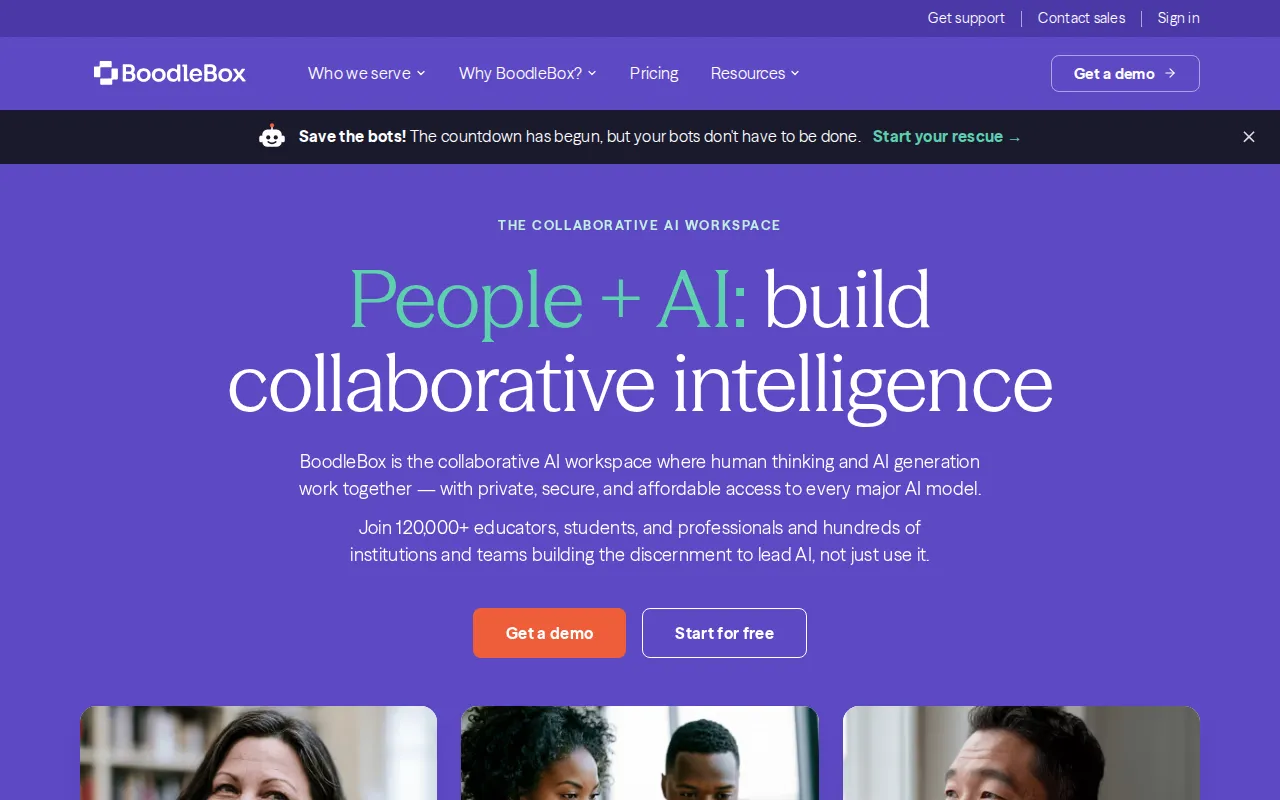
BoodleBox is a collaborative AI workspace that brings people, generative models, documents, and organizational knowledge together. The original boodle.ai address redirects to boodlebox.ai, where the current product is presented for education, enterprise, and individual use. Rather than offering a single proprietary language model, the service provides a shared environment for working with models from providers including OpenAI, Anthropic, and Google.
The official features page describes access to 38 AI models, including Claude, GPT, Gemini, Perplexity, Llama, and Mistral. Users can switch models during a conversation or run a prompt across multiple models to compare responses. BoodleBot also offers automatic model routing. This model selection sits alongside real-time collaboration, allowing multiple people to participate in the same workspace rather than exchanging isolated screenshots or copied answers.
A Knowledge Bank stores uploaded documents and other materials so they can be attached to chats or custom bots. Shared context and organizational memory are designed to preserve conversations, documents, and insights across sessions and personnel changes. The custom bot builder lets users encode course materials, workflows, and institutional expertise into reusable assistants. Bot Stacking brings multiple bots into one conversation to cross-check responses, although generated information still requires human evaluation.
Coach Mode provides guidance on prompt strategy, critical evaluation, and improving subsequent requests. The product also describes Message Mode, Memory Mode, and Knowledge to Context as different ways to work within a conversation. For institutional deployments, BoodleBox lists LMS integrations with Canvas, Blackboard, D2L Brightspace, and Google Classroom, alongside Microsoft Entra ID and SAML 2.0 identity support. Enterprise plans include custom integrations and administrative analytics.
Security is a central part of the offering. BoodleBox says prompts are anonymized, files are encrypted, and contractual agreements prohibit model providers from training on customer content. Its website lists SOC 2 Type II certification and education, privacy, and healthcare compliance claims, with further documentation in its Trust Center.
The free Basic plan includes unlimited basic-model prompts and five premium-model prompts daily. Premium expands premium-model access and provides a 15 GB knowledge bank per user. Power increases document capacity and storage, while some advanced capabilities remain beta or forthcoming. Enterprise pricing is quoted individually. The service therefore combines everyday AI assistance with a shared knowledge layer, rather than positioning itself as an autonomous replacement for professional judgment.
BoodleBox Core Features
Access 38 AI models in one workspace, including Claude, GPT, Gemini, and Perplexity.
Collaborate with multiple people and AI models simultaneously in shared conversations.
Switch models during conversations or compare responses to the same prompt.
Build custom bots grounded in course materials, workflows, and institutional knowledge.
Store uploaded documents in a Knowledge Bank for reuse across chats and bots.
Use Coach Mode for prompt strategy guidance and critical evaluation suggestions.
Preserve shared context and searchable organizational knowledge across sessions and team changes.
Connect institutional deployments with supported learning management systems and enterprise identity providers.
Who is BoodleBox for?
BoodleBox is intended for educators, students, working professionals, and organizations that want AI assistance to remain connected to shared knowledge and human collaboration. Its strongest distinction is the ability to work together with multiple models rather than maintaining separate individual chat subscriptions. Individuals can explore the free plan without an institutional license and upgrade when premium-model access or larger document workflows become necessary. Faculty can use the workspace to develop course materials, build assistants grounded in teaching resources, and guide students through AI-supported learning. Coach Mode is relevant when the objective is improving prompt strategy and critical evaluation, not merely generating an answer. Higher education administrators can evaluate department pilots or broader institutional deployments with LMS integration, identity management, usage visibility, and the security documentation required for procurement. Students and independent learners can organize study materials, compare explanations from different models, and use reusable bots as learning partners. The published terms specify a minimum age of eighteen, so the general student positioning should not be interpreted as unrestricted access for children. Users should also follow their institution's rules on acceptable AI assistance. For workplace teams, shared conversations and knowledge banks suit collaborative writing, research, policy questions, planning, and retaining expertise when team members change roles. IT and security teams are another intended audience because the platform consolidates access to multiple providers under one vendor relationship. Legal professionals are explicitly addressed by the official site for confidential case preparation and research. Organizations requiring advanced integrations, reporting, or implementation support should discuss Enterprise requirements with sales rather than assuming those capabilities are included in an individual subscription.
BoodleBox Use Cases
Develop course materials with faculty colleagues and assistants grounded in teaching resources.
Help adult students compare explanations while practicing responsible prompting and critical evaluation.
Create reusable organizational bots that answer questions using uploaded policies and documents.
Compare multiple model responses before selecting an approach for a shared writing project.
Retain project knowledge and context when employees change roles or teams expand.
Support confidential legal research and case preparation with human review of generated outputs.
Pilot collaborative AI within a department before evaluating a broader institutional deployment.
BoodleBox Pros and Cons
Pros
- Combines multi-model access and real-time human collaboration instead of isolated individual chats.
- Free Basic plan includes custom bot creation, knowledge uploads, and limited premium-model access.
- Knowledge Banks and reusable bots help carry institutional context between conversations.
- Official pricing clearly separates free, Premium, Power, and custom Enterprise offerings.
Cons
- Basic limits premium-model use to five prompts daily; unlimited premium prompts require upgrading.
- Power includes a beta research assistant, while advanced GraphRAG is explicitly coming soon.
- Enterprise integrations and organization-wide deployments require a custom sales discussion rather than published fixed pricing.
FAQ About BoodleBox
BoodleBox Pricing
Freemium: Basic is free; Premium is $20/month ($16/month for education), Power is $100/month or $1,080/year, and Enterprise has custom pricing.
Check official pricingBasic
Unlimited basic-model prompts, five premium-model prompts daily, collaboration, custom bots, basic Coach Mode, and knowledge uploads.
Premium
$16/month for education; unlimited premium-model prompts, team collaboration, premium bots and Coach Mode, up to 10 documents per chat, priority support, and 15 GB knowledge bank per user.
Power
Alternatively $1,080/year; priority chat and document processing, up to 100 documents per chat, 100 GB knowledge bank per user, beta research assistant, and early-access capabilities; GraphRAG is coming soon.
Enterprise
Organization-wide deployment, dedicated customer success, custom integrations including LMS, advanced analytics, priority support, and training.
BoodleBox Alternatives

Cindy
Cindy is an open-source desktop AI agent from XD Inc. that unifies Claude Code, Codex and Pi harnesses with 20+ tools, persistent memory and reusable skills. Use it free with your own API key or existing Coding Plan, or pay for the optional managed model service that works the moment you sign in. No setup project required.
Safeguest
Safeguest is a guest-screening platform for short-term rental hosts. Every booking is verified inside your PMS: government ID and a biometric selfie, a signed guest agreement, and a refundable deposit or the No Deposit Option. An AI-written Arrival Briefing grades the booking Green, Yellow or Red, so you know who is arriving before keys change hands. Prevent is free; Protect is $29 per stay.

Migoo
Migoo turns a single chat window into a small AI department: a general assistant plus named specialists for video ads, design, slides, brochures, research, data analysis, photo editing, writing, websites and job applications. It reads the Google Workspace context you connect, then drafts reports, files expenses, builds decks and produces publishable assets, charging through a monthly points allowance rather than per-seat licences.