
Beeble
Beeble is a cloud AI VFX platform for professional film pipelines. It relights, rotoscopes and restyles real footage with SwitchX, extracts alpha mattes, generates PBR and depth passes from SwitchLight 3.0, recovers 16-bit EXR HDR, and chains every tool inside a node-based Canvas. Beeble Studio renders the same passes locally, and plugins feed Nuke, Blender and Unreal Engine.
What is Beeble?
Beeble is an AI visual effects platform built for film and episodic production, sold as two products that share one login. Beeble is the cloud application: a browser workspace that processes footage on Beeble's servers and bills work in credits. Beeble Studio is a desktop application for Windows and Rocky Linux that runs the company's VFX Pass Generator locally on an NVIDIA GPU, rendering up to 4K and up to one hour of footage per render without consuming credits. A third surface, the Beeble API, exposes SwitchX to pipelines programmatically, and the Beeble Camera iPhone app captures camera-tracked plates to feed into the platform.
The cloud toolkit is organised into VFX tools, generators and a workflow canvas. SwitchX is the flagship video-to-video model: it switches backgrounds, lighting, props and styles while keeping the original subject intact at pixel level, with optional masks so cast faces and performances are preserved exactly. Background Remover is an interactive rotoscoping tool powered by the MatAnyone and CorridorKey models that previews alpha mattes on sample frames before committing, then exports RGBA MOV, PNG sequences or alpha MP4. VFX Pass Generator, built on Beeble's SwitchLight 3.0 foundation model, converts footage into a rotoscoped, relightable 2.5D asset with PBR maps, alpha and depth. SDR to HDR, powered by the SwitchHDR model, reconstructs true 16-bit ACES EXR from 8-bit sources instead of stretching the signal. Upscaler uses Topaz and Magnific engines for images and video, 3D Relight is a real-time relighting editor with point, area, sun and video lights plus HDRI environments, and Reframe changes a shot's framing.
Generators are built in rather than bundled as separate subscriptions: an Image Generator covering Nano Banana Pro, Seedream 5.0 Pro, GPT Image 2 and others; a Video Generator covering Seedance 2.5 and 2.0, Kling 3, Wan, LTX, Luma Ray, MiniMax and Grok Imagine; and a 3D Scene Generator built on Marble 1.1 that produces explorable Gaussian-splat scenes from a prompt, reference images or a reference video. Canvas is a node-based AI compositor where those tools, models and editing nodes are chained into reusable graphs, with ready-made templates for multi-camera tracking, driving-plate relights, sky replacement, prop replacement, set extension and explosion FX.
Output is aimed at real pipelines rather than social clips. Images and video can be exported as PNG or 16-bit EXR, projects match the source aspect ratio, frame rate and resolution, and previews on sample frames mean you do not pay to discover that a result is wrong. Plugins carry generated passes into Nuke, Blender and Unreal Engine, and published showcase work comes from studios including Framestore, Skydance, Crafty Apes and Boxel Studio.
The platform is operated by Beeble AI Inc. and mixes Beeble's own models, such as SwitchLight and SwitchHDR, with licensed third-party models; the company states its proprietary models are trained only on agreement-based datasets and that it never trains on paid customers' content. Beeble Studio and the API are licensed separately from cloud plans.
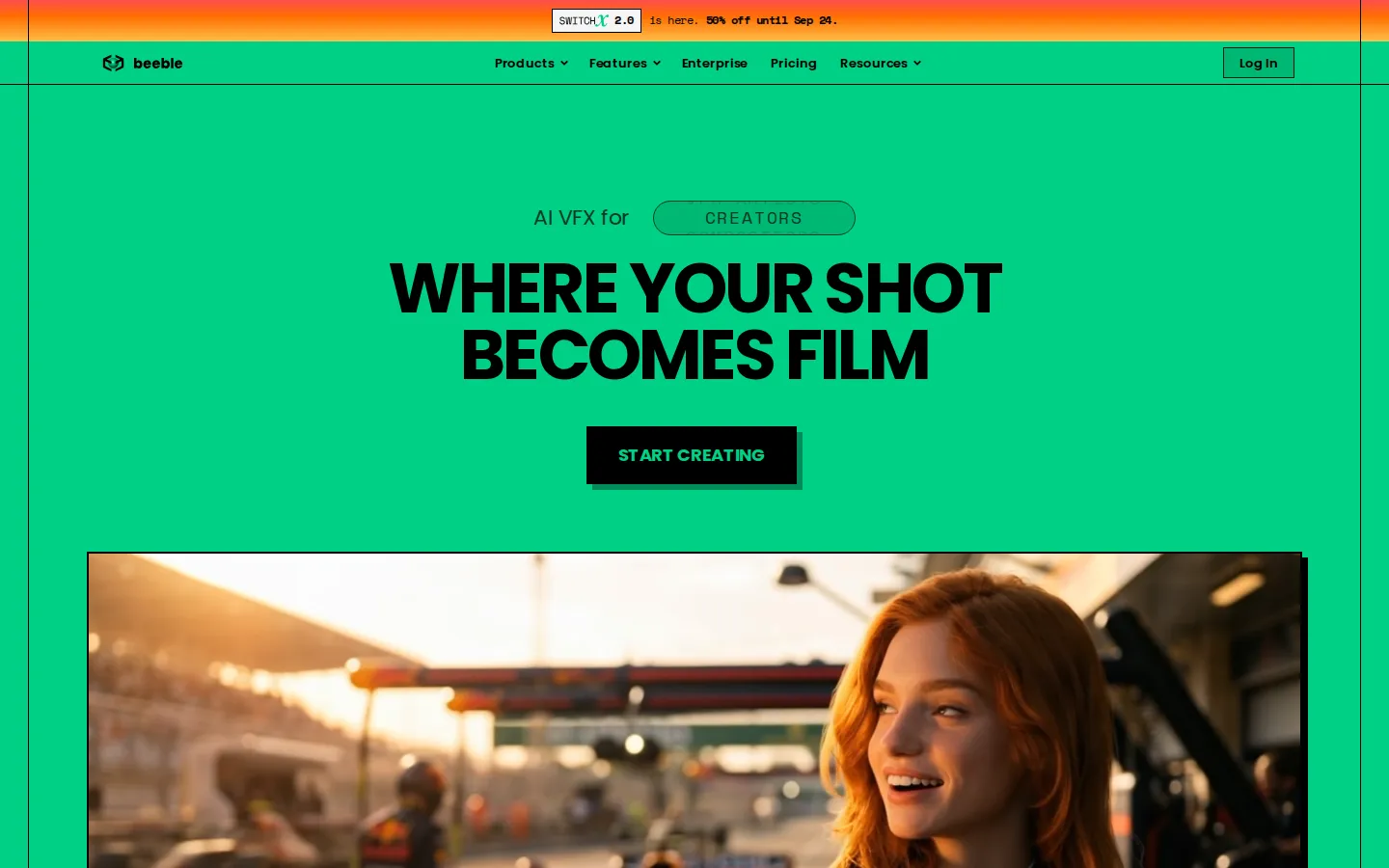
Beeble Core Features
SwitchX video-to-video relighting, background replacement and restyling that preserves the original subject at pixel level with explicit masks
AI rotoscoping with the MatAnyone and CorridorKey models, exporting RGBA MOV, PNG sequences or alpha MP4 mattes
VFX Pass Generator powered by SwitchLight 3.0, producing PBR maps, alpha and depth for relightable 2.5D assets
SDR to HDR conversion through the SwitchHDR model, rebuilding true 16-bit ACES 2065-1 EXR with highlight and shadow mattes
Real-time 3D Relight editor with point, area, sun and video lights, HDRI environments, animated lighting and blend modes
Node-based Canvas that chains VFX tools, built-in generators and editing nodes into reusable, branchable production workflows
Built-in image and video generators covering Nano Banana Pro, GPT Image 2.5, Seedance 2.5, Kling 3, Wan and LTX with no separate subscriptions
Plugins for Nuke, Blender and Unreal Engine, a local GPU desktop app and a pay-as-you-go REST API for SwitchX
Who is Beeble for?
Beeble is built for people who finish shots rather than generate clips. Its primary audience is professional VFX artists and compositors who need to relight a plate, pull a clean alpha matte or generate PBR passes and then keep working in Nuke, Blender or Unreal without leaving their pipeline. Colourists and finishing artists use SDR to HDR to rebuild 16-bit EXR from SDR masters for HDR delivery, and editors use SwitchX to change a background, prop or time of day on locked-off footage without organising a reshoot. A second audience is the smaller production: commercial directors, music video creators, indie filmmakers and one-person studios that want feature-film techniques on a limited budget. Beeble's own showcases describe musicians and directors filming almost anywhere and rebuilding the world around that footage from a laptop, and production houses extending practical sets, miniatures and real locations with AI instead of replacing them. Because Canvas chains tools into reusable graphs, those teams can template a repeatable look instead of rebuilding a workflow per shot. Studios and larger organisations are served by Team and Enterprise plans: a shared credit pool, central billing, seat and role management for up to ten seats, and on Enterprise unlimited seats, per-model AI permission controls, audit logs, custom SSO and a dedicated Slack channel. Technical teams that want SwitchX inside their own tools use the developer API, while mobile-first creators can capture camera-tracked plates with the Beeble Camera iPhone app. Anyone who just wants generated stills or video will find those models bundled in, but the product is clearly aimed at post-production. Hobbyists and beginners are the least-served group here: the paid cloud plans start at $19 per month and Beeble Studio requires an NVIDIA GPU with at least 12GB of VRAM, so casual users should test the free Starter tier first.
Beeble Use Cases
Relight an actor, set or location in post without booking a reshoot or a physical lighting rig
Rotoscope performers out of plates and hand clean alpha mattes to the compositing team
Replace skies, props, backgrounds or times of day in locked-off footage while keeping the performance identical
Convert an 8-bit SDR master into 16-bit EXR for an ACES HDR delivery pipeline
Generate PBR, alpha and depth passes so CG lights, models and Gaussian splats sit correctly in live-action shots
Build a reusable Canvas graph for repeated looks such as sky replacement, set extension or driving-plate relighting
Extend a practical set, miniature or real location with AI instead of rebuilding it digitally from scratch
Embed SwitchX relighting into an in-house pipeline through the developer API
Beeble Pros and Cons
Pros
- Genuinely built around post-production control: masks protect the cast, output matches the input's aspect ratio, frame rate and resolution, and exports include 16-bit EXR
- Preview-first workflow on VFX Pass Generator and Background Remover means credits are only spent once you approve the sample frames
- One subscription bundles the VFX tools plus current image and video models, so teams avoid stacking separate AI subscriptions
- Official plugins for Nuke, Blender and Unreal Engine plus a local desktop renderer and an API cover real studio pipelines
- Transparent credit costs are published per model and shown before every run, and a free Starter tier and Studio trial let you test first
Cons
- Credits are consumed by every generation and credits are calculated in 30-frame steps, so high frame rates cost twice as much as the same clip at 30fps
- Unused subscription credits do not roll over each month, and one-time top-up credits expire after 90 days
- Beeble Studio requires a Windows or Rocky Linux machine with an NVIDIA GPU of 12GB VRAM or more, and macOS is not supported at all
FAQ About Beeble
Beeble Pricing
Freemium, credit-based. Beeble sells three separate lines on top of a free Starter tier. Cloud plans: Creator $19 per month ($16 per month billed annually, 16% off) with 540 credits per month, and Professional $75 per month ($60 per month billed annually, 20% off) with 2,400 credits, longer uploads and image sequence support. Organisation plans: Team $100 per seat per month ($84 billed yearly) with 3,000 credits per seat, a shared pool and up to 10 seats, and Enterprise at custom pricing with unlimited seats and model permission controls. Beeble Studio desktop: Indie $60 per month ($42 billed annually) for limited commercial use under $200K revenue, and Standard $400 per month ($250 billed annually) for full commercial use, both with a 7-day free trial. The SwitchX API is prepaid pay-as-you-go from $0.10 per generation. Credits are consumed per feature, cost is shown before each run, subscription credits reset monthly and one-time credits expire after 90 days.
Check official pricingFree Starter
Free cloud tier referenced in Beeble's documentation, with a limited monthly credit allowance and ownership of your content (Beeble may use free-tier content to improve services). SwitchX, Background Remover and the VFX tools are billed from the credit balance, and paid plans carry the advertised credit volumes.
Creator (Cloud, yearly)
$19 per month billed monthly; 16% off when paid annually. 540 credits per month, Canvas node-based workflow builder, all VFX tools (SwitchX, Background Remover, VFX Pass Generator, 3D Relight, SDR to HDR, Upscaler), built-in image and video generators, credit top-ups and a full commercial license.
Professional (Cloud, yearly)
$75 per month billed monthly; 20% off when paid annually. Everything in Creator plus 2,400 credits per month, 1-minute uploads for Background Remover and VFX Pass Generator, image sequence uploads, and 4K / 10-bit output for SwitchX on the in-app plan page.
Team (Cloud, per seat)
$84 per seat per month billed yearly. Up to 10 seats with 3,000 credits per seat per month, shared credit pool, central billing, team shared files, seat and role management, admin and member roles, and top-ups at 30 credits per $1.
Enterprise
Annual pre-purchase by invoice, PO or wire. Unlimited seats, custom credit allocation and add-on packs, per-model AI permission controls, advanced audit logs and usage reports, custom SSO via SAML 2.0 or OIDC, SOC 2 Type II in progress, dedicated Slack support and API access scoped with the team.
Beeble Studio Indie
$42 per month billed annually (30% off). Desktop app for local processing, 4K resolution up to 1 hour per video, render queue and EXR sequences, limited to commercial use by organisations under $200,000 annual revenue. Includes a 7-day free trial.
Beeble Studio Standard
$250 per month billed annually (37.5% off). Same local desktop engine with 4K and 1-hour renders, render queue and EXR sequences, with full commercial use, and a 7-day free trial. SwitchX and Background Remover remain cloud-only.
SwitchX API
Public beta developer API with prepaid pay-as-you-go credits in USD, no subscription. One endpoint to create jobs and one to poll status, 720p and 1080p output, clear rate-limit headers and auto-recharge. Priced from $0.10 per generation.
Beeble Alternatives

DeepSwap
DeepSwap is an online AI face swap studio for video, GIF and photo. Upload a clip, pick a source face, and its private model renders a realistic swap in seconds, handling up to six faces, tricky angles and 1080p output, plus enhancement, background removal, cartoon filters and text-to-video generation, with a credit-based API for bulk work.

Motion
Motion is a video agent from Mosaic that turns a written brief, raw footage or a reference clip into an edited video. It plans the story, generates or cuts shots, adds music and sound, then lets you refine the result in chat, on the preview or in a timeline before exporting to Premiere Pro, After Effects or DaVinci Resolve.

Vidmoat
Vidmoat is a browser-based video editor with an AI agent built into the timeline. You drop in raw footage, describe the edit you want, and the agent cuts dead air, writes word-synced captions, grades color and adds music, showing each step on an editable timeline. Every change stays reversible, and the same projects open on desktop, phone and Telegram.