Voiskey
Voiskey turns natural speech into finished text instead of a raw transcript. It strips fillers and false starts, reshapes tone for whoever is reading, keeps your names and jargon intact, and types the result wherever your cursor sits on Mac, Windows, iOS or Android. A weekly free allowance covers light use; Pro unlocks unlimited dictation and better models.
What is Voiskey?
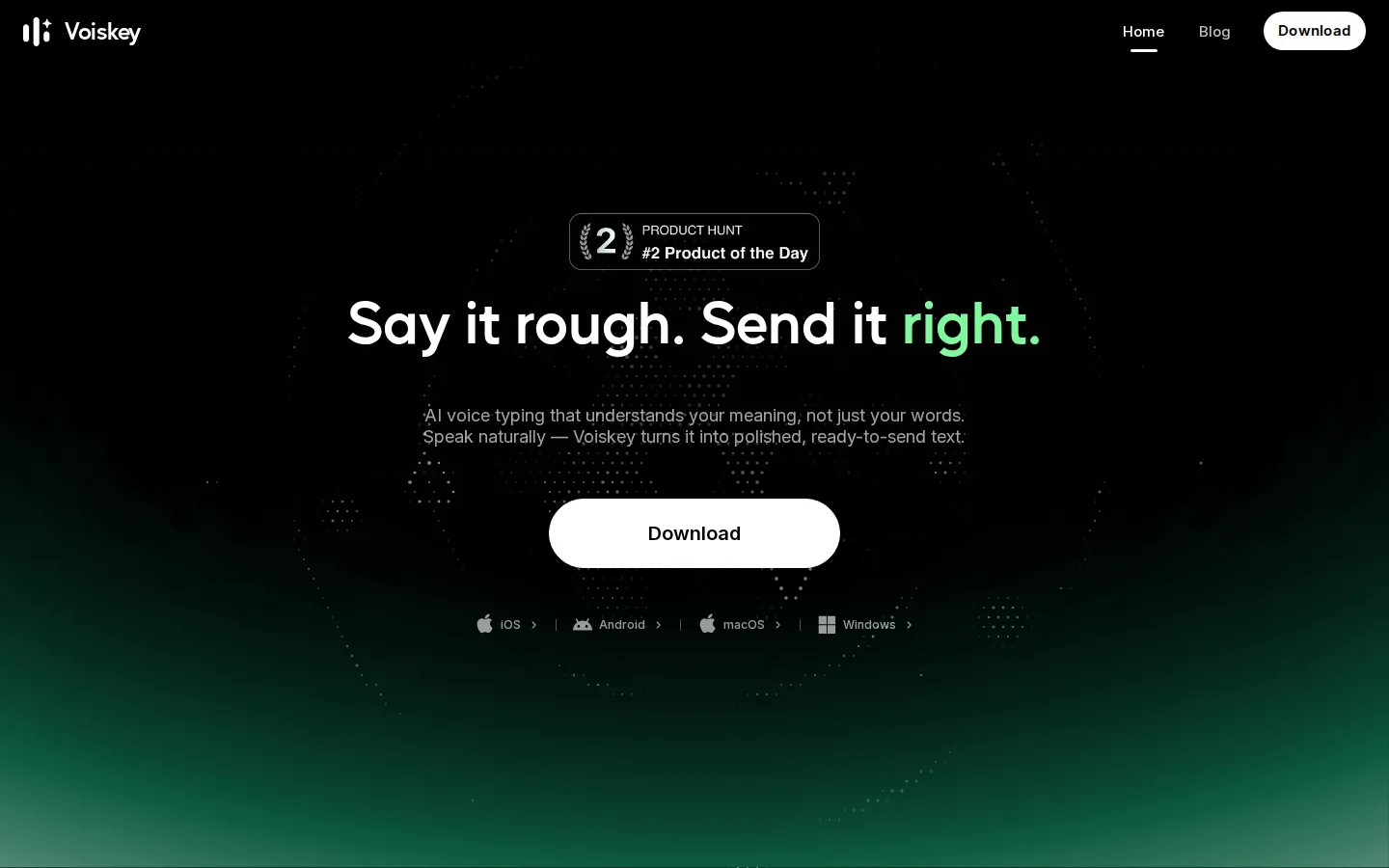
Voiskey is an AI voice-typing application from Singapore-based NEXILEAP PRIVATE LIMITED that converts natural speech into finished text rather than a literal transcript. Instead of printing every filler, false start, and grammar slip, it interprets what the speaker meant and rewrites the result so it fits the app, the audience, and the intent: a casual reply to a friend, a measured note to a colleague, or a technical prompt for a coding assistant. The company calls the approach expression intelligence and sums it up with the line “Say it rough. Send it right.”
The product ships as a desktop app for macOS and Windows and as a keyboard for iOS and Android. On desktop it runs system-wide, so dictation lands in whichever field has focus: Gmail, Slack, Notion, Google Docs, Cursor, or a terminal. On mobile it works as a keyboard, letting users speak into WhatsApp, Messenger, Discord, Gmail, Slack, Google Docs, ChatGPT, and other apps that accept text. Accounts are created with a Google or Apple ID inside the app.
Five capabilities define the experience. Cleanup removes fillers, repeats, self-corrections, and rough phrasing while preserving meaning. Context-aware formatting adapts tone, structure, and word choice to the situation. A personal dictionary stores names, jargon, and preferred spellings, and the system also picks up recurring phrasing over time. Translation turns speech in one language into native-sounding text in another, across more than 100 languages and 20+ keyboards. Prompt mode turns a spoken description of a task into a structured, AI-ready prompt that keeps file names, paths, and commands, aimed at developers working with coding agents.
Voiskey also captures softer speech, including whispers, for shared offices and late-night sessions, and it markets dictation at roughly 220 words per minute against a 45 wpm typing baseline. A Teams feature on desktop lets users create a team and invite members, with shared corpora and brand tones in development; team members can earn free Pro time by team size. New registered users get a month of complimentary VIP access, and the free tier includes a limited amount of voice input each week.
The company does not publish a pricing page on its own site, where /pricing returns a 404; subscriptions are sold through the Apple App Store and Google Play at $29.99 per month or $129.99 per year. Voiskey launched on Product Hunt in 2026, taking #2 Product of the Day and later #5 on the weekly leaderboard with 525 upvotes, and its Android build has passed 10,000 downloads at a 4.2-star average. There is no public API and no browser-based editor; distribution is native desktop and mobile software, with support handled by email and in-app feedback and mobile builds updated on a near-weekly cadence.
Voiskey Core Features
Expression-aware cleanup
Removes fillers, false starts, repeats and grammar slips while keeping the speaker's intended meaning, so output reads as written text rather than a transcript.
Context-fit rewriting
Adjusts tone, structure and word choice to the destination — casual for a DM, composed for a colleague, technical for an AI assistant — before the text is inserted.
Personal dictionary
Stores names, product terms and preferred spellings, and learns recurring phrasing from corrections so terms are fixed once instead of every session.
100+ languages and translation
Dictate in your own language and get native-sounding text in another, with support for over 100 languages and 20+ keyboard layouts on mobile.
AI prompt mode
Turns a spoken description of a task or fix into a structured prompt that preserves file names, paths and commands, built for Cursor, Claude Code and similar agents.
Whisper-friendly capture
Detects and transcribes softer speech, including whispers, so dictation works in shared offices, libraries and late-night sessions without disturbing others.
System-wide desktop plus mobile keyboard
Types into any focused field on macOS and Windows, and works as an iOS and Android keyboard inside WhatsApp, Slack, Gmail, Docs, Discord and ChatGPT.
Team workspaces
Desktop users can create a team and invite members, with team-level shared corpora and brand tones in development and free Pro months offered by team size.
Who is Voiskey for?
Voiskey is built for people who write constantly and type slower than they think. Engineers are an explicit target: the product ships a prompt mode that turns a spoken description of a fix into a structured, AI-ready prompt with files, paths, and commands intact, aimed at Cursor, Claude Code, and similar agents. Sales staff use it to turn a call memory into CRM notes and follow-up emails before the details fade; support teams use it to keep ticket replies clear across live chats and help articles; writers and creators dictate posts, scripts, and chapters while walking; students capture lecture notes and essay first drafts on a phone keyboard; founders dictate updates, replies, and job posts; legal and consulting users dictate memos, client letters, and contract redlines. Because it works as a system-wide layer on desktop and as a keyboard on iOS and Android, the same habit carries across Gmail, Slack, Notion, Google Docs, WhatsApp, Messenger, Discord, and ChatGPT. Anyone who moves between languages benefits from dictating in one language and sending native-sounding text in another, and the personal dictionary matters most for people with unusual names, product terminology, or spelling preferences in their daily writing. The fit is weaker for three groups. Teams that need admin controls, SSO, or shared glossaries today will find team features still limited to creating a team and inviting members, with shared corpora and brand tones described as in development. Anyone who wants meeting recording, speaker labels, or transcript archives should use a transcription tool, since Voiskey is an input method rather than a recorder. And developers who need programmatic access will not find a public API. Freelancers and consultants who bill for writing time also gain, since dictation compresses drafting into the gaps between calls and commutes. Pricing pulls the product toward professionals who dictate daily: at $29.99 per month, occasional typists are better served by the capped free tier or a cheaper dictation app.
Voiskey Use Cases
Draft replies to Slack threads and DMs by speaking, then send the polished text without retyping.
Turn a rambling spoken summary into a structured client email in Gmail or Outlook.
Describe a coding task out loud and paste an AI-ready prompt into Cursor or Claude Code.
Capture meeting decisions, action items and follow-ups while the call is still fresh.
Write social posts and newsletter drafts in your own voice during a commute.
Dictate lecture notes and essay first drafts on a phone keyboard between classes.
Answer customers in their language by speaking yours and sending translated replies.
Log CRM updates and call notes hands-free right after a sales conversation ends.
Voiskey Pros and Cons
Pros
- Output is edited prose rather than raw dictation, so most sentences can be sent without a cleanup pass.
- Genuine cross-platform coverage: native desktop apps for macOS and Windows plus keyboards for iOS and Android.
- Strong multilingual handling with 100+ languages, on-the-fly translation and 20+ mobile keyboard layouts.
- Personal dictionary and learned phrasing keep names, jargon and slang consistent over time.
- A real free tier plus a complimentary month of Pro for new accounts makes testing low-risk.
Cons
- No pricing page on the website and no web app — you must install software and subscribe through the App Store or Google Play.
- Pro at $29.99 per month or $129.99 per year is expensive next to cheaper dictation tools, and the free tier is capped per week.
- Accuracy varies by language and accent: Play reviewers report errors on mixed Thai/English speech and weak-connection dropouts in SMS.
FAQ About Voiskey
Voiskey Pricing
Voiskey is freemium: the terms of use say there is no fee to access the service and that a limited amount of free voice input is provided each week. Pro adds unlimited dictation, better AI models, smart memory of your writing style and early access to features, billed as an in-app subscription at $29.99 per month or $129.99 per year (about $10.83 per month). The website has no pricing page — voiskey.ai/pricing returns a 404 — so prices come from the App Store listing; new accounts get a free month of VIP access and team members can earn free Pro months.
Check official pricingFree
No-cost access with a limited amount of voice input each week, sign-in with Google or Apple ID, and the standard polish features; new accounts also get one month of VIP access.
Pro Monthly
Unlimited voice input, access to better AI models, smart memory of your writing style and early access to new features; auto-renewing subscription purchased through the Apple App Store or Google Play.
Pro Annual
The same Pro features billed yearly, equal to roughly $10.83 per month and about 64% less than paying monthly; also sold as an auto-renewing in-app subscription.
Voiskey Alternatives

Speechmatics
Speechmatics is a speech-to-text and voice AI API platform covering 55+ languages, with pre-recorded batch transcription, sub-second real-time streaming, dedicated medical and voice-agent models, and text to speech. It targets regulated industries and deploys in the cloud, on-prem or on-device. Usage is metered per hour of audio, and new accounts start with $100 in free credit.

Willow
Willow is an AI dictation and speech-to-text app for Mac, Windows, and iPhone that lets you speak naturally and get perfectly formatted text anywhere you type. It is 3x more accurate than built-in dictation, works in 100+ languages, and includes Willow Scribe, an AI writing feature that turns rough thoughts into polished writing in your voice. Trusted by 100,000+ professionals, it offers a free plan and Pro from $15 per month.

Fish Audio
Fish Audio is a leading AI voice platform offering text-to-speech, voice cloning, and speech-to-text services. Used by 8M+ builders, it features the S2.1 Pro model with expressive emotion control, 30+ languages, and API access for developers.