
Void
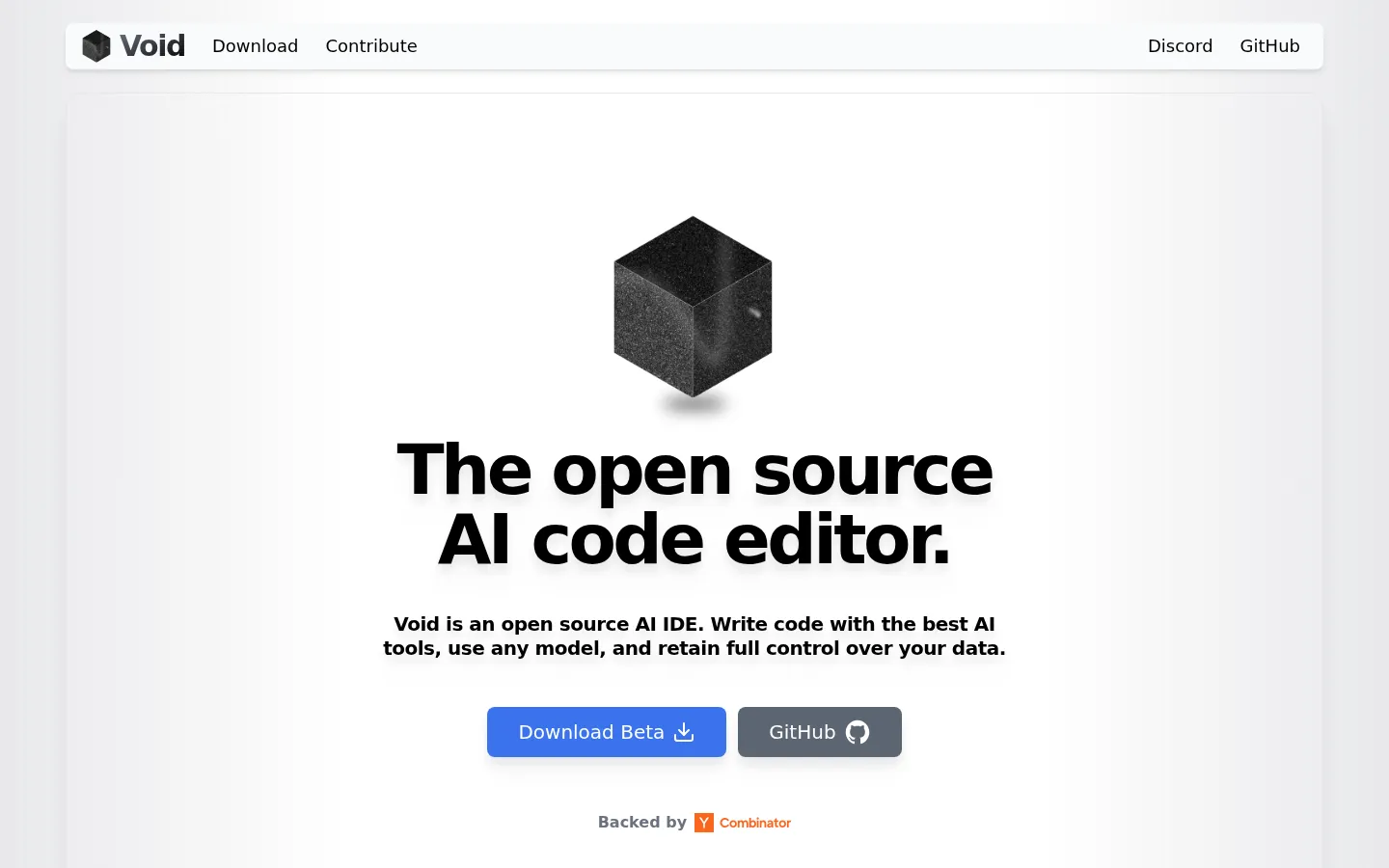
Void is an open source AI IDE built as a fork of VS Code and backed by Y Combinator. It brings Tab autocomplete, inline Quick Edit, and Chat with Agent, Gather, and normal modes straight into the editor. Void connects directly to any model, private LLMs via Ollama, vLLM, or OpenAI-compatible endpoints, or frontier models like Claude, GPT, Gemini, and Grok, without routing your data through a private backend.
What is Void?
Void is a free, open source AI IDE forked from Microsoft's VS Code codebase and backed by Y Combinator. Its core promise, stated on the homepage, is to write code with the best AI tools, use any model, and retain full control over your data. Instead of running AI features through a private backend like Cursor or Windsurf, Void connects directly to the model providers you pick, cutting out the middleman. The editor ships with three main AI surfaces. Tab autocomplete uses FIM (fill-in-the-middle) models to suggest code as you type, applied by pressing Tab. Quick Edit, triggered with Ctrl+K, edits your current selection inline. Chat offers three modes: Agent mode, which can control your terminal, read and write files, and search your codebase; Gather mode, which collects context; and normal chat. Agent mode can also fix lint errors after editing files. Model support is intentionally broad. For private or local inference, Void works with Ollama, vLLM, DeepSeek, Llama, Qwen, Gemma, Mistral, and any OpenAI-compatible endpoint, so you can host models yourself and never run out of API credits. For frontier models, it connects directly to Claude, OpenAI, Gemini, and Grok providers, supporting models like Gemini 2.5, Claude 3.7, Grok 3, o4-mini, and Qwen 3. Recent releases added checkpoints that let you jump between LLM edits, a visual diff for the Edit tool, MCP support, AI-generated commit messages, configurable context length and thinking support, reasoning-effort sliders, @file and @folder references, persistent background terminals for Agent mode, dynamic context squashing, and faster Fast Apply. The editor auto-detects whether a model supports tools, FIM autocomplete, and reasoning, and its settings page offers one-click provider switching plus auto-updates, so new builds ship frequently. Chat mode even creates links to symbols in your code. The project moved from the MIT to the Apache 2.0 license, and the full source code is published on GitHub along with guides for contributors and for developers forking VS Code themselves.
Void Core Features
Open source AI IDE forked from VS Code, licensed under Apache 2.0.
Tab autocomplete works with any FIM model you connect.
Quick Edit applies LLM edits to your selection inline with Ctrl+K.
Chat with Agent, Gather, and normal modes for codebase work.
Bring any model
local, self-hosted, or OpenAI-compatible endpoints.
Connect directly to frontier providers like Claude, OpenAI, Gemini, and Grok.
Checkpoints let you jump between LLM edits, with visual diffs.
MCP support, AI commit messages, lint fixing, SSH, and WSL.
Who is Void for?
Void is built for developers who want AI-powered coding inside an editor that feels exactly like VS Code. Because it is a fork of VS Code, existing VS Code users are the most natural audience: they can transfer all their themes, keybindings, and settings over in one click and keep their muscle memory intact. Privacy-conscious developers are another core group. Void sends messages directly to the providers you choose instead of routing them through a private backend, and it supports fully local models, so teams working with proprietary or sensitive code can keep everything on their own machines. Developers who want model flexibility will appreciate that Void works with private LLMs such as DeepSeek, Llama, Qwen, Gemma, and Mistral via Ollama or vLLM, any OpenAI-compatible endpoint, and frontier models like Claude, GPT, Gemini, and Grok, with no lock-in to a single vendor. Open source enthusiasts and tinkerers can read, fork, and build the entire editor from the GitHub repo, which ships with contribution and codebase guides. The changelog shows it also serves remote and hybrid workflows with SSH and WSL support, Linux builds, and reliable handling of 1000-line files. It is a good fit for individual developers, students, and startups that want a free AI IDE, and for anyone who wants to experiment with Agent-mode coding, checkpoints, and MCP integrations.
Void Use Cases
Daily coding with AI autocomplete and inline quick edits.
Agent mode for multi-file changes, terminal commands, and codebase search.
Privacy-sensitive development using fully local models via Ollama.
VS Code users migrating themes, keybindings, and settings into an AI editor.
Frontier-model work with Claude, GPT, Gemini, or Grok, no middleman.
Tuning model behavior with context length, reasoning, and tool formatting.
Remote development over SSH or WSL with AI assistance.
Void Pros and Cons
Pros
- Fully open source under Apache 2.0 with no private AI backend.
- Works with nearly any model: local, self-hosted, or frontier providers.
- VS Code fork, so themes, keybindings, settings, and extensions carry over.
- Backed by Y Combinator, with an active Discord community and changelog.
Cons
- Still in beta, with frequent updates and rough edges.
- Desktop-only: no web or mobile version of the editor.
- GitHub README states Void is deprecated and no longer accepting contributions.
FAQ About Void
Void Pricing
Void has no pricing page — the editor is free and open source (Apache 2.0), with beta downloads for Mac, Windows, and Linux available directly from the site.
Check official pricingFree
Void is free and open source under Apache 2.0. Download the beta for Mac, Windows, or Linux, or build from the GitHub source.
Void Alternatives

Kitool.AI
Kitool.AI is an AI coding workspace that puts Claude Code and Codex behind one account and one API key. It offers transparent usage-based billing, a model plaza with per-million-token prices, and routing that can cost less than paying each vendor directly. Configure it once in VS Code, JetBrains, or the terminal on macOS, Windows, or Linux.

claude-mem
claude-mem keeps structured project memory outside the chat. An open-source engine captures decisions, discoveries, and fixes locally, while CMEM Pro adds hosted observation, cloud sync, and a private MCP link. Recall synced notes from Claude Code, Cursor, Codex, Gemini CLI, Windsurf, or ChatGPT, or keep everything local-first on your own machine.

GetLayers
GetLayers is Textura's library of design foundations for AI coding workflows. Browse templates, motion sections, 3D scenes, backgrounds, and gradients, then copy structured prompts into your preferred assistant. Paid plans include commercial licensing, while Full Stack adds source files and private Discord support. Full Stack Lifetime also connects the library directly to compatible assistants through MCP.