
Vidily
Vidily is a browser studio that animates still images: upload a product shot, a portrait, or two frames, pick one of six camera moves, and generate a short clip. Kling 3.0 Omni, Veo 3.1 Fast, Seedance, and MiniMax models are offered. Pricing is one-time credit packs from $9 with no subscription, and clips download as MP4 for CapCut or Premiere.
What is Vidily?
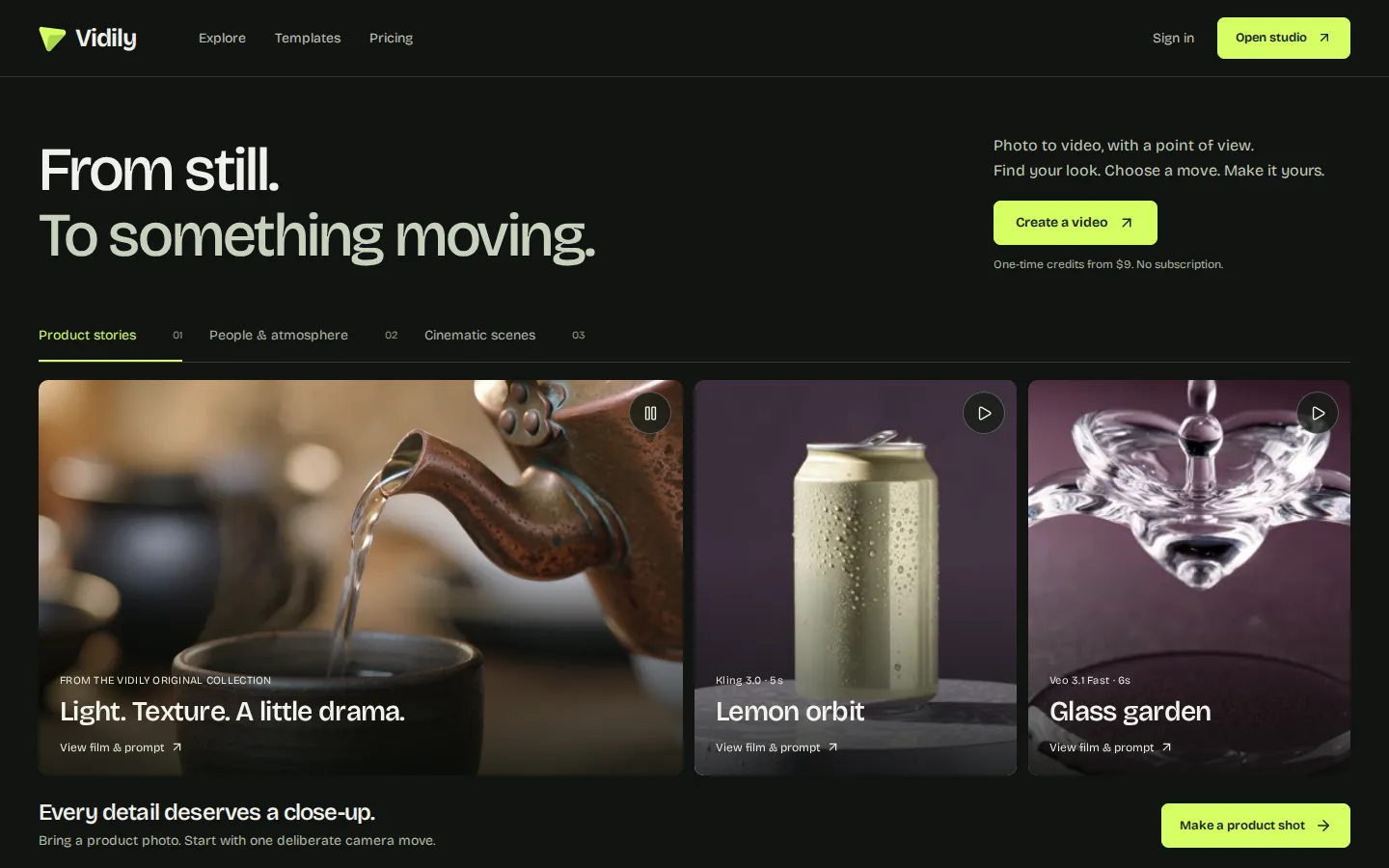
Vidily is a browser-based photo-to-video studio. You bring a still image, choose a camera movement, and the service generates a short clip with one of several third-party video models, then hands back an MP4 you can drop into an editor. The site frames the workflow around single deliberate shots rather than long scenes: a product turning under studio light, a portrait with a slow push-in, a landscape where the camera drifts.
Three starting points are offered. Photo to video takes one image and animates it. First and last frame takes two images and interpolates between them, so you control where a shot begins and ends. Camera templates supply six prebuilt moves that you can adjust with your own direction.
Model choice is not hidden. The gallery labels each example with the model and duration that produced it, and Kling 3.0 Omni, Veo 3.1 Fast, Seedance 2.0, Seedance 2.5, and MiniMax H3 all appear on the site. A default five-second silent Kling 3.0 Omni shot costs 100 credits; a ten-second version costs 200. Other models and clips with native audio are quoted per model, so the price depends on what you pick.
Payment is the part that differs most from the category. Vidily sells one-time credit packs instead of subscriptions: $9 for 500 credits, $19 for 1,200, and $39 for 2,700. There is no monthly reset and no free generation, and the minimum purchase is $9, though you can prepare a draft before paying. Credits do not expire and stay in your wallet, while images and results are stored for thirty days. Technical failures return the credits for that shot; completed generations are charged even if you dislike the result, which the pricing page states plainly.
Everything runs in the browser with no install. Projects are private, take history is kept so you can compare versions, and each clip downloads individually as MP4 for CapCut, Premiere, or another editor. An Explore section publishes original films with their prompts, and Field notes collect guides and templates for people who want a starting recipe rather than a blank prompt box.
Vidily Core Features
Photo to video
Animate one still image into a short clip, with the credit cost shown before the generation runs.
First and last frame
Supply two images and Vidily interpolates between them, so you decide where the shot begins and where it lands.
Six camera templates
Prebuilt moves such as a hero push-in give a usable starting point that you can then adjust with your own direction.
Multiple third-party models
Kling 3.0 Omni, Veo 3.1 Fast, Seedance 2.0 and 2.5, and MiniMax H3, each with its own credit rate and duration.
One-time credit packs
$9, $19, and $39 purchases with no subscription, no monthly reset, and credits that never expire.
Take history and private projects
Every generation is kept in the project so you can compare versions and return to the ones you kept.
MP4 downloads
Each clip downloads individually for editing in CapCut, Premiere, or another editor.
Explore gallery with prompts
Published films list the model, duration, and prompt, giving you a reference recipe to adapt for your own photo.
Who is Vidily for?
Vidily fits people who already have a still image and want motion from it, not people who want to type a prompt and receive a finished scene. E-commerce sellers and small brands are the clearest audience: one product photo becomes a five-second hero clip for a listing, a paid social ad, or a storefront page, and the camera templates remove the need to know how to describe a move. Freelance editors and social media managers use it to add movement between live-action shots or to turn a client's photo into a reel opener without booking a shoot. Because clips download as MP4 and credits never expire, occasional users can buy the $9 pack, work through five generations, and return months later without a subscription running in the background. Photographers and illustrators use the first-and-last-frame mode to test transitions or to animate a portrait for a portfolio. Hobbyists who simply want to see a family photo move will find the interface approachable, since the six templates do most of the direction. It is a weaker fit for anyone who needs long-form video, dialogue, or lip-sync, and for teams producing dozens of clips a week, where per-shot credit costs of roughly $1.44 to $1.80 add up faster than a subscription with a generous generation allowance. Agencies billing clients should also note that completed results are charged even when the creative misses, so a shot budget needs room for a retake or two.
Vidily Use Cases
Turn a product photo into a five-second hero clip for a listing or landing page.
Produce vertical social ads from existing catalogue imagery without booking a shoot.
Animate a portrait for a portfolio, profile page, or event invitation.
Test a transition by setting first and last frames before committing to a longer edit.
Build reel openers and b-roll inserts for client edits that arrive as stills.
Prototype a shot idea with one inexpensive generation before briefing a production team.
Refresh seasonal campaign assets by re-animating the same photo with a different camera move.
Add motion to a slide deck or pitch video without licensing stock footage.
Vidily Pros and Cons
Pros
- One-time credit packs start at $9 and credits never expire, so there is no subscription to cancel.
- The credit cost of a shot is visible before you generate, and technical failures return the credits.
- Six camera templates make a first result usable without knowing how to prompt a camera move.
- Clips download as plain MP4 files, and private projects keep take history for side-by-side comparison.
Cons
- There is no free generation and no single-clip checkout, so trying the studio costs at least $9.
- A five-second silent shot works out to roughly $1.44 to $1.80 depending on the pack, which is costly for volume work.
- Completed generations are charged even when the result misses, and images plus results are stored for only thirty days.
FAQ About Vidily
Vidily Pricing
One-time credit packs, no subscription: Starter $9 for 500 credits (5 generations), Creator $19 for 1,200 credits (12 generations), Studio $39 for 2,700 credits (27 generations). A five-second silent Kling 3.0 Omni shot costs 100 credits, about $1.44 to $1.80 depending on the pack. Credits never expire; minimum purchase $9.
Check official pricingVidily Alternatives

Agenlify
Agenlify is a free directory of 236 documented AI agents and AI-assisted tools, organized by the task you need done rather than by vendor. Each listing records what you provide, what you get, setup requirements, limits, pricing with a check date, and official sources. Search by task or name, compare up to three products, and use curated collections or recorded task cases to shortlist.
WayPointo
A curated directory of AI and creative products. Submit your tool, compare alternatives, and make faster decisions.

Viddir
Discover AI-generated livestreams shaped by real-time audience interaction. Every frame happens live.