
Video Object Remover
Remove unwanted objects, people, and distractions from videos using AI. Upload a video, describe what to remove, and edit without manual masking.
What is Video Object Remover?
Video Object Remover is a browser-based AI video object removal tool. It uses artificial intelligence to identify and remove unwanted objects, people, and visual distractions from video footage based on natural language instructions. Unlike traditional video editing workflows that require manually selecting objects and tracking them across frames, Video Object Remover offers a text-prompt-based approach. Users upload a video, specify what should be removed, and let AI process the footage. The tool is suitable for cleaning up social media videos, marketing footage, travel clips, and personal recordings. It provides a straightforward solution for users who need focused AI video cleanup rather than a full professional video editing suite.
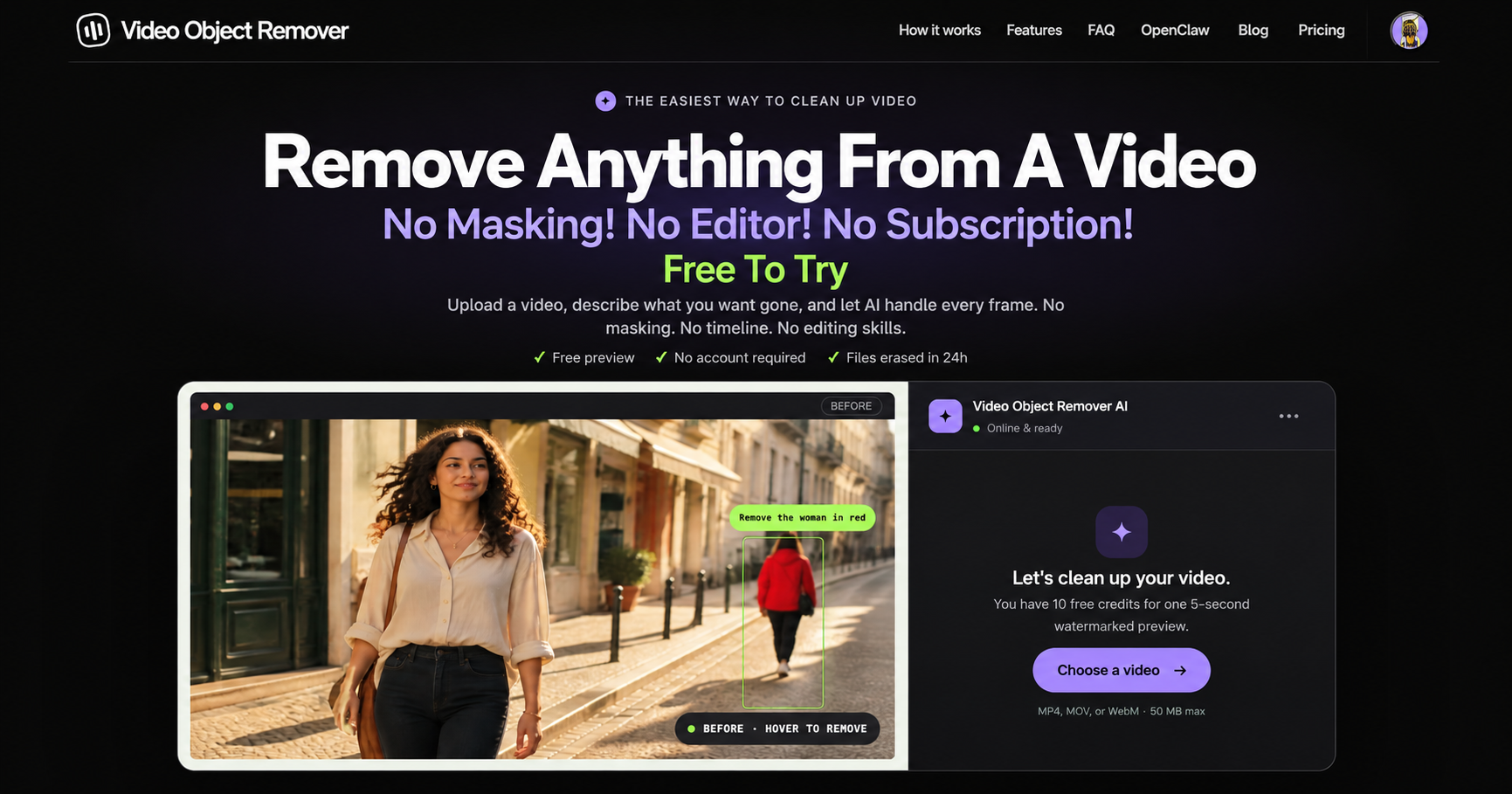
Video Object Remover Core Features
AI-powered video object removal
Remove unwanted people from videos
Natural language text prompts
No manual masking required
Browser-based video editing
Simple upload and processing workflow
Who is Video Object Remover for?
Video Object Remover is designed for content creators, social media managers, marketers, video editors, small businesses, and everyday users who want to remove unwanted objects or people from videos without complex editing software.
Video Object Remover Use Cases
Remove unwanted people from travel videos
Clean up distracting objects in social media clips
Remove background distractions from marketing videos
Improve personal video footage
Edit product videos for ecommerce
Create cleaner content without complex editing software
Video Object Remover Pros and Cons
Pros
- Easy to use without advanced video editing skills
- Text prompts eliminate the need for manual masking
- Works directly in a web browser
Cons
- Complex scenes may produce visible artifacts
- Video processing requires credits
FAQ About Video Object Remover
Video Object Remover Alternatives

VideoBGRemover
Remove backgrounds from recorded videos online. Keep motion and audio, export transparent WebM or MP4. Free trial and paid plans.

BGChanger AI
Remove video backgrounds with AI, export transparent WebM or solid-color clips, keep original audio, and choose MP4, WebM, MOV, MKV, or GIF.

Kaleidly
Kaleidly is an AI repurposing studio for long videos. Paste a YouTube, TikTok, Instagram, X or Facebook link and it transcribes the episode, learns your writing voice from your own posts, then returns scored vertical clips with synced captions plus five text formats. One credit covers one minute of video. It understands 35 languages and writes posts in the language you write in.