
Kaleidly
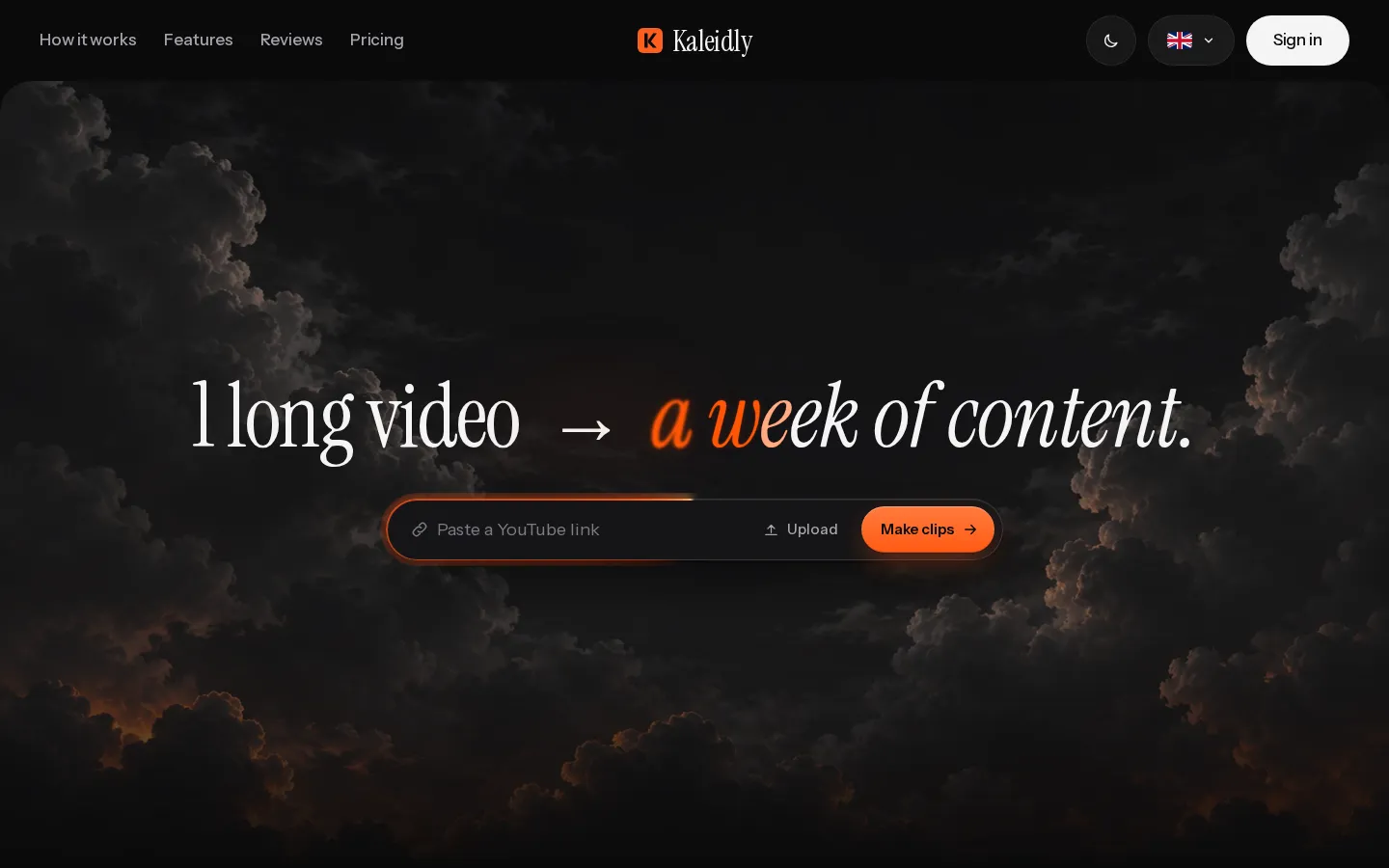
Kaleidly is an AI repurposing studio for long videos. Paste a YouTube, TikTok, Instagram, X or Facebook link and it transcribes the episode, learns your writing voice from your own posts, then returns scored vertical clips with synced captions plus five text formats. One credit covers one minute of video. It understands 35 languages and writes posts in the language you write in.
What is Kaleidly?
Kaleidly is an AI content repurposing studio. Its core promise is one link in and a week of content out. You paste a YouTube, X, TikTok, Instagram or Facebook video URL, or upload your own file, and Kaleidly runs a pipeline over it: transcription, voice matching, and hook finding. The transcript timestamps everything. The hook finder scores the moments most likely to travel, and those become vertical 9:16 clips, each one captioned and synced to the audio, ranked so you know which to post first. Alongside the clips, the same run produces five written formats: an X thread of about eight tweets, a LinkedIn post, a newsletter draft, a second set of captions, and a summary with quotes. The distinguishing feature is the voice step. Kaleidly reads a few of your own posts before writing, so the thread, the LinkedIn post and the newsletter come out in your register rather than in generic AI prose, and posts are written in the language you write in even when the episode was recorded in another one. Language handling is broad: it understands 35 languages and detects yours without configuration. Everything happens in a browser studio with an editor for fine-tuning captions and trimming before you publish, and clips are delivered ready to play with the sound off. Pricing runs on credits where one credit equals one minute of the video range you select, and the cost is shown on the button before you start; re-rendering an edited clip costs one credit while refining a post is free, and failed runs are refunded. The free plan includes 10 credits, 300 MB uploads and 720p clips with a small watermark; Pro and Pro Plus add 1080p watermark-free output, 3 GB uploads, and credit balances that never expire. Credit packs cover unusually heavy months, and larger brands can ask about a custom tier.
Kaleidly Core Features
One-link import
Paste a YouTube, X, TikTok, Instagram or Facebook URL, or upload your own video file, with no timeline or manual cutting.
Voice-matched writing
Kaleidly reads a few of your own posts first, so the X thread, LinkedIn post and newsletter come out in your voice instead of a template.
Scored vertical clips
The hook finder scores each moment, cuts the best ones to 9:16 and ranks them so you know which clip to post first.
Captions synced to audio
Every clip gets captions timed to the words and styled for the platform, with nothing to type or line up by hand.
Five text formats per run
An X thread, a LinkedIn post, a newsletter, caption options, and a summary with quotes, all from the same source video.
Credit-based pricing
One credit equals one minute of the selected video range and covers all clips and formats; the cost is shown before you start and failed runs are refunded.
35-language support
Kaleidly understands 35 languages and detects yours automatically, and writes posts in the language you write in.
Ready-to-publish output
Free clips render at 720p with a small watermark; Pro and Pro Plus give clean 1080p, 3 GB uploads and credits that never expire.
Who is Kaleidly for?
Kaleidly is built for people who already produce long-form video and lose a day a week turning it into everything else. That means podcast hosts, YouTubers, course creators, and founders who record interviews or webinars and then need clips for Shorts, Reels and TikTok plus written posts for X, LinkedIn and a newsletter. It suits solo creators without an editor: the whole point is that one link replaces the cutting, captioning and writing steps at once. It is also aimed at non-English creators — Kaleidly understands 35 languages and picks up yours on its own, so someone who records in Turkish can still get posts and clips in Turkish for every platform. Larger teams and brands get a separate tier with help setting up a brand voice and caption style. Anyone who only wants auto-captions or a single clip will find it heavier than they need, and anyone uploading files over 3 GB should look elsewhere. The free plan with 10 credits is enough to test one short episode end to end before paying. Editors and agencies are not the target: the tool assumes the person recording is also the person publishing, and that they would rather paste a link than open a timeline. The 35-language handling also makes it relevant for creators whose audience is entirely outside English.
Kaleidly Use Cases
Turn a weekly podcast episode into an X thread, a LinkedIn post and a newsletter without writing any of them by hand.
Cut a one-hour YouTube interview into scored vertical clips for Shorts, Reels and TikTok in a single run.
Keep posting on three platforms in the same week when you only have time to record, not to edit or caption.
Record in one language and still publish written posts in the language you actually write in.
Replace a freelance editor for clip cutting and captioning while keeping the written formats in your own voice.
Fine-tune captions and trim a clip in the editor before publishing, with re-renders costing a single credit.
Test the workflow on a short recording with the 10 free credits before committing to a paid plan.
Set up a consistent brand voice and caption style for a team or brand account on the higher tier.
Kaleidly Pros and Cons
Pros
- One link replaces three separate jobs: clip cutting, captioning and writing the five text formats.
- The voice step is real differentiation, posts are written from your own previous posts rather than a generic prompt.
- Transparent credit pricing: one credit per minute, cost shown before you start, failed runs refunded, no overage billing.
- Broad input support, pastes from YouTube, X, TikTok, Instagram and Facebook, plus file uploads, across 35 languages.
Cons
- Credits are consumed by video minutes rather than by output, so a long episode costs the same whether you publish one clip or six.
- The free tier renders 720p with a watermark and caps uploads at 300 MB, so serious use needs a paid plan.
- Pricing pages quote annual and monthly figures separately and credits do not roll over on the free tier, so the real monthly cost depends on how much you record.
FAQ About Kaleidly
Kaleidly Pricing
Kaleidly is freemium. The Free plan includes 10 credits (10 minutes of video), 300 MB uploads and 720p clips with a small watermark, and needs no card. Pro is $14.99 per month for 200 credits, or $143.90 billed yearly with a 20% discount, adding 1080p watermark-free clips, uploads up to 3 GB and credits that never expire. Pro Plus is $34.99 per month for 500 credits, or $335.90 per year. One credit equals one minute of the selected video range and covers all clips and five written formats; failed runs are refunded and there is no overage billing. Credit packs are sold in bundles of one to five.
Check official pricingFree
10 credits covering 10 minutes of video, all five written formats plus viral clips, uploads up to 300 MB, 720p clips with a small watermark, no card required.
Pro
200 credits per month (200 minutes of video), no watermark, 1080p clips, uploads up to 3 GB, credits never expire. $143.90 per year with the 20% annual discount.
Pro Plus
500 credits per month (500 minutes of video), everything in Pro plus more than double the monthly credits, aimed at daily publishing. $335.90 per year with the 20% annual discount.
Credit packs
Extra credits bought in bundles of one to five packs for months when you record more than your plan covers.
Kaleidly Alternatives

Vizard
Vizard is an AI video editing and clipping platform. Upload a long video, webinar, podcast, or interview, and Vizard's AI finds the strongest moments, cuts them into shareable clips, adds animated captions and emojis, reframes to vertical, and writes social captions with hashtags. Edit by text, translate subtitles, and publish or schedule directly to TikTok, Instagram, YouTube, and LinkedIn.
Klap
Klap (klap.app) automatically converts long-form video into short vertical clips. Paste a YouTube, Vimeo, or Twitch link or upload a file, and Klap's AI finds the most engaging moments, reframes them for mobile, adds animated captions, and scores each clip's viral potential. You can edit clips in the browser, then publish or schedule them directly to TikTok, Instagram Reels, YouTube Shorts, and LinkedIn.
Ssemble
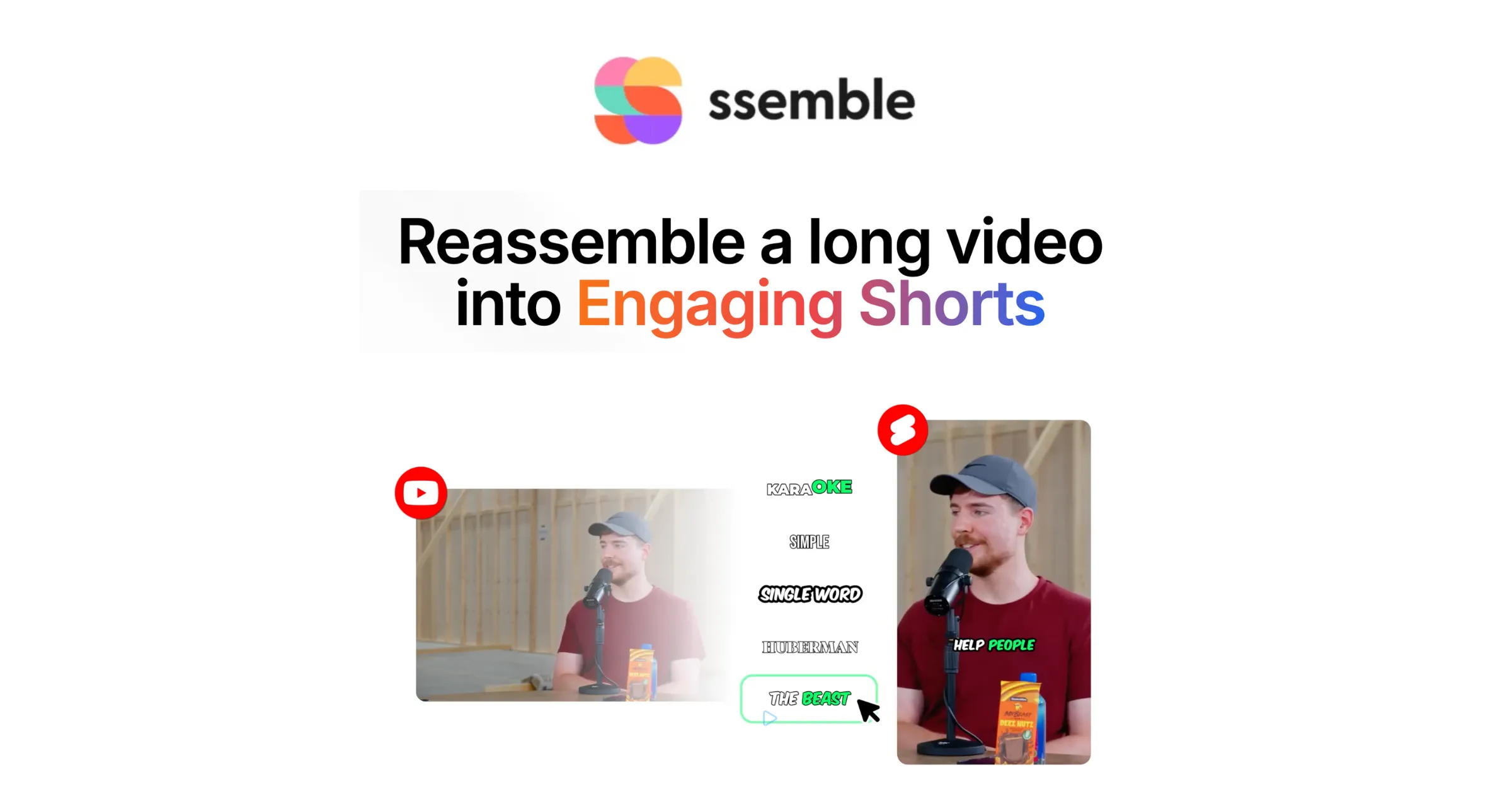
Ssemble is an AI-powered platform that turns long YouTube videos into viral short-form clips for TikTok, Instagram Reels, and YouTube Shorts. Paste a video URL and AI finds the most compelling moments, adds captions, face tracking, and hooks, then schedules and auto-posts clips across platforms. Trusted by 2.4M+ shorts clippers, with plans from $6/mo.