
BGChanger AI
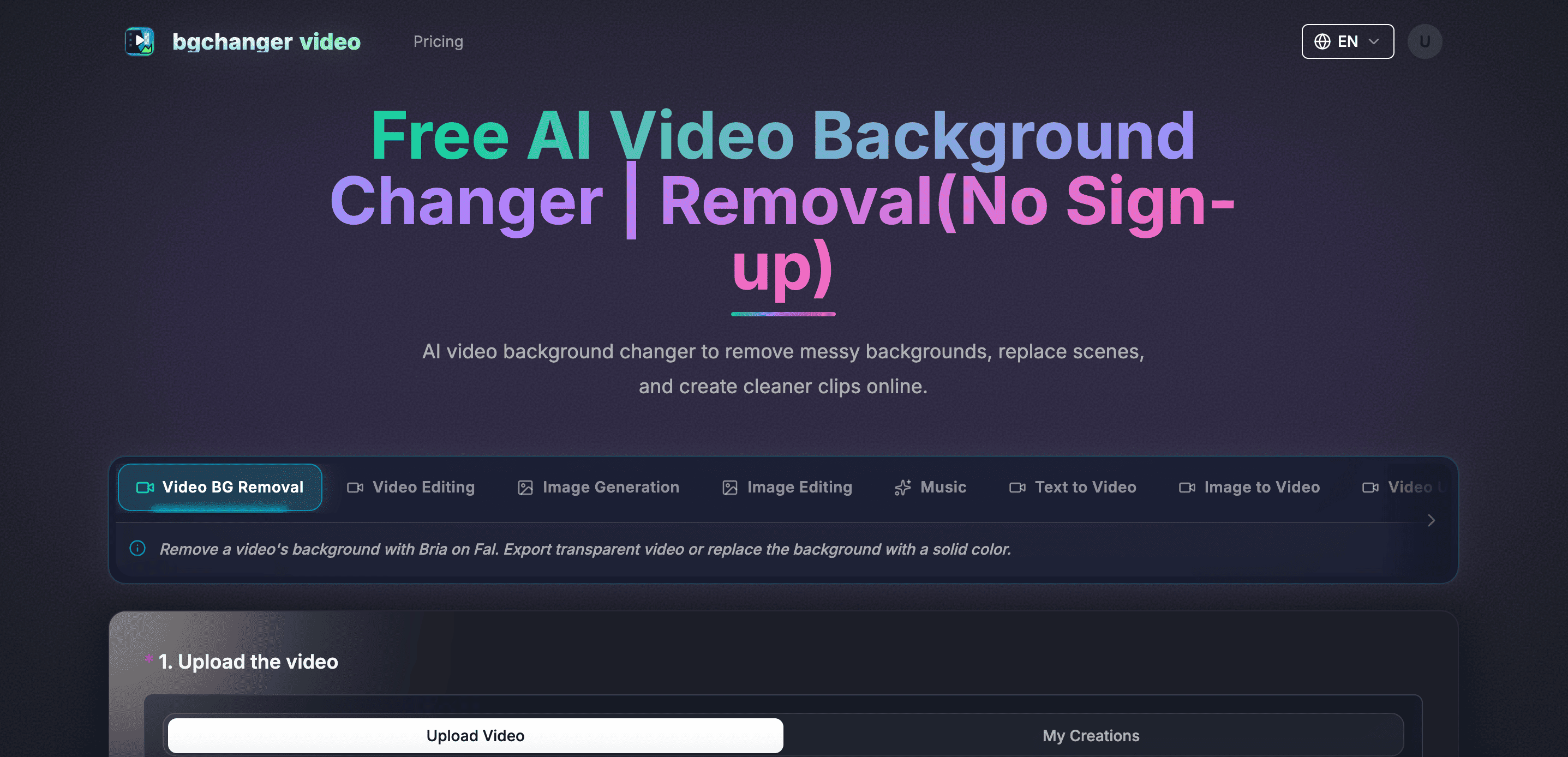
Remove video backgrounds with AI, export transparent WebM or solid-color clips, keep original audio, and choose MP4, WebM, MOV, MKV, or GIF.
What is BGChanger AI?
BGChanger AI is a browser-based AI tool focused on video background editing. It separates the foreground subject from the original scene so users can create transparent clips or replace the background with a solid color, while retaining the source audio. Supported export formats include MP4, WebM, MOV, MKV, and GIF. The service offers a free trial and paid subscription plans.
BGChanger AI Core Features
AI video background removal
Transparent video and solid-color background output
Preserves original audio and exports MP4, WebM, MOV, MKV, or GIF
Who is BGChanger AI for?
Creators, marketers, and small teams who need to remove or replace video backgrounds for social clips, product demos, tutorials, or other short-form content.
BGChanger AI Use Cases
Create transparent-background clips for video editing
Replace a distracting background in social media videos
Prepare cleaner product demos, tutorials, or presentations
BGChanger AI Pros and Cons
Pros
- Focused workflow for removing or replacing video backgrounds
- Supports transparent output and solid-color backgrounds
- Multiple common video and animation export formats
Cons
- Free access is a trial; continued use requires a paid subscription
FAQ About BGChanger AI
BGChanger AI Alternatives

VideoBGRemover
Remove backgrounds from recorded videos online. Keep motion and audio, export transparent WebM or MP4. Free trial and paid plans.

Kaleidly
Kaleidly is an AI repurposing studio for long videos. Paste a YouTube, TikTok, Instagram, X or Facebook link and it transcribes the episode, learns your writing voice from your own posts, then returns scored vertical clips with synced captions plus five text formats. One credit covers one minute of video. It understands 35 languages and writes posts in the language you write in.

Narrative
Narrative is an AI video editor from Narrative AI Inc. that converts long recordings into finished cuts. Bring footage from your camera roll or desktop, describe the edit you want in plain words, and the agent transcribes, finds the best moments, trims dead air, adds captions and titles, then delivers an editable multitrack timeline you can keep refining by chat or by hand.