VidEdge
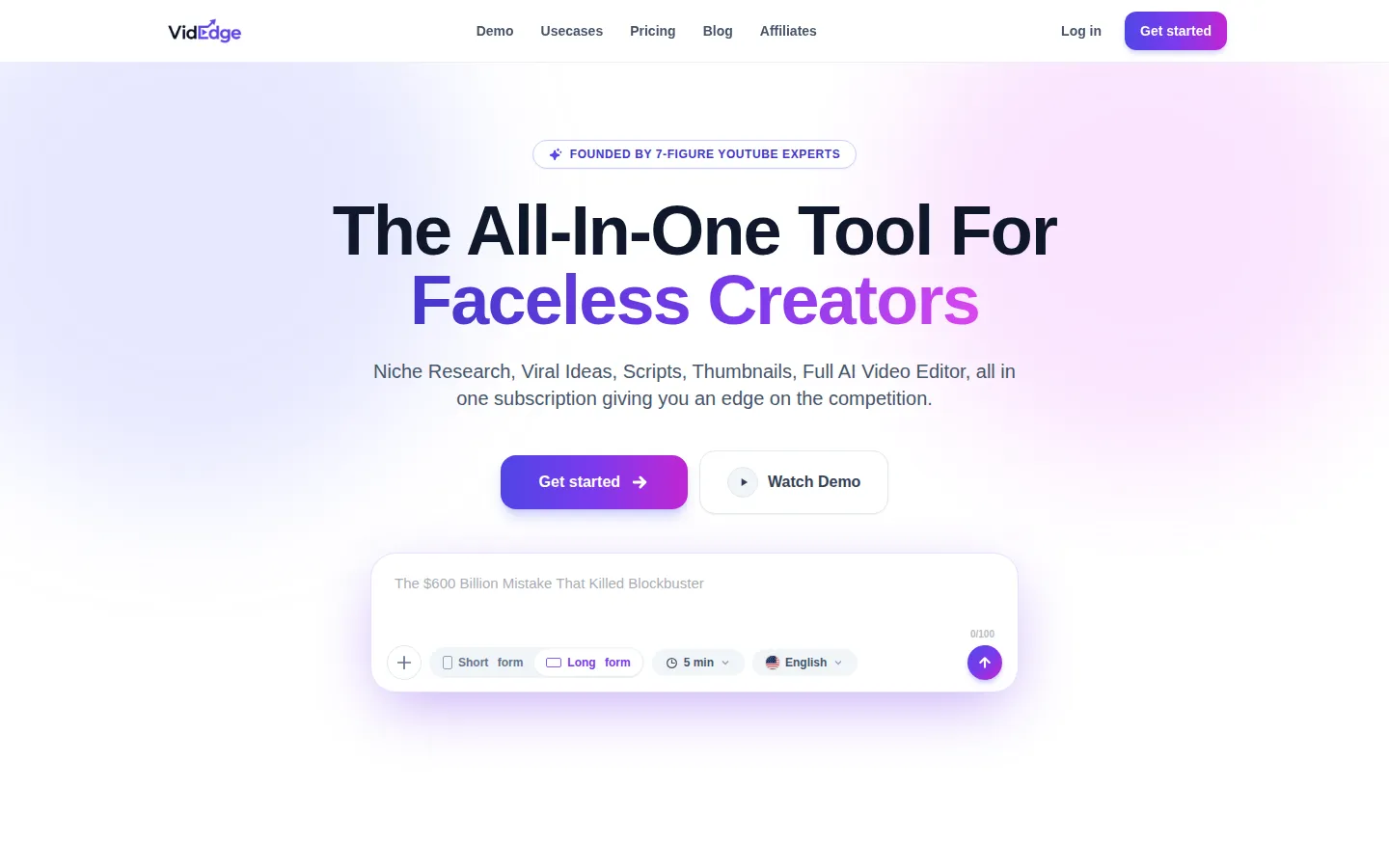
VidEdge is a done-for-you AI video suite for faceless YouTube creators. It covers the entire channel workflow: niche research, viral video ideas, script writing, thumbnail design, AI avatars, voiceover, and an AI video editor that follows drawn notes. Designed for creators producing long-form videos and Shorts from any device, it replaces five separate tools with one subscription, built by founders of seven-figure YouTube channels.
What is VidEdge?
VidEdge is an all-in-one AI video creation platform built specifically for faceless YouTube creators, combining niche research, viral video ideas, scripts, thumbnails, AI avatars, voiceover, and a full AI video editor under one subscription. The platform was founded by creators behind seven-figure YouTube channels, so its workflow mirrors how faceless channels actually operate: find a profitable niche, research competitor channels, generate a script, create a thumbnail, and assemble the video. VidEdge's niche finder scans channels and surfaces outlier scores while the user browses YouTube, using a Chrome extension that shows stats and competitor data without leaving the site. The script writer produces research-backed scripts section by section, tuned to the user's voice. The thumbnail studio generates click-worthy thumbnails, including remaking a viral thumbnail into a better version. The standout feature is the AI video editor, which lets creators direct an AI agent by drawing notes directly on the video to explain exactly what they want changed, then batch-runs all the notes through the agent in one go with the cost shown before any credits are spent. The agent performs each edit and marks it done for approval, replacing timeline grinding. AI avatars with lip sync can be inserted automatically as talking-head characters. Creators can also manage the whole channel from their phone, editing by chatting with the agent, spinning up vertical Shorts, Reels, and TikToks, and generating scripts and thumbnails on the go. Plans are structured by output volume, with credits for videos, scripts, thumbnails, and voiceover minutes, plus an 8,000-plus profitable niche database. VidEdge positions itself as replacing script writers, thumbnail designers, video editors, research tools, and production management at a fraction of the cost. The platform also includes a Board and Ideas workspace that scores video ideas and keeps content organized, a Monetize section that suggests ways to earn beyond ad revenue, and a Branding tool for channel art. VidEdge's Sprint feature accelerates short-form production by generating complete video drafts from a single prompt, and the AI voiceover library produces studio-quality narration in multiple styles. Every plan includes the 8,000-plus niche database and the YouTube research extension, so even the entry tier has research-grade tools.
VidEdge Core Features
AI Video Editor with Agent
Direct an AI agent by drawing notes on the video; the agent makes edits, marks them done, and waits for approval
AI Avatar Insertion
Automatically inserts and lip-syncs a realistic AI avatar into the video
Niche Finder and Chrome Extension
Scans YouTube channels for stats and competitors and surfaces outlier scores while browsing
AI Script Writer
Produces research-backed scripts section by section in the creator's voice
Thumbnail Studio
Generates and tweaks click-worthy thumbnails, including remaking viral thumbnails
Mobile Channel Management
Edit by chatting with the agent, create Shorts, scripts, and thumbnails from a phone
Profitable Niche Database
8,000-plus profitable niches with video ideas and scores
Voiceover and Branding
AI voiceover minutes and channel art/branding tools on included plans
Who is VidEdge for?
VidEdge is designed for faceless YouTube creators who produce videos without showing their face, and who currently stitch together several tools and freelancers. New creators starting a channel use the niche finder and profitable niche database to pick a topic with real demand before investing time in content. Established faceless channels with tens or hundreds of thousands of subscribers use the script writer, thumbnail studio, and AI video editor to accelerate their production cadence from a few videos a month to several per week. Creators who are not video editors benefit most from the AI agent that makes edits from drawn notes, removing the need to learn timeline editing. YouTubers who publish Shorts, Reels, and TikToks use the mobile workflow to generate and edit vertical content while on the go. Finance, motivation, tech, true crime, history, and storytelling niches are represented among the platform's users, so creators across content categories can use the research and production tools. Solo creators who previously outsourced editing or thumbnail design on marketplaces can replace those recurring expenses with the subscription. Agencies managing multiple faceless channels may also use VidEdge to standardize production across client accounts. Part-time creators with limited editing time use VidEdge to keep a consistent upload schedule, and course creators and podcasters repurpose long-form content into faceless video series. Teams and agencies that manage several faceless channels also use the platform to standardize research, scripting, and editing across accounts, while affiliate creators rely on the niche database to find topics with proven demand.
VidEdge Use Cases
Research a profitable niche before launching a faceless channel
Produce a full long-form video from script to publish without an editor
Remake a competitor's viral thumbnail into a stronger version
Create vertical Shorts, Reels, and TikToks from a phone
Replace freelance thumbnail designers and editors with one subscription
Generate AI voiceover and talking-head avatars for storytelling content
Batch-edit a video by drawing notes and letting the AI agent apply them
VidEdge Pros and Cons
Pros
- End-to-end workflow replaces multiple tools and freelancers in one subscription
- AI agent editing from drawn notes removes the timeline learning curve
- Built by seven-figure YouTube creators, so features match real channel workflows
- Research, scripts, thumbnails, voiceover, and editing are included in every paid plan
Cons
- Pricing is subscription-based with monthly output limits, so heavy production needs higher tiers
- No free plan is offered; evaluation requires a paid subscription
- AI-generated videos still need human review for quality and brand fit
FAQ About VidEdge
VidEdge Pricing
Paid subscription. Beginner $39.99/mo, Hobbyist $79.99/mo, Creator $149.99/mo; annual billing saves ~20%. Top-ups about $3.50/min of video.
Check official pricingBeginner
30 AI images, Chrome extension, niche database, niche finder, branding; no AI video editor
Hobbyist
AI video editor, AI avatars, 30 AI scripts, 126 AI thumbnails, 42 min voiceover, 2,100 editor credits
Creator
60 AI scripts, 252 AI thumbnails, 84 min voiceover, 4,200 editor credits, priority generation
VidEdge Alternatives

Hera
Hera is a web-based AI motion design platform for creating product launch videos, animated infographics, explainers, UI animations, overlays, social graphics, and branded motion systems. Users can begin with a website, brief, or natural-language prompt, generate structured scenes, refine text, timing, colors, motion, and composition, then export video assets for marketing, education, sales, and customer communication.

TensorPix
TensorPix is an online AI platform for improving video and image quality, trusted by over three million users. It upscales video to 4K, stabilizes shaky footage, boosts frame rates to 60fps, and removes noise and compression artifacts entirely in the cloud. It also offers video compression, AI image and video generation, a real-estate video creator, and a Video Enhancer API for developers.

QuickMagic
QuickMagic is an AI motion capture platform that estimates full-body, hand, and facial movement from a single video, or generates motion from text prompts, and exports it as editable 3D animation data. It supports FBX, BVH, and pipeline-specific formats for Blender, Unreal Engine, Unity, Maya, MMD, and humanoid robots. Free plan with paid plans from $14.9/month.