
Hera
Hera is a web-based AI motion design platform for creating product launch videos, animated infographics, explainers, UI animations, overlays, social graphics, and branded motion systems. Users can begin with a website, brief, or natural-language prompt, generate structured scenes, refine text, timing, colors, motion, and composition, then export video assets for marketing, education, sales, and customer communication.
What is Hera?
Hera is an AI-powered motion graphics and product-video platform operated by Hera Video, Inc. Its primary workflow, Hera Launch, creates studio-quality product launch videos from a product website, brief, or natural-language prompt. The system organizes a concept into a structured prompt, storyboard, audience, format, tone, proof points, scene order, safe-margin guidance, and call to action. Users can then direct the generated result and fine-tune the visual outcome rather than accepting a fixed video clip.
The platform focuses on editable AI motion graphics. Hera’s public materials describe controls for text, timing, motion, colors, and composition, together with editable scenes, real-time rendering or preview, professional motion templates, and multiple export formats. The broader tool collection includes an AI Product Launch Video Generator, Animated Infographic Video Generator, Overlay Motion Graphics Generator, AI Explainer Video Generator, and AI Motion Graphics Prompt Generator. These tools help structure a usable production brief before creating an asset in the application.
Hera supports launch stories, app demos, explainers, animated infographics, data reports, social video graphics, UI animation, kinetic typography, logo animation, brand motion systems, ecommerce product videos, onboarding tutorials, event promotions, and sales enablement clips. Its templates provide repeatable structures for product launches, charts, overlays, SaaS explainers, mobile-app demos, ecommerce videos, customer onboarding, sales follow-ups, event promotions, brand motion kits, UI demos, social ads, and data-report summaries.
Typical output formats and channel structures include 16:9 homepage or presentation videos, 1:1 launch and LinkedIn posts, and 9:16 social teasers, ads, Reels, Shorts, and TikTok clips. The site’s workflows emphasize readable labels, product clarity, brand consistency, short scenes, proof points, visible CTAs, and silent-first playback. A public developer page documents a Hera REST API and MCP Server for programmatic generation, while the developer documentation lists endpoints for creating motion-graphics jobs, retrieving video status, and uploading files. Hera also publishes trust and security material stating that customer uploads, prompts, and generated videos are not used for model training without explicit prior consent. SOC 2 readiness is in progress, but the company says it is not SOC 2 certified today.
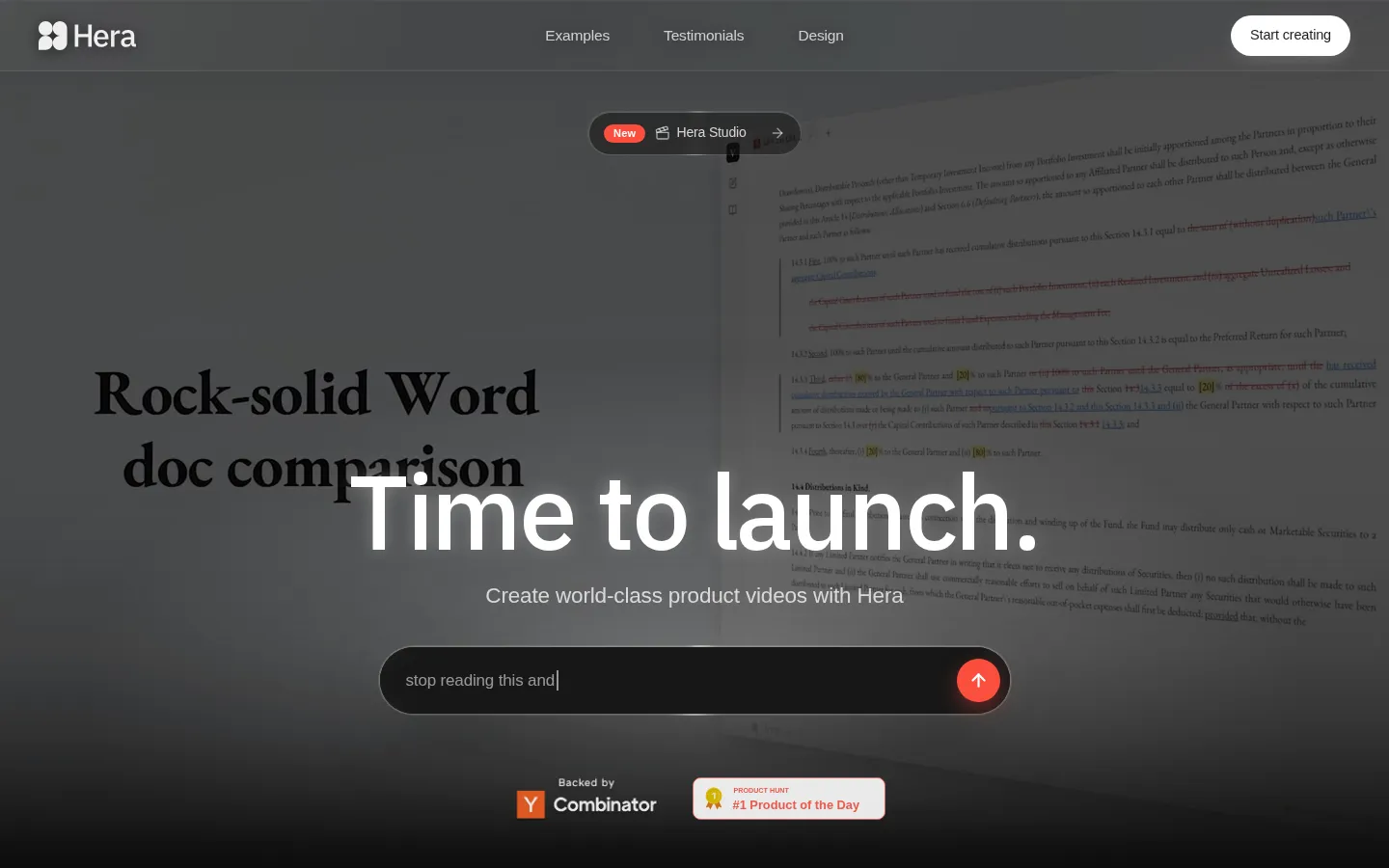
Hera Core Features
Generate product launch videos from prompts, briefs, or websites
Create structured storyboards with audience, format, tone, proof, and CTA
Edit generated text, timing, motion, colors, and composition
Build animated infographics from charts, reports, dashboards, and statistics
Generate overlays including lower thirds, quote cards, callouts, and chapter markers
Use reusable templates for launches, explainers, app demos, ads, and reports
Apply brand motion systems with logos, typography, colors, CTA cards, and proof cards
Automate generation through Hera’s documented REST API and MCP Server
Who is Hera for?
Hera is designed for teams that need polished motion graphics without hiring a dedicated motion designer or building every animation manually in a traditional timeline editor. Startup launch teams can use it to turn positioning, product screenshots, feature benefits, proof points, and calls to action into launch videos for homepages, Product Hunt, waitlists, investor updates, LinkedIn, email, and vertical social channels. The site specifically identifies SaaS founders, product marketers, indie hackers, and growth teams as audiences for its product-launch workflow. Product marketers can create feature announcements, landing-page hero videos, UI animations, and campaign cutdowns while product messaging is still changing. Data and reporting teams can transform dashboards, spreadsheets, benchmark reports, survey results, impact reports, and investor updates into animated data stories. Content creators can add lower thirds, quote cards, chapter markers, captions, hooks, and proof overlays to talking-head videos, interviews, webinars, Shorts, Reels, and TikTok clips. Educators and course creators can make lesson summaries, diagrams, onboarding clips, and caption-safe educational explainers. Sales enablement teams can produce demo follow-ups, objection-handling clips, ROI proof cards, customer stories, and buyer-specific videos. Customer-success teams can create first-run tutorials, activation explainers, feature education, health-score explainers, and help-center motion graphics. Agencies and freelancers can use Hera for client-ready drafts, reusable brand systems, campaign variants, approval-ready prompts, and repeatable production workflows. Ecommerce teams can create product-page videos, offer frames, comparison cards, benefit callouts, and social-ad variants from product images and claims. The product is especially suitable when readable text, UI labels, data, brand colors, and editable scene structure matter more than cinematic live-action footage.
Hera Use Cases
Create SaaS and AI product launch videos for homepages, Product Hunt, and waitlists
Turn app screenshots and user journeys into phone-mockup demo videos
Transform dashboards, spreadsheets, surveys, and reports into animated data stories
Produce onboarding tutorials, activation explainers, and help-center motion graphics
Build ecommerce product videos with benefits, comparisons, offers, proof, and CTAs
Create sales follow-ups, objection-handling clips, ROI cards, and buyer enablement videos
Add branded overlays, captions, hooks, lower thirds, and callouts to existing footage
Develop reusable brand motion kits and social cutdowns for campaigns
Hera Pros and Cons
Pros
- Website-to-video and prompt-to-video workflows support rapid launch ideation.
- Generated scenes remain editable across text, timing, motion, color, and composition.
- Dedicated tools and templates cover launches, data stories, explainers, overlays, and social assets.
- Public REST API and MCP Server documentation supports programmatic generation.
- The company documents no customer-content training without explicit prior consent.
Cons
- Public pricing details and plan names are not clearly presented on the marketing site.
- Hera is focused on motion graphics and product communication rather than cinematic live-action footage.
- Hera states that SOC 2 readiness is in progress and that it is not currently certified.
FAQ About Hera
Hera Pricing
Hera publicly indicates free access, but does not clearly publish dollar amounts or a complete plan comparison; current plan and usage details are available inside the application.
Check official pricingFree
The public application metadata marks Hera as accessible for free; current limits and included usage should be confirmed in the app.
Basic
The application code references a Basic plan and usage limits, but the public marketing site does not disclose a current dollar price.
Hobby
The application code references a Hobby plan; current price, limits, and included features are presented in the application rather than the public pricing page.
Pro
The application code references a Pro plan; current billing and usage terms are not publicly displayed on Hera’s marketing pages.
Mega
The application code references a Mega plan; current billing, limits, and enterprise availability require confirmation inside the application.
Hera Alternatives

A2O LITE NEON AI Dance
Make 15-second fan-made dance videos from permitted adult or pet photos using Human Duo, Pet Duo, and Solo templates.

IntroVideo
IntroVideo is an AI logo intro generator that turns any logo into a unique 8-second cinematic intro in minutes.

Opa Opa AI
Turn your selfie into the Opa Opa bouncy hair effect