
ttsMP3.com
ttsMP3.com is a free web-based text-to-speech converter that turns text into MP3 audio files you can download and reuse. It offers regular and AI voices based on Amazon Polly technology across 28+ languages, with fine controls for speed, pitch, emphasis, pauses, and multi-speaker conversations, useful for e-learning, presentations, videos, and accessibility.
What is ttsMP3.com?
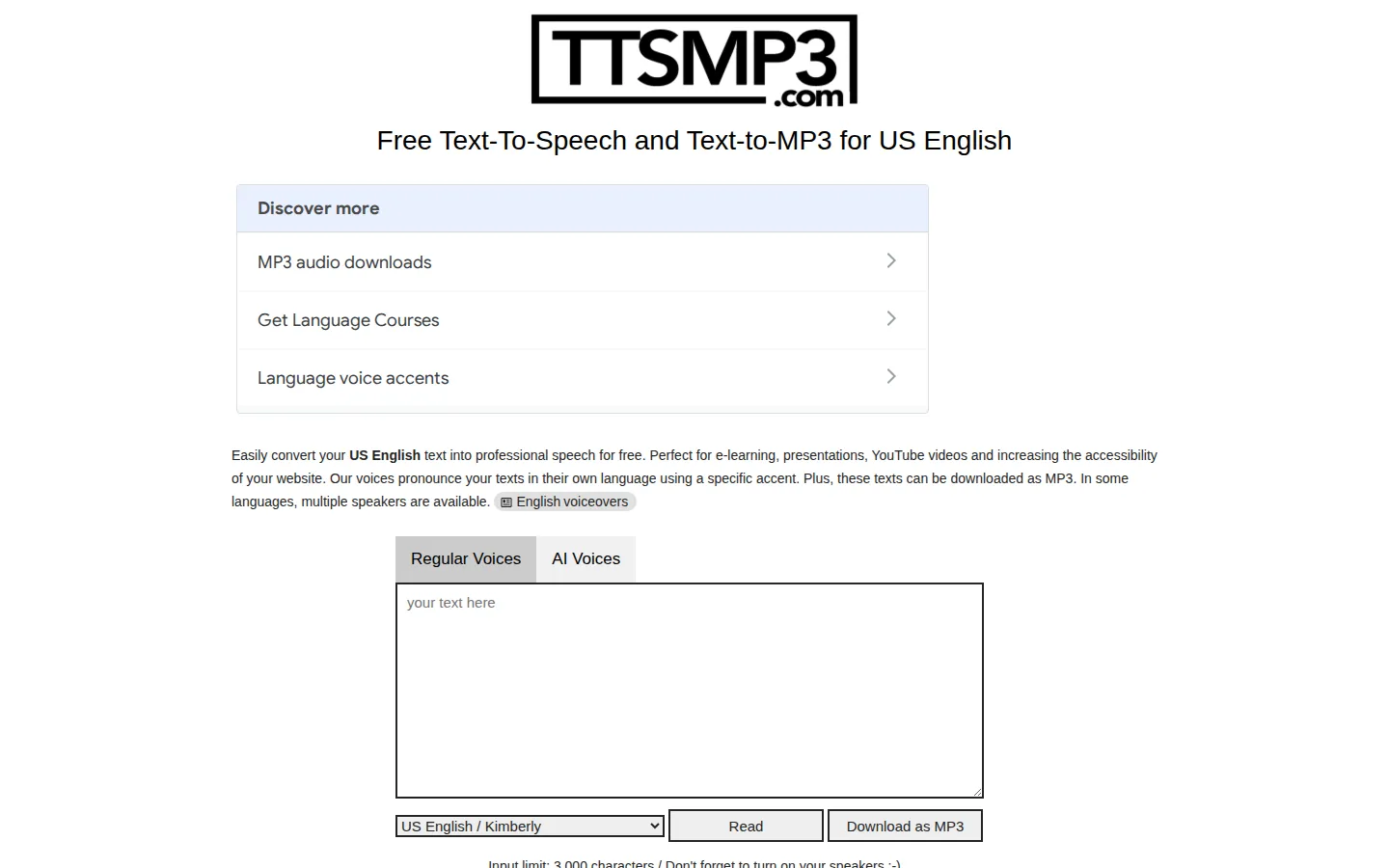
ttsMP3.com is a free online text-to-speech service that converts written text into speech audio you can play in the browser and download as an MP3 file. It offers both regular voices and AI voices across 28 or more languages, with the broadest voice selection in US English. The service is built on Amazon Polly text-to-speech technology, and advanced users can insert Amazon SSML-style tags directly into their text to control breaks, emphasis, speaking speed, pitch, and even whisper effects. A multi-speaker conversation format lets you switch between named speakers inside one passage, which is useful for dialogue and language practice. The input limit is 3,000 characters per conversion, and generated audio can be downloaded as MP3 for use in e-learning courses, presentations, YouTube videos, and websites to increase accessibility. Beyond the core converter, the site includes related tools for song lyrics and tabs, language learning materials, and factual reference content about English. Because it is browser-based, nothing needs to be installed, and there is no signup required for the core free functionality. The service is advertisement-supported, with generous free access for individual users and creators, though very long documents must be split into chunks that fit the per-request character limit. The site is organized around a single conversion page: users select a language and voice from the voice list, type their text, and generate speech with the click of a button, then play it back or download the MP3. Voice lists are split into regular voices and AI voices, where the AI voices use neural synthesis for more natural rhythm and intonation, and most languages offer both male and female speakers. For users who need subtle performance control, the text field accepts the SSML-style markup that Amazon Polly understands, including tags for breaks, emphasis, speed, pitch, and even whispered delivery, and the multi-speaker conversation feature lets a script alternate between named voices automatically. The site also hosts companion sections such as song lyrics and tabs, a language learning tool, and reference content, and it positions the service for e-learning, presentations, YouTube videos, and website accessibility, where converting text to professional-sounding speech for free removes the cost barrier of commercial TTS subscriptions.
ttsMP3.com Core Features
Free MP3 conversion
Convert text into speech and download it as an MP3 file without creating an account or paying.
28+ languages and accents
Voice support spans US and British English, Arabic, Chinese, French, German, Japanese, Korean, Spanish, and many more.
Regular and AI voice tabs
Choose between standard synthesized voices and more natural human-like AI voices per language.
Amazon Polly powered
Professional-grade neural text-to-speech with consistent pronunciation across supported languages.
SSML-style speech control
Insert tags for breaks, emphasis, pitch, speed, and whisper effects inside your text.
Multi-speaker conversations
Switch between named speakers within one passage for dialogue and language practice.
3,000 character input per request
Enough for paragraphs and short scripts, with unlimited conversions.
Accessibility and learning tools
The site also provides song lyrics and tabs and language learning resources.
Who is ttsMP3.com for?
ttsMP3.com is used by e-learning developers who need quick voiceovers for course narration without paying for studio recording. YouTube creators and video editors convert scripts into spoken audio for explainer videos and channel content. Website owners add audio versions of articles or improve accessibility for visitors who prefer listening over reading. Students and language learners generate pronunciation examples and listen to text in the language they are studying. Podcasters and content hobbyists prototype voiceover takes before committing to professional narration, and teachers prepare listening exercises for classrooms. It also serves anyone needing an occasional text-to-speech conversion, such as reading long articles aloud or creating voice memos, because no account or payment is required for basic use. Developers and content operations teams prototyping voiceover workflows also use it because no API key or signup is needed to test voice selection and output quality before committing to production tools. Podcasters preparing interview scripts and hobbyists creating fan-made narration find the quick MP3 export convenient for assembling rough cuts. Content localization teams generate temporary voiceover drafts in multiple languages to review tone before professional recording, and visually impaired users convert articles and documents into audio for everyday reading. Small business owners who want voice prompts for phone greetings or in-store announcements also convert short scripts to audio, and bloggers use the free MP3 downloads to add spoken versions of posts for readers who prefer listening.
ttsMP3.com Use Cases
Generate MP3 voiceovers for e-learning course narration and training videos in minutes at no cost.
Convert article text into spoken audio to add listening options for website visitors with accessibility needs.
Create pronunciation examples for language learners by generating speech in 28+ supported languages.
Produce quick narration takes for YouTube videos to compare voices before hiring professional voice talent.
Build classroom listening exercises with multi-speaker conversation format between named characters.
Listen to long articles and documents aloud by pasting sections into the converter and playing them back.
Make voice memos and reminders from typed notes when recording audio is not convenient.
Draft dialogue-heavy scripts with the emphasis, pause, and whisper tags to test how lines sound spoken.
ttsMP3.com Pros and Cons
Pros
- Completely free core service with no signup, account, or credit card required.
- AI and neural voice options deliver natural-sounding speech in many languages.
- Advanced SSML-style tags give unusual fine control over pauses, pitch, and emphasis for a free tool.
Cons
- 3,000-character limit per request forces long documents to be converted in chunks.
- US English has the widest voice set while some other languages offer only one or two speakers.
- Advertisement-supported interface and no offline or desktop application for production work.
FAQ About ttsMP3.com
ttsMP3.com Pricing
Free. The text-to-speech converter is free to use with no account, with AI and regular voices in 28+ languages and MP3 download. The site is advertisement-supported.
Check official pricingFree
Unlimited text-to-speech conversions up to 3,000 characters per request, MP3 download, 28+ languages.
ttsMP3.com Alternatives

KugelAudio
KugelAudio is a German voice AI platform for developers building voice agents. Its Kugel 3.5 text-to-speech model speaks 39 languages with native accents and reads numbers, IBANs and phone numbers digit-perfect, while Kugel Ear 1 transcribes callers and flags words it may have misheard. Pay per audio minute, billed by the second, hosted in the EU and fully GDPR compliant.

Play HT
Free browser-based text to speech preview that lets you hear your script with system voices before sharing.

Fliki
Fliki is a browser-based AI video and audio creation platform that combines text-to-video editing with synthetic voiceovers, stock media, and generated visuals. Users can repurpose articles or presentations, create avatar videos, translate content, and produce social clips. A free watermarked plan supports evaluation, while paid subscriptions unlock commercial rights, higher resolution, additional voices, and larger credit allowances.