
Toki
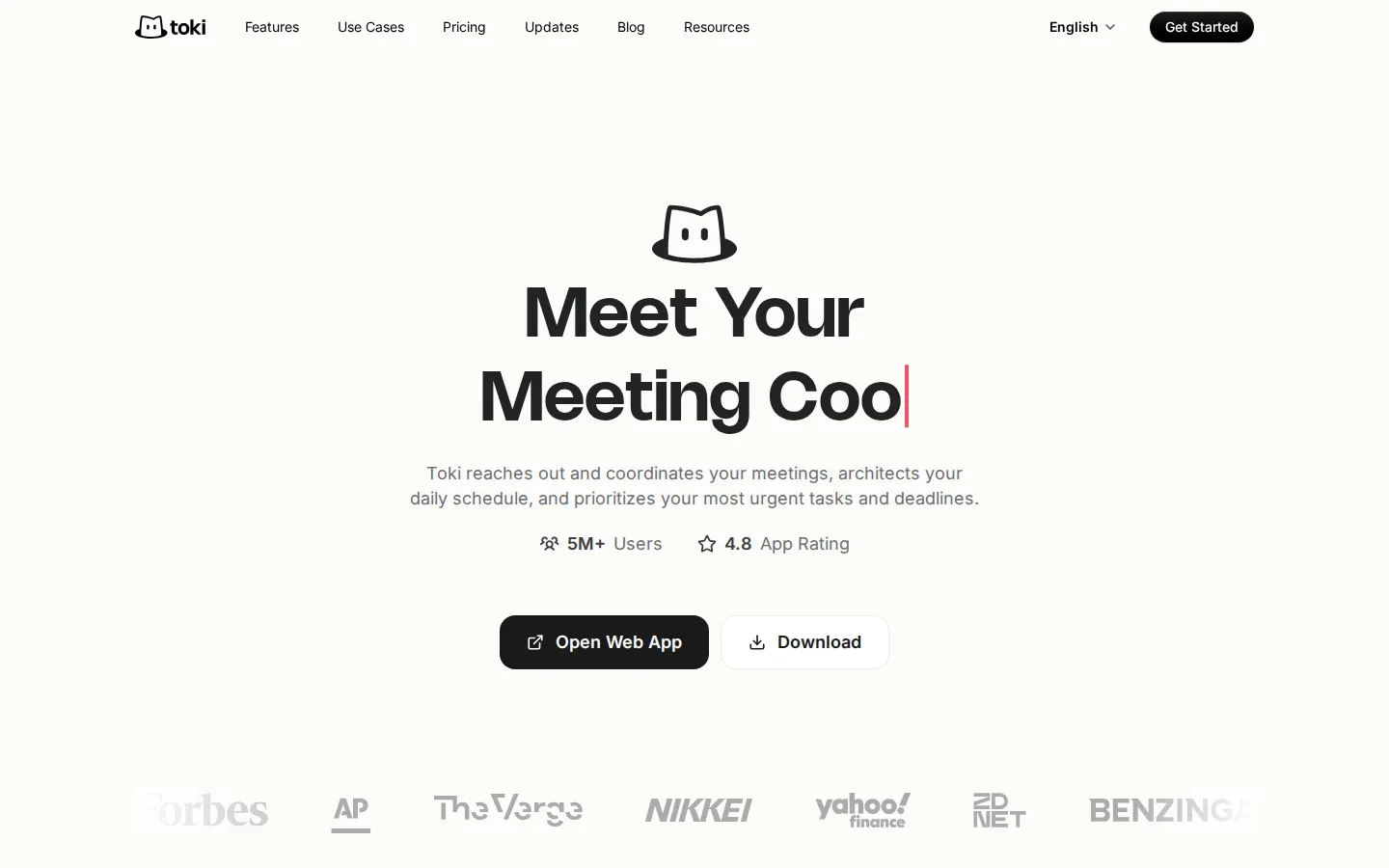
Toki is an AI executive assistant that runs your calendar like a human chief of staff. It reaches out to attendees over text to find meeting times that work for everyone, protects deep-work blocks, resolves overlapping events with suggested tradeoffs, and follows up with adaptive reminders, including phone calls for the deadlines you truly cannot miss.
What is Toki?
Toki is an AI executive assistant built by Orion Arm Pte. Ltd. that treats your calendar as something to be actively managed rather than passively displayed. Instead of waiting for you to create events, it reaches out, negotiates times, rearranges your day and follows up until plans actually happen. The product began as a chat-first calendar assistant and now positions itself as an agent for time: it captures requests from texts, voice notes, screenshots and email, turns them into scheduled commitments, and keeps pushing them forward with reminders that escalate when the moment matters.
Coordination is the feature that separates Toki from a shared calendar. When you ask for a meeting, Toki contacts the attendees itself, collects their availability, proposes slots and books the one that works, so you skip the thread of "does Tuesday work for you" messages. Scheduling links work the way Calendly links do for people who prefer to pick a time themselves, and group plans for families, teams and social circles are supported the same way. Toki also architects the rest of your day, deciding where deep work fits, which tasks are urgent, and which meetings should move when two events collide.
Reminders adapt to the stakes. Routine items arrive as push notifications, important ones as iOS alarms, and truly unmissable ones as a phone call through the Call Me feature, where an automated voice tells you what is coming and when. Daily and weekly insights show what lies ahead and how your time was spent. A personal memory layer learns your preferences over time, so Toki stops proposing 8 a.m. calls if you never accept them, and Triggers let you ask it to watch a stock price, a refund window or a launch date and message you when that condition is met.
Toki runs on iPhone, iPad, Apple Watch, Mac, Android and the web, and syncs Google Calendar, iCloud and Outlook accounts so work and personal commitments appear in one plan. It also works with Siri, and setup takes minutes with no browser extension or desktop client to install. The free tier covers three calendars and light usage, while paid Super and Pro plans meter heavier agent work in credits. One caveat worth knowing: Toki no longer operates inside WhatsApp, because WhatsApp's business terms now bar standalone AI products, so the mobile app and web app are the supported surfaces.
The company reports more than five million users and a 4.8 app-store rating, with coverage in Forbes, The Verge, Fast Company, ZDNet and The Guardian. In practice Toki is strongest as a front-office layer for a busy individual: it handles the tedious outreach, defends focused time, and makes sure the plan you agreed to is the plan that actually happens.
Toki Core Features
Coordination
Toki messages attendees directly, gathers their availability and books the meeting, removing the email thread normally required to agree on a time.
AI Scheduling
Natural-language requests become calendar events, with Toki choosing slots around existing commitments, travel time and stated priorities.
Booking Links
Share a personal scheduling link so clients, candidates or customers pick from windows Toki has already kept open for you.
Call Me
Critical reminders escalate from a notification to an automated phone call that speaks the details aloud before a deadline passes.
Conflict Resolution
Overlapping events surface with suggested tradeoffs, so double-bookings get resolved instead of silently sitting on the calendar.
Multi-Calendar Sync
Google Calendar, iCloud and Outlook connect together, putting work, family and personal commitments into one daily plan.
To-Dos
Tasks sit beside meetings and get slotted into the day, rather than piling up in a separate list you never revisit.
Triggers
Tell Toki to watch a price, deadline or release date and it messages you when the condition you set is actually met.
Who is Toki for?
Toki is built for people whose calendar is the bottleneck: founders, executives, sales and business-development leads, consultants, recruiters and agency owners who spend hours a week negotiating meeting times. It also fits knowledge workers who lose focus to coordination chores, and anyone who manages both a work and a personal calendar across Google, iCloud and Outlook. Because Toki reaches out to attendees on your behalf, it is especially useful for people who schedule with external parties all day and cannot afford slow email ping-pong, such as account executives juggling prospect calls, freelancers chasing client kickoffs, or recruiters lining up candidate interviews across time zones. Individuals with ADHD or chronic forgetfulness are a vocal part of its user base, drawn to the phone-call escalation that cuts through notification blindness. If you have ever silenced a reminder and then missed the appointment anyway, the Call Me feature is the specific thing worth testing. Parents and families use Toki for shared logistics, from school pickups to dentist appointments, because the assistant can coordinate more than one person's availability. Small teams use it to keep group plans aligned without hiring a dedicated operations person or buying a heavier project-management suite. The fit is weaker in a few directions. Enterprises that need SSO, admin consoles, retention policies and audit logs will not find them here. Product teams that want to embed scheduling inside their own application should look at API-first tools, since Toki publishes no public API. People who live entirely inside WhatsApp will also feel the loss, because that channel is no longer supported. For everyone else, and especially for independent solo operators who schedule with clients rather than colleagues, the free tier supports three calendars and enough assistant usage to judge whether the outreach actually saves time each week before committing to a paid plan.
Toki Use Cases
Book client meetings without email ping-pong by letting Toki contact attendees and confirm a slot.
Protect deep-work blocks by having Toki architect your day around focus sessions and hard deadlines.
Coordinate a family or team schedule so everyone sees one plan and nobody double-books.
Stop missing appointments by escalating critical reminders to an actual phone call.
Resolve calendar conflicts by asking Toki which meeting to move and where it should go.
Share a booking link with prospects so they self-schedule into times Toki already reserved.
Track a stock price, refund deadline or product launch and get a text when it moves.
Offload confirmation and follow-up outreach so meeting logistics happen without you writing them.
Toki Pros and Cons
Pros
- Toki contacts attendees itself, which removes most of the back-and-forth that scheduling tools leave to you.
- Phone-call escalation through Call Me is a genuinely different way to make important reminders land.
- Syncs Google Calendar, iCloud and Outlook alongside iPhone, Android, Apple Watch, Mac and web clients.
- A real free tier with three calendars and a seven-day trial on paid plans makes evaluation low-risk.
Cons
- Heavy agent work is metered in credits, so the cost of an active week can be hard to predict up front.
- The WhatsApp channel has been discontinued, so users must move to the mobile app or web app.
- There is no public API and no enterprise admin layer, which limits embedding it in custom workflows.
FAQ About Toki
Toki Pricing
Toki uses a freemium model with three tiers. The Free plan covers up to three synced calendars, the AI scheduling assistant and a basic quota for low-frequency use. Super costs US$9.99 per month monthly or US$6.95 per month with yearly billing and adds 100,000 credits plus the proactive agent for outreach. Pro costs US$19.99 per month monthly or US$14.00 per month yearly, billed at US$167.99 per year, and raises the allowance to 200,000 credits with 24/7 proactive agent coverage and larger research quotas. Yearly billing advertises about 30% savings, and first-time subscribers get a seven-day free trial on either paid plan.
Check official pricingFree
Sync up to three calendars, use the AI assistant for everyday scheduling, and work within a basic quota intended for low-frequency demand.
Super
100,000 credits, the proactive agent that handles scheduling chores, and outreach communications offloaded to Toki. US$6.95 per month with yearly billing; seven-day free trial.
Pro
200,000 credits for professionals, a 24/7 proactive agent that keeps schedules advancing, and ample quotas for research and outreach. US$14.00 per month yearly (US$167.99 per year).
Toki Alternatives

Praktika
Praktika is an AI language tutor app where lifelike avatar tutors hold real conversations, correct your grammar and pronunciation as you speak, and build a study plan around your goals. It covers 13 languages across speaking, listening, reading and grammar, and includes 1,000+ lessons, role-play scenarios, adjustable tutor tone, business plans and a genuinely useful free tier.

Alex
Alex is an AI recruiter from Apriora that automates end-to-end hiring: it screens resumes, scores every applicant, interviews them by video, phone, SMS or WhatsApp in 26+ languages, verifies identity and fraud risk, then books qualified candidates onto recruiter calendars through more than 33 ATS integrations, so teams hire faster without adding headcount.

Convo
Convo is a desktop AI sales assistant that coaches reps live during calls, surfacing objection responses, buying signals and answers pulled from company documents. It drafts follow-ups and syncs notes, contacts and tasks to the CRM afterwards, giving managers call feedback and deal risk insight. It works bot-free with Zoom, Meet, Teams and Webex, from $22.49 per user monthly.