
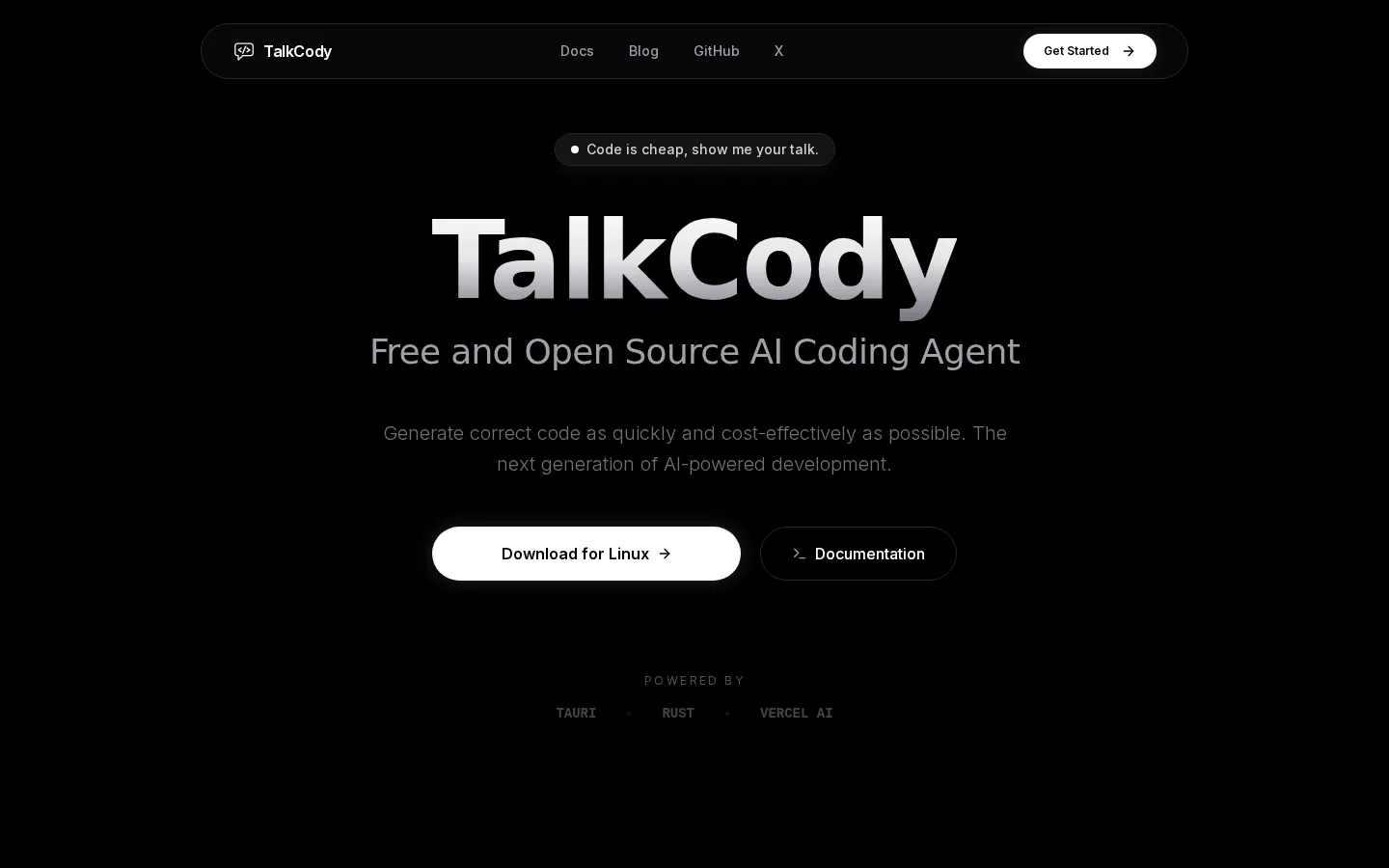
TalkCody
TalkCody is a free, open-source AI coding agent built with Rust and Tauri that gives developers complete control over their AI workflow. It supports any model from OpenAI, Anthropic, and Google to local models via Ollama or LM Studio, with four-level parallelism for faster project completion. All data stays local, and it offers nine ways to use AI for free.
What is TalkCody?
TalkCody is a free and open-source AI coding agent delivered as a desktop application for macOS, Windows, and Linux, built with a React and TypeScript frontend and a Tauri 2 plus Rust backend for native performance. Its core value proposition is freedom: you can use any AI model from OpenAI, Anthropic, Google, or local models running through Ollama or LM Studio, with no vendor lock-in, and everything runs locally so your code never leaves your machine. The standout capability is four-level parallelism, which runs project, task, agent, and tool levels simultaneously to complete complex projects in a fraction of the time. TalkCody supports multimodal input including text, voice, images, and files, and it integrates with the Model Context Protocol so you can extend its capabilities with external tools and servers. It includes an agents and skills marketplace for downloading and sharing community workflows and specialized agents, a built-in terminal to execute commands without switching contexts, and deep customization of system prompts, agents, tools, and MCP servers. The app is designed to be economical: nine documented ways to use it completely free, plus the ability to leverage existing ChatGPT Plus or Pro accounts and GitHub Copilot subscriptions. Privacy is a first-class feature with 100% local storage, offline capability, and fully auditable open-source code under the MIT license. Development is active with a public roadmap, changelog, and a welcoming contributor community on GitHub. From an engineering perspective, TalkCody pairs a React 19 and TypeScript frontend with a Tauri 2 and Rust backend, which keeps the app lightweight and responsive while supporting native performance on desktop. The project maintains a public roadmap, a changelog documenting version history, and a development setup guide for building from source. Community participation happens through GitHub issues, discussions, and the official X account, and the license is MIT with a PRs-welcome badge in the repository. Because everything runs locally, users keep ownership of their code, data, and models, and the application works with the Bun runtime and Monaco Editor under the hood for a familiar editing experience.
TalkCody Core Features
Four-level parallelism runs project, task, agent, and tool levels simultaneously for faster project completion.
Any model, any provider support including OpenAI, Anthropic, Google, and local models via Ollama or LM Studio.
Multimodal input accepts text, voice, images, and files seamlessly in the same workflow.
MCP server support extends capabilities through the Model Context Protocol ecosystem.
Agents and skills marketplace for downloading and sharing community workflows and specialized agents.
Built-in terminal lets you execute commands without switching context away from the agent.
100% local storage with offline capability keeps conversations, code, and data on your machine.
Fully customizable system prompts, agents, tools, and MCP servers for tailored workflows.
Who is TalkCody for?
TalkCody is built for developers, indie hackers, and engineering teams who want AI coding assistance without vendor lock-in or privacy trade-offs. It suits solo developers who want to run local models like Ollama or LM Studio and keep their code on their own machine, as well as professionals who already pay for ChatGPT Plus, Pro, or GitHub Copilot and want to reuse those subscriptions in a dedicated coding agent. Teams that value speed benefit from four-level parallelism, which runs project, task, agent, and tool work simultaneously to finish complex projects faster. Privacy-conscious engineers appreciate the 100% local storage model, where conversations, code, and data never leave the machine, and the ability to work fully offline. Open-source contributors and tinkerers can audit the MIT-licensed codebase, fork it, or build from source. Cost-sensitive users can take advantage of the nine free usage paths documented in the guides, making TalkCody a practical choice for students, hobbyists, and early-stage startups that want professional-grade AI coding assistance on a budget. Enterprises evaluating alternatives to cloud-only tools will also find the customizable agents, MCP server support, and fully configurable system prompts attractive for standardized internal workflows. Open-source enthusiasts can study the MIT-licensed codebase, which pairs a React 19 and TypeScript frontend with a Tauri 2 and Rust backend, and the project welcomes PRs through its contributing guide and GitHub discussions. For teams standardizing on internal AI tooling, the ability to customize system prompts, agents, and MCP servers makes TalkCody a flexible foundation that grows with the team's workflow.
TalkCody Use Cases
Refactoring and completing medium-to-large codebases with parallel agent tasks.
Running AI coding assistance fully offline using local models from Ollama or LM Studio.
Reusing an existing ChatGPT Plus or GitHub Copilot subscription inside a dedicated coding agent.
Building custom agents and workflows for standardized team development practices.
Extending the agent with MCP servers to interact with external services and tools.
Prototyping and shipping features faster as a solo developer or indie hacker.
Auditing and contributing to an MIT-licensed open-source codebase.
Maintaining privacy for proprietary or sensitive code that cannot leave the machine.
TalkCody Pros and Cons
Pros
- Completely free and open source under the MIT license with nine free usage paths.
- Privacy-first design with 100% local storage, offline mode, and auditable code.
- Model freedom across OpenAI, Anthropic, Google, and local providers without lock-in.
- Four-level parallelism delivers noticeably faster multi-task development.
Cons
- Desktop-only application with no cloud or web version for remote workflows.
- Requires manual configuration of API keys or local model setup before first use.
- Smaller ecosystem and fewer community integrations than established coding agents.
FAQ About TalkCody
TalkCody Pricing
Fully free and open source under the MIT license; optional costs come only from the AI model providers you choose to use.
Check official pricingFree
Fully free open-source AI coding agent with nine documented ways to use AI without paying.
TalkCody Alternatives
Kitool.AI
Kitool.AI is an AI coding workspace that puts Claude Code and Codex behind one account and one API key. It offers transparent usage-based billing, a model plaza with per-million-token prices, and routing that can cost less than paying each vendor directly. Configure it once in VS Code, JetBrains, or the terminal on macOS, Windows, or Linux.

claude-mem
claude-mem keeps structured project memory outside the chat. An open-source engine captures decisions, discoveries, and fixes locally, while CMEM Pro adds hosted observation, cloud sync, and a private MCP link. Recall synced notes from Claude Code, Cursor, Codex, Gemini CLI, Windsurf, or ChatGPT, or keep everything local-first on your own machine.
GetLayers
GetLayers is Textura's library of design foundations for AI coding workflows. Browse templates, motion sections, 3D scenes, backgrounds, and gradients, then copy structured prompts into your preferred assistant. Paid plans include commercial licensing, while Full Stack adds source files and private Discord support. Full Stack Lifetime also connects the library directly to compatible assistants through MCP.