
sync.
sync. is an AI lip-sync and visual dubbing platform used by film, advertising and content teams. Upload a video, add cloned, generated or original audio, and get a new take where the speaker's mouth matches the performance. It offers a browser studio, an Adobe Premiere plugin, a ComfyUI node, SDKs and an API, with pricing per second of video.
What is sync.?
sync., also written sync. labs or Sync Labs, is an AI lip-sync and visual dubbing platform built by Synchronicity Labs Inc. It takes an existing video of someone speaking plus a new audio track and regenerates the speaker's mouth and facial motion so the performance matches the new audio frame by frame. The company describes the API as taking any video and audio input and generating perfectly matched lip movements, powering dubbing, localization and personalized video messaging.
sync. ships a family of models rather than one, so teams can trade speed against quality. sync-3 is the flagship lipsyncing model: it builds a wide spatial context to understand a scene rather than only the mouth region, and the company says it handles close-ups, sharp angles and side faces, multiple speakers, low light, fast camera movements and objects blocking the face, with output up to 4K at 60fps. lipsync-2 is the general-purpose model that preserves speaking style, lipsync-2-pro adds premium facial detail, react-1 is tuned for expressive lip sync with emotions on short clips, and lipsync-1.9 is the fastest, cheapest option.
Visual dubbing is the studio-facing workflow. sync. positions it as localization that looks like it was originally shot in the target language, shot by shot and frame by frame, and lists integration points before the color grade, after VFX, and after the digital intermediate. For post-production teams the platform also supports dialogue replacement (ADR) with EXR handoff: assets arrive with handles, original-version reference and target-language audio, a proxy render comes back fast for QC, notes are actioned in one focused revision cycle, and the final lossless EXR delivery is frame-accurate. ProRes 4444 XQ through 422 Proxy, OpenEXR sequences, UHD and 4K DCI, HDR10 and ACES are supported, with delivery to client-side storage or managed private S3 infrastructure.
On the creative side, sync. bundles the voice work so teams do not need a second vendor: users can clone a voice, generate speech from text, dub audio into 29 different languages, or keep the audio from the original clip. Active speaker detection finds who is talking in a scene, and the dubbing flow can run on sync.'s own text-to-speech or on an external TTS provider's API key.
There are three ways in. The web Studio is the fastest path: upload a video, supply the audio, get the result, with lite, assistant and advanced modes and no timeline to learn. Plugins and integrations put the same models inside existing tools, including an Adobe Premiere extension, a ComfyUI node, a RESTful API with webhooks for async status notifications, and official Python and TypeScript SDKs. Batch jobs can cover up to 500 videos in a single API call on Scale and higher plans. sync. also sells verification: using its proprietary watermarking, anyone can upload a video and check whether it was modified with sync. technology. Paid plans remove the watermark from generated videos, while free-trial output carries one.
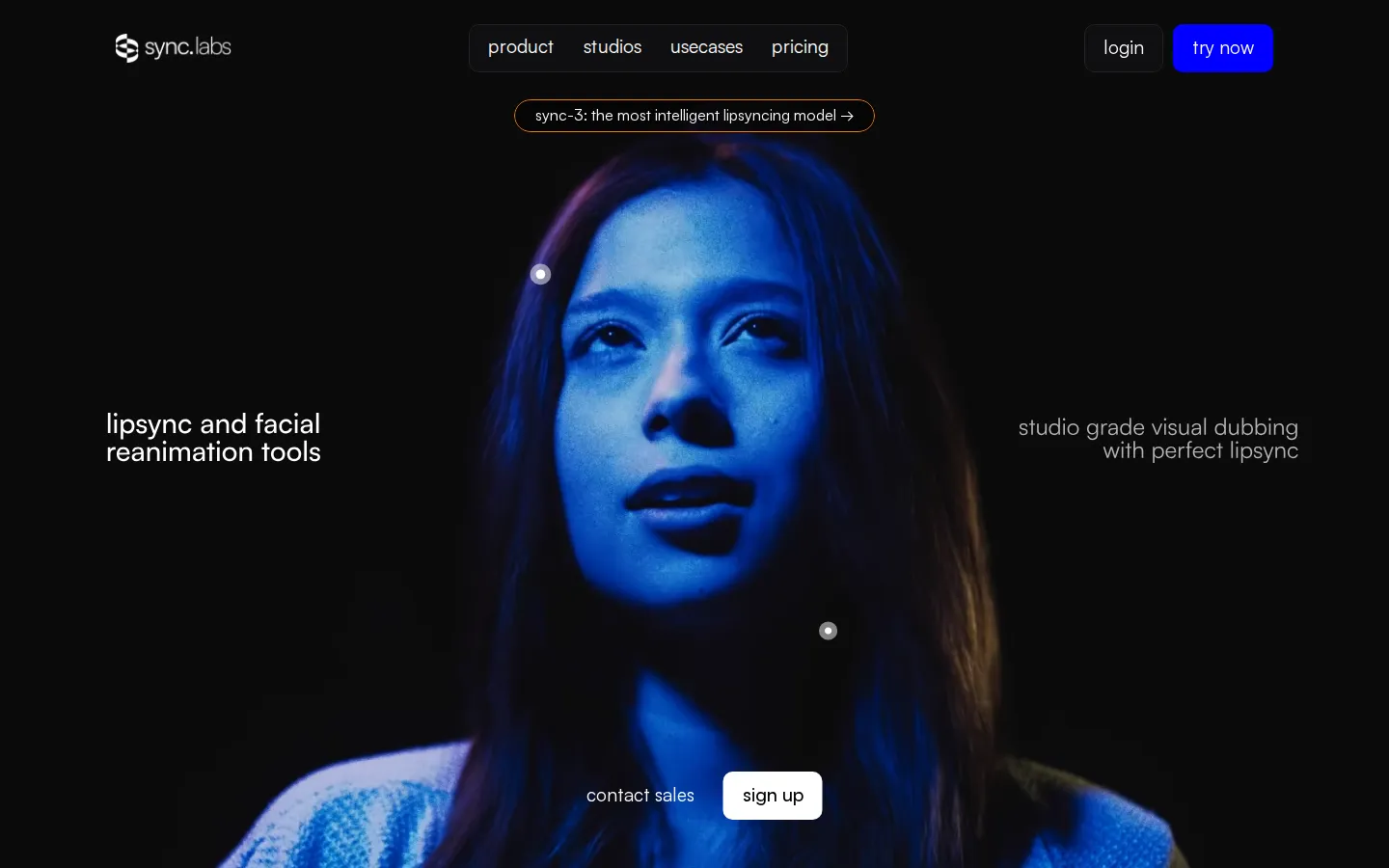
sync. Core Features
Lipsync Studio
a browser workspace where you upload a video, add audio and get a synced shot with no timeline to learn.
sync-3 model
the flagship lipsyncing model understands scene context and handles close-ups, sharp angles, multiple speakers, low light, fast camera moves and objects blocking the face, up to 4K 60fps.
Model range
lipsync-2, lipsync-2-pro, react-1 and lipsync-1.9 let you choose between speaking-style preservation, premium detail, emotional expression and raw speed.
Visual dubbing for studios
localization that looks like it was shot in the target language, with integration before the color grade, after VFX and after the digital intermediate.
Dialogue replacement (ADR)
EXR assets with handles, proxy renders for QC, one focused revision cycle and lossless frame-accurate final delivery.
ProRes and EXR deliverables
ProRes 4444 XQ through 422 Proxy, OpenEXR sequences, UHD and 4K DCI, HDR10 and ACES color, with client-side storage or managed private S3 delivery.
API, SDKs and plugins
a RESTful API, webhooks, official Python and TypeScript SDKs, an Adobe Premiere extension and a ComfyUI node.
Dubbing, voice cloning and watermark verification
dub audio into 29 languages, clone up to 50 voices, and check whether a video was altered with sync.'s proprietary watermarking.
Who is sync. for?
sync. is aimed at people whose job is to make video speak another language or another voice, and who care whether the mouth actually matches. The clearest fit is film and television post-production: localization supervisors, VFX and finishing artists, dubbing directors and ADR editors who deliver ProRes or EXR shots into a color pipeline and need frame-accurate output rather than a rough approximation. Studios working on features and full seasons are addressed directly through a dedicated studios page that describes QC rounds, proxy-first review and pipeline handoff, plus a contact-sales path for custom terms and private delivery. The second audience is advertising and marketing teams. Agencies localizing a campaign for several markets can dub the same spot instead of reshooting talent, and performance marketers can turn one recording into many personalized video messages using cloned or synthesized voices. Teams that already run a text-to-speech provider can bring their own API key and use sync. only for the lip-sync stage. The third group is content creators and small teams: YouTubers, podcasters and social media producers who want a talking-head clip in another language without hiring voice actors or learning a timeline. For them the browser Studio is the entry point, and the Hobbyist plan at $5 per month is enough for one-minute clips at one job at a time. Fourth are developers and product teams. Where lip-sync has to run at scale inside another product, sync.'s API, Python and TypeScript SDKs, ComfyUI node and batch processing are the relevant pieces, with plans sized by concurrency, maximum video length and voice-clone slots. E-learning and training teams are also in scope, localizing course videos while keeping the instructor's face natural, as are game and animation teams that need characters synced to new voice tracks.
sync. Use Cases
Dub a film or series into 29 languages with frame-accurate lip sync for every shot.
Localize an ad campaign for several markets without reshooting the talent.
Translate e-learning and training videos while keeping the instructor's face natural.
Clone a voice and generate personalized video messages at scale from one recording.
Fix dialogue in post-production with iterative ADR, proxy review and EXR handoff.
Sync game or animation characters to new voice tracks through API calls.
Batch-generate hundreds of localized clips with a single API request.
Verify whether a published clip was altered using sync.'s watermark checker.
sync. Pros and Cons
Pros
- The model range covers both ends of the market, from the cheap, fast lipsync-1.9 to the studio-grade sync-3.
- Post-production teams get ProRes, OpenEXR, 4K DCI, HDR10 and ACES support, plus proxy QC rounds and private delivery options.
- Usage-based pricing means you pay per second of generated video, with entry at $5 per month plus $0.05 per second.
- Integrations cover the web studio, REST API, Python and TypeScript SDKs, an Adobe Premiere plugin and a ComfyUI node.
- Dubbing into 29 languages, voice cloning, active speaker detection and watermark verification are built in rather than sold as separate tools.
Cons
- The highest-quality models cost more per second: sync-3 is $0.1334 per second at 25fps versus $0.025 for lipsync-1.9.
- The Hobbyist plan caps videos at 1 minute, one concurrent job and three voice clones, so real projects move up quickly.
- There is no permanent free plan, only a free trial of 3 generations per month up to 20 seconds each.
FAQ About sync.
sync. Pricing
Usage-based pricing: a free trial covers 3 generations per month up to 20 seconds each, subscriptions start at $5 per month plus $0.05 per second of generated video, and higher tiers discount usage by up to 20%.
Check official pricingFree trial
3 generations per month of up to 20 seconds each, no credit card required; output carries a watermark.
Hobbyist
Plus $0.05 per second of usage. Videos up to 1 min, 1 job at a time, up to 3 voice clones, API access and SDKs, Lipsync Studio, community support.
Creator
Plus $0.05 per second. Everything in Hobbyist plus videos up to 5 min, 3 jobs at a time, 5 voice clones, your own TTS API key, Active Speaker Detection and no watermark.
Growth
Plus $0.0475 per second. Everything in Creator plus videos up to 10 min, 6 jobs at a time, 15 voice clones, 5% usage discount and team workspaces with 3 seats (extra seats $25/mo).
Scale
Plus $0.04 per second. Videos up to 30 min, 15 jobs at a time, 50 voice clones, 20% usage discount, 5 team seats, delegated support channel and Batch API.
Enterprise
For projects requiring absolute perfection: talk to sales for white-glove support, custom delivery and managed private infrastructure.
sync. Alternatives

VideoDance
AI creative suite for creators and marketers. Generate videos and images from text or reference images with Seedance, Kling, Veo.

state property meme
Make a State Property meme with your dog or cat. Pick a scene, check the credit quote, and follow your video.
TapVid
TapVid is an AI explainer video engine built for product teams. Paste a prompt or upload a PDF, doc, URL or PPT, review the generated outline and script, then edit individual scenes by typing. Assets and copy stay exactly as supplied, a Brand Kit applies your fonts and colours. Paid plans export watermark-free 1080p, and a REST API plus MCP server handle batch work.