
Start.dev
Start.dev teaches programming through hands-on lessons you complete inside the browser. Rather than only watching someone else code, you write real code against automated tests, earn points and badges as you progress, and get help from an AI tutor that reads your files, tests and output. Courses span JavaScript, React, Next.js, Python and SQL, with over 1,100 lessons.
What is Start.dev?
Start.dev is an interactive coding-education platform built around a simple promise: you learn to code by building real software rather than by watching someone else build it. Every course is delivered inside the browser, in a lesson workspace that pairs written explanations with a code editor, automated tests and a run button. There is nothing to install and no local environment to configure. Students open a lesson, write code, execute it, and see whether their solution passes within seconds. The catalog covers the path most self-taught developers actually follow. It starts with HTML Basics, CSS Basics, JavaScript Basics and JavaScript DOM, moves through Intermediate JavaScript, TypeScript Fundamentals, Validation with Zod and Learn SQL, and continues into React Fundamentals, Vue.js Fundamentals, Tailwind CSS Basics, Next.js Fundamentals and TanStack Start Fundamentals. Python has its own track running from Python for Beginners to Intermediate Python, and applied courses include Building APIs with Node.js & Express and Learn Vercel AI SDK. Premium advertises unlimited access to 1,107 lessons and 110 challenges, and each course is tagged by level, lists its lesson count, and shows an instructor, a rating and an enrollment figure. Teaching comes from recognizable names. Brad Traversy of Traversy Media is the lead instructor and appears on most courses, Dennis Ivy teaches Tailwind CSS, and Ariel Weinberger, listed as founder and instructor, teaches the Vercel AI SDK course. Start.dev states plainly that it is a separate company from Traversy Media, even though Traversy students are offered a discount. Two features shape the experience beyond plain lessons. The first is a built-in AI assistant named Stuart, a coding tutor that lives in the lesson workspace and can read the files, tests and output of the exercise in front of you. It explains the reasoning behind a fix instead of pasting a finished answer, and it removes the usual copy-paste-into-another-chat-tab loop. The second is the game layer: points, levels, ranks, unlockable badges and a verifiable completion certificate that records your achievement on the platform, explicitly described as not an accredited credential. Practice is separated from courses. Challenge Sets group six focused tasks per collection, showing theme, estimated minutes and total XP before you begin, and covering topics such as async JavaScript, array methods, DOM interactions and conditional logic. A Study Advisor offers planning help, and every plan includes some access to it. Pricing is freemium. The free tier lets anyone read lessons, watch video and browse every course, with limited interactivity, five challenges and twenty AI messages a month. Premium, at $29 per month under a limited-time launch offer against a $49 list price, unlocks unlimited courses, challenges, AI messages and Study Advisor use, with annual billing advertised as two months free.
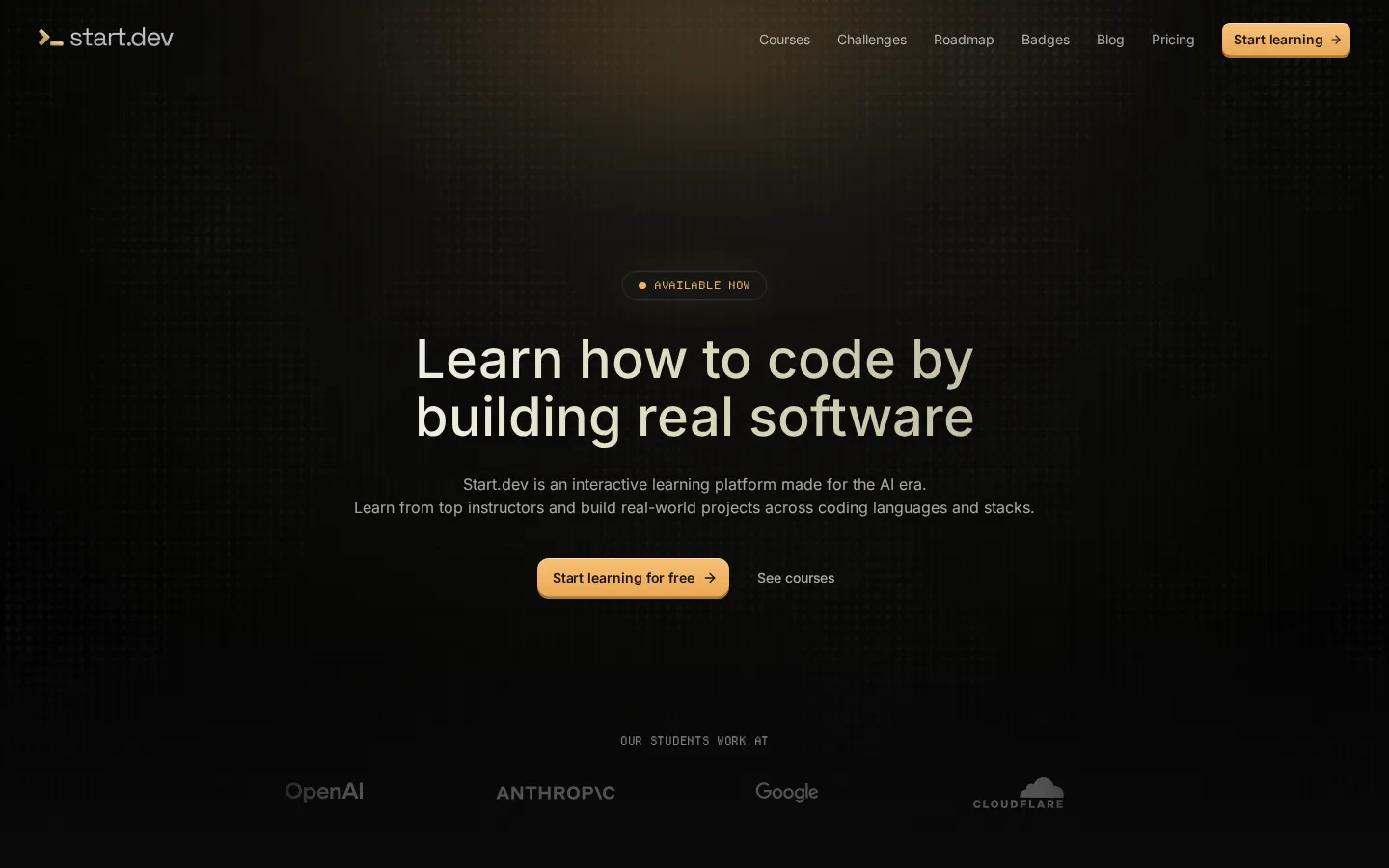
Start.dev Core Features
Browser coding workspace
Write and run code directly inside the lesson page, with no local install, no package manager and no environment setup before your first exercise.
AI tutor Stuart
A built-in assistant that reads the files, tests and output of your current lesson and explains the reasoning behind a fix instead of pasting a finished answer.
Instant test feedback
Every exercise is checked automatically, so you learn within seconds whether your solution actually works rather than waiting for a reviewer.
Guided course paths
Level-tagged courses from JavaScript, HTML and CSS basics through React, Next.js, Vue, TanStack Start, TypeScript, SQL and Python, each with a capstone project.
Challenge Sets
Focused practice collections of six tasks each, tagged by stack and difficulty, showing estimated minutes and total XP before you start.
Gamified progress
Points, levels, ranks, unlockable badges and a verifiable completion certificate make advancement visible instead of invisible.
Instructor-led curriculum
Courses authored by Brad Traversy as lead instructor, plus Dennis Ivy on Tailwind CSS and founder Ariel Weinberger on the Vercel AI SDK.
Study Advisor
A planning helper included on every plan, with monthly interaction limits on Free and unlimited use on Premium.
Who is Start.dev for?
Start.dev is aimed at self-taught developers who have tried video courses and stalled, and who want a structured path where they actually type, run and debug code. Absolute beginners can begin at HTML Basics, CSS Basics or JavaScript Basics and be writing working programs in the first lesson, because the browser workspace removes the install-and-configure step that usually ends a first attempt. Learners who already know one language use it to move sideways into Python, SQL, TypeScript or React, since courses are tagged by level and state their prerequisites, such as React Fundamentals assuming Intermediate JavaScript. The platform also fits developers who want practice rather than more content. Challenge Sets give short, time-boxed exercises with XP rewards, which suits someone maintaining a daily habit or preparing for interviews without committing to another full course. Bootcamp students, career changers and junior developers building a portfolio are served by completion certificates and visible progress markers, though the site is clear these are not accredited credentials. Working engineers who want applied, current material will find courses on the Vercel AI SDK, Building APIs with Node.js & Express, TanStack Start and Validation with Zod. It is not built for people who want to learn entirely on a phone, because coding workspaces require a laptop or desktop and smaller screens only get text, video and quiz lessons. It also fits poorly with anyone who needs official academic certification, non-English instruction, or a marketplace with many competing teaching styles.
Start.dev Use Cases
Learn JavaScript, HTML and CSS from scratch by writing and running code in a browser workspace instead of watching tutorials.
Practice React, Next.js, Vue or TanStack Start by building a capstone project chapter by chapter against automated tests.
Prepare for a developer job by completing structured Python, SQL or TypeScript courses and collecting verifiable certificates.
Debug your own lesson code with an AI tutor that reads your files, tests and console output before suggesting a fix.
Keep a daily coding habit going with short challenge sets that show estimated time and XP rewards upfront.
Evaluate a language or framework quickly before committing to a longer course by checking level tags and lesson counts.
Support a classroom or bootcamp cohort with free readable lessons, downloadable files and browser-based coding workspaces.
Start.dev Pros and Cons
Pros
- Genuine project work instead of passive video: you run code and get automated test feedback in the same tab.
- Credible instructor lineup, with Brad Traversy as lead instructor alongside Dennis Ivy and founder Ariel Weinberger.
- The AI tutor is grounded in your actual lesson files and tests, so answers fit the exercise instead of being generic.
- A real free tier that lets you read every lesson and try interactivity before paying $29 per month.
Cons
- The useful part is paywalled: free accounts lose the ability to run code after the first few chapters of each course.
- No phone-based coding, because workspaces need a laptop or desktop and small screens only get text, video and quiz lessons.
- Thin instructor variety: most courses are taught by Brad Traversy, so teaching styles are far less varied than on a course marketplace.
FAQ About Start.dev
Start.dev Pricing
Freemium. The Free plan costs $0 and includes limited course interactivity, five challenges per month, ten Study Advisor interactions and twenty AI messages. Start.dev Premium is $29 per month under a limited-time launch offer against a $49 list price, and adds unlimited courses (1,107 lessons), unlimited challenges (110), unlimited AI messages and Study Advisor use. Annual billing is advertised as two months free, and the site says you can cancel anytime.
Check official pricingFree
Access to courses with limited interactivity, no access to Premium courses, 5 challenges per month, 10 Study Advisor interactions, 20 AI messages per month and community support.
Start.dev Premium
Limited-time launch offer (list price $49). Unlimited access to all courses and 1,107 lessons, 110 challenges, Study Advisor, AI messages and coming-soon projects, plus early access to new features and premium support. Annual billing gives two months free.
Start.dev Alternatives
Teachy
Teachy is a Brazilian AI platform for teachers and schools that generates lesson plans, activities, tests, and graded feedback aligned to your curriculum in minutes. It bundles 60+ material formats, a question bank, per-student accessibility adaptations, learning-recovery dashboards, and Lara, a pedagogical chat assistant. A free plan grants 100 credits daily; Premium costs R$ 39.90 per month.

X-Pilot
X-Pilot turns source material into editable course and training videos. Upload a PDF, PPT, DOC, URL or finished script, or just type a topic, and X-Pilot plans an outline and scenes with narration. Review and edit any element by typing, then export a 1080p MP4 or SCORM package - one long lesson or a chapter series.

Talkio AI
Talkio AI is a language-learning web and mobile app from Aidia ApS in Denmark that helps you speak a new language out loud. Practise voice conversations with hundreds of AI tutors across more than 70 languages, get instant feedback on pronunciation, grammar and fluency, review saved vocabulary, and track weekly progress. A seven-day free trial starts every subscription.