
RunComfy
RunComfy is a cloud platform for ComfyUI. Launch an unmodified, fully configured ComfyUI in your browser with no setup, run 200+ ready-to-run community workflows for image and video models such as Flux, Wan and Qwen, download models from Civitai and Hugging Face, and deploy any saved workflow as a serverless API that autoscales and scales to zero.
What is RunComfy?
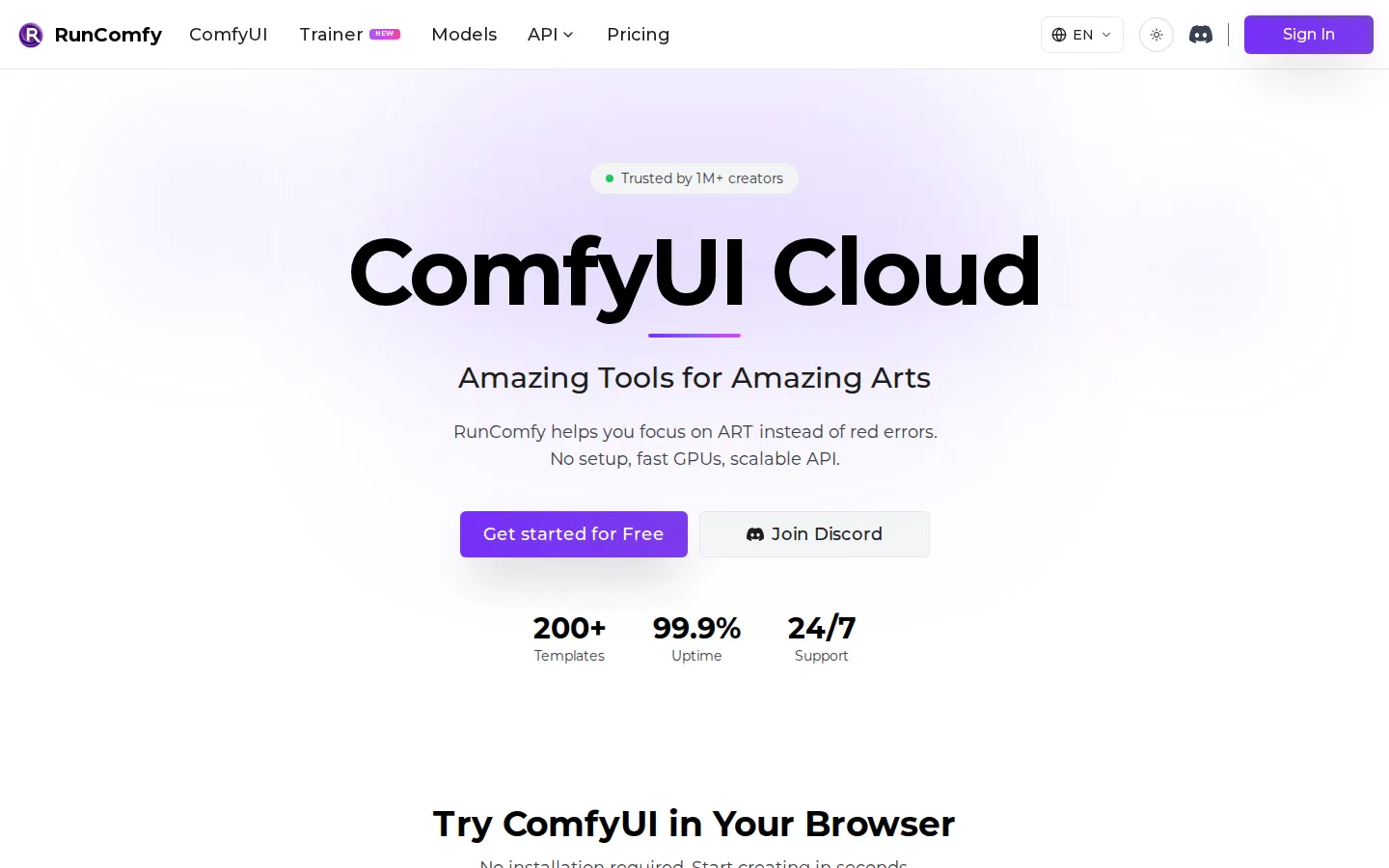
RunComfy is a cloud platform built around ComfyUI, the node-based interface for diffusion models. Instead of installing Python, PyTorch, custom nodes and model files on your own machine, you open ComfyUI Cloud in a browser and start building: RunComfy runs an unmodified, fully configured ComfyUI so work moves between local and cloud environments without changes. The platform says it is trusted by more than a million creators and devs, offers 200+ ready-to-run workflow templates, and advertises 99.9% uptime and 24/7 support.
The template library covers image and video generation and editing, restoration and upscaling, and 3D work, with model-specific pages for Flux, Wan, LTX, Z-Image, Qwen Image Edit, Krea 2, MiniMax H3 and Qwen Image 2.1. You can run a template as-is, download its workflow JSON, or use it as a starting point. If you already have a workflow.json, the auto-setup agent parses it, installs every dependency, custom node and model it needs, and returns a link that is guaranteed to run.
Under the hood RunComfy offers five types of on-demand GPU machines with VRAM from 16 GB to 141 GB, covering T4, A4000, A10G, A5000, A6000, L40S, L40, A100, H100 and H200 cards. Usage is billed by the second, so you pay only while a job runs. Models and LoRAs can be downloaded directly from Civitai, Hugging Face and Google Drive at speeds the site describes as 25x faster than local uploads, they persist across sessions, and the pre-installed ComfyUI-Manager lets you install and manage any custom node.
The feature RunComfy calls Cloud Save makes every workflow reproducible: a saved environment is the workflow JSON plus the operating system, Python environment, ComfyUI build, custom nodes and models, so reopening it later reproduces the exact setup. Those environments can be shared with a link, letting students, colleagues or clients step into your exact ComfyUI setup without IT support.
Finally, RunComfy turns any cloud-saved workflow into a serverless API. One click deploys a stable HTTPS endpoint with parameterized inputs, versioning, run history and real-time monitoring; the platform handles environment replication, GPU orchestration and autoscaling, and scales to zero when idle. A Trainer (AI-Toolkit) product adds LoRA and fine-tuning jobs on dedicated training GPUs, and a Models catalog offers open and commercial image and video models at per-generation prices.
RunComfy Core Features
Native ComfyUI in the cloud
An unmodified ComfyUI runs in your browser so workflows move between local and cloud environments without changes.
200+ ready-to-run workflows
Curated ComfyUI templates for Flux, Wan, LTX, Qwen, Krea 2 and MiniMax H3 models, all runnable with no setup.
Auto-setup agent
Drop a workflow.json and RunComfy installs the missing dependencies, custom nodes and models, then returns a link guaranteed to run.
Five GPU machine types
On-demand machines from 16 GB to 141 GB VRAM (T4, A4000, A10G, A5000, A6000, L40S/L40, A100, H100 and H200).
Free model downloads
Pull models and LoRAs from Civitai, Hugging Face and Google Drive at speeds the site calls 25x faster than local uploads, persisted across sessions.
Reproducible workflow environments
A Cloud Save captures workflow JSON, OS, Python environment, ComfyUI, custom nodes and models as one shareable snapshot.
One-click serverless API
Deploy any saved workflow as an autoscaling HTTPS endpoint with parameterized inputs, versioning, run history and per-second GPU billing.
Share setup by link
Send a saved workflow and teammates, students or clients open the exact same models, nodes and ComfyUI environment.
Who is RunComfy for?
RunComfy targets people who want the power of ComfyUI without owning or configuring the hardware. AI artists and illustrators who have outgrown ready-made image generators use it to build node-based workflows for text-to-image, inpainting, face swap and outfit change, then run them on cloud GPUs instead of a local machine that cannot fit the models. Studio and VFX professionals who need reproducible renders benefit from the platform's saved workflow environments: the homepage highlights an eight-hour ActionVFX course for compositors and a full Getting Started with RunComfy course, showing that working artists are the primary audience. Anyone whose laptop lacks a 16-141 GB VRAM GPU can drop a workflow.json file and let the auto-setup agent install the missing custom nodes and models. Developers and product teams use RunComfy as infrastructure. They save a workflow in the cloud, then deploy it as a serverless API endpoint that autoscales, scales to zero when idle and bills by the second. That suits startups shipping image or video generation features without maintaining GPU servers, and teams that need versioned, reproducible inference. Educators, workshops and tutorial creators are another explicit audience. RunComfy's FAQ explains that classes can start ComfyUI instantly with no local installs and a consistent environment for every student, with one shared balance and pay-as-you-go billing. Finally, teams inside companies share saved workflows by link so colleagues open the exact workflow, models, custom nodes and ComfyUI setup, while model trainers use the Trainer (AI-Toolkit) product for LoRA fine-tuning on dedicated H100 and H200 GPUs. Beginners who just want to try ComfyUI can start from one of the 200+ ready-to-run templates instead of installing Python, PyTorch and custom nodes.
RunComfy Use Cases
Generate and edit images with ComfyUI workflows without owning a powerful GPU.
Produce AI video with Wan, MiniMax H3, Kling and Sora 2 style workflows.
Deploy a saved ComfyUI workflow as a production API for an app or script.
Fine-tune LoRAs and checkpoints with the Trainer on dedicated H100 and H200 GPUs.
Teach a class or workshop in a consistent, pre-configured ComfyUI environment.
Share reproducible workflow setups with teammates, students or clients by link.
Test new custom nodes, models and environment combinations in disposable cloud machines.
Compare open and commercial image or video models with clear per-generation pricing.
RunComfy Pros and Cons
Pros
- Native, unmodified ComfyUI keeps existing local workflows working in the cloud and still allows custom models and any custom node.
- Pay-as-you-go billing by the second with no subscription required, and GPU rates that start at $0.99/hour for 16 GB machines.
- Cloud Save plus link sharing makes whole workflows reproducible, including the nodes, models and Python environment.
- One-click serverless API deployment removes DevOps work for production inference and scales to zero when idle.
- Free model downloads from Civitai, Hugging Face and Google Drive, with assets persisted across sessions instead of wiped.
Cons
- Everything is usage-based: you must add funds before running anything, and Pro only discounts GPU rates rather than including free compute.
- Purchased funds expire 365 days after purchase, and pay-as-you-go storage is 10 GB with inactive assets removed after 90 days.
- Top-VRAM machines and Pro discounts sit behind paid tiers, so heavy H200 or 8xH100 training jobs get expensive quickly.
FAQ About RunComfy
RunComfy Pricing
Pay as you go with no subscription required: GPU time is billed by the second from $0.99/hour for 16 GB machines, Models are priced per generation, and an optional Pro plan at $29.99/month or $239.90/year ($19.99/month, four months free) gives 20%+ off GPU rates, 20 CPU hours and $10 in monthly credits.
Check official pricingPay as You Go
No subscription required. Standard per-second GPU billing from $0.99/hr (16 GB VRAM) up to $9.59/hr (141 GB H200), pay-per-generation Models pricing, up to 10 saved workflow environments, 10 GB storage and one-click serverless API deployment.
Pro (Monthly)
Everything in Pay as You Go plus 20%+ off all ComfyUI, API and Trainer GPU rates, 20 CPU hours per month for uploads and setup, a $10 monthly credit for Models, ComfyUI and Trainer, unlimited saved workflow environments, 200 GB storage with permanent retention, and priority Discord and email support.
Pro (Yearly)
Billed $239.90 yearly, equivalent to $19.99/month with four months free included. Includes the same Pro benefits: 20%+ GPU discounts, 20 CPU hours monthly, $10 monthly credit, unlimited workflow environments, 200 GB storage and priority support.
Trainer (AI-Toolkit)
Special per-second training rates for LoRA and fine-tuning jobs: H100 from $3.59/hr and H200 from $4.59/hr on Pro, or $4.49/hr and $5.75/hr pay as you go, plus 8xH100 at $23.99/hr on Pro. GPUs auto-release when training completes and checkpoints persist for resuming.
RunComfy Alternatives

Thumbs.ai
Thumbs.ai is an AI thumbnail studio for YouTube creators. Describe a video and it renders a finished cover, recreate a competitor's thumbnail as a fresh variation, swap in your face with a chosen expression, or clone the visual DNA of any channel. Twenty-plus design effects, a two-million template library and a CTR rater sit alongside it.

Meowa
Meowa is a browser-based AI game art studio built for indie game developers. It generates pixel and HD characters, sprite packs, props, tilesets, top-down and isometric maps, game UI, background music and sound effects, and even helps plan game mechanics, all inside one credit-based workspace where you keep commercial ownership of everything you make, with 200 free credits to start.

ZenCreator
ZenCreator bundles image generation, video creation, face swapping, lip sync, upscaling and an uncensored NSFW mode into a single browser workspace run by Dimeris Ltd. Credits never expire, work across every tool, and can be bought by card or crypto. Developers can drive the same 14 tools through a REST API or an MCP server inside Claude, ChatGPT and Cursor.