
Rork
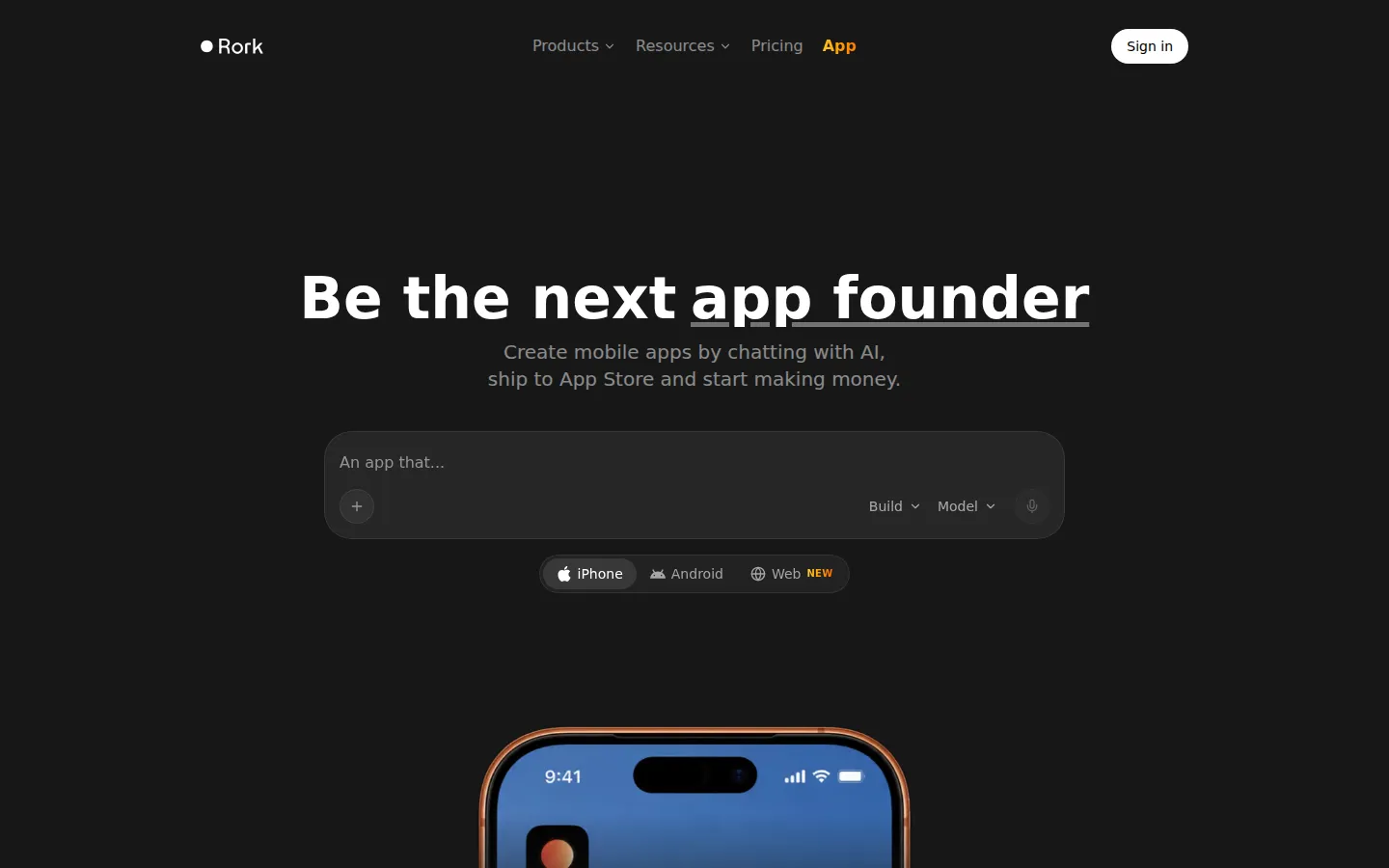
Rork is an AI app builder for iOS, Android, and the web. Describe your idea in plain English and an AI agent writes, compiles, and previews a working app on your phone. Pro builds cross-platform apps with React Native and Expo, while Max builds native SwiftUI apps for iPhone, iPad, Watch, and Vision Pro. A free design tier lets you start without paying.
What is Rork?
Rork is an AI app builder, made by Rork, Inc., that turns plain-English chat prompts into real, working applications rather than mockups or web wrappers. It targets three platforms from one product: web apps built with React and Vite, native iOS apps built with SwiftUI, and native Android apps built with Kotlin and Jetpack Compose. The product splits into two main tiers. Rork Pro builds cross-platform apps with React Native and Expo that run on both iOS and Android and can also run on the web, aimed at basic apps and prototypes. Rork Max runs real Macs in the cloud loaded with Xcode and the full iOS SDK: an AI agent writes SwiftUI code, compiles it, reads the errors, fixes them, and rebuilds, while a live iOS Simulator streams to your browser so gestures and animations behave exactly as on a real iPhone. Max also covers iPad, Apple Watch, Vision Pro, native games, widgets, Live Activities, and Dynamic Island features. Access is metered by monthly credits, which reset on the monthly anniversary of your first purchase. Free users get design mode, where you can explore and refine app designs; Pro adds build mode, which turns designs into working apps. Supporting services include Rork Backend for serverless functions, authentication, and storage that keep API keys on the server, plus Rork AI Cloud, an AI App Store Reviewer that flags likely rejection issues before submission, and Screenshot Studio for App Store listing images. Rork integrates with OpenAI and other AI providers for chat, voice, and image generation on paid plans, connects to Supabase, Firebase, Google Sheets, Airtable, and Notion, and adds RevenueCat for in-app purchases and Supabase Auth for sign-in. You can preview apps on your phone, publish to the App Store from the cloud, export an Android App Bundle for Google Play, and sync generated code to GitHub in two directions. Paid plans grant ownership of the generated code, and a Restore feature reverts a project to any earlier version.
Rork Core Features
Plain-English App Building
Describe your app in chat and the AI agent writes, compiles, and previews a working app for you.
Native iOS with SwiftUI
Rork Max builds real SwiftUI apps in cloud Macs running Xcode for iPhone, iPad, Apple Watch, and Vision Pro.
Cross-Platform with Expo
Rork Pro builds React Native and Expo apps that run on iOS and Android and can also be exported to the web.
Rork Backend
Serverless functions, authentication, and storage that auto-scale and keep API keys on the server, not in your app bundle.
AI App Store Reviewer
Reviews your app before submission to catch likely App Store rejection issues early.
Screenshot Studio
Generates App Store listing screenshots for your app in one click.
One-Click Publishing
Submits compiled builds to the App Store from the cloud and exports an Android App Bundle for Google Play.
GitHub Code Export
Two-way sync exports your generated code to GitHub so you can keep building in Cursor, VS Code, or any IDE.
Who is Rork for?
Rork is built for founders, indie makers, and non-developers who want to ship a real mobile app without writing code themselves. Its strongest fit is someone with a specific app idea and no development background who wants a publishable iOS, Android, or web product rather than a mockup, and the site points to George Lampropoulos, who built Wrestle AI on Rork with zero coding experience and turned it into a real App Store business. It also suits experienced developers and small teams who want to scaffold a React Native, Kotlin, or SwiftUI project quickly, then export the code to GitHub and continue in Cursor or VS Code, or hire engineers to finish specific features. Teams that need to collaborate benefit from email and shareable-link invites with editor or viewer roles and shared workspaces. It fits creators building fast prototypes, and anyone who wants AI chat, voice, or image generation without managing API keys, since Rork hosts the AI on paid plans. It is a weaker fit for people who want a fully managed host with no code handoff, since Rork does not host web apps and expects you to deploy exported code elsewhere. It is also less suited to complex enterprise back ends, and Max is iOS-only, so Android-first founders should look at Pro instead.
Rork Use Cases
Ship a first mobile app: Turn a plain-English idea into a publishable iOS app without hiring a developer or learning Swift.
Prototype an app fast: Describe screens in chat and get a working build you can test on your phone within minutes.
Build for both platforms: Generate a cross-platform React Native app that runs on iOS and Android from one prompt.
Add AI features without keys: Wire up chat, voice, or image generation and let Rork host the model behind the scenes.
Publish to the App Store: Compile and submit a native build from the cloud, or export an AAB for Google Play.
Export code to GitHub: Sync the generated project to your repository and keep building in Cursor or VS Code.
Add subscriptions: Integrate RevenueCat for in-app purchases so your published app can start earning revenue.
Collaborate on a build: Invite teammates by email or link with editor or viewer roles inside a shared workspace.
Rork Pros and Cons
Pros
- Real native output, not wrappers: Pro compiles React Native and Expo apps, and Max compiles SwiftUI with Xcode on cloud Macs, so the results are publishable rather than throwaway prototypes.
- Genuine free tier: the Free plan covers design mode with 35 design credits a month and no credit card, so you can explore the product before paying.
- End-to-end workflow: preview on device, publish to the App Store, export an AAB for Google Play, and sync code to GitHub without leaving Rork.
- Code ownership on paid plans: you keep the generated code and can continue in any IDE or hand it to engineers to extend.
Cons
- Credits are hard limits: you cannot buy extra credits, so once you hit your monthly cap you must upgrade or wait for the reset.
- No web hosting: Rork Pro apps can run on the web, but you must export the code and deploy it yourself on Vercel, Netlify, or another host.
- Plan costs jump sharply: Pro is $20 per month, while Max starts at $200 per month, so the native SwiftUI experience is considerably more expensive.
FAQ About Rork
Rork Pricing
Freemium. The Free plan is $0 and covers design mode with 35 design credits per month, capped at five per day. Rork Pro is $20 per month with build mode and 100 credits per month. Rork Max starts at $200 per month with 1,000 credits and scales up to 10,000 credits. Credits reset monthly from your date of first purchase, and there is no way to buy extra credits separately.
Check official pricingFree
Design mode to explore app designs, with 35 design credits per month capped at 5 per day. No credit card required.
Rork Pro
Build mode with 100 credits per month, cross-platform iPhone and Android apps plus web, private projects, dev mode, and email support.
Rork Max
From 1,000 credits per month. Everything in Rork Pro plus native SwiftUI apps for iOS, iPad, Apple Watch, and Vision Pro, native games, iOS widgets, and priority chat support. Higher credit tiers available.
Rork Alternatives

appyq.com
Describe your offer and generate a free branded app preview with home, content, and pay screens for eight creator business types.

Emergent
Emergent is an AI development platform that builds production-ready web and mobile apps from natural-language prompts. Describe the product you want, and a team of specialised agents writes the frontend, backend, database and deployment, with visual edits and GitHub sync. You own the generated code, can publish to the web, Play Store and App Store, and pay through monthly credit plans.

FireVibe
FireVibe is an AI design tool for mobile apps. You describe your app in a prompt and it generates a set of consistent, production-ready screens with a design system, AI-generated imagery and exportable code for SwiftUI, Flutter, React Native, Jetpack Compose and React. Screens can be refined in chat, pasted into Figma as vector layers, or handed to an AI coding tool.