
remove.bg
remove.bg by Kaleido AI removes image backgrounds automatically with AI, producing clean cutouts in seconds. Beyond the classic background removal, it includes an AI photo editor with background replacement, erase and restore tools, max-quality exports, bulk editing, and API access for developers. Used by designers, e-commerce sellers, and developers worldwide, with pay-as-you-go credits from $3 and subscriptions from $8.10 per month.
What is remove.bg?
remove.bg is an AI-powered image background removal service developed by Kaleido AI. Users upload an image and the service automatically detects and removes the background, producing a clean cutout with a transparent or replacement background in seconds — no manual selection or masking required. The product has grown from a single-purpose background remover into a fuller AI photo editor. Current capabilities include background replacement with AI-generated scenes, an erase and restore tool for removing unwanted objects or restoring parts of an image, and max-quality exports for professional use. For businesses and developers, remove.bg provides an API that can be integrated into other software, plus integrations and plugins for popular design and e-commerce tools, and a batch editing workflow for processing many images at once. Usage is metered by credits: removing a background consumes one credit, and credit packs and subscriptions scale from a $3 pay-as-you-go pack to monthly plans of 40, 200, or 500 credits, with yearly billing saving 10%. The service is used by designers, e-commerce sellers, marketers, and developers worldwide for product photos, profile pictures, marketing creatives, and automated image pipelines. It is part of the Kaleido AI family, which focuses on AI tools for image and video editing at scale. The service is part of Kaleido AI, a company focused on AI-powered image and video editing at scale, and it supports a range of workflows beyond the web app: plugins and integrations connect the background removal into design tools, marketplaces, and e-commerce platforms, while the API serves developers who need programmatic processing. Batch editing handles large catalogs, which matters for sellers refreshing hundreds of product photos. The credit-based pricing keeps entry costs low — a single credit removes one background — and the plan ladder from pay-as-you-go to Volume+ lets users match spend to volume, with yearly billing saving 10%. The tool is also widely used for profile pictures, real estate photos, marketing creatives, and automated pipelines, and its accuracy on complex edges such as hair and fur is the reason it became the default choice for background removal in the first place.
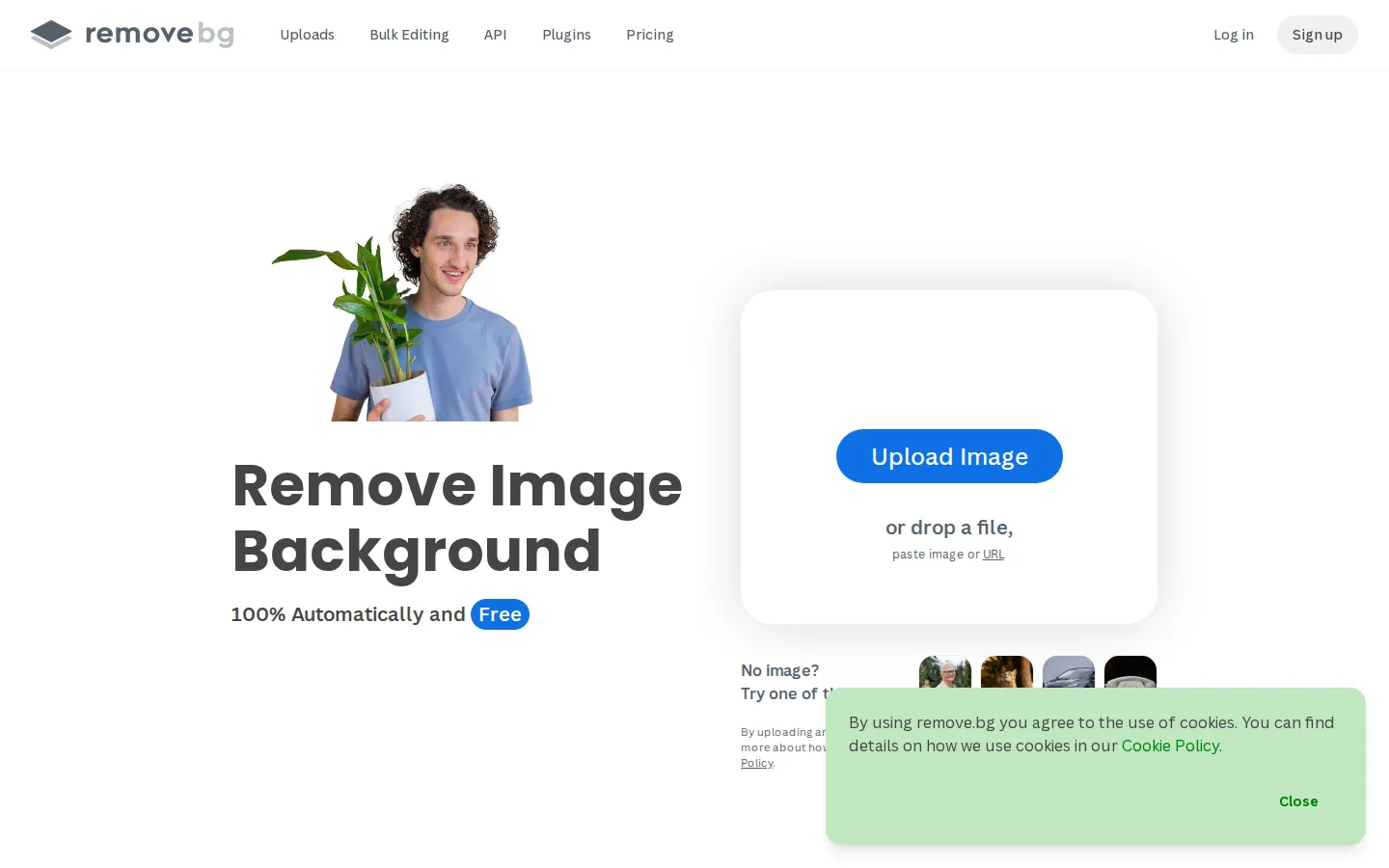
remove.bg Core Features
Automatic background removal
AI cutouts in seconds without manual selection
AI photo editor
Replace backgrounds, erase objects, and restore image parts
Max-quality exports
High-resolution output for professional and print use
Bulk editing
Process many images at once on Pro plans
API access
Integrate background removal into your own software
Integrations and plugins
Connect with design and e-commerce tools
Credit system
Pay-as-you-go from $3 or subscriptions from 40 to 500 credits monthly
Browser-based
No installation or design skills required
Who is remove.bg for?
remove.bg is for anyone who needs clean cutouts or edited product images quickly. E-commerce sellers use it to remove backgrounds from product photos and create consistent listing images for marketplaces like Amazon and Etsy. Graphic designers and marketers use it to prepare images for web, print, and social media, replacing backgrounds with brand scenes or transparent PNGs. Photographers and retouchers use the erase and restore tools for object removal and image repair. Real estate and property professionals use it to clean up interior and exterior photos. Developers and SaaS companies integrate the remove.bg API into their own products to automate image processing for their users. Content creators and social media managers use it for profile pictures, thumbnails, and post creatives. Freelancers and small agencies on the Lite or Pro plans use bulk editing to process client image batches efficiently, while high-volume teams use Volume+ or custom volume plans. Because the tool is browser-based with no installation required, it also suits non-technical users who need professional results without learning Photoshop. Web developers and agencies use the API to clean up user-uploaded images at scale in their applications. Print shops prepare client artwork with transparent backgrounds. Marketplace sellers standardize product catalogs to meet platform photo requirements. Social media managers cut out subjects for memes, posts, and thumbnails. Recruiters and HR teams clean up corporate headshots. Hobbyists and students use the free-flowing credit packs for occasional edits without committing to a subscription. Event photographers prepare attendee photos quickly. The combination of a simple web flow for individuals and the API plus bulk editing for businesses means remove.bg serves everyone from one-off users to enterprise pipelines, and the brand recognition built over years of reliable output makes it the safe default when quality and speed both matter.
remove.bg Use Cases
Create clean product photos for Amazon and Etsy listings
Replace a product photo background with a branded scene
Erase unwanted objects from an image with the restore tool
Prepare profile pictures and thumbnails with transparent backgrounds
Process a batch of client images with bulk editing
Automate image backgrounds inside your own app via the API
Clean up real estate photos for listings
Create marketing creatives with consistent cutout images
remove.bg Pros and Cons
Pros
- The most proven AI background remover — fast, accurate, and reliable on complex edges
- Expanded beyond removal into a real AI photo editor with erase and restore
- API and bulk editing scale the workflow from single images to pipelines
- Flexible pricing from $3 pay-as-you-go to high-volume plans
- Widely used across e-commerce, design, and developer communities
Cons
- No free tier for ongoing use — every processed image consumes credits
- Credit pricing can add up for high-volume teams on lower plans
- Advanced edits still require understanding of the editor tools
FAQ About remove.bg
remove.bg Pricing
Pay-as-you-go from $3 for 3 credits, Lite $8.10/month for 40 credits, Pro $35.10/month for 200 credits, Volume+ $80.10/month for 500 credits; yearly billing saves 10%. API access and integrations available.
Check official pricingPay-as-you-go
Start small with a one-off purchase of 3 credits. Top up anytime on top of your current plan.
- 3 credits one-off
- Upgrade and scale when needed
Lite
Up to 40 credits per month, AI photo editor, background removal, AI background, erase and restore, max quality exports, automation, API and integrations. $97.20 billed yearly.
- 40 credits / month
- AI photo editor
- API and integrations
- Yearly: $97.20
Pro
Most popular. Up to 200 credits per month with everything in Lite plus bulk editing. $421.20 billed yearly.
- 200 credits / month
- Bulk editing
- Everything in Lite
- Yearly: $421.20
Volume+
500 credits per month — everything in Pro plus custom volume options. $961.20 billed yearly.
- 500 credits / month
- Custom volume
- Everything in Pro
- Yearly: $961.20
remove.bg Alternatives

Lummi
Lummi is a stock library where AI-generated photos, illustrations, and 3D models sit next to editing tools that work on the asset you just picked. Search by category, color, or mood, then reframe, restyle, or remove the background before downloading. The free tier covers standard-resolution personal and commercial use; Pro adds watermark-free files, ultra resolution, and generation credits.

PhotoTextEdit
PhotoTextEdit edits text inside existing photos, posters, screenshots and product shots without the original design file. Upload a PNG, JPG or WebP up to 10 MB, enter the original and replacement wording, and the AI regenerates the lettering with matched font, lighting and perspective in 30 to 60 seconds. A free Add Text tool is included.

SparkPix
SparkPix is a free AI photo editor that runs in the browser and edits photos from plain text instructions. Upload a JPG, PNG or WebP up to 20 MB, describe the change, and it removes backgrounds, erases objects, restores old prints, upscales resolution, restyles images or generates new ones using models such as GPT Image and NanoBanana.