
Redocor
AI home design from one room photo: visualize furniture, colors, materials, lighting, and styles while keeping the room layout.
What is Redocor?
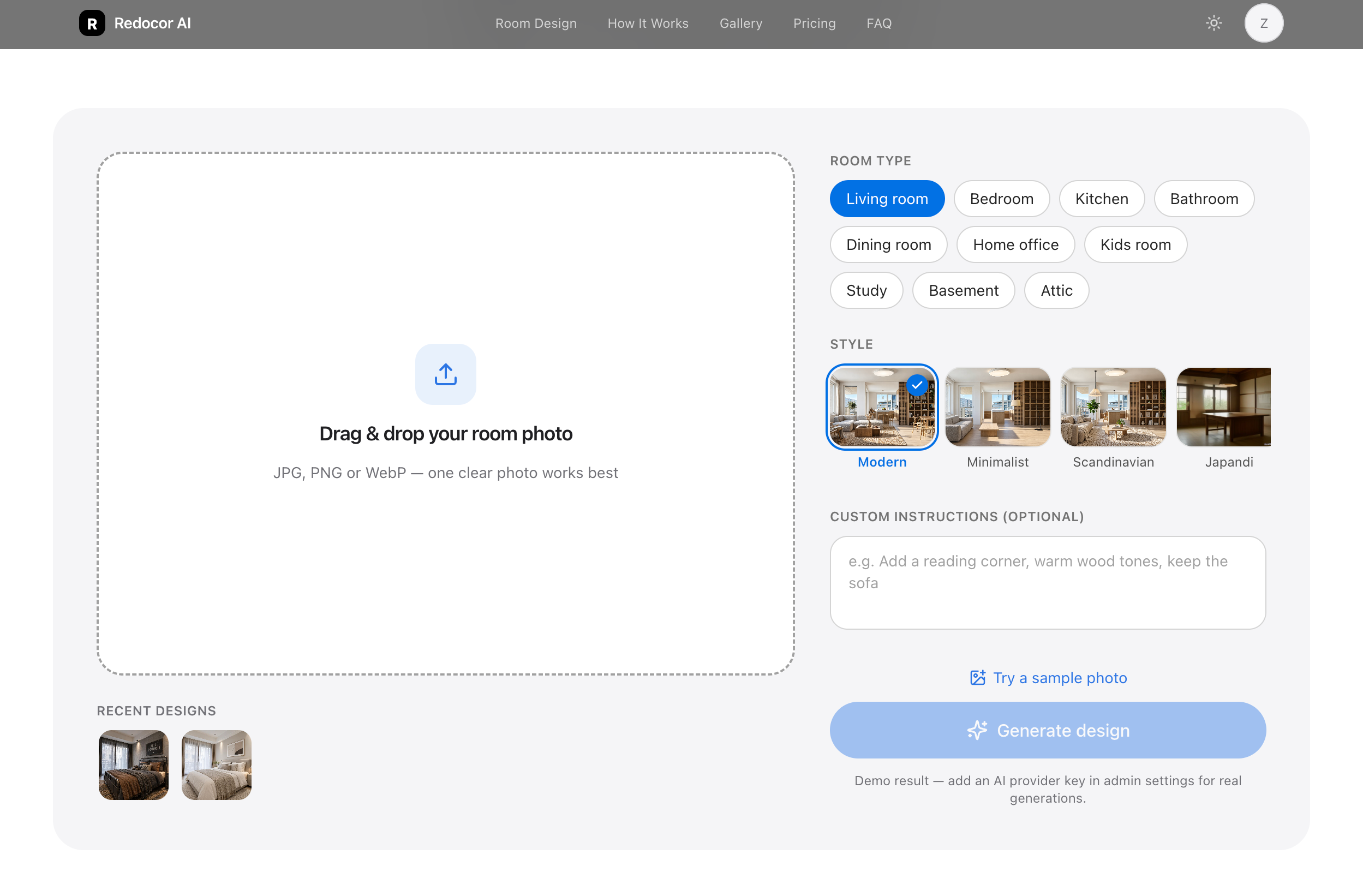
Redocor uses AI image transformation to redesign a room from one photo. It preserves the room layout while previewing new visual choices for interior planning and inspiration.
Redocor Core Features
Photo-based room redesign
Style-based visualization
Furniture, color, material, and lighting previews
Who is Redocor for?
Homeowners, renters, and anyone planning an interior refresh who wants to compare styles and visualize a room before making purchase or renovation decisions.
Redocor Use Cases
Planning a home refresh
Exploring interior design styles
Comparing ideas before buying furniture
Redocor Pros and Cons
Pros
- Fast visual concept exploration
- Uses a single room photo
- Keeps the original layout in view
FAQ About Redocor
Redocor Alternatives

AI Room Design
AI Room Design is a photo-led interior design generator. You upload a photo of a real room, pick one of ten styles or write a custom brief, and it returns redesign previews that keep your actual layout, windows, doors, and perspective intact. Compare each idea against the original before you shop, hire a contractor, or start renovating.

PicHome
PicHome is a web tool that converts an uploaded 2D floor plan, whether a hand sketch, a CAD drawing, or a designer layout, into a walkable 360 degree virtual tour. It detects rooms, doors, and furniture, renders photoreal panoramas, links rooms through door hotspots, and exports a soundtracked MP4 in 16:9, 9:16, or square formats.

HausDraft
HausDraft turns one photo into a home redesign: rooms, kitchens, exteriors, patios, and pools.