
AI Room Design
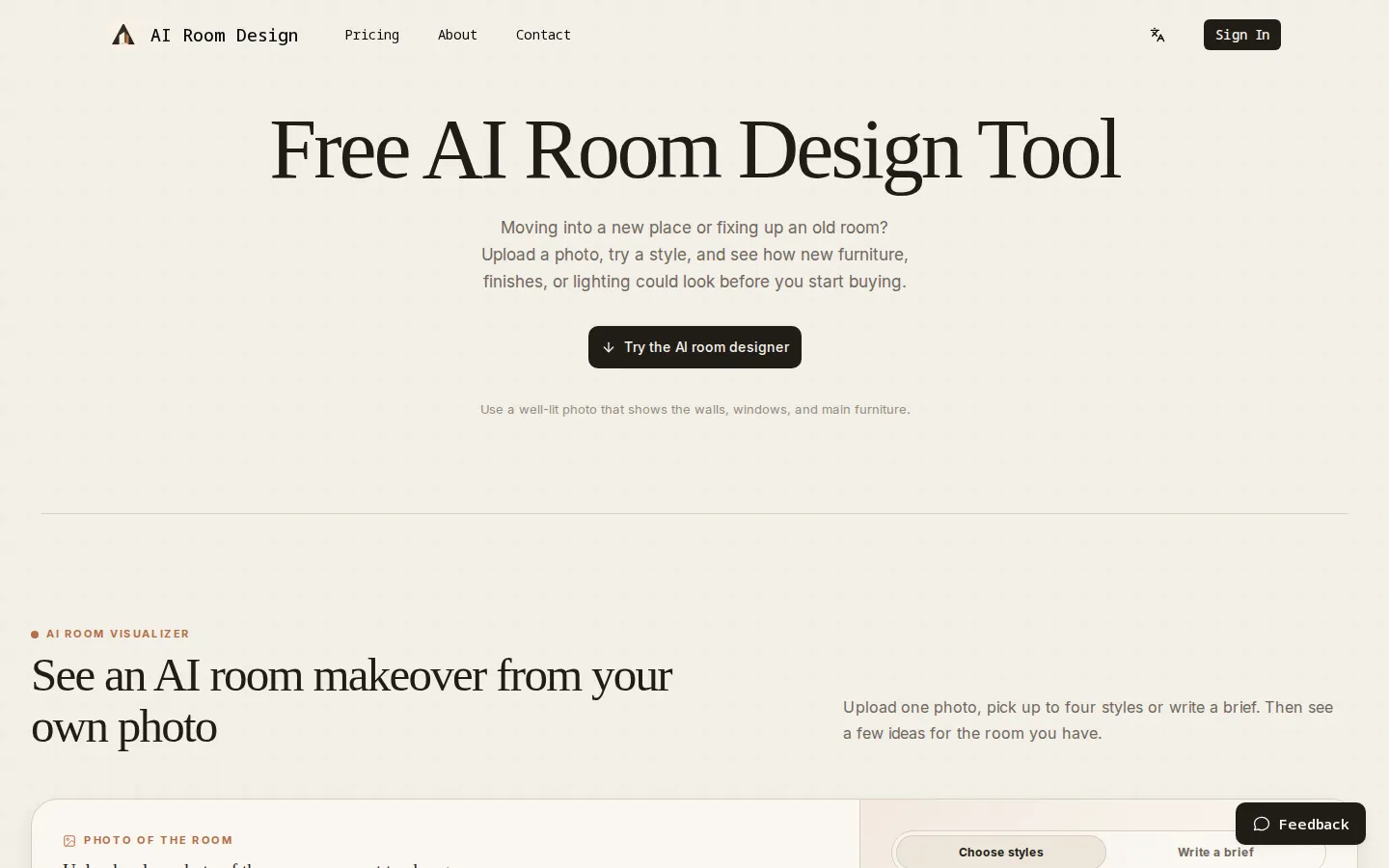
AI Room Design is a photo-led interior design generator. You upload a photo of a real room, pick one of ten styles or write a custom brief, and it returns redesign previews that keep your actual layout, windows, doors, and perspective intact. Compare each idea against the original before you shop, hire a contractor, or start renovating.
What is AI Room Design?
AI Room Design is a web tool that turns a photograph of a real room into AI-generated redesign previews. It is built for the stage before a renovation, when you are still deciding on a direction and want to see how a style would sit in your own space rather than in a showroom or a stock image. The site calls itself a photo-led starting point for exploring a room redesign, and that framing is accurate: the uploaded photo supplies the layout, window positions, doors, and camera perspective, so the output keeps the bones of the room you actually have.
The workflow is deliberately short. You create an account, upload a JPG, PNG, or WebP image up to 10 MB, choose a room type from six options, then either select up to four styles from a library of ten or write a custom brief describing colors, materials, mood, or function. Each selected style produces its own preview and costs 10 credits. A before-and-after comparison places the generated image next to your original photo, which makes it easier to judge whether a new look is an improvement or just different.
The style library covers Warm Minimalist, Organic Modern, Japandi, Mid-Century Modern, Modern Farmhouse, Contemporary, English Country, Art Deco, Industrial, and Modern Mediterranean. Output concentrates on furniture, lighting, materials, color, and decor. The company is explicit that results are visual concepts, not construction drawings, measurements, product specifications, or quotes, and its terms say generated images may carry a watermark.
New accounts start with 10 free credits, enough for one preview in one style. After that you buy one-time credit packs or a monthly or yearly subscription, and every design costs the same 10 credits regardless of plan. The interface is available in English, German, Spanish, Japanese, and Chinese, and support runs through support@ai-room.design.
AI Room Design Core Features
Photo-Based Redesign
Upload a JPG, PNG, or WebP up to 10 MB and the generator works from your room's own layout, windows, doors, and perspective instead of a generic template.
Ten Interior Styles
Choose from Warm Minimalist, Organic Modern, Japandi, Mid-Century Modern, Modern Farmhouse, Contemporary, English Country, Art Deco, Industrial, and Modern Mediterranean.
Up to Four Styles per Photo
Select as many as four styles for one image; each selection produces a separate preview so you can compare directions side by side.
Custom Design Brief
Skip the presets and describe the change you want in plain language, such as warmer timber, softer light, more storage, or a calmer palette.
Six Room Types
Living room, bedroom, kitchen, bathroom, dining room, and home office each have their own starting context.
Before-and-After Comparison
Every generated preview sits next to your original photo, making it easier to judge what changed and whether the layout still reads correctly.
Free Starting Credits
New accounts include 10 free credits, enough for one preview in one style, with the credit cost displayed before you generate.
One-Time Packs or Subscriptions
Buy credits once, valid for 365 days, or pay monthly or yearly for a recurring allowance; every design costs 10 credits on any plan.
Who is AI Room Design for?
AI Room Design is aimed at people who are redecorating one room and want a visual reference before committing money. That includes homeowners planning a renovation, renters who cannot change much beyond furniture and lighting, and anyone moving into a new place who needs to decide how a space should feel. It also suits DIY decorators comparing styles, plus estate agents, landlords, and home stagers who want to show a room's potential without paying for a manual visualization. Interior designers and decorators can use it early in a project to test directions with a client, though the output is a concept rather than a client-ready deliverable. The six room types cover the most common residential spaces, and the written brief helps people who know the mood they want but not the name of a style. Because each preview costs a fixed 10 credits, occasional users can buy a small one-time pack instead of a subscription. It is less suitable for anyone who needs measured drawings, product schedules, or construction-ready plans. Renovations involving structural work, electrical changes, or custom joinery still need a qualified professional, and the company says as much on its own site. Teams that need many rooms per week will also find subscriptions more economical than one-time packs.
AI Room Design Use Cases
Test whether a Japandi or Warm Minimalist direction suits a living room before buying furniture.
Show a landlord or tenant how a rental could look with better lighting and a neutral palette.
Compare four kitchen styles from the same photo before starting a remodel quote.
Visualize a home office layout change without moving furniture first.
Give a client two or three concept directions in a first design meeting.
Decide between a dark, moody bedroom and a light, airy one using the same photo.
Stage an empty property for listing photos by previewing furnishing ideas.
Explore a bathroom refresh before committing to tile, fixtures, or vanity replacements.
AI Room Design Pros and Cons
Pros
- Works from a real photo, so window positions, doors, and perspective stay recognizable instead of being replaced by a generic mockup.
- Ten named styles plus a free-text brief cover both people who know the look they want and people who can only describe a mood.
- The free 10-credit start and the $4.99 one-time pack make it cheap to try a single room without a subscription.
- Credit costs and refund terms are stated plainly on the pricing page, and the 14-day refund covers the unused portion of a purchase.
Cons
- Only six room types are supported, so hallways, nurseries, garages, and outdoor spaces fall outside the tool.
- Results are visual concepts; there are no measurements, floor plans, product links, or cost estimates to carry into a renovation.
- Every selected style costs 10 credits, so comparing four directions at once uses 40 credits, and free users get only one preview.
FAQ About AI Room Design
AI Room Design Pricing
Freemium, credit-based pricing. A new account includes 10 free credits, enough for one design. One-time packs cost $4.99 for 300 credits (30 designs), $9.99 for 1,000 credits (100 designs), and $19.99 for 2,500 credits (250 designs), valid for 365 days. Monthly subscriptions are Starter at $9.99 for 1,200 credits, Pro at $19.99 for 3,000 credits, and Studio at $39.99 for 6,000 credits. Yearly billing is $99, $199, and $399 respectively. Every design uses 10 credits, and a 14-day refund covers the unused portion of a purchase.
Check official pricingFree
New accounts receive 10 free credits, enough for one room preview in one style.
30 Designs
300 credits and 30 room designs, valid for 365 days with no recurring billing.
100 Designs
1,000 credits and 100 room designs, valid for 365 days with no recurring billing.
250 Designs
2,500 credits and 250 room designs, valid for 365 days for larger exploration.
Starter
1,200 credits and 120 room designs per month; renews monthly.
Pro
3,000 credits and 300 room designs per month; the most popular plan, renews monthly.
Studio
6,000 credits and 600 room designs per month for high-volume work; renews monthly.
Starter Yearly
14,400 credits and 1,440 room designs per year, billed annually at a lower monthly cost.
Pro Yearly
36,000 credits and 3,600 room designs per year; the most popular annual plan.
Studio Yearly
72,000 credits and 7,200 room designs per year for active project workloads.
AI Room Design Alternatives

PicHome
PicHome is a web tool that converts an uploaded 2D floor plan, whether a hand sketch, a CAD drawing, or a designer layout, into a walkable 360 degree virtual tour. It detects rooms, doors, and furniture, renders photoreal panoramas, links rooms through door hotspots, and exports a soundtracked MP4 in 16:9, 9:16, or square formats.

Redocor
AI home design from one room photo: visualize furniture, colors, materials, lighting, and styles while keeping the room layout.

HausDraft
HausDraft turns one photo into a home redesign: rooms, kitchens, exteriors, patios, and pools.