
Pokecut
Pokecut is an all-in-one AI photo editor and image generator that runs entirely in the browser. It bundles background removal, object erasing, portrait and body retouching, photo enhancement, collage making, and text-to-image generation across multiple AI models. A batch editor processes up to 50 images at once, while ready-made templates and a credit-based free tier keep everyday editing affordable.
What is Pokecut?
Pokecut is a web-based AI photo editing and image generation platform built around a single browser workspace. Instead of juggling separate apps for cutouts, retouching, and generation, users upload a photo or type a prompt and move through one editor that covers most of the pipeline. The product groups its capabilities into four families. Photo editing covers background removal, object replacement, magic eraser, image extender, blur background, collage maker, and HD conversion. AI filters and generation cover a text-to-image generator, image-to-image conversion, and stylized looks such as digicam, flash, lofi dusk, and 90s filters. A portrait studio handles face, body, and hair edits including makeup, braces removal, dark circles, skin tanning, hair volume, hairline adjustment, and body sculpting. Utility tools add an ID photo maker, a batch editor, and four enhancement modes.
Generation runs on several third-party models that Pokecut exposes side by side, including Nano Banana 2 Lite and Pro variants, Seedream models, Z-Image Turbo, and GPT Image 2, so users can trade speed against detail. Enhancement is split into HD, Text, Portrait, and Ultra modes, with Text Enhance aimed at sharpening lettering in scans, signage, and screenshots. The batch editor accepts up to 50 images at once for resizing, enhancing, background removal, and background replacement, which is the feature most relevant to marketplace sellers.
Pokecut runs on a credit system. Free accounts receive limited credits for basic features, while paid tiers add monthly credit allocations, unlimited background removal and enhancement, batch editing, HD downloads, watermark removal, and cloud storage. The company reports more than three million creators, 200+ AI tools, and 500 million edits processed, and it ships companion iOS and Android apps. Outputs can be used commercially under the platform's terms, provided third-party design resources are licensed separately. Pokecut positions itself as a replacement for stitching together several single-purpose editors, emphasizing no ads, no watermarks on paid plans, and a short learning curve for casual users and e-commerce teams.
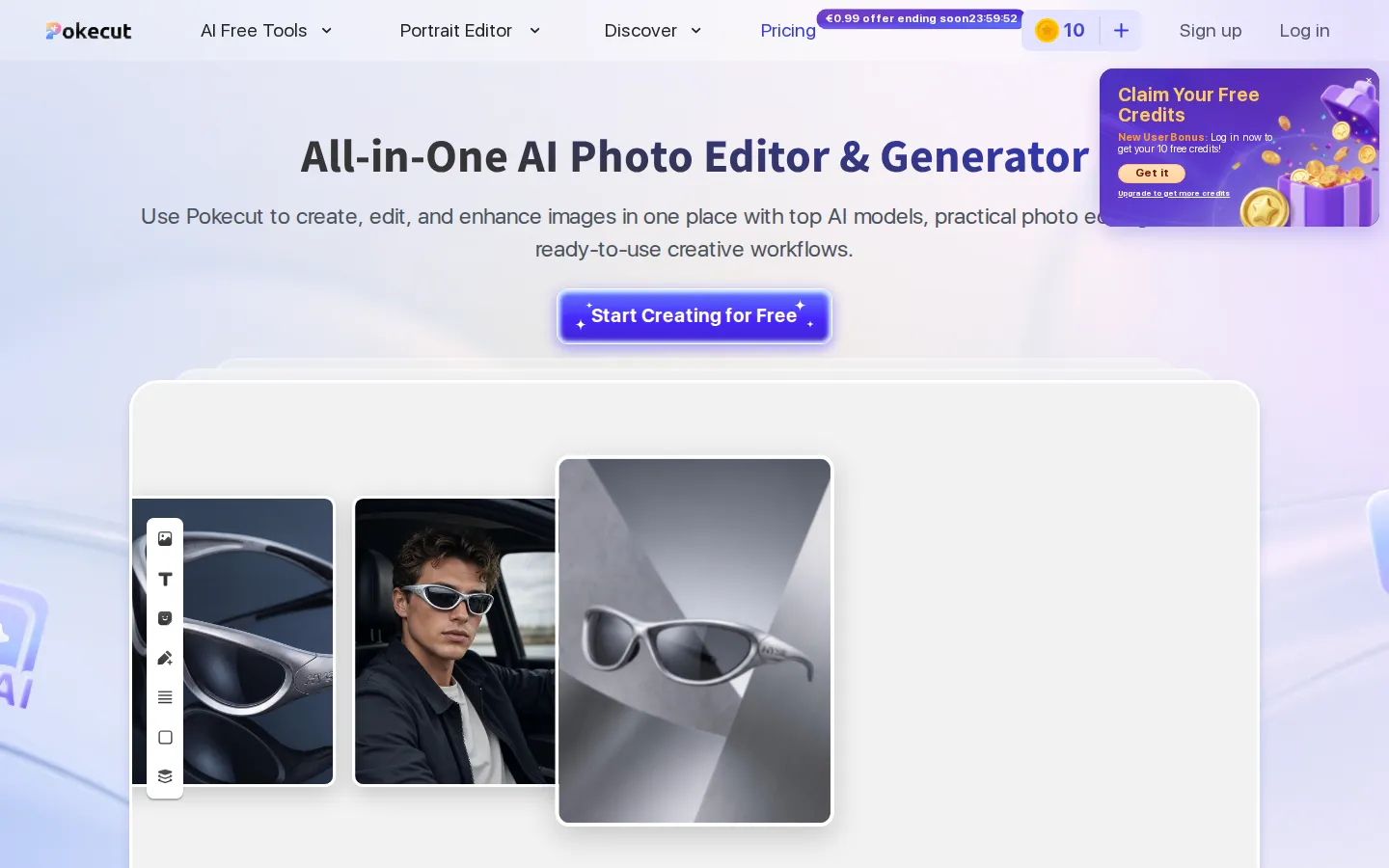
Pokecut Core Features
AI background remover and background changer, including blur and generated scene backgrounds
Magic eraser and AI object replacement for removing or swapping unwanted elements
Portrait studio covering makeup, beauty filters, braces removal, eye bags, body sculpting, and hair volume or color
AI image generator and image-to-image tools running on multiple models such as Nano Banana, Seedream, Z-Image Turbo, and GPT Image 2
Batch photo editor handling up to 50 images at once for resize, enhance, remove background, and change background
Four enhancement modes
HD, Text Enhance for lettering, Portrait Enhance, and Ultra Enhance
10,000+ design templates plus collage maker, ID photo maker, and AI image extender
Free credits to start, no ads, and watermark-free HD downloads on paid plans
Who is Pokecut for?
Pokecut suits anyone who needs polished images quickly without installing desktop software. Social media creators and influencers use it to retouch portraits, change hair color, try on outfits, and generate scroll-stopping visuals for Instagram, TikTok, and YouTube thumbnails. E-commerce sellers and marketplace merchants rely on batch background removal, product cleanup, and resize presets to prepare dozens of listing photos in one pass. Job seekers and professionals use the ID photo maker, beauty filters, and portrait enhancement modes to turn ordinary phone shots into presentable headshots. Small marketing teams without a designer lean on the template library and AI generator to mock up banners, seasonal posts, and ad creative. Photographers and hobbyists restoring old or blurry family photos use HD and Ultra enhancement to recover detail. Beginners appreciate that basic tools work before signing up and that the interface walks them from upload to export without layers or menus to learn. Agencies and freelancers with mixed volumes can start on free credits and upgrade to Pro or Ultra for unlimited background removal, higher resolution downloads, and no watermark. Because everything runs on the web and companion apps exist for iOS and Android, it also fits users who edit on the go across devices. Students and casual users covering school projects, profile pictures, and event flyers get the same tools without paying for a full design suite.
Pokecut Use Cases
Creating Instagram, TikTok, and YouTube thumbnail visuals without hiring a designer
Preparing Amazon, Shopee, and Shopify product photos with clean or generated backgrounds in bulk
Retouching portraits for dating profiles, headshots, and social posts
Trying on outfits, hairstyles, and hair colors before a purchase or salon visit
Restoring blurry, faded, or black-and-white family photos with HD and Ultra enhancement
Making ID and passport photos that meet size and background requirements
Generating marketing banners, seasonal promos, and concept art from text prompts
Sharpening text inside scans, screenshots, and product labels with Text Enhance
Pokecut Pros and Cons
Pros
- Wide feature coverage in one browser tab: cutouts, retouching, generation, and batch editing
- No signup needed to try the basic tools, and free credits cover simple enhancement and background removal
- Batch processing up to 50 images is genuinely useful for marketplace sellers and small teams
- Watermark-free HD exports and commercial usage rights on paid plans
Cons
- Credit-based pricing adds up for heavy generation, and unused subscription credits do not roll over
- The refund window is only one day from payment, leaving little room to test a plan
- Manual control is thinner than dedicated editors, and website plans do not currently work in the mobile apps
FAQ About Pokecut
Pokecut Pricing
Pokecut is freemium, with a limited-credit Free tier and paid plans at SE EUR 2.83/month (EUR 33.99 yearly), Pro EUR 5/month (EUR 59.99 yearly), and Ultra EUR 6.33/month (EUR 75.99 yearly), plus one-off credit packs starting at EUR 7.99 for 300 credits.
Check official pricingFree
Limited monthly credits for basic AI tools; batch editing, Ultra Enhance, advanced models, HD download, and cloud storage locked.
SE
300 credits/month, batch editing, Ultra Enhance, advanced models, HD download, no watermark, unlimited cloud storage; AI tools still consume credits.
Pro
800 credits/month, 3-day free trial, unlimited standard tools, batch editing, Ultra Enhance, Nano Banana Pro and ChatGPT Image 2, HD download, no watermark.
Ultra
1500 credits/month, unlimited background removal, enhancement, watermark removal and AI uncrop, batch editing, advanced models, HD download, unlimited cloud storage.
Pokecut Alternatives

Lummi
Lummi is a stock library where AI-generated photos, illustrations, and 3D models sit next to editing tools that work on the asset you just picked. Search by category, color, or mood, then reframe, restyle, or remove the background before downloading. The free tier covers standard-resolution personal and commercial use; Pro adds watermark-free files, ultra resolution, and generation credits.

PhotoTextEdit
PhotoTextEdit edits text inside existing photos, posters, screenshots and product shots without the original design file. Upload a PNG, JPG or WebP up to 10 MB, enter the original and replacement wording, and the AI regenerates the lettering with matched font, lighting and perspective in 30 to 60 seconds. A free Add Text tool is included.

SparkPix
SparkPix is a free AI photo editor that runs in the browser and edits photos from plain text instructions. Upload a JPG, PNG or WebP up to 20 MB, describe the change, and it removes backgrounds, erases objects, restores old prints, upscales resolution, restyles images or generates new ones using models such as GPT Image and NanoBanana.