
Pixel Bunny
Pixel Bunny is a browser-based creative studio for AI image and video generation, editing, upscaling, and background removal. Instead of monthly plans it sells one-time credit packs, starting at $12 for 1,000 credits, and every model and tool draws from the same balance. Credits never expire, each pack includes commercial usage rights and high-resolution downloads, and a documented developer API is available for programmatic generation.
What is Pixel Bunny?
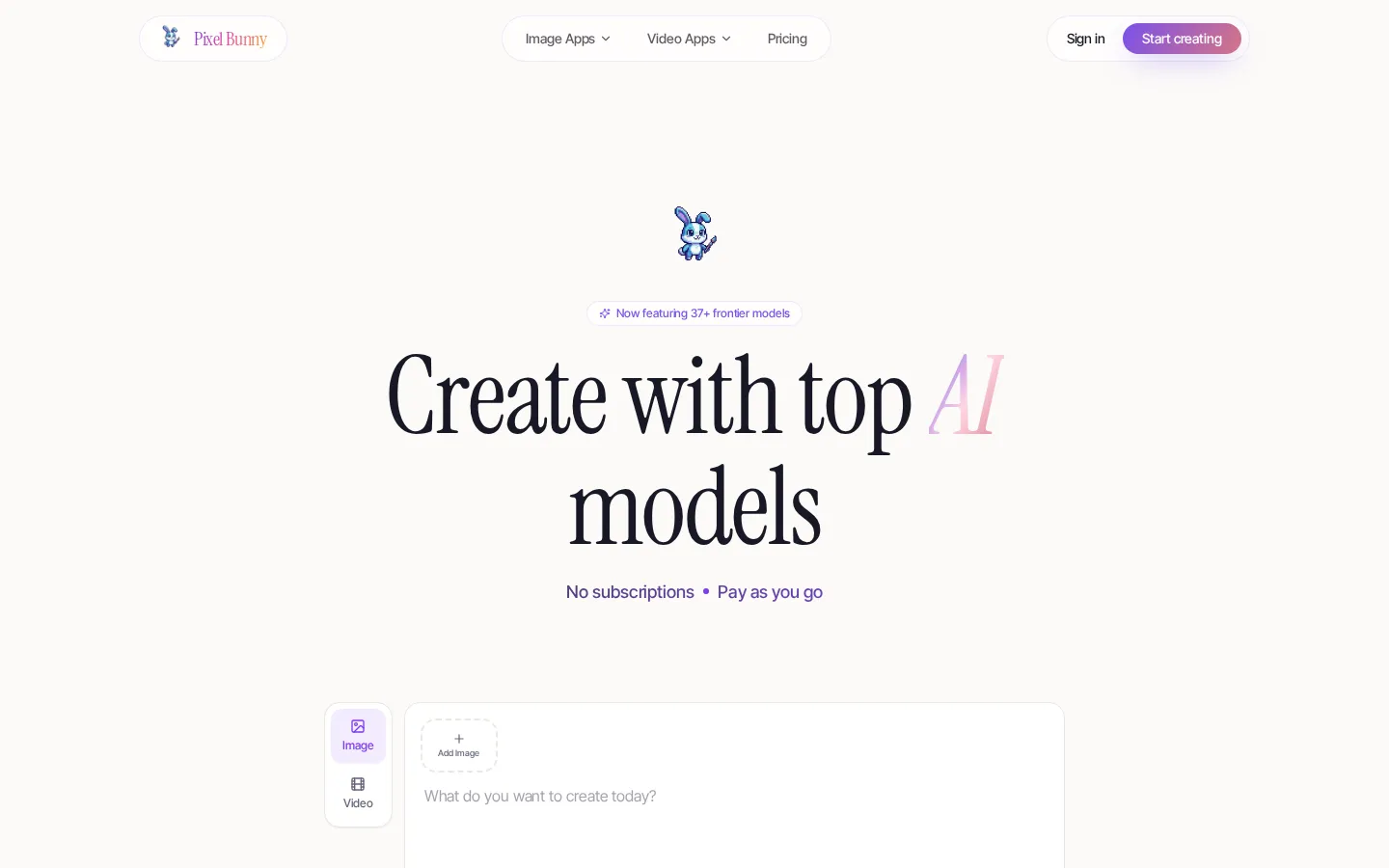
Pixel Bunny is a pay-as-you-go AI image and video studio that puts 37+ frontier generation models behind one shared credit balance. Rather than selling monthly tiers, Pixel Bunny sells one-time credit packs and lets the same credits power every model and every tool. The Starter pack costs $12 for 1,000 credits ($0.0120 per credit) and is estimated at roughly 100 images, 335 seconds of video, or 100 edits and upscales. Value adds 2,200 credits for $25, Creator adds 4,600 credits for $50, and Pro adds 10,000 credits for $100 at a 20 percent volume discount; the site also shows larger Growth, Scale and Enterprise packs in its credit table. Credits never expire, there are no tiers to unlock, and each listed pack advertises commercial usage rights and high-resolution downloads.
The model catalogue is deliberately broad. Image generation covers Qwen Image 3, Qwen Image 2 and Qwen Image 2 Pro, Wan 2.6, Wan 2.7 and Wan 2.7 Pro, Seedream 4.5 and Seedream 5 Lite, Nano Banana 2 and Nano Banana Pro, GPT Image 1.5, GPT Image 2 and GPT Image 1.5 High, Flux 2 Dev, Pro and Max, Grok Imagine and Grok Imagine Pro, Hunyuan 3 and Z-Image Turbo. Video generation covers Veo 3.1 and Veo 3.1 Fast, Kling V3 and Kling O3, Seedance 1.5 Pro and Seedance 2.0, Happy Horse 1.0, LTX 2 and LTX 2.3 in fast and pro variants, Grok Imagine Video, and Wan 2.6 and Wan 2.7.
Beyond plain text-to-image and text-to-video, Pixel Bunny ships creator tools for short-form and commercial work. The video toolkit includes motion control that transfers dances and gestures onto a character while preserving identity, video extension with Veo 3.1 and Kling 3.0 Pro, multi-shot generation, multi-angle shots from a single front-facing image, character replacement plus mood and lighting changes, multi-reference scenes, scene retakes, audio-to-video generation with accurate timing, first-and-last-frame clips, videos with consistent characters, and video background removal without a green screen. On the image side, Pixel Bunny offers an image generator, an image editor, an AI background remover, an anime-style generator, an avatar generator, and upscaling through both Clarity and the Flux Vision upscaler. A tools index groups these workflows, while the dashboard accepts URL parameters so users can jump straight into a specific model such as nano-banana-2 or veo3.1.
Costs are metered per generation and vary widely by model: Z-Image Turbo costs 5 credits, Flux 2 Dev costs 10, Nano Banana Pro costs 30, LTX 2.3 Fast costs 50 credits per five-second clip, and Veo 3.1 starts at 200 credits per five seconds. Pixel Bunny publishes an estimate table showing how many generations each pack buys, noting that the numbers assume standard resolution and five-second video clips. Checkout is handled on the site with a published crypto payment guide, a developer API is documented separately for programmatic access, and legal pages cover privacy, terms, refunds and content policy. A blog and guides section publishes longer tutorials on background removal, anime generation, photo editing and avatar creation.
Pixel Bunny Core Features
Pay-per-generation credits
One prepaid balance covers every model and tool, and unused credits never expire.
37+ frontier models in one account
Qwen, Wan, Seedream, Nano Banana, GPT Image, Flux 2, Kling, Veo 3.1 and Seedance.
Image generation and editing
Text-to-image with Qwen, Wan, Seedream, Nano Banana, GPT Image and Flux models, plus a photo editor.
Video generation with cinematic controls
Motion control, multi-shot clips, multi-angle shots, first-and-last-frame clips, video extension and scene retakes.
Background removal for images and video
Cut out subjects from both stills and video footage without a green screen.
Two upscaling engines
Improve resolution and detail with the Clarity and Flux Vision upscalers, billed from 10 credits per image.
Commercial rights included
Every listed pack advertises commercial usage rights and high-resolution downloads at no extra cost.
Developer API and published guides
A documented API supports programmatic generation, while the blog covers background removal, anime and avatars.
Who is Pixel Bunny for?
Pixel Bunny suits people who create images and video in bursts and dislike paying a monthly subscription for capacity they may not use. The credit model, the breadth of models and the absence of tier gating shape who gets the most from it. 1. Independent creators and short-form video producers. Someone publishing weekly clips can buy a $12 or $25 pack, spend it on Kling, Veo or Seedance generations, and come back weeks later with the remaining credits still valid. 2. Ecommerce sellers and product marketers. Product shots, lifestyle scenes, avatar images and clean cutouts can all be produced in one dashboard, and the commercial usage rights included with every pack matter for catalogue and ad work. 3. Social media managers and community teams. Background removal, avatar generation and multi-angle shots cover the common daily asks for platform-ready visuals without a designer in the loop. 4. Designers, illustrators and art directors. The breadth of image models, from Qwen Image 3 and Nano Banana Pro to Flux 2 and GPT Image 2, gives different looks inside one account, and both the Clarity and Flux Vision upscalers help finish low-resolution assets. 5. Agencies and freelancers with variable client volume. One-time packs map cleanly onto project work, since costs can be passed through per deliverable instead of absorbed by a fixed monthly subscription. 6. Founders, indie hackers and small product teams. The documented developer API at pixelbunny.ai/docs/api makes it possible to add generation to an internal tool without negotiating an enterprise contract. 7. Hobbyists and first-time AI users. New accounts start free without a credit card, so it is possible to explore the interface before committing to a pack. Who it fits less well: high-volume studios that want unlimited or team-seat plans, finance teams that need invoiced subscriptions with predictable monthly spends, and organisations that require enterprise onboarding, SSO or a dedicated account manager. Pixel Bunny also publishes no team or seat-based plan in the rendered pages, so collaboration workflows should be checked directly before rolling it out across a department.
Pixel Bunny Use Cases
Generate product and lifestyle images for ecommerce listings without booking a studio shoot.
Turn one front-facing portrait into multiple consistent camera angles for a campaign.
Remove the background from existing video footage instead of reshooting on a green screen.
Extend, retake or repair a generated clip rather than regenerating an entire scene.
Transfer a dance or gesture from a reference clip onto a brand character.
Upscale and clean up older or low-resolution client images before final delivery.
Prototype dozens of visual directions for a pitch while paying only for the ones used.
Automate image generation inside an internal product through the documented developer API.
Pixel Bunny Pros and Cons
Pros
- Pay-as-you-go pricing with no subscription, no monthly reset and credits that never expire.
- A single credit balance unlocks every model and tool, including premium Veo, Kling and Nano Banana tiers.
- Transparent per-model costs: the site publishes credits per image or per five-second clip for each model.
- Commercial usage rights and high-resolution downloads are included on every listed pack.
Cons
- No recurring or unlimited plan is published for high-volume teams that generate every day.
- Credit costs vary enormously by model, from 5 credits for Z-Image Turbo to 200 per five seconds for Veo 3.1, which makes budgeting harder to predict.
- Some details are not visible in the rendered pages reviewed here: the Growth, Scale and Enterprise pack prices, refund specifics, and the FAQ answers inside the collapsed accordions.
FAQ About Pixel Bunny
Pixel Bunny Pricing
Pixel Bunny sells one-time credit packs instead of subscriptions, with Starter at $12 for 1,000 credits, Value at $25 for 2,200, Creator at $50 for 4,600 and Pro at $100 for 10,000 (a 20% volume discount), all giving access to every model and tool with credits that never expire, while larger Growth, Scale and Enterprise packs are referenced in the credit table but not priced on the rendered page.
Check official pricingFree
Free account sign-up with no credit card required, advertised as Start creating free. Generation itself consumes credits from a purchased pack.
Starter
1,000 credits at $0.0120 per credit, estimated at about 100 images, 335 seconds of video or 100 edits and upscales. Includes all tools, non-expiring credits, commercial usage rights and high-resolution downloads.
Value
2,200 credits at $0.0114 per credit (5% off), estimated at about 220 images, 735 seconds of video or 220 edits and upscales, with the same all-tools access and commercial rights.
Creator
4,600 credits at $0.0109 per credit (10% off), estimated at about 460 images, 1,535 seconds of video or 460 edits and upscales.
Pro
10,000 credits at $0.0100 per credit, the most popular pack with a 20% volume discount, estimated at about 1,000 images, 3,335 seconds of video or 1,000 edits and upscales.
Pixel Bunny Alternatives

Alexya
Alexya is a web-based AI influencer studio that keeps one character's face consistent across generated photos and short vertical videos. It bundles three text-to-image modes, the Cinematic, Seedance 2.0/2.5, Omni and Nova video models, a Replace tool for swapping people in existing clips, plus a REST API and MCP connector. Plans start at $9 per month.

Clout AI
Clout AI is a browser studio that builds a reusable AI character and produces the photos, motion clips, faceless stories and scene-by-scene films around it. Character creation, 100+ image and video models, product ad templates, a motion library and Autopilot publishing share one workspace, so content stays recognisably the same persona across TikTok, Reels and Shorts.

Bananai
Bananai is a free-to-start AI image editor and video generator that puts the Nano Banana model family at the centre of one browser workspace. Type a prompt or upload a photo to remove backgrounds, restyle, upscale and generate 4K images, then animate stills or create clips with Seedance, Wan, Veo and other models. Paid credits start at $5.39 a month billed yearly.