
PhoText.ai
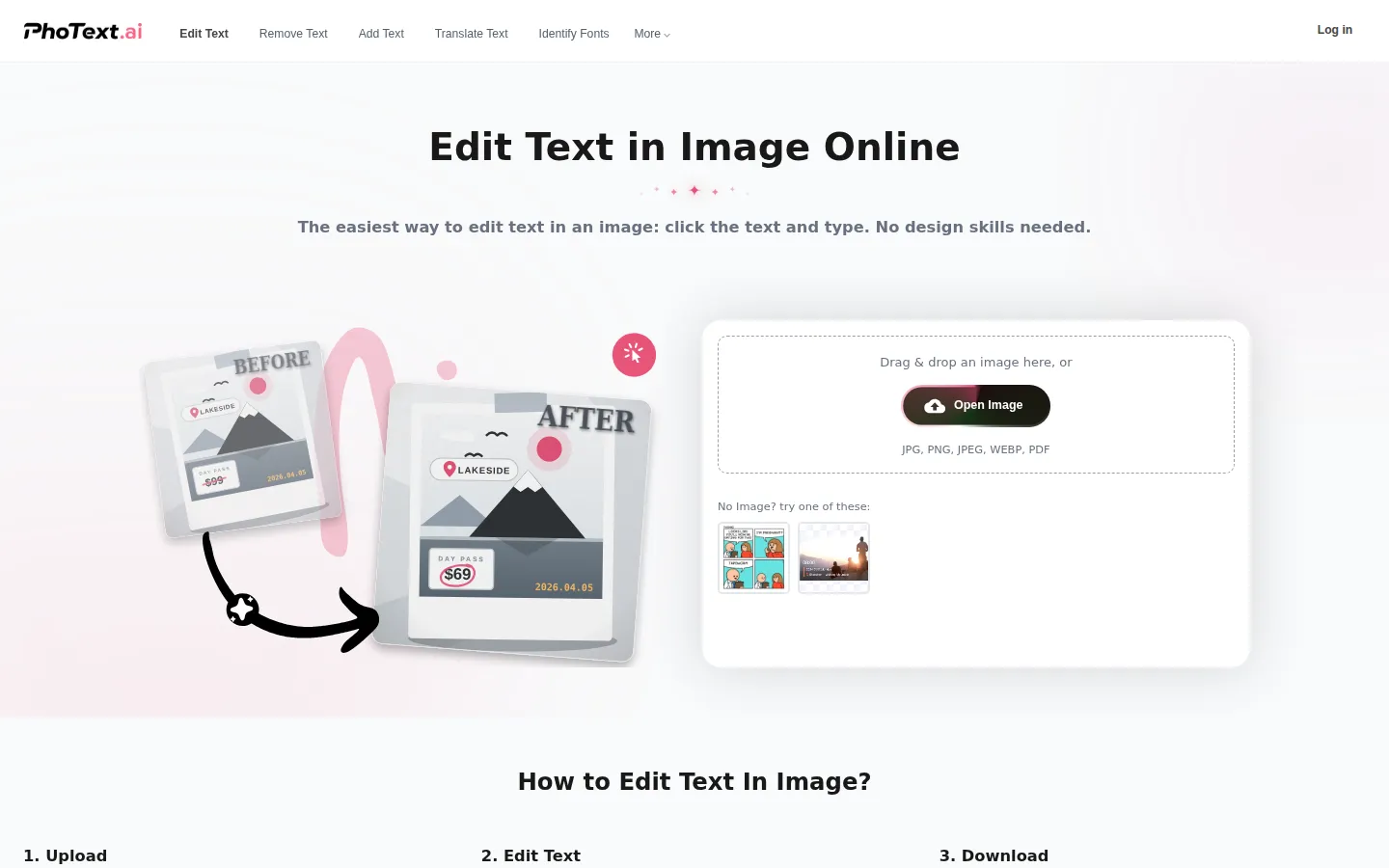
PhoText.ai is an AI-powered online editor that makes changing the words in a picture as easy as editing a document. Upload a JPG, PNG, WEBP, BMP or PDF, click the text you want to change, type the new wording, then adjust font, colour and size before downloading. Conversational AI editing handles harder cases, while smart background repair and style transfer keep every edit looking invisible.
What is PhoText.ai?
PhoText.ai, also branded PhoText.ai® and 图改改, is a browser-based AI image text editor whose promise is simple: 'The easiest way to edit text in an image: click the text and type. No design skills needed.' Instead of opening Photoshop to retouch a screenshot, poster, price tag or product photo, you upload the file, click the words you want to change, type the replacement and download the finished picture. The whole workflow runs in three steps — upload, edit text, download — and needs no layers, masks or typography knowledge.
The editor accepts JPG, PNG, JPEG, WEBP, BMP and PDF files, covering photos, scanned pages, screenshots and marketing assets. Once an image is open you can remove existing text, add new text, translate text and identify fonts directly on the canvas. Selecting a word brings up controls for font, colour, size and position, and the built-in FontFinder tool recognises the typeface already used in the image so the replacement matches. Smart font matching and content-aware background repair then fill the gap left behind, so the edit blends into wood, fabric, gradients and lighting rather than leaving ghosting, white edges or colour blocks.
A second mode goes further: conversational AI text editing. Rather than erasing, retyping and realigning by hand, you describe the change in plain language and the platform runs its 'Semantic Understanding + Smart Background Repair + Style Transfer' pipeline automatically. It analyses the original image to match font, weight, perspective, shadow and gloss, and its high-precision OCR reads slanted, curved, small or mixed-language text.
The product is broader than text swapping. The same account reaches separate tools for removing text, adding text, copying text from an image, converting an image to text, translating text inside a picture, fixing text, editing PDF text, scanning photos into documents, resizing images and converting between images and PDF. A poster text editor and an ecommerce main-image text editor cover specific workflows.
PhoText.ai is free to use online with a generous trial quota for advanced features, and no paid tiers are published. Signing in with an email address or phone number enables cloud saves, so a project started on one device can be finished on another. The site states that it does not collect photos, device information or geolocation for targeted advertising or resale, that edited images are cleared after three days (thirty days for signed-in users), and that platform fonts and produced content are free for commercial use.
PhoText.ai Core Features
Click-to-edit text
select the text in an image and type over it, then fine-tune font, colour, size and position.
Conversational AI editing
describe the change in plain language and the pipeline runs semantic understanding, background repair and style transfer automatically.
Smart background repair
content-aware fill restores wood, fabric, gradients and lighting with no ghosts, white edges or colour blocks.
Style matching
AI analyses the original to match font, weight, perspective, shadow and gloss so edits look invisible.
FontFinder and font matching
identify the typeface already used in an image and pick a close match from a large font library.
High-precision OCR
recognises slanted, curved, small and mixed-language text across complex backgrounds and layouts.
Extra editing tools
filters, stickers and word art, with high-resolution import and export that preserves original quality.
Cloud save and privacy
sign in to continue projects on any device, and edited images are cleared after three days, or thirty days when signed in.
Who is PhoText.ai for?
PhoText.ai is built for anyone who needs to change words inside a picture without learning a design tool. Social media managers and small-business owners use it to fix a price, a date or a spelling mistake on an existing post, banner or price tag instead of rebuilding the whole graphic. Ecommerce sellers editing main product images, marketplace listings or promo posters get fast turnaround on text corrections that would otherwise need the original source file. Marketers and agencies localise creatives by translating text inside an image, then matching the original typeface so the result still looks native. Screenshot-heavy workflows suit developers, support teams and technical writers who want to blank out sensitive text, correct a stale UI string or recreate a screenshot with different wording. Translators and students use it to strip or replace captions in scanned pages and slide exports. Photographers and hobbyists use it for the small repairs that appear in family photos, invitations and anniversary cards. Journalists, researchers and legal staff dealing with documents appreciate that it accepts PDFs and handles text in many languages. Because it runs in the browser and offers a free tier, it also suits freelancers and one-off users who need a single fix and do not want a subscription or an installed app.
PhoText.ai Use Cases
Fix a wrong price, date or spelling on an existing promo image without reopening the design file.
Translate text baked into a poster or product photo so a campaign works in another language.
Remove a watermark, logo or outdated label from a screenshot before sharing it publicly.
Replace captions in a scanned document or PDF page and re-export it as a clean image.
Update product main images and marketplace listing text when packaging or branding changes.
Blank out sensitive names, account numbers or internal UI strings in screenshots for support tickets.
Add new text, stickers or word art to a social post or meme and download the finished graphic.
Recreate a stale app or website screenshot with current wording for documentation and tutorials.
PhoText.ai Pros and Cons
Pros
- Genuinely simple workflow — upload, click the text, type, download — with nothing to install and no design skills required.
- AI editing, smart font matching and background repair make small corrections blend in rather than look pasted on.
- Free to use online, with no published paid tiers and a generous trial quota for advanced features.
- Accepts common formats plus PDF, handles many languages, and reaches sibling tools for translation, text removal, OCR and PDF editing.
- Cloud saves via a simple email or phone sign-in, and a stated policy of clearing edited images after three days.
Cons
- Signing in requires an email or phone verification code, and the usage panel shows nothing until you are logged in.
- No public pricing page, plan comparison or API documentation, so heavy commercial users cannot see limits up front.
- Advanced AI features depend on a trial quota whose size is not documented anywhere on the site.
FAQ About PhoText.ai
PhoText.ai Pricing
PhoText.ai publishes no paid tiers or pricing page — the editor is advertised as free to use online, with a generous free trial quota for advanced features and a sign-in only needed to save projects to the cloud.
Check official pricingFree
Free to use online; sign in to save projects to the cloud and continue on any device
PhoText.ai Alternatives

Lummi
Lummi is a stock library where AI-generated photos, illustrations, and 3D models sit next to editing tools that work on the asset you just picked. Search by category, color, or mood, then reframe, restyle, or remove the background before downloading. The free tier covers standard-resolution personal and commercial use; Pro adds watermark-free files, ultra resolution, and generation credits.

PhotoTextEdit
PhotoTextEdit edits text inside existing photos, posters, screenshots and product shots without the original design file. Upload a PNG, JPG or WebP up to 10 MB, enter the original and replacement wording, and the AI regenerates the lettering with matched font, lighting and perspective in 30 to 60 seconds. A free Add Text tool is included.

SparkPix
SparkPix is a free AI photo editor that runs in the browser and edits photos from plain text instructions. Upload a JPG, PNG or WebP up to 20 MB, describe the change, and it removes backgrounds, erases objects, restores old prints, upscales resolution, restyles images or generates new ones using models such as GPT Image and NanoBanana.