PDF2EPUB
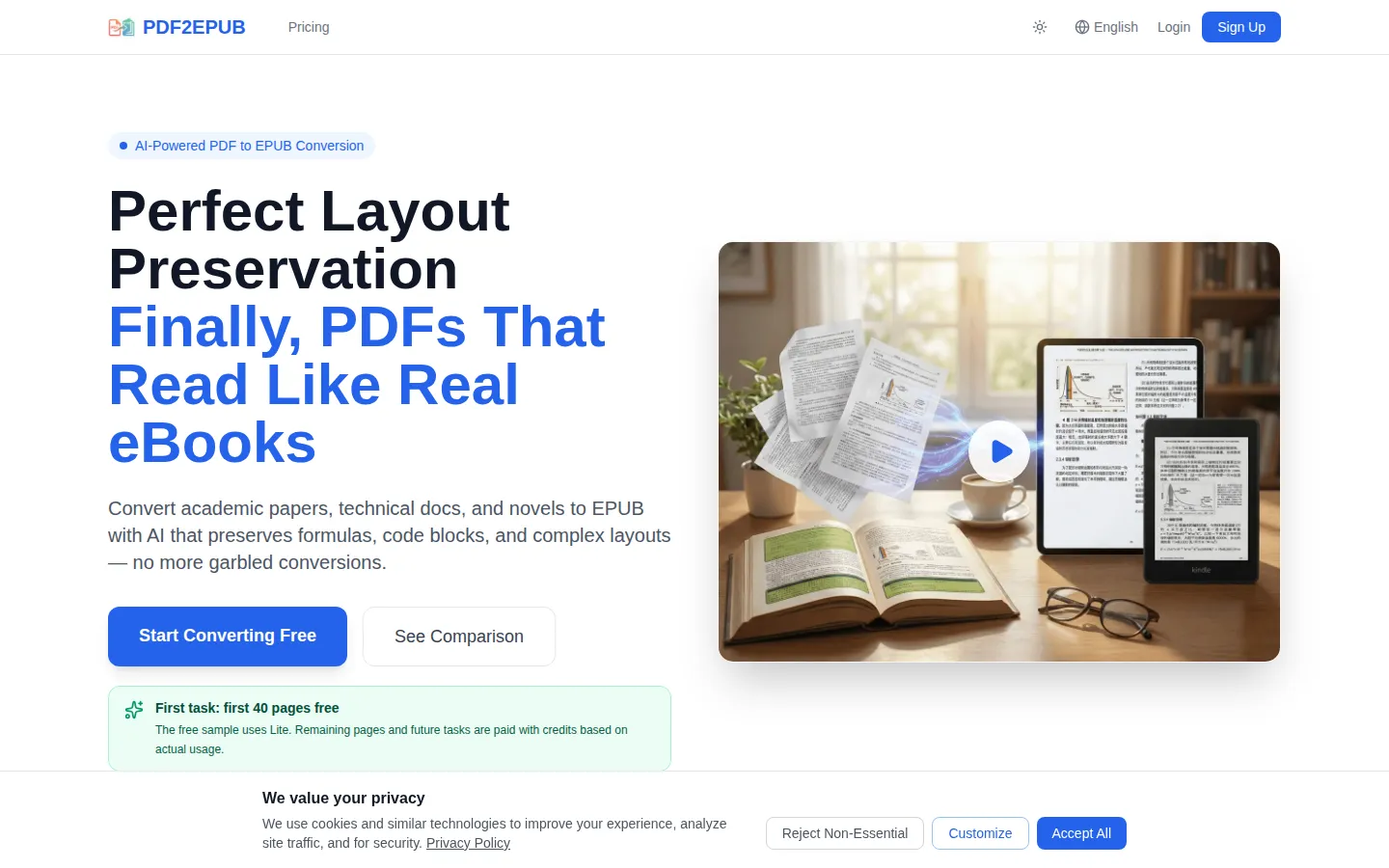
PDF2EPUB uses multimodal AI to convert PDFs into reflowable, navigation-ready EPUB files that keep formulas, code blocks, tables and two-column layouts intact. It rebuilds tables of contents, strips watermarks, translates content into 18 languages and offers three quality models: Lite, Pro and Ultra. Start free with the first 40 pages, then pay per page with credits or a monthly subscription.
What is PDF2EPUB?
PDF2EPUB is an AI-powered online converter that turns PDF documents into reflowable EPUB eBooks while preserving the layout, formulas, code blocks and tables that ordinary converters tend to mangle. PDF is a fixed, print-oriented format, so a two-column paper shrinks to unreadable type on a phone, footnotes are not clickable, and there is no real table of contents. EPUB reflows to any screen instead, with adjustable fonts, night mode and tappable navigation.
The service is built around three conversion models. Lite is fast and aimed at simple novels and plain text. Pro is the recommended high-precision model for textbooks, papers and charts, and it preserves formulas and code perfectly. Ultra combines dual OCR with a flagship model for top-tier quality on the hardest documents. You choose the model per task, and the cost estimator shows what a given page count will consume before you commit.
A typical conversion is genuinely hands-off. You upload one or many PDFs, the AI recognises text and structure, rebuilds the table of contents, strips watermarks and ads, and returns a standard EPUB you can preview in the browser and download. An in-house Agent then inspects eligible output and fixes detectable issues automatically to reduce manual rework. Scanned, image-only documents are handled by multimodal OCR that reads pages more accurately than traditional OCR.
Beyond conversion, PDF2EPUB bundles a small publishing toolkit. Book content can be translated into 18 languages with optional bilingual side-by-side output, Chinese documents can be switched between Simplified and Traditional characters using OpenCC, and custom book styles let you adjust fonts, colours and layout. Built-in online proofreading tools let you correct generated text before export, and batch processing lets many files run in the background at once. A summary and mind map feature is listed as coming soon.
Pricing is pay-as-you-go. The first 40 pages of your first task are free using the Lite model; after that, conversions are paid for with credits based on actual usage. You can either subscribe monthly, with credits and top-up bonuses, or buy one-time credit packs whose base credits do not expire. Files are encrypted in transit, uploaded PDFs and intermediate files are deleted after 30 days, and final results stay until you delete the task or account. The site advertises more than 300,000 pages processed.
PDF2EPUB Core Features
Layout-preserving AI conversion
Multimodal AI recognises text and document structure so two-column papers, tables and complex layouts survive conversion instead of being scrambled.
Three quality models
Lite for simple novels and plain text, Pro for textbooks, papers and charts with perfectly preserved formulas, and Ultra for dual OCR plus flagship-model quality.
AI-powered OCR for scanned PDFs
Multimodal AI reads image-only pages more accurately than traditional OCR, recovering text, structure and navigation.
Automatic TOC reconstruction
Detects document structure and rebuilds a fully navigable, hierarchical table of contents, so chapters jump correctly.
Formula and code support
LaTeX formulas, equations and code blocks are preserved exactly as intended, which is critical for academic and technical content.
Batch processing and concurrent tasks
Upload multiple files at once and process them in the background, with one to ten concurrent tasks depending on plan.
Online EPUB preview and proofreading
Preview the finished EPUB in the browser with no download, then fine-tune content with built-in online proofreading tools and custom book styles.
Translation and Chinese conversion
Translate book content into 18 languages with optional bilingual side-by-side output, and switch Chinese documents between Simplified and Traditional characters via OpenCC.
Who is PDF2EPUB for?
PDF2EPUB is aimed at anyone who owns a PDF that refuses to read well on a phone, tablet or e-reader and wants a clean, reflowable EPUB without hand-editing the markup. Students and researchers. Graduate students, academics and literature reviewers convert journal articles, theses, lecture notes and textbooks into EPUB so they can read them on a Kindle or tablet, highlighting passages and tapping footnotes instead of pinch-zooming a fixed layout. Formula and table preservation matters most to this group, because a mangled equation destroys the value of a paper. Technical readers. Engineers and developers convert programming books, API documentation and whitepapers that contain code blocks, diagrams and multi-column layouts, reaching for the Pro or Ultra model when the source is dense or scanned. E-book readers and language learners. People with large PDF libraries of novels, classics and public-domain books use it to move them onto Kindle or Apple Books with a real table of contents, night mode and adjustable fonts. One-click translation into 18 languages and Simplified/Traditional Chinese conversion suit readers working across languages. Self-publishers and indie authors. Writers who need to repackage a print-ready PDF as a store-ready EPUB use the custom book styles, online preview and proofreading tools to polish the result before publishing. Publishers and content teams. Small presses, course creators and documentation teams batch-convert backlists, manuals and training material, relying on concurrent tasks, batch upload and non-expiring credits to process many titles economically. Scanned-document owners. Anyone with older, image-only PDFs benefits from the multimodal OCR, which reads scanned pages more accurately than traditional OCR, and from automatic watermark and advert stripping. Privacy-conscious professionals. Readers handling sensitive documents can rely on in-transit encryption and the stated deletion of uploaded files after 30 days, and can remove final results themselves at any time. Casual users. The first 40 pages of a first task are free, so someone with a single short paper can convert it at no cost and decide later whether a subscription or credit pack is worth it.
PDF2EPUB Use Cases
Convert a two-column academic paper into a reflowable EPUB you can read and annotate on a Kindle or tablet.
Turn a scanned, image-only PDF into searchable, navigable EPUB text using multimodal OCR.
Move a personal library of novels and classics onto Apple Books or Kindle with a real table of contents.
Preserve LaTeX equations and code blocks when converting technical manuals and programming books.
Batch-convert a backlist, course pack or documentation set into EPUB in the background.
Translate a book into one of 18 languages, or convert between Simplified and Traditional Chinese, before publishing.
Repackage a print-ready PDF into a store-ready EPUB using custom book styles and online proofreading.
Estimate conversion cost by page count before committing credits to a large or complex book.
PDF2EPUB Pros and Cons
Pros
- Layout, formula and table fidelity: the Pro and Ultra models preserve complex layouts, LaTeX equations and tables that many free converters shred, which saves hours of manual proofreading.
- Free to try: the first 40 pages of a first task are converted free, so output quality can be judged on your own document before paying anything.
- Flexible pricing: monthly subscriptions plus one-time credit packs whose base credits never expire, all billed on actual usage rather than a flat page fee.
- Broad feature set beyond conversion: OCR, TOC reconstruction, 18-language translation, Chinese conversion, custom styles, batch processing and in-browser preview.
- Privacy and transparency: files are encrypted in transit, uploads and intermediates are deleted after 30 days, and the site publishes a changelog and comparisons against Calibre, Acrobat and ABBYY.
Cons
- Conversion is metered by credits and pages, so long or heavily illustrated books can cost far more than a flat-fee tool; a 300-page Ultra conversion is estimated around $48.
- There is no ongoing free tier beyond the first 40 pages of the first task, and no public developer API or desktop app for automated pipelines.
- Output quality depends on the model chosen: the cheapest Lite model may make errors on formulas and code, and the cost estimates are explicitly described as approximate.
FAQ About PDF2EPUB
PDF2EPUB Pricing
Freemium with a free first task (first 40 pages free on the Lite model) and credit-based pay-as-you-go pricing. Monthly subscriptions: Starter $9.9/mo (1,500 credits), Standard $29.9/mo (5,400 credits) and Pro $69.9/mo (14,000 credits), with yearly billing that charges 10 months for 12. One-time credit packs: $10 for 1,000 credits, $30 for 3,000, $50 for 5,000 and $100 for 10,000, with base credits that do not expire.
Check official pricingFree
Sign up free and convert the first 40 pages of your first task at no cost using the Lite model; remaining pages and future tasks are paid with credits based on actual usage.
Starter
For light usage, with 1,500 credits per month (a 50% bonus), 2 concurrent tasks, standard processing priority and a +5% top-up bonus; yearly billing charges 10 months for 12.
Standard
For regular use, with 5,400 credits per month (an 80% bonus), 5 concurrent tasks, priority processing and a +10% top-up bonus; yearly billing charges 10 months for 12.
Pro
For heavy professional use, with 14,000 credits per month (a 100% bonus), 10 concurrent tasks, highest processing priority, dedicated support, a +15% top-up bonus, Pro Workspace and custom EPUB styles.
Starter (Pay As You Go)
A one-time credit pack of 1,000 credits, enough to convert one or two books; purchased base credits do not expire and no subscription is required.
Plus (Pay As You Go)
A one-time credit pack of 3,000 credits for converting multiple books at good value; purchased base credits do not expire.
Standard (Pay As You Go)
A one-time credit pack of 5,000 credits for everyday use; purchased base credits do not expire.
Professional (Pay As You Go)
A one-time credit pack of 10,000 credits for bulk conversion at the best unit price; purchased base credits do not expire.
PDF2EPUB Alternatives

AIDocMaker
AIDocMaker is a free AI document generator that turns prompts or uploaded files into professional Word documents, PDFs, PowerPoint slides, spreadsheets and voiceovers. You describe what you need, attach source material, and the agent drafts, formats and refines the file for you. Template-driven generators cover reports, proposals, contracts and letters, while paid tiers unlock flagship models, larger uploads and commercial audio rights.

Doclio
Doclio is an online PDF editor from Doclio Inc. It edits text and images in place, converts between PDF, Word, PowerPoint, Excel and image formats, merges, splits, rotates, compresses, protects and unlocks files, and fills and signs documents. AI tools summarise, translate and answer questions about a PDF. It runs in the browser with no install, needs no account for basic edits, and a free plan covers everyday use.

ChatPDF
ChatPDF is a web-based AI assistant for documents: upload a PDF and chat with it in any language. It answers questions with clickable citations, summarizes long papers, translates documents, and compares several files in one conversation. The free plan covers two documents a day, while ChatPDF Plus raises limits to 2,000-page files and unlimited chats.